
A modular FastMCP server for interacting with Microsoft Graph API, supporting advanced queries for users, sign-in logs, MFA status, and privileged users.
Repository stats unavailable
Security & Secrets
A local, encrypted secret broker that runs as an MCP server so AI coding tools can request API keys by name with out-of-band human approval.
keyward is cataloged as an MCP server attributed to arturayupov. A local, encrypted secret broker that runs as an MCP server so AI coding tools can request API keys by name with out-of-band human approval. It is categorized under auth security. See the capability inspector for recorded interfaces and their independent review status; consult upstream documentation for the current interface.
Installation configuration is not reviewed. No executable setup is offered for this entry; inspect the source repository before proceeding.
Catalog license label: MIT. Check the source repository's current license and terms before using, modifying or distributing this software.
Capability definitions are not reviewed. Unreviewed imports are not exposed as trusted interfaces.
No reviewed records to display. This does not establish that upstream lacks this capability.
No reviewed records to display. This does not establish that upstream lacks this capability.
No reviewed records to display. This does not establish that upstream lacks this capability.
Email delivery is not connected. This page does not collect email addresses or create subscriptions.
Browse the registry for current listings instead.
Reviews for keyward are not available yet
Review publishing and storage are not connected. This page does not collect or publish ratings or comments, including after sign-in.
No. request_key injects the value into a target file and returns only a confirmation, and the value is never written to the audit log or printed.
No. Approval happens in a native OS dialog fired by keyward outside the agent's stream, and all dialog backends fail closed on any error or cancellation.
README.md · 8877a0da652d · Fetched 2026-11-13 11:05:24 UTC
Original upstream text, without AI rewriting. Scripts, forms and unsafe links are filtered for safety.
Showing the last retrieved documentation snapshot; check the source for current changes.
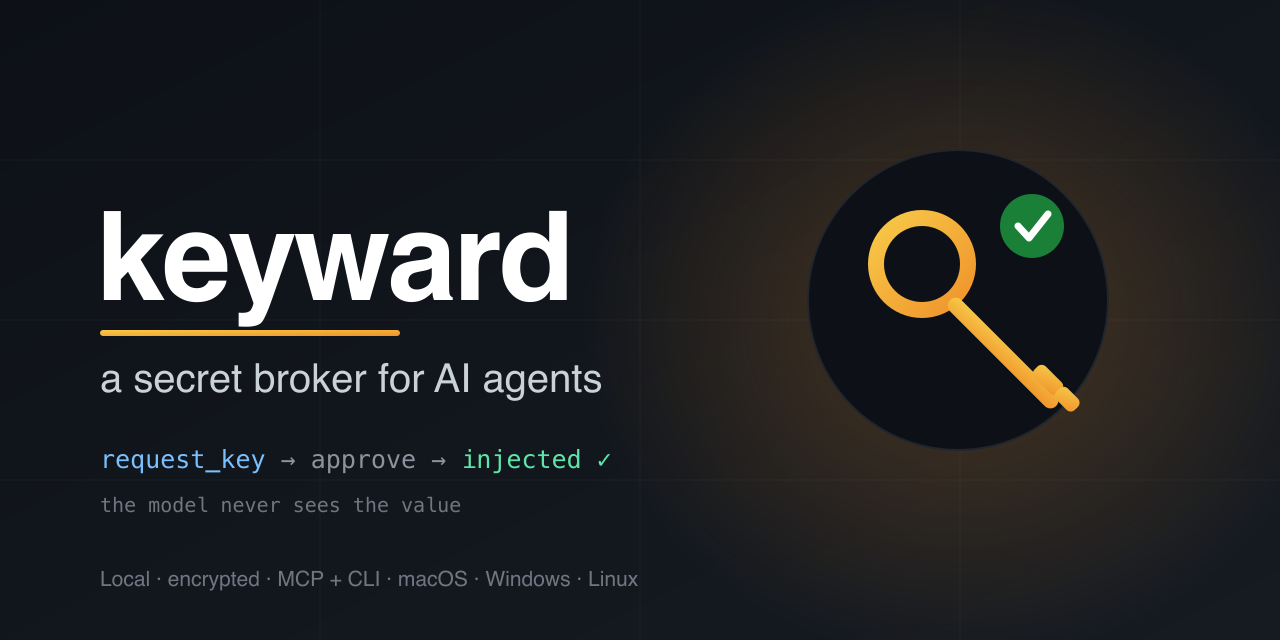
Store your API keys once. Let any AI tool request them with your approval — without ever seeing the value.




keyward is an open-source, local, encrypted secret broker for AI coding agents. Instead of pasting API keys into chat (where they leak into context and transcripts) or re-entering the same key in every new session, project, and IDE, you keep your keys in one encrypted vault. When Claude Code, Cursor, Gemini CLI, or any MCP-capable tool needs a key, it requests it by name, you approve that single request in a native OS prompt, and keyward injects only that key into your project. The model never receives the value.
.env files — no single source of truth; you forget which key lives where.AI tool ──request_key("STRIPE_KEY", project)──▶ keyward ──native approval──▶ you
│ approved
◀── "injected STRIPE_KEY → ./.env" ─────────┘ (value never shown to the model)
~/.keyward/vault.age, 0600). The master key lives in the OS keystore (macOS Keychain / Windows Credential Manager / Linux libsecret), never on disk in plaintext.list_keys, request_key) for AI tools, and a keyward CLI for everything else.list_keys returns names only; request_key returns a confirmation; the audit log records the decision but never the value.# Homebrew (macOS / Linux)
brew install arturayupov/tap/keyward
# Scoop (Windows)
scoop bucket add arturayupov https://github.com/arturayupov/scoop-bucket
scoop install keyward
# Go
go install github.com/arturayupov/keyward/cmd/keyward@latest
Pre-built binaries (macOS/Windows/Linux, amd64+arm64) are also attached to each release. See INSTALL.md for per-OS notes (incl. Linux libsecret) and TROUBLESHOOTING.md if something doesn't work.
# 1. create the encrypted vault (master key goes into your OS keystore)
keyward init

# 2. import keys you already have scattered in .env files
keyward import ~/projects

# 3. point your AI tool at keyward's MCP server (see below), then just ask:
#    "use my STRIPE_KEY for this project" → approve the prompt → done
keyward is a standard stdio MCP server, registered the same way as the official MCP servers. Two steps:
1. Install the binary (once) — go install above, or Homebrew/Scoop (soon),
or a release binary.
2. Register it with your AI tool:
# Claude Code — one command:
claude mcp add keyward -- keyward serve-mcp
Or add it to the config by hand (~/.claude.json, or a project .mcp.json):
{ "mcpServers": { "keyward": { "command": "keyward", "args": ["serve-mcp"] } } }
Cursor, Windsurf, Cline, and other MCP clients use the same command/args
shape in their MCP settings. Restart the tool and ask it to use a key by name.
Why not "paste a repo URL"? No MCP client auto-installs a server from a GitHub link — by design, clients won't run arbitrary remote code. keyward is also intentionally local (it needs your OS keystore and writes to your local files), so it isn't a remote/hosted URL server. The two steps above are the standard, secure install path. Full walkthrough in USAGE.md.
| Command | Description |
|---|---|
keyward init | Create the encrypted vault and master key |
keyward import [root] | Import secrets from .env files under root, grouped by project |
keyward add NAME --ns NS | Add/update one secret, value read from stdin (for non-.env creds) |
keyward ls [--ns NS] | List key names and namespaces (never values) |
keyward inject NAME --ns NS --into PATH | Inject one key into a target env file (prompts for approval) |
keyward serve-mcp | Run the MCP server over stdio |
request_key injects it into a target file and returns only a confirmation.~/.keyward/audit.jsonl records tool, key, namespace, target, decision — no value) and never printed by ls/inject.age; the master key lives in the OS keystore.These invariants are enforced by automated tests. Details and threat model in SECURITY.md.
| keyward | envchain | pass / sops | 1Password CLI | |
|---|---|---|---|---|
| Encrypted local store | ✅ | ✅ (Keychain) | ✅ | ✅ (cloud) |
| Agent requests a key by name | ✅ | ❌ | ❌ | ❌ |
| Per-request human approval | ✅ | ❌ | ❌ | ❌ |
| Value never reaches the model | ✅ | n/a | n/a | n/a |
| MCP server for AI tools | ✅ | ❌ | ❌ | ❌ |
| Open source | ✅ (MIT) | ✅ | ✅ | ❌ |
The encrypted-storage problem is solved; keyward adds the missing agent-facing, approval-gated broker on top. See docs/comparisons for honest long-form comparisons (including when each alternative is the better choice).
Full detail in ROADMAP.md. Highlights:
target: "env" injection.Contributions welcome — see CONTRIBUTING.md. Found a security issue? See SECURITY.md for responsible disclosure.
MIT © 2026 Artur Ayupov
Claim this server with your GitHub account to request manual ownership verification.
Link to the catalog listing for keyward from your README. This badge does not certify ownership, compatibility or security.
[](https://awesome-mcp.com/servers/keyward)Public repository statistics could not be verified. Check the configured source address; unavailable counts are not zero.
Separate sources, scopes and periods. Never combined or treated as installations, active users or security reviews.
No reviewed package or image identity; download statistics are not listed yet.
Alternative and complementary servers in the same category
A modular FastMCP server for interacting with Microsoft Graph API, supporting advanced queries for users, sign-in logs, MFA status, and privileged users.

A Model Context Protocol (MCP) server that provides programmatic access to Keycloak administration functionality.

An MCP server for LLM-driven penetration testing that wraps Kali tools and adds scope enforcement, engagement tracking, and structured output.