
Store and retrieve entities, relations and observations in a persistent local knowledge graph.
create_entitiescreate_relationsadd_observations+6 more
92K
AI & Multi-Agent
Knit's remote MCP server offering lets users create and deploy custom MCP servers that give AI assistants secure, end-user-scoped access to 200+ business SaaS apps.
Knit MCP is cataloged as an MCP server attributed to knitapi. Knit's remote MCP server offering lets users create and deploy custom MCP servers that give AI assistants secure, end-user-scoped access to 200+ business SaaS apps. It is categorized under ai agents-models. See the capability inspector for recorded interfaces and their independent review status; consult upstream documentation for the current interface.
Installation configuration is not reviewed. No executable setup is offered for this entry; inspect the source repository before proceeding.
Catalog license label: Not specified. Check the source repository's current license and terms before using, modifying or distributing this software.
Capability definitions are not reviewed. Unreviewed imports are not exposed as trusted interfaces.
No reviewed records to display. This does not establish that upstream lacks this capability.
No reviewed records to display. This does not establish that upstream lacks this capability.
No reviewed records to display. This does not establish that upstream lacks this capability.
Email delivery is not connected. This page does not collect email addresses or create subscriptions.
Browse the registry for current listings instead.
Reviews for Knit MCP are not available yet
Review publishing and storage are not connected. This page does not collect or publish ratings or comments, including after sign-in.
Yes; when creating a server you select the applications and tools to include, such as BambooHR or QuickBooks.
Tasks run with full end-user scoped permissions.
README.md · 287f07262d16 · Fetched 2026-11-13 11:20:12 UTC
Original upstream text, without AI rewriting. Scripts, forms and unsafe links are filtered for safety.
Showing the last retrieved documentation snapshot; check the source for current changes.
name: Knit MCP digest: Connect AI agents to 200+ SaaS apps with a single unified MCP server powered by Knit author: Knit homepage: https://www.getknit.dev/products/mcp-servers capabilities: prompts: true resources: false tools: true tags:
Knit is an embedded integrations platform that lets developers and AI systems connect with 200+ business apps — including HRIS, CRM, ATS, Payroll, Accounting, Ticketing, Calendar and more. With Knit MCP, AI agents like Claude, GPT, Cursor or any custom agent gain instant, secure access to these integrations using the Model Context Protocol.
Knit MCP is Knit’s remote MCP server offering that allows you to create and package your own mcp servers that you can plug into your AI assistants to directly execute real-world tasks like:
It provides a real-time bridge between agents and hundreds of SaaS apps, with a focus on structured, secure, and standardized access to business-critical data.
You can find the entire list of supported Apps here - https://www.getknit.dev/mcp-servers
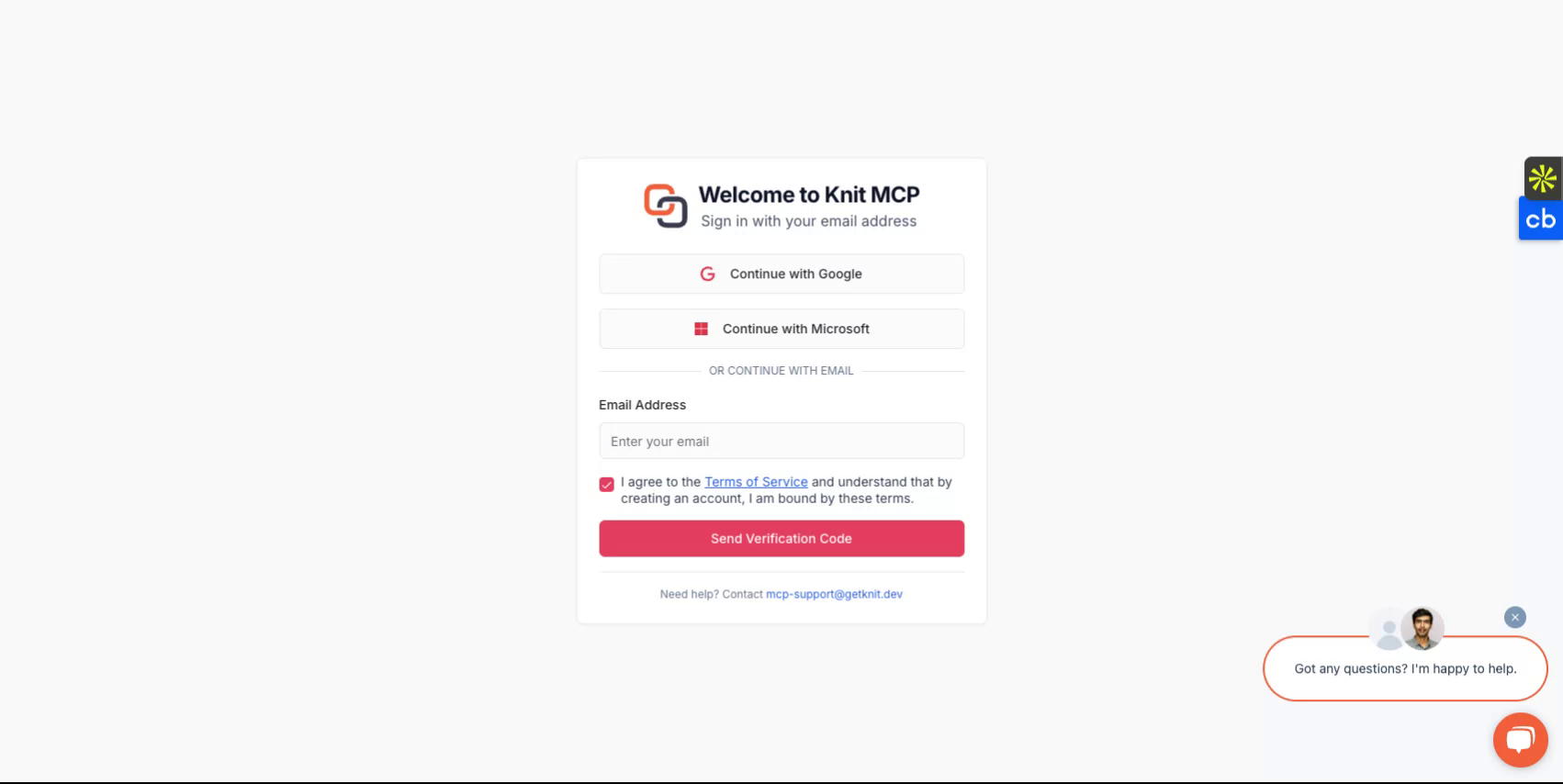
🔐 Step 1: Sign In to MCP Hub Visit the MCP Hub at https://mcphub.getknit.dev, and log in using Google, Microsoft, or your email.
⚙️ Step 2: Create a New MCP Server Click Create new MCP server.
Choose which applications/tools to include (e.g., BambooHR, QuickBooks).
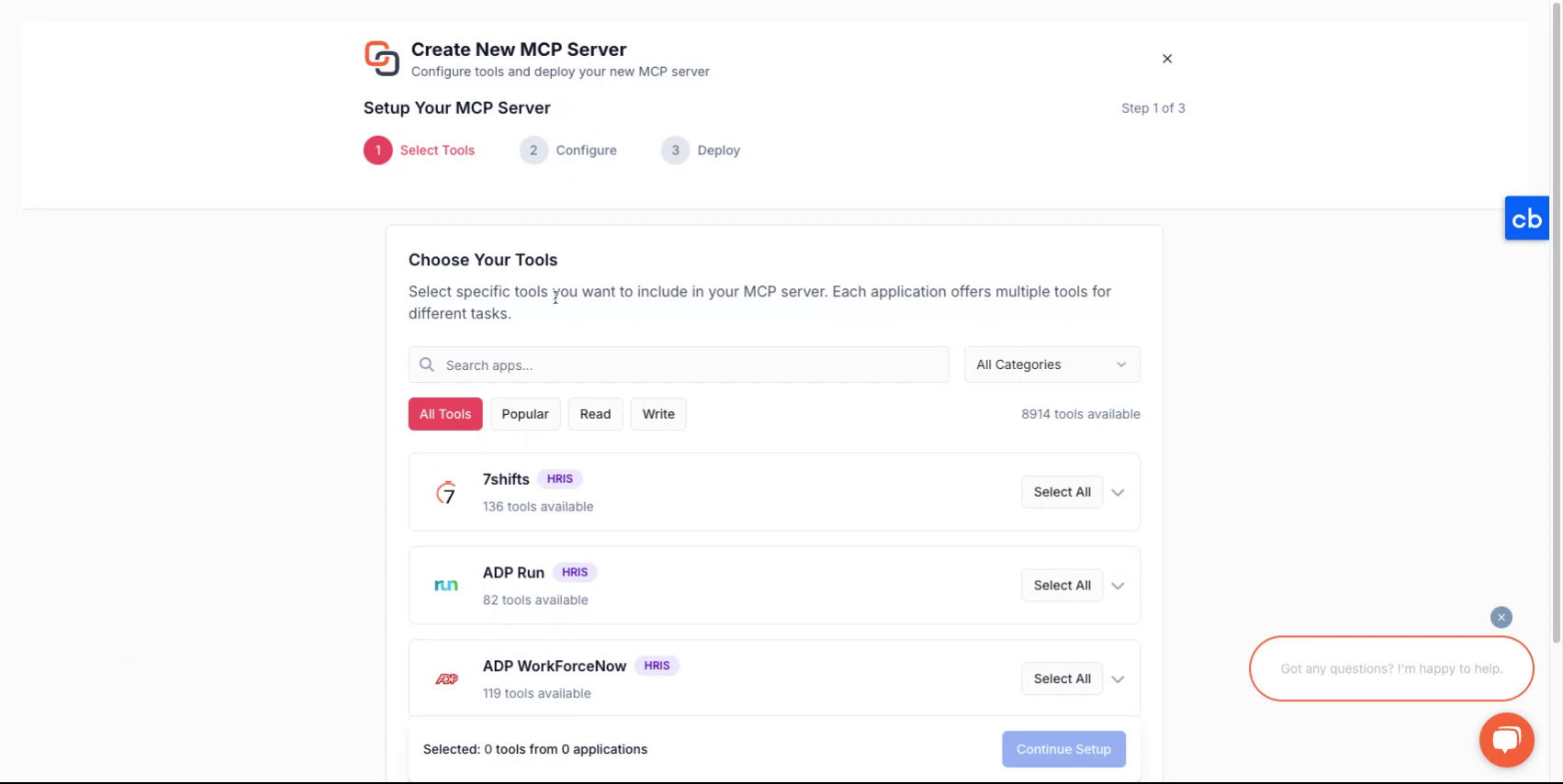
Click Next.
✏️ Step 3: Configure Your Server Fill in the server details: For example
Name: My Company ATS Server Description: Tools for recruiting workflows
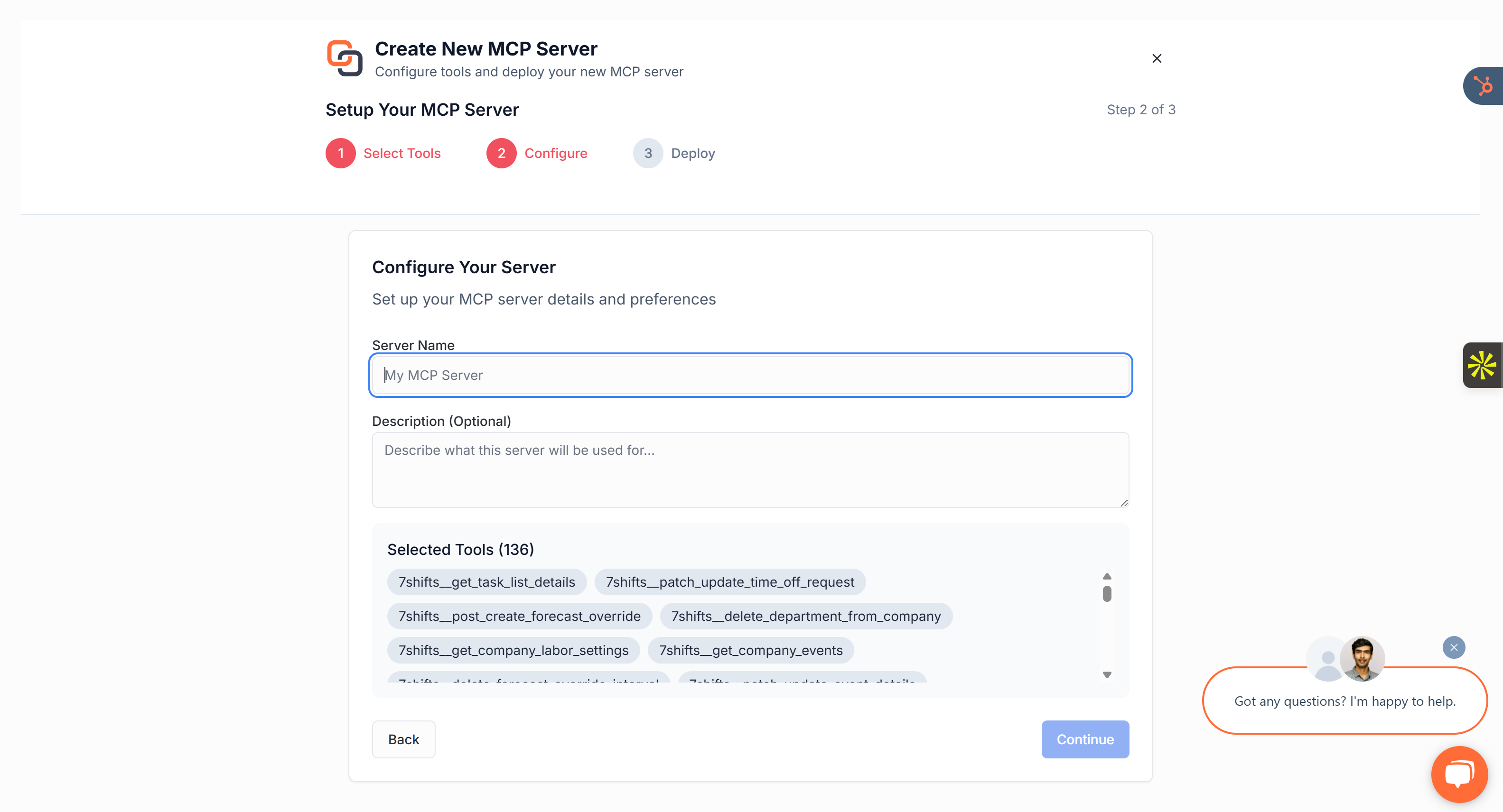
Then click Deploy to provision your server.
🎮 Step 4: Choose Your AI Client Select the client you'll be using with the server. Options include:
Claude
Cursor
Windsurf
Custom client
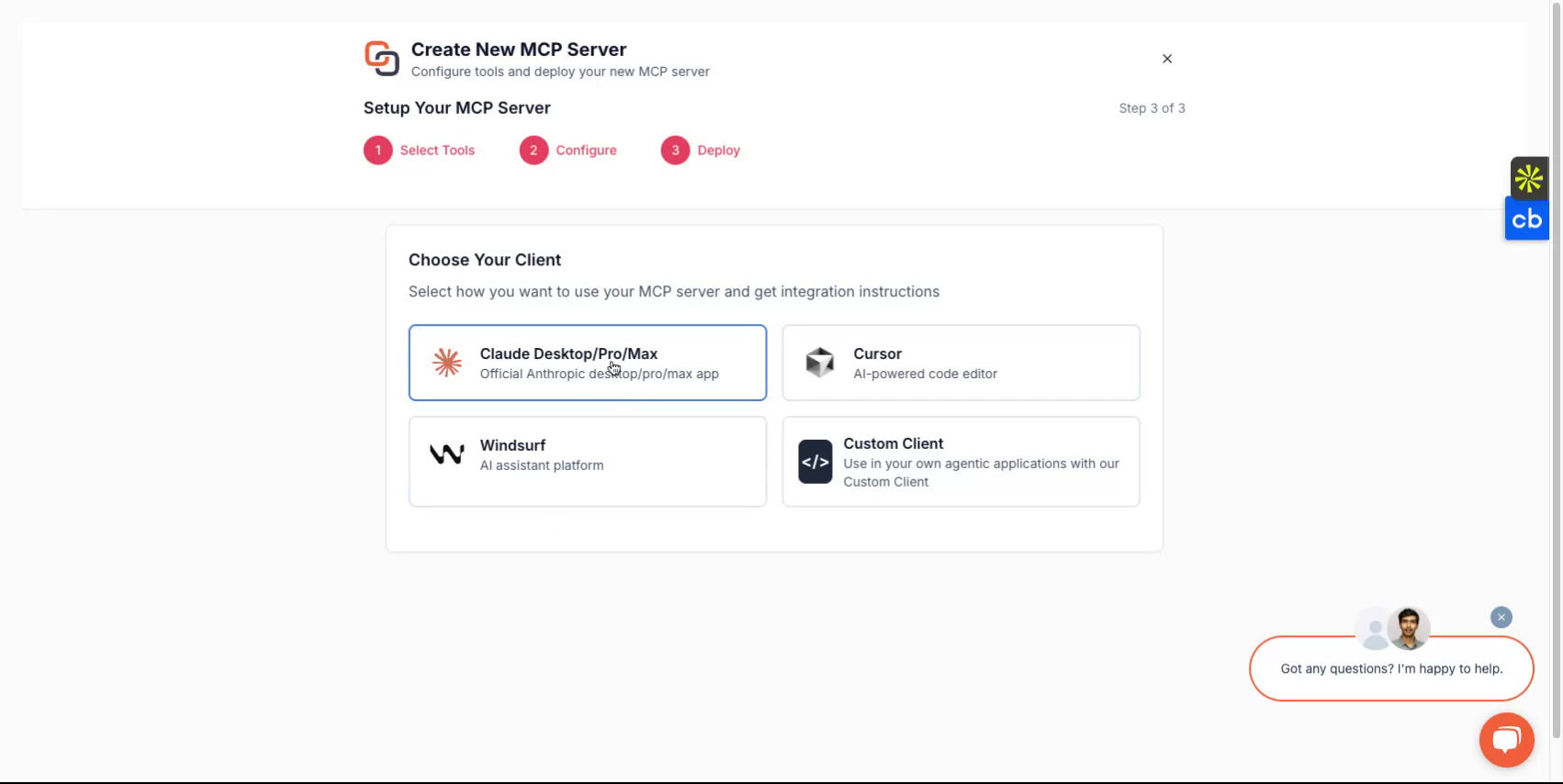
This choice tailors instructions accordingly.
🚀 Step 5: Grab the secure MCP Server Endpoint After deployment, you’ll get:
MCP endpoint URL, e.g.: https://mcp.getknit.dev/{your-secure-server-token}/sse
Step 6: Connect Your AI Agent Using JSON config or directly through official MCP clients
{
  "mcpServers": {
    "Knit": {
      "url": "https://mcp.getknit.dev/{your-secure-server-token}/sse"
    }
  }
}
Once connected, your AI will see defined tools and can start invoking them (e.g., create a contact in hubspot, create an invoice in zohobooks).
🤝 Need Help? If you hit any roadblocks, reach out via email at mcp-support@getknit.dev We’re here to get you up and running smoothly.
Claim this server with your GitHub account to request manual ownership verification.
Link to the catalog listing for Knit MCP from your README. This badge does not certify ownership, compatibility or security.
[](https://awesome-mcp.com/servers/knit-mcp)Public repository statistics could not be verified. Check the configured source address; unavailable counts are not zero.
Separate sources, scopes and periods. Never combined or treated as installations, active users or security reviews.
No reviewed package or image identity; download statistics are not listed yet.
Alternative and complementary servers in the same category
Store and retrieve entities, relations and observations in a persistent local knowledge graph.
Organize problem solving into revisable, branching thought steps through an MCP tool.

Query-aware context compression with an MCP plugin for coding agents, plus Python and HTTP interfaces for reducing the context sent to a language model.