linux-mcp - Linux MCP Server
A Linux system monitoring server built on the Model Context Protocol (MCP). Provides real-time system information - CPU, memory, disk, network, processes, Docker, and more - via MCP tools over STDIO transport.




Features
- System - hostname, OS, kernel, architecture, uptime, load averages
- CPU - usage, model, frequency, core counts, temperature sensors
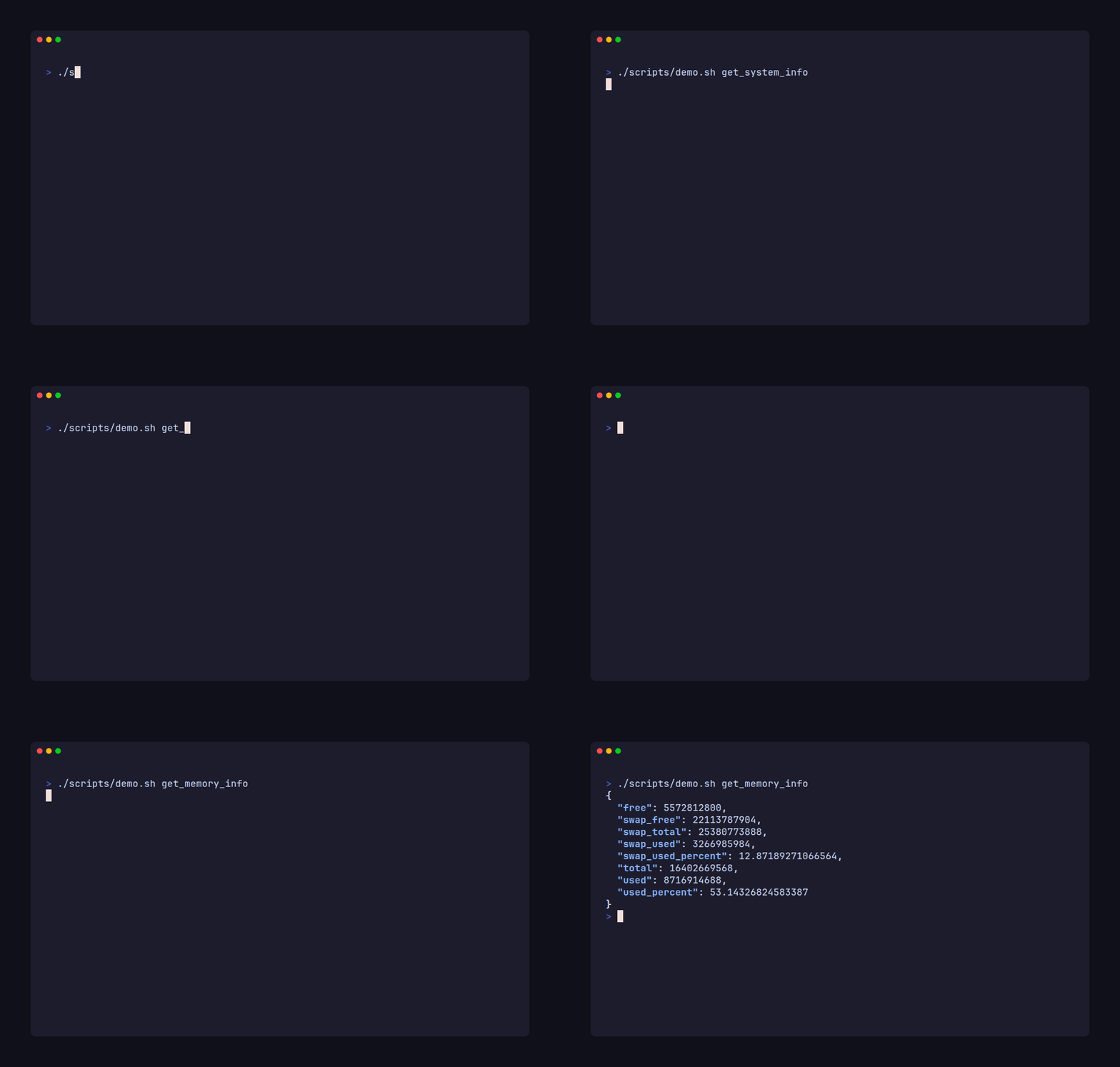
- Memory - RAM and swap usage with percentages
- Disk - per-partition usage, inodes, mount options, largest files, block devices
- Network - interface stats, active connections, listening ports, DNS, ping, IP geolocation & ASN lookup
- Processes - running processes sorted by CPU or memory, open file descriptors per process
- Docker - containers, images, networks, volumes, disk usage, system info, and container stats
- Services & automation - systemd units, service status, user timers, crontab, system cron jobs
- Security - active user sessions, failed login detection, SELinux/AppArmor status, firewall/SSH/SUID/world-writable audit with security score
- Packages - installed packages and available updates (pacman, dpkg, rpm/dnf, apk)
- Hardware - GPU info, PCI/USB bus devices, power/battery analytics
- Desktop session - Wayland/X11 protocol, DE identifiers, runtime config
- Storage health - RAID status, logrotate configuration, time synchronization, SMART disk health, per-device I/O metrics
- System health - comprehensive health assessment with memory, disk, load, and systemd checks
- /proc diagnostics - deep /proc inspection: interrupts, softirqs, vmstat, diskstats, filesystems, kernel version, slabinfo
- Man pages - system manual pages for any installed command
- Snapshot - comprehensive system overview in a single call
- MCP Resources - system data also accessible as readable resources
Prerequisites
- Go 1.27+ (to build from source)
- Linux (the server targets Linux; some tools use Linux-specific paths)
- Docker (optional - only needed for Docker tools)
Installation
Via MCP Registry
Discover the server on the MCP Registry and install via your MCP client (VS Code one-click install, or manual config).
Download pre-built binary
Download the latest binary from the GitHub Releases page:
curl -LO https://github.com/Mohabdo21/linux-mcp/releases/latest/download/linux-mcp
chmod +x linux-mcp
A fully static build (no libc dependency) is also available as linux-mcp_static.
Via go install
go install github.com/Mohabdo21/linux-mcp@latest
The binary is placed in $GOPATH/bin/ (typically ~/go/bin/).
Build from source
git clone https://github.com/Mohabdo21/linux-mcp.git
cd linux-mcp
make build
The binary is placed at bin/linux-mcp.
For a fully static binary (no libc dependency):
make build-static
Usage
The server communicates over STDIO transport, following the MCP standard. It is designed to be launched by an MCP client (e.g., Claude Desktop, Claude Code, Codex, OpenCode, or any MCP host).
Running directly
./bin/linux-mcp
This starts the server and listens for MCP requests on STDIN/STDOUT.
Integration
OpenCode
Add the following to your OpenCode configuration:
{
  "mcp": {
    "linux-mcp": {
      "type": "local",
      "command": ["/path/to/linux-mcp"],
      "enabled": true
    }
  }
}
Claude Code
Add the server via the CLI:
claude mcp add linux-mcp -- /path/to/linux-mcp
To scope it to all your projects instead of just the current one:
claude mcp add linux-mcp --scope user -- /path/to/linux-mcp
Or create a .mcp.json file in your project root for team-shared configuration:
{
  "mcpServers": {
    "linux-mcp": {
      "type": "stdio",
      "command": "/path/to/linux-mcp"
    }
  }
}
Verify the connection inside a Claude Code session with /mcp.
Codex
Add the server via the CLI:
codex mcp add linux-mcp -- /path/to/linux-mcp
Or add it manually to ~/.codex/config.toml (or .codex/config.toml for project-scoped config):
[mcp_servers.linux-mcp]
command = "/path/to/linux-mcp"
Verify the connection with codex mcp list.
65 tools and 19 resources covering system, CPU, memory, disk, network, processes, Docker, security, packages, hardware, and more.
Full tool and resource reference
Configuration
The server can be configured via a JSON file loaded from ~/.config/linux-mcp/config.json or the LINUX_MCP_CONFIG environment variable.
{
  "log_level": "info",
  "timeouts": {
    "get_system_snapshot": "60s",
    "ping_host": "5s"
  },
  "disabled": []
}
Invalid configuration prevents startup. The server also handles SIGHUP to reload the configuration file at runtime without restarting; a failed reload retains the last valid configuration. Disabled collectors are skipped by aggregate tools and reported in their errors.
Docker diagnostic responses omit environment values and raw command arguments, including image-history commands. Other diagnostic content, such as logs and labels, can still contain sensitive data; grant access only to trusted clients.
MCP Registry
Published on the MCP Registry as io.github.Mohabdo21/linux-mcp.
License
Dependencies


