
A directory listing describing a cancellation-letter and mailing-address service. The configured public GitHub repository returned 404 during source verification.
Repository stats unavailable
Developer Tools
An Azure Functions project that implements an MCP server and can be run locally or deployed to Azure for use with GitHub Copilot Chat's agent mode.
Azure Functions MCP server is cataloged as an MCP server attributed to 0gis0. An Azure Functions project that implements an MCP server and can be run locally or deployed to Azure for use with GitHub Copilot Chat's agent mode. It is categorized under developer tools. See the capability inspector for recorded interfaces and their independent review status; consult upstream documentation for the current interface.
Installation configuration is not reviewed. No executable setup is offered for this entry; inspect the source repository before proceeding.
Catalog license label: Not specified. Check the source repository's current license and terms before using, modifying or distributing this software.
Capability definitions are not reviewed. Unreviewed imports are not exposed as trusted interfaces.
No reviewed records to display. This does not establish that upstream lacks this capability.
No reviewed records to display. This does not establish that upstream lacks this capability.
No reviewed records to display. This does not establish that upstream lacks this capability.
Email delivery is not connected. This page does not collect email addresses or create subscriptions.
Browse the registry for current listings instead.
Reviews for Azure Functions MCP server are not available yet
Review publishing and storage are not connected. This page does not collect or publish ratings or comments, including after sign-in.
It implements an MCP server built on Azure Functions, built with the Microsoft.Azure.Functions.Worker.Extensions.Mcp package.
Yes, the repository includes configuration for a remote server pointing at the deployed Azure Function, using the function name and key as inputs.
README.md · d50c205e5bf5 · Fetched 2026-11-13 10:26:43 UTC
Original upstream text, without AI rewriting. Scripts, forms and unsafe links are filtered for safety.
Showing the last retrieved documentation snapshot; check the source for current changes.
Idiomas / Languages: 🇪🇸 Español | 🇺🇸 English
¡Hola developer 👋🏻! Este repo forma parte de un vídeo de mi canal de YouTube que muestra cómo podemos crear MCP (Model Context Protocol) servers apoyádonos en Azure Functions y usarlos con el modo agente de GitHub Copilot Chat.
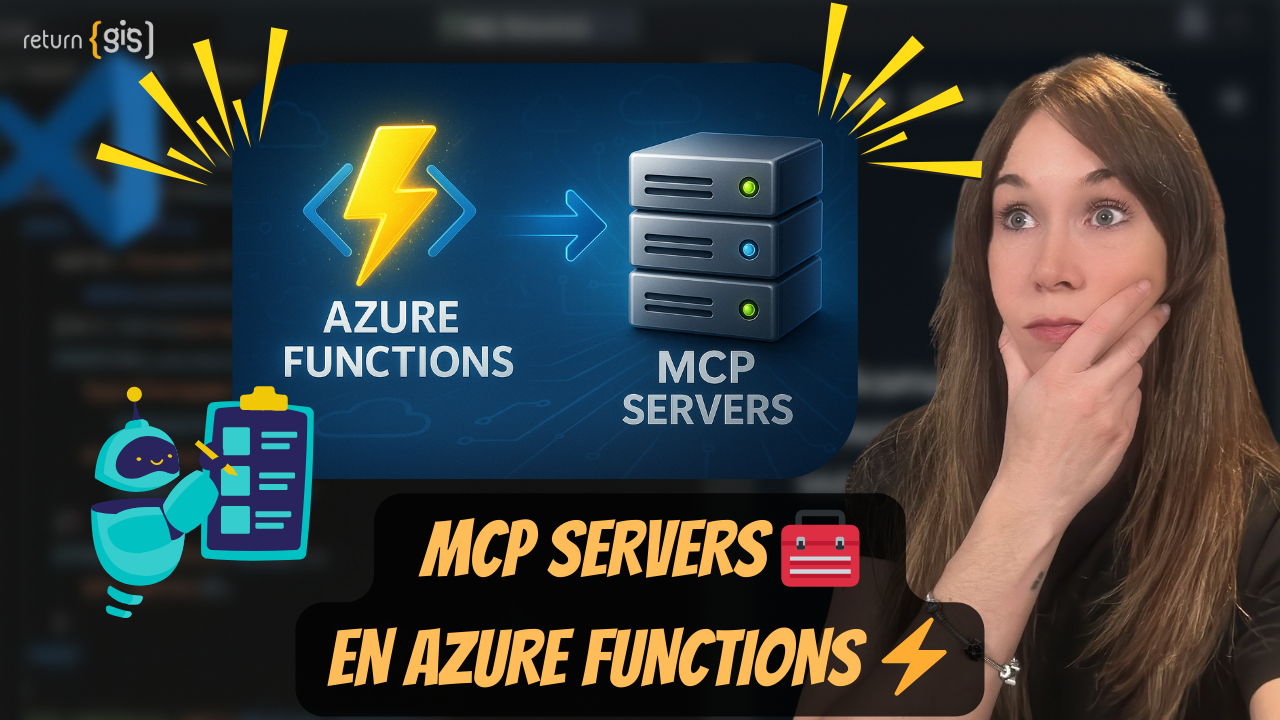
Para crear servidores MCP apoyandonos en Azure Functions podemos utilizar esta librería:
dotnet add package Microsoft.Azure.Functions.Worker.Extensions.Mcp --version 1.0.0-preview.2
Aquí tienes toda la información sobre este paquete de Nuget: https://www.nuget.org/packages/Microsoft.Azure.Functions.Worker.Extensions.Mcp
Para probar este código de ejemplo, necesitas ejecutar el proyecto en local:
func start
Y puedes usar MCP inspector:
npx @modelcontextprotocol/inspector http://localhost:7071/runtime/webhooks/mcp/sse
También puedes usar GitHub Copilot Chat para interactuar con este MCP server. Para ello solo tienes que crear el archivo .vscode/mcp.json o puedes incluir esta sección dentro del archivo .vscode/settings.json:
{
    "inputs": [
        {
            "type": "promptString",
            "id": "mcp-azure-function-key",
            "description": "Azure Function Key to access the MCP server on Azure",
            "password": true
        },
        {
            "type": "promptString",
            "id": "mcp-azure-function-name",
            "description": "Azure Function name to access the MCP server on Azure"
        }
    ],
    "servers": {
        "local-mcp-azure-function": {
            "type": "sse",
            "url": "http://localhost:7071/runtime/webhooks/mcp/sse",
        },
        // "remote-mcp-azure-function": {
        //     "type": "sse",
        //     "url": "https://${input:mcp-azure-function-name}.azurewebsites.net/runtime/webhooks/mcp/sse",
        //     "headers": {
        //         "x-functions-key": "${input:mcp-azure-function-key}"
        //     }
        // }
    }
}
También puedes añadir el mcp a través de la línea de comandos:
code --add-mcp '{"name": "local-mcp", "type": "sse", "url": "http://localhost:7071/runtime/webhooks/mcp/sse"}'
Este configuración se compone de dos partes principales:
inputs: que nos van a permitir no tener que harcodear cierto contenido sensibleservers: que van a ser todos aquellos servidores, locales y remotos, que vamos a poder habilitar para GitHub Copilot Chat.En este ejemplo tengo la configuración para dos servidores, la Azure Function que estoy ejecutando en entorno de desarrollo y la Azure Function que ya tengo desplegada en Microsoft Azure. Como puedes ver en esta segunda configuración, utilizo los inputs definidos en el primer apartado para utilizar el nombre de la Azure Function creada y la key asociada a la misma para poder acceder.
Para crear una Azure Function en Azure, puedes usar el código en Terraform alojado en el directorio infra, pero antes necesitas crear un archivo terraform.tfvars con la siguiente información:
# ID de la suscripción de Azure
subscription_id = "XXXXXXXX-XXXX-XXXX-XXXX-XXXXXXXXXXXX"
# API Key para YouTube, la cual podrías crear aquí: https://console.cloud.google.com/apis/credentials
youtube_api_key = "XXXXXXXXXXXX"
Una vez lo tengas, necesitas iniciar sesión con Azure CLI:
az login
Y después ya puedes ejecutar los siguientes comandos para crear la Azure Function:
terraform init
terraform apply
Esto creará una Azure Function en Azure y la configurará para que use el código de este repositorio. Recuerda que debes tener configuradas las credenciales de Azure en tu máquina local.
[!NOTE] Una vez tengas la infrastructura, debes desplegar el código de tu Azure Function. Puedes hacerlo de forma sencilla usando el plugin de Visual Studio Code.
Una vez lo tengas, cuando intentes iniciar el servidor MCP, te pedirá el nombre de la función que quieres usar en Azure y la master key, que podrás encontrarlas en el portal de Azure.
¡Nos vemos 👋🏻!
Claim this server with your GitHub account to request manual ownership verification.
Link to the catalog listing for Azure Functions MCP server from your README. This badge does not certify ownership, compatibility or security.
[](https://awesome-mcp.com/servers/mcp-server-azure-function)GitHub API evidence checked 2026-11-13 11:10:03.365Z (UTC). Repository-level counts are shared by all components, not individual server installs. Open issues including pull requests: 5.
Separate sources, scopes and periods. Never combined or treated as installations, active users or security reviews.
No reviewed package or image identity; download statistics are not listed yet.
Alternative and complementary servers in the same category
A directory listing describing a cancellation-letter and mailing-address service. The configured public GitHub repository returned 404 during source verification.

A hosted MCP service for browsing and searching through Singapore mobile-network proxies.

A directory listing describing a Markdown-to-PDF service. The configured public GitHub repository returned 404 during source verification.