
Store and retrieve entities, relations and observations in a persistent local knowledge graph.
create_entitiescreate_relationsadd_observations+6 more
92K
AI & Multi-Agent
A persistent memory layer for AI assistants that runs entirely on your own Android device, letting AI tools remember projects, preferences, notes and context across conversations without sending data to the cloud.
Personal MCP memory server that runs on an Android phone is cataloged as an MCP server attributed to vche-creator. A persistent memory layer for AI assistants that runs entirely on your own Android device, letting AI tools remember projects, preferences, notes and context across conversations without sending data to the cloud. It is categorized under ai agents-models. See the capability inspector for recorded interfaces and their independent review status; consult upstream documentation for the current interface.
Installation configuration is not reviewed. No executable setup is offered for this entry; inspect the source repository before proceeding.
Catalog license label: AGPL-3.0. Check the source repository's current license and terms before using, modifying or distributing this software.
Capability definitions are not reviewed. Unreviewed imports are not exposed as trusted interfaces.
No reviewed records to display. This does not establish that upstream lacks this capability.
No reviewed records to display. This does not establish that upstream lacks this capability.
No reviewed records to display. This does not establish that upstream lacks this capability.
Email delivery is not connected. This page does not collect email addresses or create subscriptions.
Browse the registry for current listings instead.
Reviews for Personal MCP memory server that runs on an Android phone are not available yet
Review publishing and storage are not connected. This page does not collect or publish ratings or comments, including after sign-in.
All memories are stored locally on the Android device in an SQLite database; the relay server only bridges connections and never stores the data.
No, after a reboot the server does not restart automatically; the Start button in the app must be used to restart it manually until auto-start on boot is added.
README.md · e5e48b69c2e1 · Fetched 2026-11-13 12:09:10 UTC
Original upstream text, without AI rewriting. Scripts, forms and unsafe links are filtered for safety.
Showing the last retrieved documentation snapshot; check the source for current changes.
Personal MCP memory server that runs on your Android phone.
Every AI conversation starts from zero. MemPlato fixes that — it's a persistent memory layer for AI assistants, running entirely on your own device. Your data never leaves your phone.




MemPlato turns your Android phone into a private MCP (Model Context Protocol) server. Claude, Perplexity, Cursor, and other AI tools can connect to it and remember things across conversations — your projects, preferences, notes, and context — without sending any of it to a cloud service.
The phone stays in your pocket. The memory stays on your device.
Your Phone (Termux)          Relay Server              AI Assistant
─────────────────            ─────────────             ──────────────
memplato_server.py  ←──SSH──  relay.memplato.com  ←──MCP──  Claude
port 7333                     (just a bridge)
SQLite + ONNX                 your data never stored
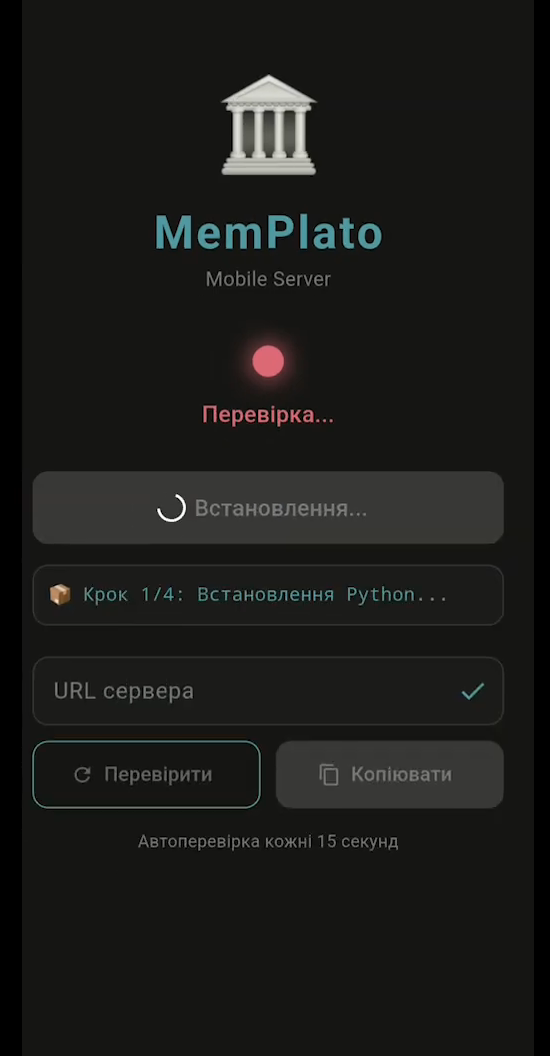
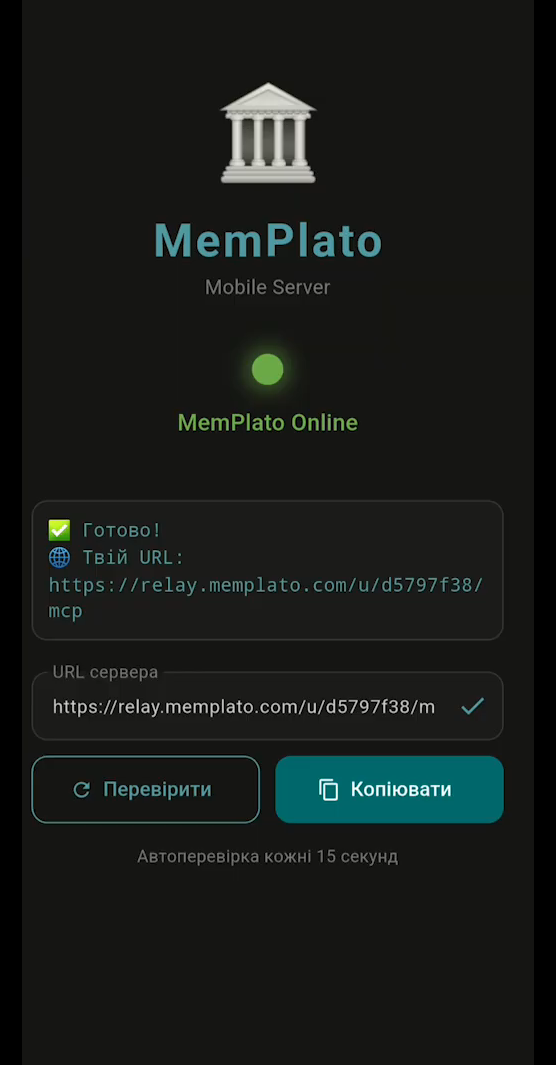
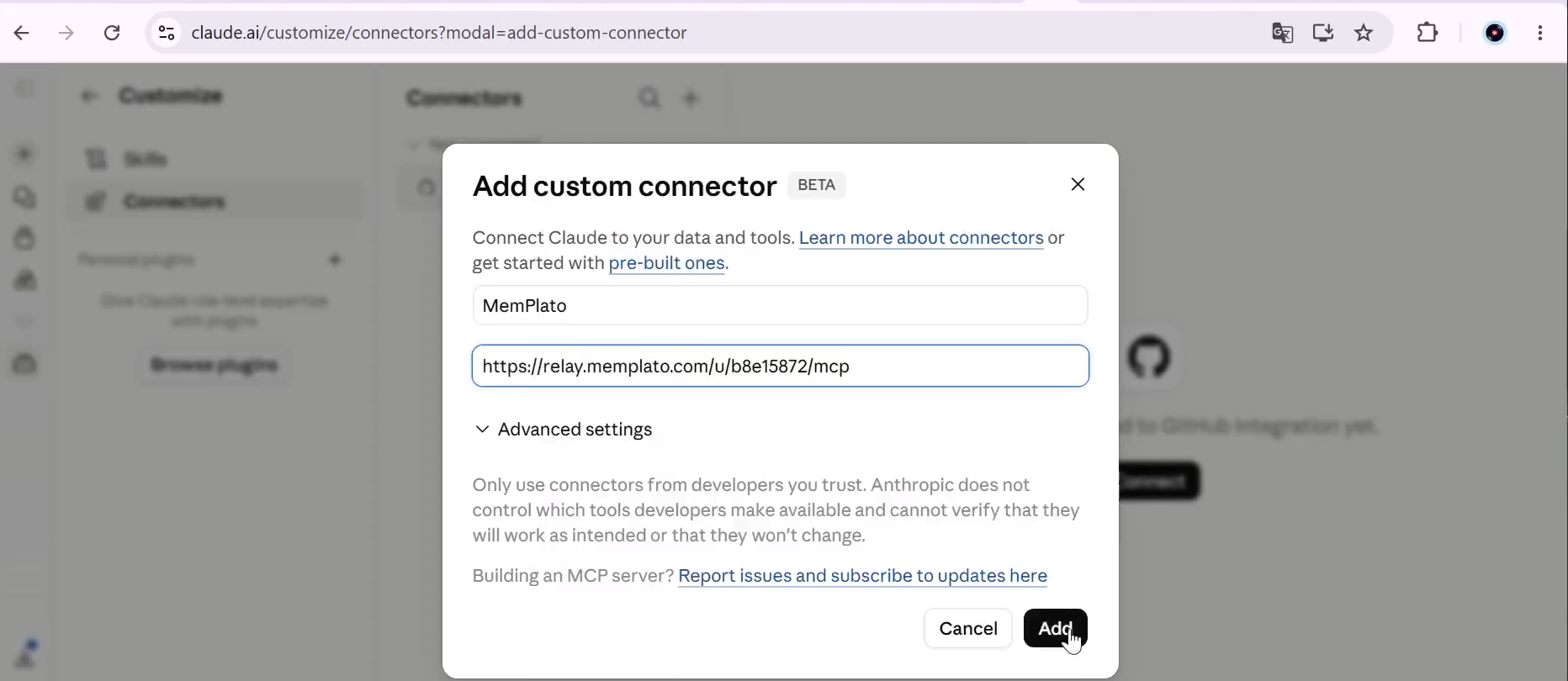
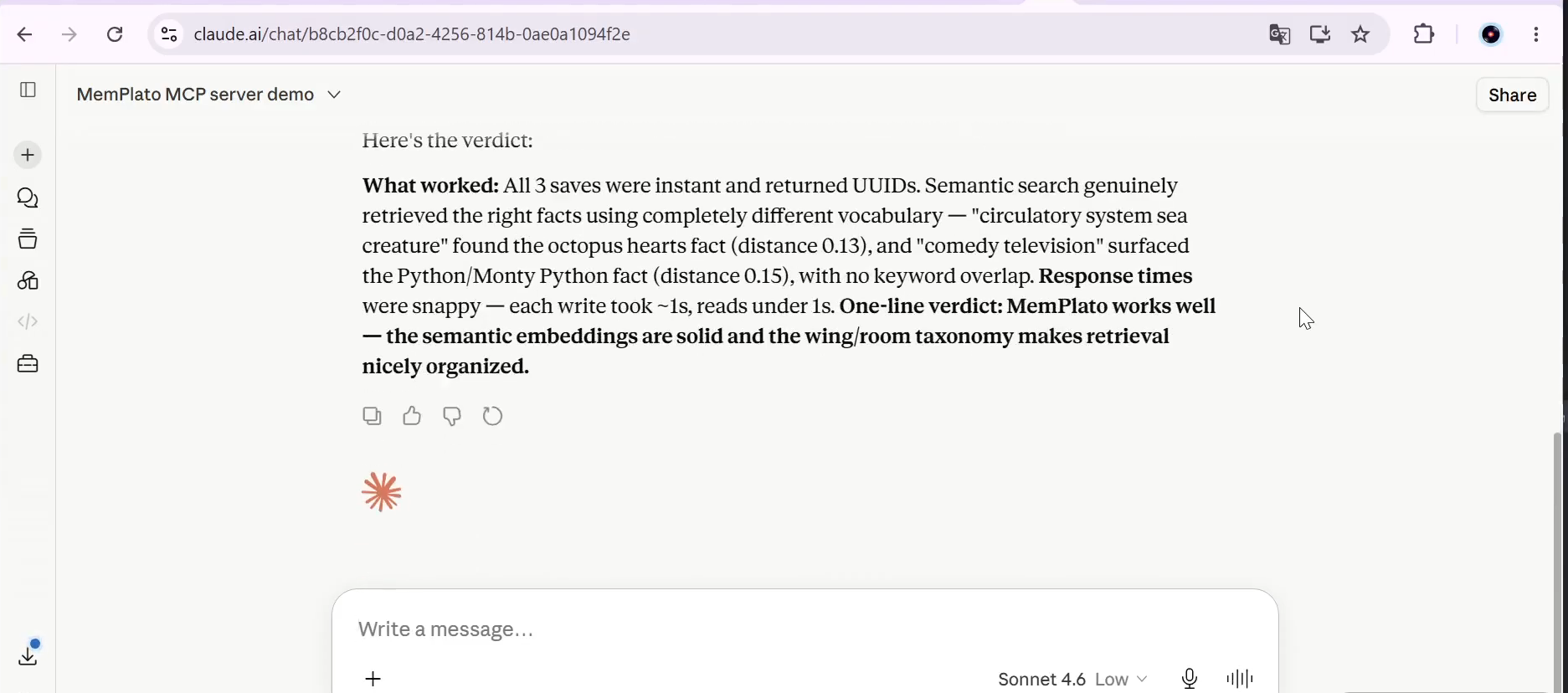
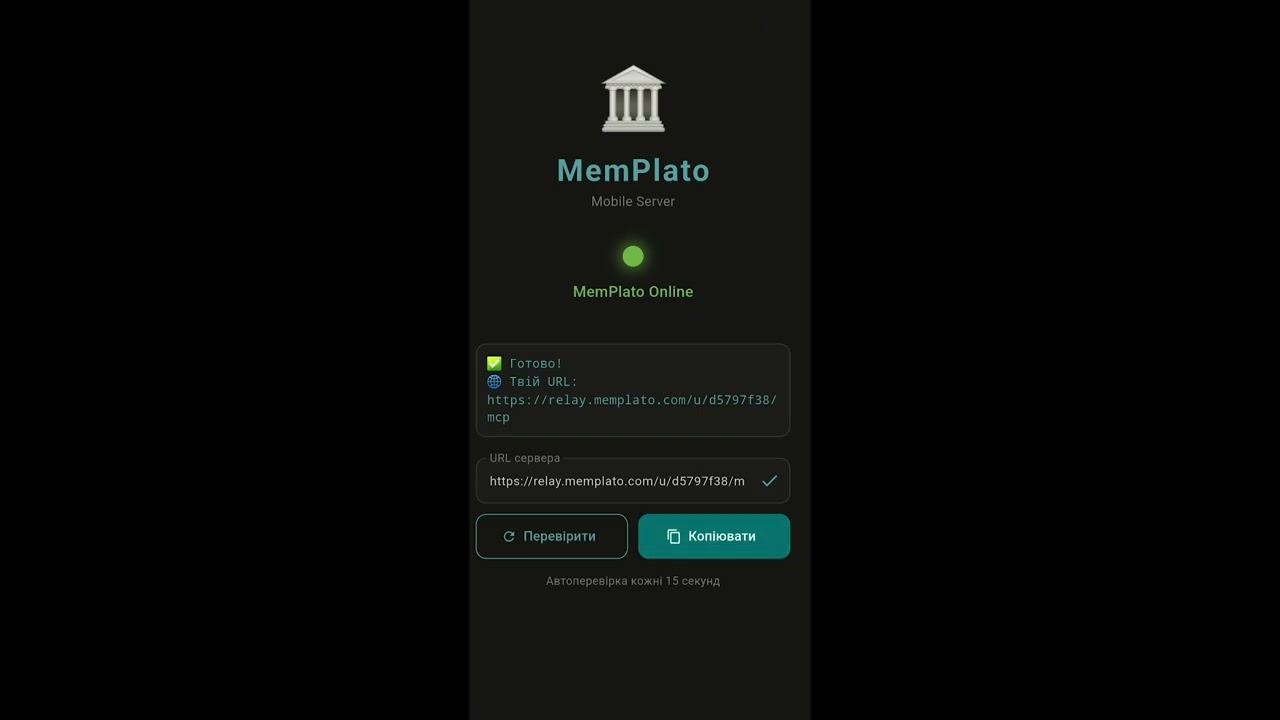
👆 Click to watch the full installation walkthrough on YouTube
MemPlato runs a Python FastAPI server inside Termux on your Android phone. A reverse SSH tunnel through relay.memplato.com gives AI clients a stable HTTPS endpoint to connect to. The relay is a dumb pipe — it never stores your data.
Tech stack: Flutter (Android app) · Python 3.13 · FastAPI · SQLite · ONNX Runtime · MCP SSE · autossh
| Client | Connection type | Status |
|---|---|---|
| Claude (claude.ai) | MCP SSE | ✅ Tested |
| Claude Desktop | MCP SSE | ✅ Tested |
| Perplexity | MCP SSE | ✅ Tested |
| Cursor | MCP SSE | ✅ Tested |
| Any MCP-compatible client | SSE or HTTP | Should work |
👉 Download latest APK (v1.0.7)
The APK is ~280 MB because it includes Python, all libraries, and the AI model — so setup on your phone requires no internet connection.
https://relay.memplato.com/u/YOUR_ID/mcp
Termux must stay running in the background (you'll see it in your notification bar). The watchdog script automatically restarts the tunnel if it drops. You don't need to do anything — just keep Termux open.
⚠️ Known limitation: After rebooting your phone, the server does not restart automatically. Use the Start button in the app to restart it manually. Auto-start on boot will be added in a future update.
| Tool | Description |
|---|---|
memplato_add_drawer | Save memory into a wing/room |
memplato_get_drawer | Fetch a drawer by ID |
memplato_update_drawer | Update content or move to new wing/room |
memplato_delete_drawer | Delete a drawer |
memplato_list_drawers | List drawers with optional filters |
memplato_search | Semantic + keyword search |
memplato_check_duplicate | Check if similar content already exists |
memplato_get_taxonomy | Full wing → room → count overview |
| Tool | Description |
|---|---|
memplato_kg_add | Add a fact: subject → predicate → object |
memplato_kg_query | Query relationships for an entity |
memplato_kg_invalidate | Mark a fact as expired |
memplato_kg_timeline | Chronological timeline of facts |
memplato_kg_stats | Graph statistics |
| Tool | Description |
|---|---|
memplato_create_tunnel | Link two memory locations |
memplato_list_tunnels | List all tunnels |
memplato_follow_tunnels | See what a room connects to |
memplato_traverse | Walk the memory graph from a room |
memplato_find_tunnels | Find rooms bridging two wings |
memplato_delete_tunnel | Remove a tunnel |
memplato_graph_stats | Graph overview |
| Tool | Description |
|---|---|
memplato_diary_write | Write to per-agent diary |
memplato_diary_read | Read recent diary entries |
memplato_status | Server status overview |
memplato_hook_settings | Configure behavior flags |
memplato_reconnect | Force DB reconnect |
memplato_memories_filed_away | Check last checkpoint |
memplato_get_aaak_spec | AAAK compressed memory format spec |
MemPlato v1.0.5 was tested with 140+ test cases covering all 29 tools including edge cases, stress tests, and failure scenarios.
Results summary:
| Category | Tests | Pass |
|---|---|---|
| Drawers (CRUD) | 20 | ✅ 18/20 |
| Semantic search | 9 | ✅ 7/9 |
| Knowledge Graph | 13 | ✅ 12/13 |
| Tunnels & Graph | 15 | ✅ 13/15 |
| Diary & System | 11 | ✅ 11/11 |
| Edge cases & stress | 72+ | ✅ Most pass |
Known issues:
The server is stable and handles all edge cases without crashing. There are known limitations that will be addressed in the next major version:
add_drawer does not automatically call check_duplicate. Best practice: call check_duplicate manually before saving.All known issues are cosmetic or edge-case. The core functionality — storing memories, knowledge graph, and MCP connectivity — works reliably.
Android Phone
├── MemPlato.apk (Flutter)
│   ├── Manages setup flow
│   ├── Copies all files to Termux
│   └── Shows server status
│
└── Termux (Linux environment)
    ├── memplato_server.py (FastAPI + MCP)
    │   ├── /sse  ← MCP SSE endpoint
    │   ├── /mcp  ← MCP HTTP endpoint
    │   └── /health
    ├── palace.db (SQLite)
    ├── models/onnx/ (384-dim embeddings)
    ├── autossh (reverse tunnel)
    └── tunnel_watchdog.sh (auto-restart)

relay.memplato.com (Vultr VPS)
└── nginx + relay.py
    └── Bridges AI clients to your phone
    └── No data stored
MemPlato requires Termux, which needs sideloading due to Android restrictions on terminal apps. The Google Play version of Termux is outdated and incompatible. This is a known limitation of the current MVP architecture.
The plan: After funding, MemPlato v2 will run without Termux — the server will be embedded directly into the app. No terminal setup, no manual steps. Straight to Google Play.
MemPlato is built by a solo founder. If you find it useful, you can support the project:
Looking for pre-seed investment ($75K). Building toward Google Play launch and 10,000 users. Reach out: ceo@memplato.com or memplato.com
AGPL-3.0 — free to use and modify, but derivative works must remain open source.
Made with ☕ in Ukraine 🇺🇦
Claim this server with your GitHub account to request manual ownership verification.
Link to the catalog listing for Personal MCP memory server that runs on an Android phone from your README. This badge does not certify ownership, compatibility or security.
[](https://awesome-mcp.com/servers/memplato)Public repository statistics could not be verified. Check the configured source address; unavailable counts are not zero.
Separate sources, scopes and periods. Never combined or treated as installations, active users or security reviews.
No reviewed package or image identity; download statistics are not listed yet.
Alternative and complementary servers in the same category
Store and retrieve entities, relations and observations in a persistent local knowledge graph.
Organize problem solving into revisable, branching thought steps through an MCP tool.

Query-aware context compression with an MCP plugin for coding agents, plus Python and HTTP interfaces for reducing the context sent to a language model.