
Store and retrieve entities, relations and observations in a persistent local knowledge graph.
create_entitiescreate_relationsadd_observations+6 more
92K
AI & Multi-Agent
A custom Model Context Protocol server that can be built and registered in Claude Desktop to provide context such as weather forecasts to the AI.
Custom MCP server for weather forecast retrieval in Claude Desktop is cataloged as an MCP server attributed to alesion30. A custom Model Context Protocol server that can be built and registered in Claude Desktop to provide context such as weather forecasts to the AI. It is categorized under ai agents-models. See the capability inspector for recorded interfaces and their independent review status; consult upstream documentation for the current interface.
Installation configuration is not reviewed. No executable setup is offered for this entry; inspect the source repository before proceeding.
Catalog license label: Not specified. Check the source repository's current license and terms before using, modifying or distributing this software.
Capability definitions are not reviewed. Unreviewed imports are not exposed as trusted interfaces.
No reviewed records to display. This does not establish that upstream lacks this capability.
No reviewed records to display. This does not establish that upstream lacks this capability.
No reviewed records to display. This does not establish that upstream lacks this capability.
Email delivery is not connected. This page does not collect email addresses or create subscriptions.
Browse the registry for current listings instead.
Reviews for Custom MCP server for weather forecast retrieval in Claude Desktop are not available yet
Review publishing and storage are not connected. This page does not collect or publish ratings or comments, including after sign-in.
README.md · 9a9d049028cc · Fetched 2026-11-13 13:01:50 UTC
Original upstream text, without AI rewriting. Scripts, forms and unsafe links are filtered for safety.
Showing the last retrieved documentation snapshot; check the source for current changes.
MCPは、アプリケーションがLLMにコンテキストを提供する方法を標準化したオープンプロトコルである。これはAIアプリケーション用のUSB-Cポートのようなもので、AIモデルと様々なデータソースやツールを標準的な方法で接続することを可能にする。
flowchart LR
  User(fa:fa-user User)
  Client["""
  Host with MCP Client
  (Claude, IDEs, Tools)
  """]

  Server1["MCP Server A"]
  Server2["MCP Server B"]
  Server3["MCP Server C"]

  DB1["Local Data Source A"]
  DB2["Local Data Source B"]
  Services["Remote Services"]

  subgraph Local Computer
  User <--> Client
  Client <--> |MCP Protocol| Server1
  Client <--> |MCP Protocol| Server2
  Client <--> |MCP Protocol| Server3

  Server1 <--> DB1
  Server2 <--> DB2
  end

  subgraph Internet
  Server2 <--> |Web APIs| Services
  Server3 <--> |Web APIs| Services
  end
参考: https://modelcontextprotocol.io/introduction
flowchart LR
  User(fa:fa-user User)
  Server["Application Server"]
  OpenAI["OpenAI API"]

  Function1["Function A on Server"]
  Function2["Function B on Server"]
  Function3["Function C on Server"]
  DB["Local Data Source"]
  Services["Remote Services"]

  subgraph Local Computer
  User <--> Server
  Server <--> Function1
  Server <--> Function2
  Server <--> Function3
  Function1 <--> DB
  Function2 <--> DB
  end

  subgraph "Internet(OpenAI)"
  Server --> |prompt| OpenAI
  OpenAI --> |response with function calls| Server
  end

  subgraph Internet
  Function2 <--> |Web APIs| Services
  Function3 <--> |Web APIs| Services
  end
参考: https://platform.openai.com/docs/guides/function-calling
$ npm install
$ npm run build

# build/main.jsのフルパスを表示する
$ find `pwd` -maxdepth 2 -name main.js
[!NOTE] 以下は、macOS版でのやり方です。その他のOSについては公式ドキュメントを参照してください。
$ vi ~/Library/Application\ Support/Claude/claude_desktop_config.json
{
  "mcpServers": {
    "myMcp": {
      // NOTE: nodeのフルパスを指定(`$ which node`)
      "command": "node",
      // NOTE: build/main.jsのフルパスを指定
      "args": ["xxx/my-mcp-server/build/main.js"]
    }
  }
}
Claude Desktopを再起動し、MCPサーバーが登録されていることを確認する
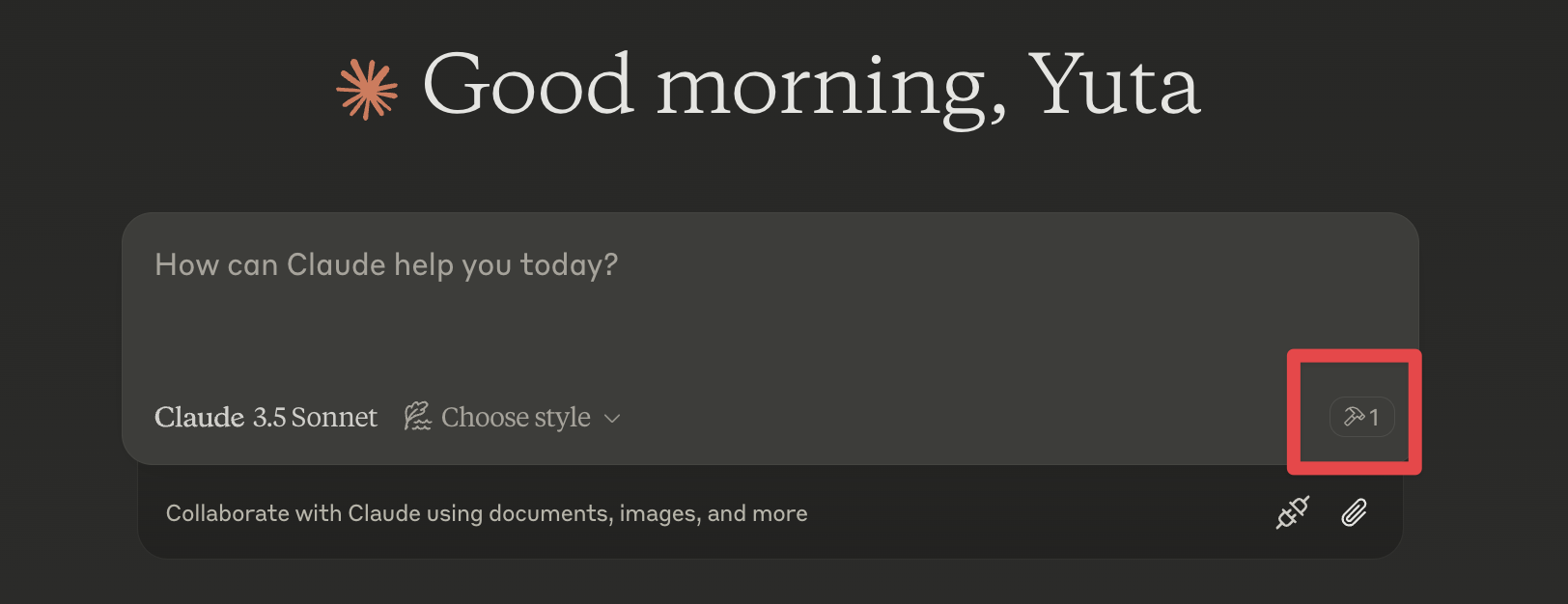
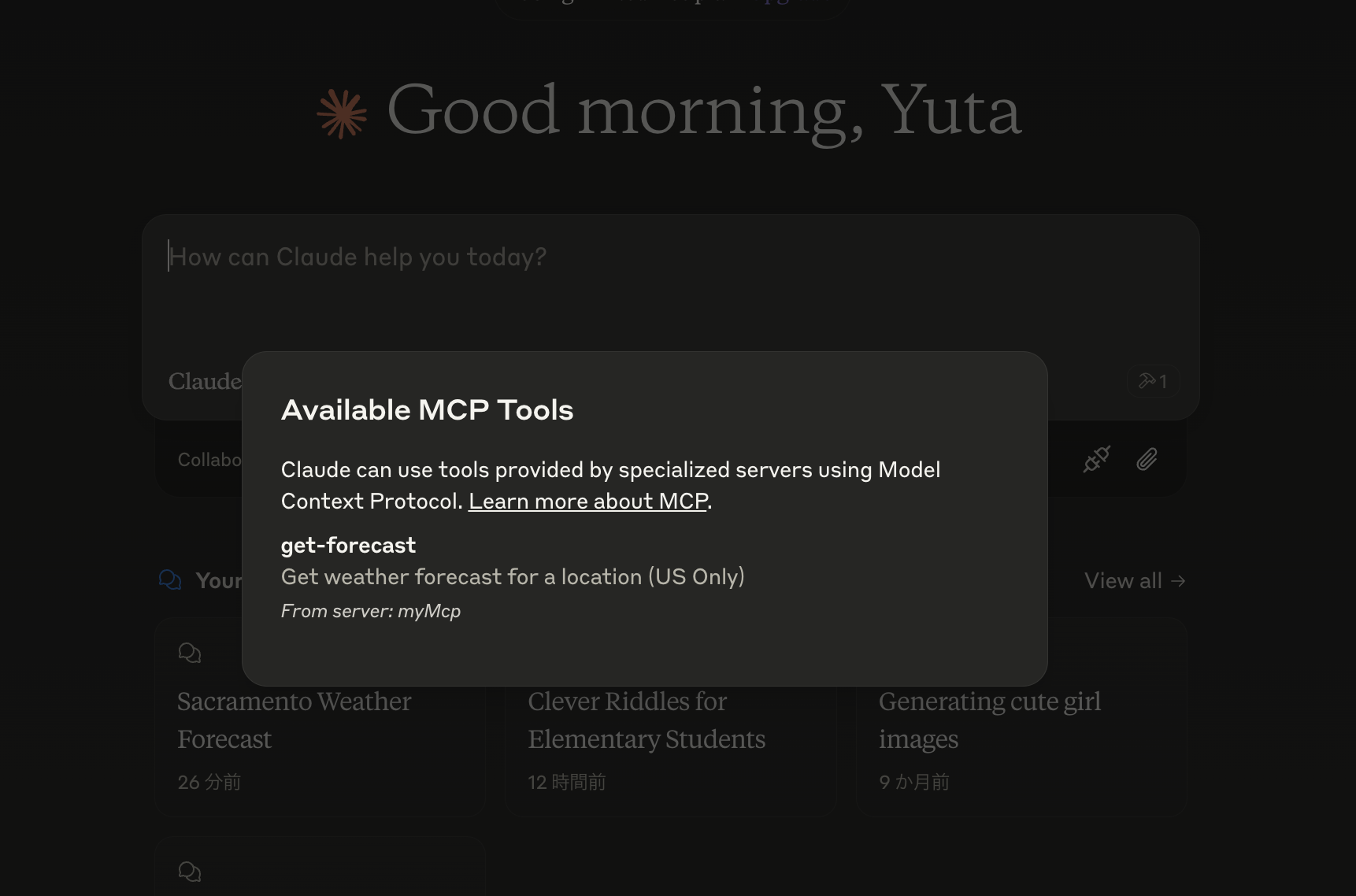
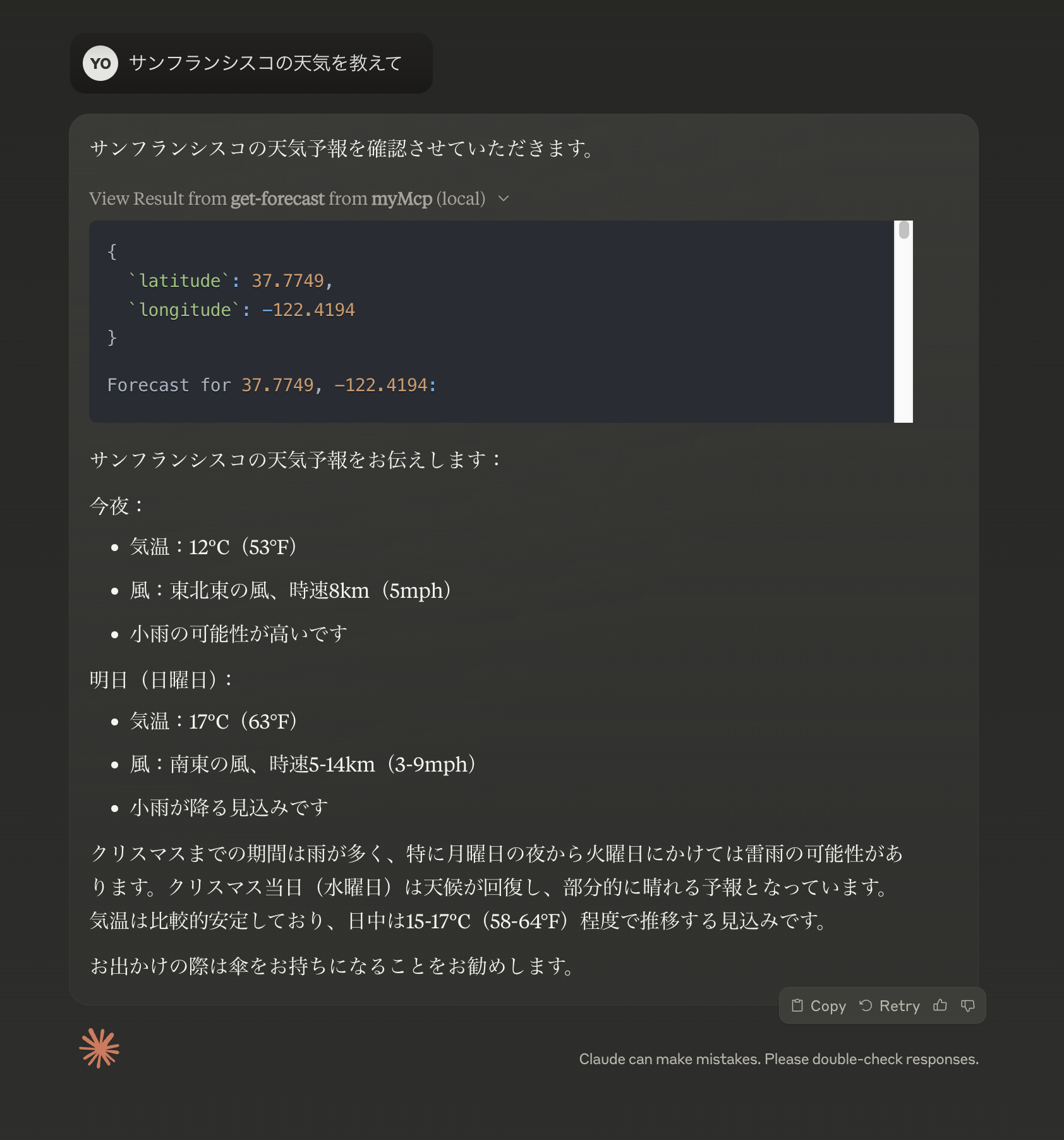
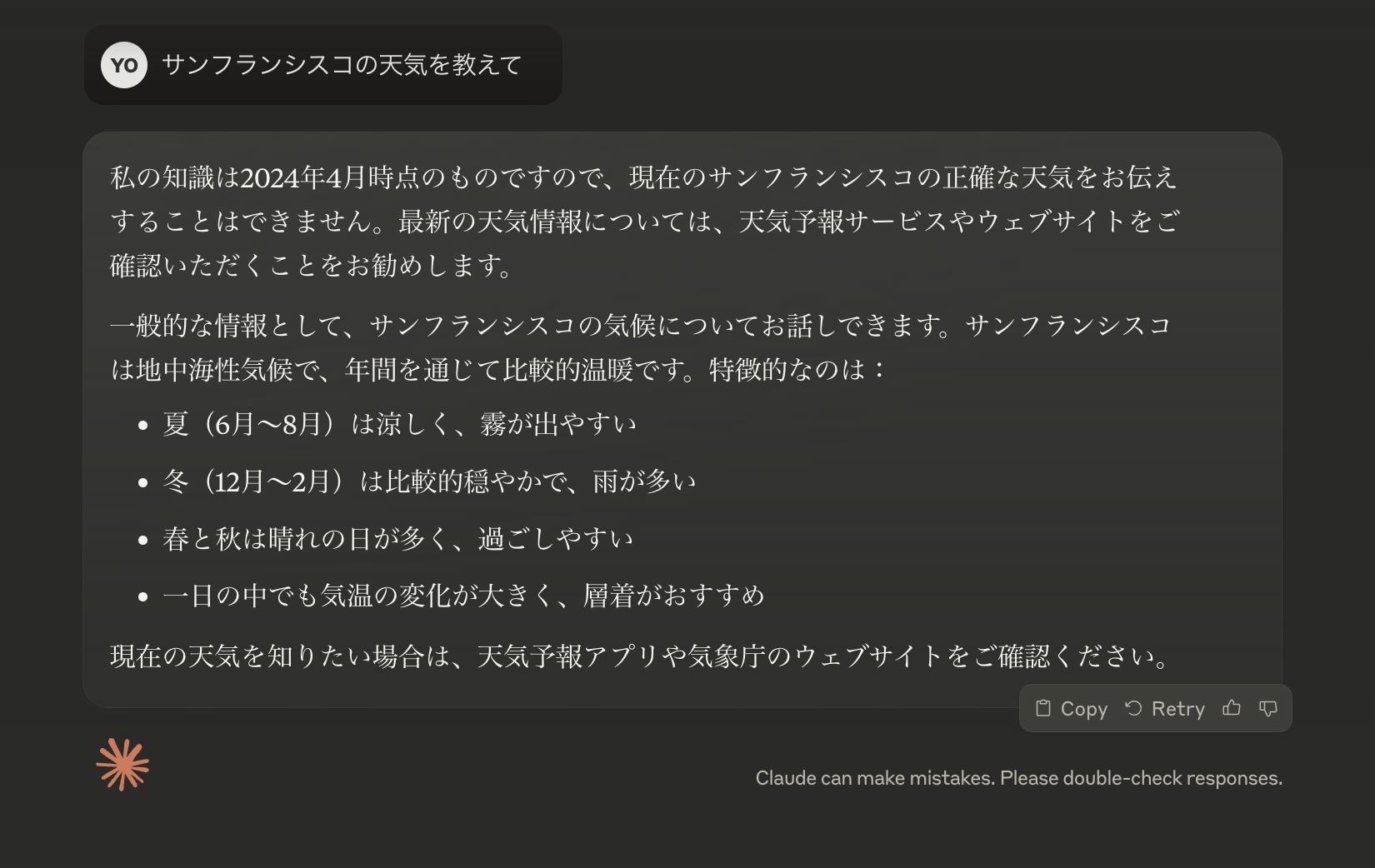
試しにサンフランシスコの天気を聞くと、MCPサーバーから天気予報の情報を取得し、生成AIのメッセージに天気の情報が組み込まれていることがわかる。
(参考)MCPサーバーがない場合
Claim this server with your GitHub account to request manual ownership verification.
Link to the catalog listing for Custom MCP server for weather forecast retrieval in Claude Desktop from your README. This badge does not certify ownership, compatibility or security.
[](https://awesome-mcp.com/servers/my-mcp-server-alesion30)Public repository statistics could not be verified. Check the configured source address; unavailable counts are not zero.
Separate sources, scopes and periods. Never combined or treated as installations, active users or security reviews.
No reviewed package or image identity; download statistics are not listed yet.
Alternative and complementary servers in the same category
Store and retrieve entities, relations and observations in a persistent local knowledge graph.
Organize problem solving into revisable, branching thought steps through an MCP tool.

Query-aware context compression with an MCP plugin for coding agents, plus Python and HTTP interfaces for reducing the context sent to a language model.