
A Rust CAD application with an MCP server for creating, inspecting and rendering drawings, either headlessly or through a connection to the desktop app.
8K
Media & Design
An MCP server that gives AI agents access to the myinstants soundboard, letting them search for sounds, browse categories, and play them through the user's speakers.
myinstants-mcp is cataloged as an MCP server attributed to austenstone. An MCP server that gives AI agents access to the myinstants soundboard, letting them search for sounds, browse categories, and play them through the user's speakers. It is categorized under media design. See the capability inspector for recorded interfaces and their independent review status; consult upstream documentation for the current interface.
Installation configuration is not reviewed. No executable setup is offered for this entry; inspect the source repository before proceeding.
Catalog license label: MIT. Check the source repository's current license and terms before using, modifying or distributing this software.
Capability definitions are not reviewed. Unreviewed imports are not exposed as trusted interfaces.
No reviewed records to display. This does not establish that upstream lacks this capability.
No reviewed records to display. This does not establish that upstream lacks this capability.
No reviewed records to display. This does not establish that upstream lacks this capability.
Email delivery is not connected. This page does not collect email addresses or create subscriptions.
Browse the registry for current listings instead.
Reviews for myinstants-mcp are not available yet
Review publishing and storage are not connected. This page does not collect or publish ratings or comments, including after sign-in.
Yes, by default sounds play in the background while the agent continues working; setting the wait option to true makes playback block until finished.
Yes, the MYINSTANTS_DEVICE environment variable routes audio to a specific output device, though afplay on macOS does not support device selection.
README.md · c5d03588ab62 · Fetched 2026-11-13 09:57:37 UTC
Original upstream text, without AI rewriting. Scripts, forms and unsafe links are filtered for safety.
Showing the last retrieved documentation snapshot; check the source for current changes.
give your AI agent a soundboard. no cap.
millions of sound buttons · zero config · just vibes ✨




Quick Start:




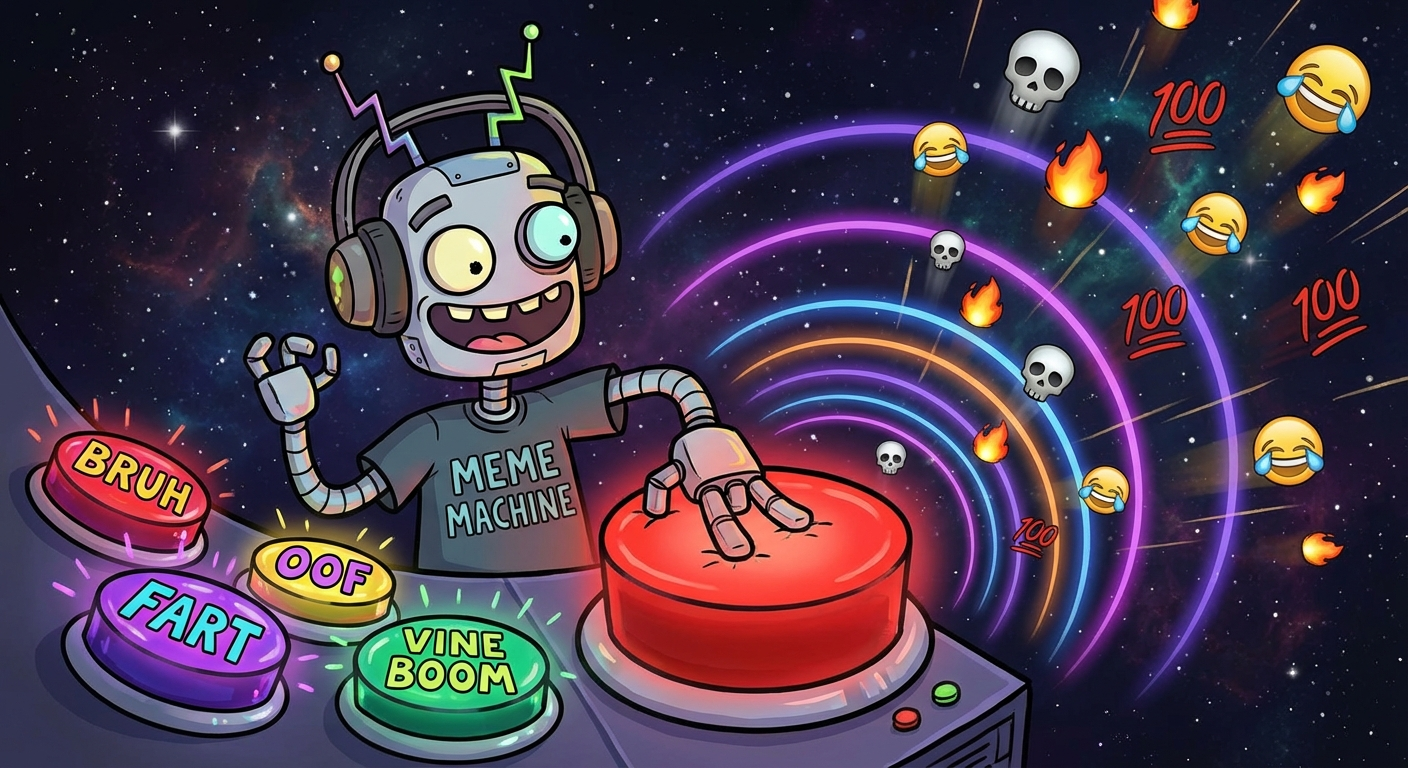
an MCP server that connects AI agents to myinstants.com — the internet's largest soundboard. millions of meme sounds, vine booms, fart noises, anime clips, gaming sfx, whatever you need bestie.
your AI agent can now:
this is not a notification beep. this is the entire internet soundboard. your agent has rizz now.
npx myinstants-mcp
that's it. that's the setup. no cap.
Add to your VS Code MCP config (User or .vscode/mcp.json):
{
  "servers": {
    "myinstants": {
      "command": "npx",
      "args": ["-y", "myinstants-mcp@latest"]
    }
  }
}
~/Library/Application Support/Claude/claude_desktop_config.json:
{
  "mcpServers": {
    "myinstants": {
      "command": "npx",
      "args": ["-y", "myinstants-mcp@latest"]
    }
  }
}
.cursor/mcp.json:
{
  "mcpServers": {
    "myinstants": {
      "command": "npx",
      "args": ["-y", "myinstants-mcp@latest"]
    }
  }
}
[!TIP] works on macOS out of the box (uses native
afplay) — no extra installs needed. on linux justsudo apt install ffmpeg. that's it bestie.

| Tool | What it does | It's giving |
|---|---|---|
search_sounds | search myinstants for sounds | "bruh" → 20 results with slugs |
browse_category | browse by category | "memes" "games" "reactions" |
play_sound | play a sound (by slug, url, or quick search) | { query: "sad trombone" } plays instantly |
get_sound_details* | get details about a sound (views, uploader, duration) | requires MYINSTANTS_DETAILS=true |
list_devices* | list available audio output devices | requires MYINSTANTS_DETAILS=true |
* requires MYINSTANTS_DETAILS=true environment variable
play_sound options| Parameter | Type | Default | The tea ☕ |
|---|---|---|---|
query | string | — | quick search, plays first result. the goat option. |
slug | string | — | exact slug from search results |
url | string | — | direct MP3 URL if you're built different |
wait | boolean | false | false = plays in background while agent keeps cooking (default 💨). true = blocks until done (for dramatic effect 🎭) |
| Resource | The vibe |
|---|---|
myinstants://trending | what's bussin rn in the US 🔥 |
myinstants://categories | all 14 categories no cap |
myinstants://best | hall of fame. the GOATs. the legends. 🐐 |
anime & manga · games · memes · movies · music · politics · pranks · reactions · sound effects · sports · television · tiktok trends · viral · whatsapp audios
agent calls play_sound({ query: "vine boom", wait: false })
  → searches myinstants.com
  → finds the MP3 URL
  → streams it through afplay/ffplay/mpv
  → sound plays through your speakers
  → agent keeps cooking while you hear the boom 🍳
sounds queue up automatically. no overlap. your agent can fire multiple sounds and they play one after another. sheesh.
drop a .instructions.md in your repo (with applyTo: "**" in the frontmatter) and your agent will play sounds while it works. imagine: vine boom when it finds a bug. sad trombone when your tests fail. rick roll mid-code-review for absolutely no reason.
---
name: "Soundboard"
description: "Sounds for all contexts"
applyTo: "**"
---

Play sounds using the myinstants MCP server while you work:
- Play `play_sound(query: "vine boom sound")` when you find cursed code
- Play `play_sound(query: "sad trombone")` when the user's code doesn't work
- Play `play_sound(query: "minecraft level up sound")` when you fix something
check our myinstants.instructions.md for the full unhinged setup. your agent will never be an NPC again. 🏆
| Variable | Default | The tea ☕ |
|---|---|---|
MYINSTANTS_VOLUME | 0.5 | how loud (0-1). crank it bestie. |
MYINSTANTS_WAIT | false | "true" = sounds block until finished. dramatic effect mode 🎭 |
MYINSTANTS_DEVICE | (system default) | route audio to a specific output device. platform-specific device name. |
MYINSTANTS_PLAYER | (auto) | force a specific player: ffplay, mpv, afplay, or paplay. |
MYINSTANTS_DETAILS | false | "true" = enables get_sound_details and list_devices tools. |
{
  "servers": {
    "myinstants": {
      "command": "npx",
      "args": ["-y", "myinstants-mcp@latest"],
      "env": {
        "MYINSTANTS_VOLUME": "0.8",
        "MYINSTANTS_DEVICE": "Denon AVR-S760H",
        "MYINSTANTS_DETAILS": "true"
      }
    }
  }
}
route sounds to a specific output device instead of system default:
# set device name (platform-specific)
export MYINSTANTS_DEVICE="Denon AVR-S760H"

# force a specific player (optional)
export MYINSTANTS_PLAYER="ffplay"

# enable device listing tool
export MYINSTANTS_DETAILS="true"
discover available devices:
# macOS
ffmpeg -f avfoundation -list_devices true -i "" 2>&1

# Linux (PulseAudio)
pactl list short sinks

# mpv (cross-platform)
mpv --audio-device=help
or use the list_devices tool when MYINSTANTS_DETAILS=true — your agent can discover devices for you. 💅
player support:
| Player | Device Flag | Example |
|---|---|---|
ffplay | -audio_device | ffplay -audio_device "Denon AVR-S760H" |
mpv | --audio-device= | mpv --audio-device="pulse/alsa_output.usb" |
paplay | --device= | paplay --device=bluez_sink.XX |
afplay | ❌ N/A | macOS system default only (no device selection) |
notes:
MYINSTANTS_DEVICE not setMYINSTANTS_PLAYER=ffplay or mpv if you need device control| Player | Platform | Install | Vibe |
|---|---|---|---|
afplay | macOS | pre-installed 💅 | just works. zero effort. slay. |
ffplay | everywhere | brew install ffmpeg / apt install ffmpeg | the reliable bestie |
mpv | everywhere | brew install mpv / apt install mpv | also valid no cap |
auto-detects what you have. tries afplay first on mac, then ffplay, then mpv. fallback chain is bussin.
because your AI agent should be able to hit you with a vine boom when the code compiles. because sad trombone when tests fail is objectively correct. because the bruh button exists and your agent deserves to press it. this is not delulu — this is the future.
every other MCP sound server plays one notification beep. one beep. that's giving NPC energy. we have millions of sounds. the entire internet soundboard. main character behavior only.
made by @austenstone 🏷️
powered by myinstants.com · built with MCP
no cap this might be the most unhinged MCP server ever and we're lowkey proud of it 💀🔥
Claim this server with your GitHub account to request manual ownership verification.
Link to the catalog listing for myinstants-mcp from your README. This badge does not certify ownership, compatibility or security.
[](https://awesome-mcp.com/servers/myinstants-mcp)Public repository statistics could not be verified. Check the configured source address; unavailable counts are not zero.
Separate sources, scopes and periods. Never combined or treated as installations, active users or security reviews.
No reviewed package or image identity; download statistics are not listed yet.
Alternative and complementary servers in the same category
A Rust CAD application with an MCP server for creating, inspecting and rendering drawings, either headlessly or through a connection to the desktop app.

Liquid Composer is a browser-based Liquid Glass icon design tool that offers a local MCP server for agent-driven icon workflows.

agent-media makes short drama series and other short vertical videos from Claude, ChatGPT or Codex through one MCP connection, with OAuth sign-in and no API keys.