
A directory listing describing a cancellation-letter and mailing-address service. The configured public GitHub repository returned 404 during source verification.
Repository stats unavailable
Developer Tools
Noteit MCP is an HTTP MCP server that gives AI coding tools secure access to agent profiles and notes.
Noteit MCP is cataloged as an MCP server attributed to bahfahh. Noteit MCP is an HTTP MCP server that gives AI coding tools secure access to agent profiles and notes. It is categorized under developer tools. See the capability inspector for recorded interfaces and their independent review status; consult upstream documentation for the current interface.
Installation configuration is not reviewed. No executable setup is offered for this entry; inspect the source repository before proceeding.
Catalog license label: MIT. Check the source repository's current license and terms before using, modifying or distributing this software.
Capability definitions are not reviewed. Unreviewed imports are not exposed as trusted interfaces.
No reviewed records to display. This does not establish that upstream lacks this capability.
No reviewed records to display. This does not establish that upstream lacks this capability.
No reviewed records to display. This does not establish that upstream lacks this capability.
Email delivery is not connected. This page does not collect email addresses or create subscriptions.
Browse the registry for current listings instead.
Reviews for Noteit MCP are not available yet
Review publishing and storage are not connected. This page does not collect or publish ratings or comments, including after sign-in.
It uses OAuth 2.1 with device fingerprint for IDEs that support it and an optional API Token flow for other MCP clients.
Notes can be created as general note records, task assignments, why explanations, or issue records.
It can generate interactive HTML notes and visual flow diagrams with nested data support.
README.md · 2417adfae3d5 · Fetched 2026-11-13 08:14:58 UTC
Original upstream text, without AI rewriting. Scripts, forms and unsafe links are filtered for safety.
Showing the last retrieved documentation snapshot; check the source for current changes.




🩹 The cure for AI "Markdown Hell" - AI prompt library + visual knowledge hub for developers
Noteit-MCP transforms drowning in 5,000-word documents into navigable HTML and logic diagrams instantly. With 60+ expert personas, organize complex ideas without cognitive overload. Makes Specification-Driven Development actually human-readable.
🎥 Noteit MCP in Action - Complete usage walkthrough
🎬 Click to watch the complete demo
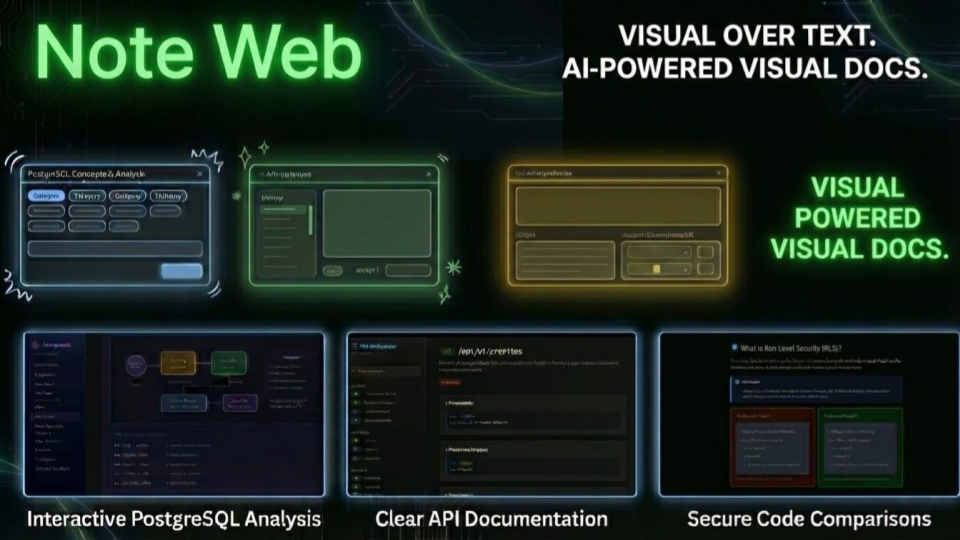
📊 Unified dashboard with agent profiles and note management
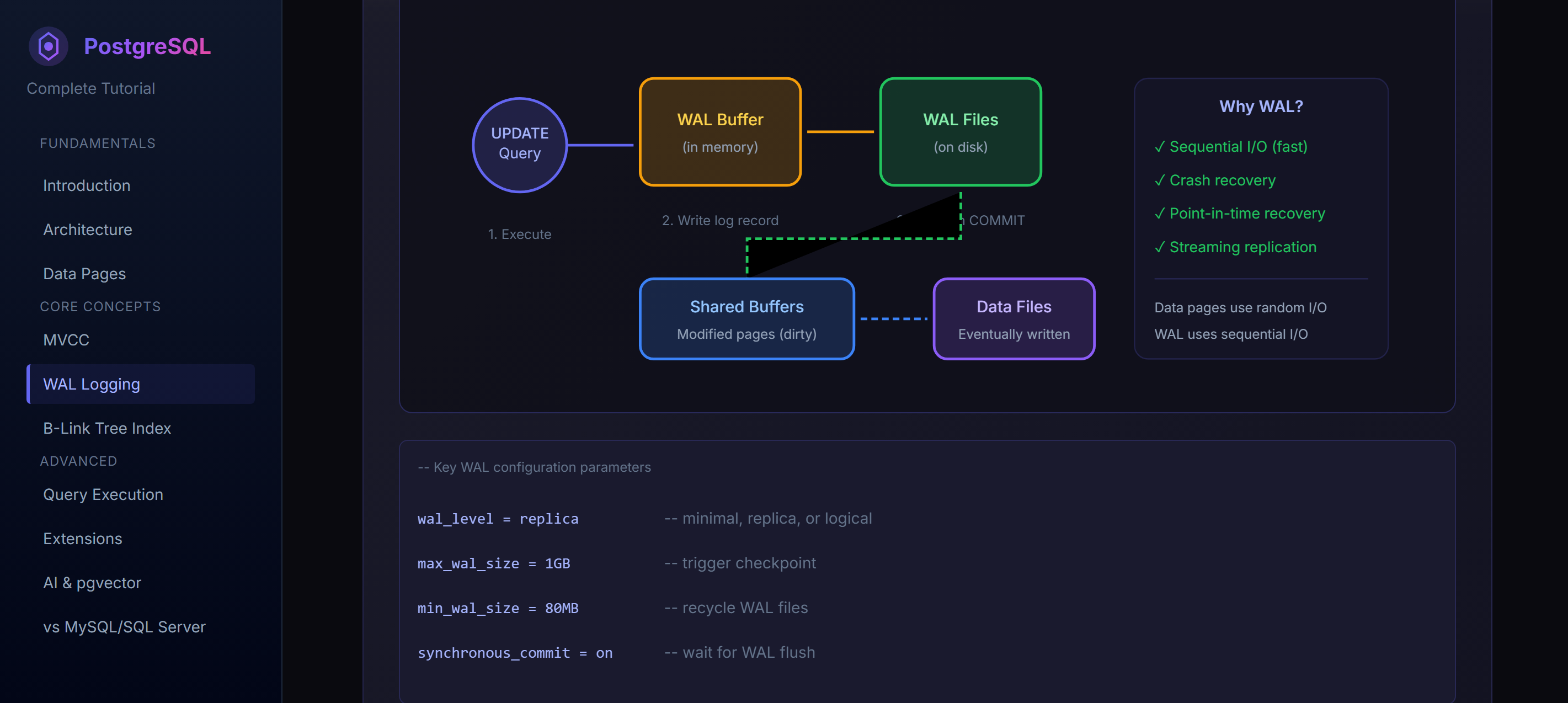
🤖 40+ pre-built agent templates for different coding tasks
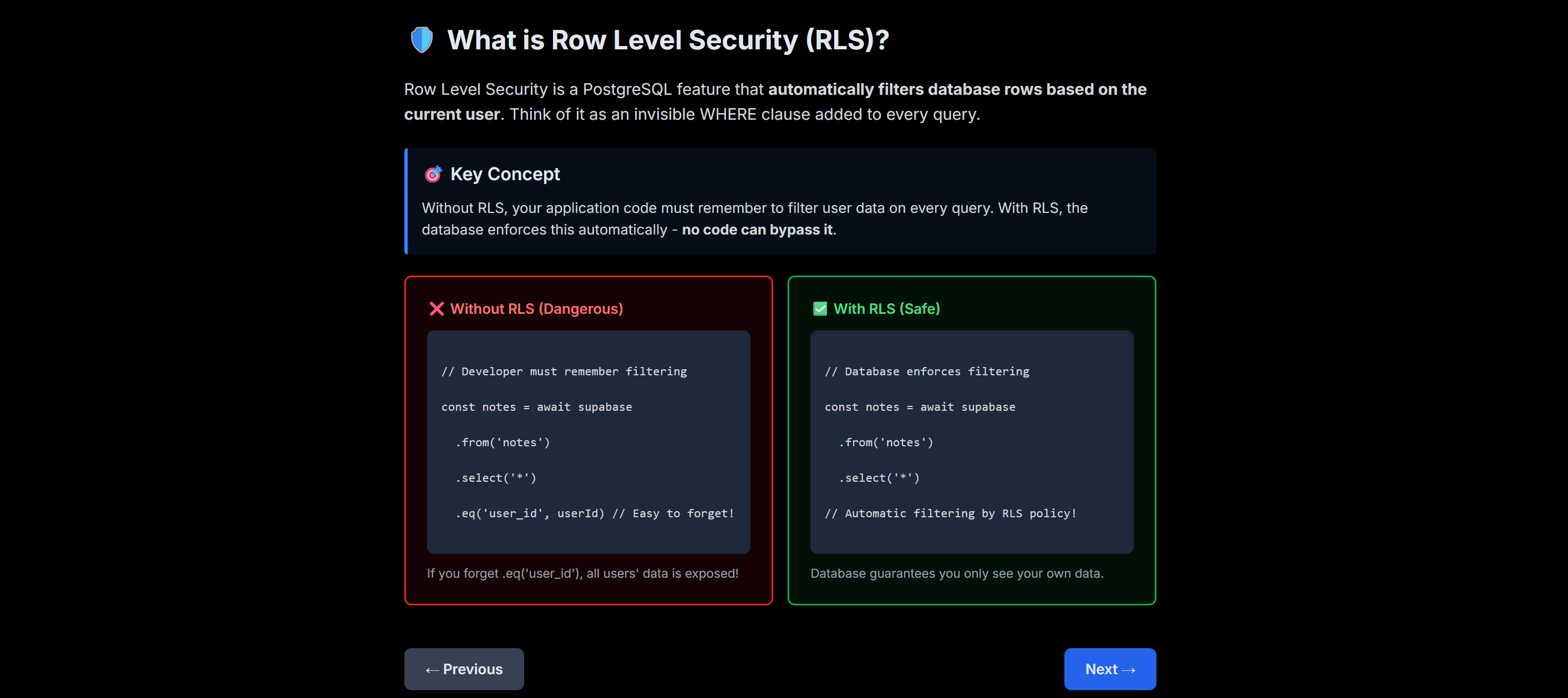
📝 AI-readable notes with graph visualizations
Noteit MCP is an HTTP MCP server (Next.js API route) that lets AI coding tools securely access two core systems:
Authentication uses OAuth 2.1 with device fingerprint for IDEs that support it, with an optional API Token flow for other MCP clients. The server endpoint is exposed at /api/mcp.
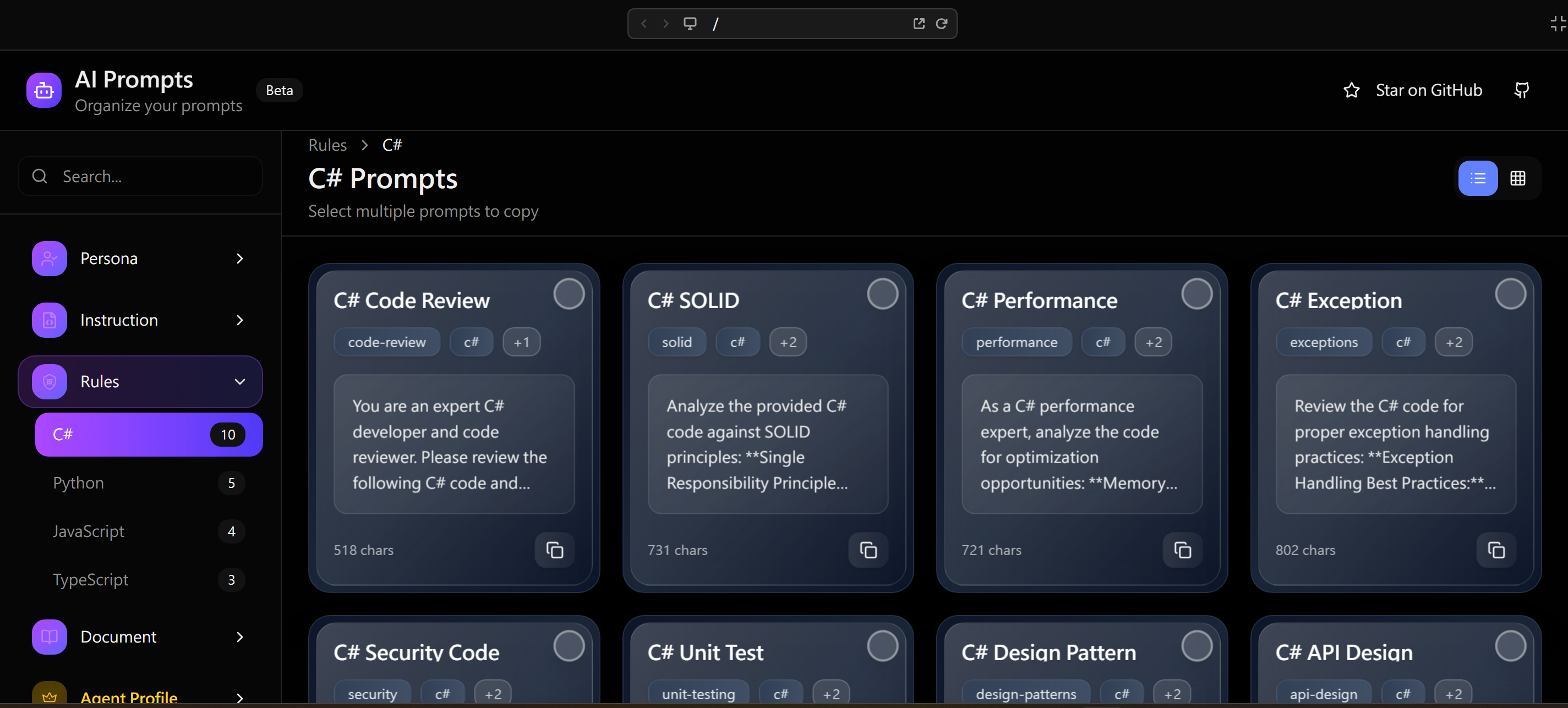
60+ expert personas for different coding tasks and workflows
The MCP server is at https://www.noteit-mcp.com/api/mcp.
Create or update ~/.cursor/mcp.json:
{
  "mcpServers": {
    "noteit-mcp": {
      "url": "https://www.noteit-mcp.com/api/mcp"
    }
  }
}
Then restart Cursor. OAuth will be handled automatically.
Use the command-line helper (global scope):
claude mcp add --transport http noteit-mcp https://www.noteit-mcp.com/api/mcp
Or project scope:
claude mcp add -s project --transport http noteit-mcp https://www.noteit-mcp.com/api/mcp
Add the server and authenticate:
gemini mcp add --transport http noteit-mcp https://www.noteit-mcp.com/api/mcp
/mcp auth noteit-mcp
/mcp  # verify tools are listed
Login at https://www.noteit-mcp.com to obtain an API token.
Through Noteit-MCP, agents can use the following tools:
If Noteit MCP helps streamline your AI workflow, please give it a star! It helps others discover this tool and motivates continued development.
MIT
Claim this server with your GitHub account to request manual ownership verification.
Link to the catalog listing for Noteit MCP from your README. This badge does not certify ownership, compatibility or security.
[](https://awesome-mcp.com/servers/noteit)Public repository statistics could not be verified. Check the configured source address; unavailable counts are not zero.
Separate sources, scopes and periods. Never combined or treated as installations, active users or security reviews.
No reviewed package or image identity; download statistics are not listed yet.
Alternative and complementary servers in the same category
A directory listing describing a cancellation-letter and mailing-address service. The configured public GitHub repository returned 404 during source verification.

A hosted MCP service for browsing and searching through Singapore mobile-network proxies.

A directory listing describing a Markdown-to-PDF service. The configured public GitHub repository returned 404 during source verification.