

A directory listing describing a cancellation-letter and mailing-address service. The configured public GitHub repository returned 404 during source verification.
Repository stats unavailable
Developer Tools
An MCP server that lets coding agents run live cloud iOS, Android, Apple TV, Android TV and Roku sessions to inspect, drive and verify app builds.
VibeView MCP server for cloud device agent sessions is cataloged as an MCP server attributed to vibeview. An MCP server that lets coding agents run live cloud iOS, Android, Apple TV, Android TV and Roku sessions to inspect, drive and verify app builds. It is categorized under developer tools. See the capability inspector for recorded interfaces and their independent review status; consult upstream documentation for the current interface.
Installation configuration is not reviewed. No executable setup is offered for this entry; inspect the source repository before proceeding.
Catalog license label: Not specified. Check the source repository's current license and terms before using, modifying or distributing this software.
Capability definitions are not reviewed. Unreviewed imports are not exposed as trusted interfaces.
No reviewed records to display. This does not establish that upstream lacks this capability.
No reviewed records to display. This does not establish that upstream lacks this capability.
No reviewed records to display. This does not establish that upstream lacks this capability.
Email delivery is not connected. This page does not collect email addresses or create subscriptions.
Browse the registry for current listings instead.
Reviews for VibeView MCP server for cloud device agent sessions are not available yet
Review publishing and storage are not connected. This page does not collect or publish ratings or comments, including after sign-in.
Yes, sessions can be watched live in the dashboard while the agent works.
No, VibeView streams cloud devices to the browser and agents, so no Mac, local simulator or device is required.
README.md · 57700b72a99a · Fetched 2026-11-13 14:10:46 UTC
Original upstream text, without AI rewriting. Scripts, forms and unsafe links are filtered for safety.
Showing the last retrieved documentation snapshot; check the source for current changes.

Skills and an MCP server that let a coding agent verify its work on a live cloud device: upload a build, start an iOS, Android, Apple TV, Android TV or Roku session, drive the app by UI-tree refs, read logs, take screenshots, and stop when only a human can act.
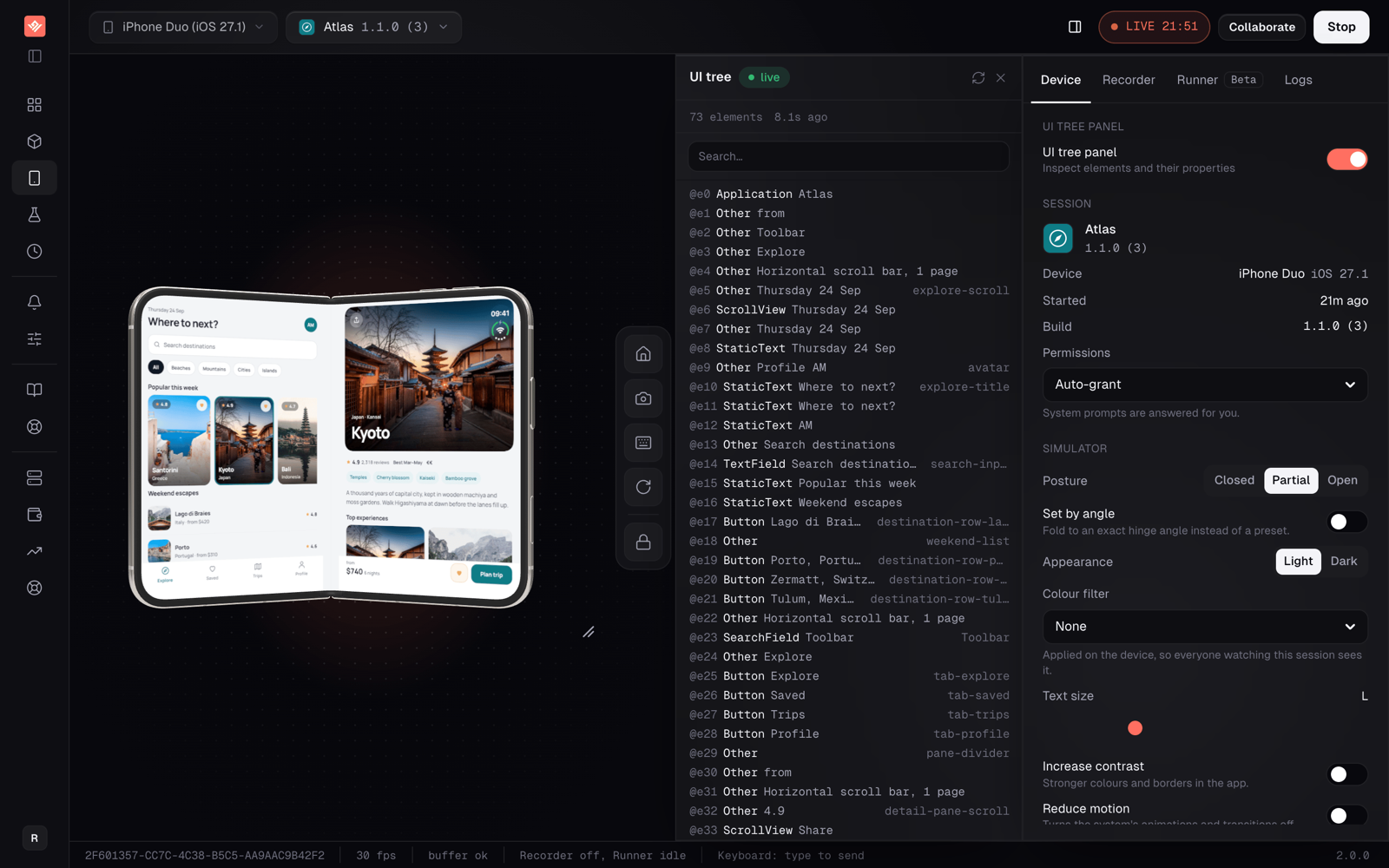
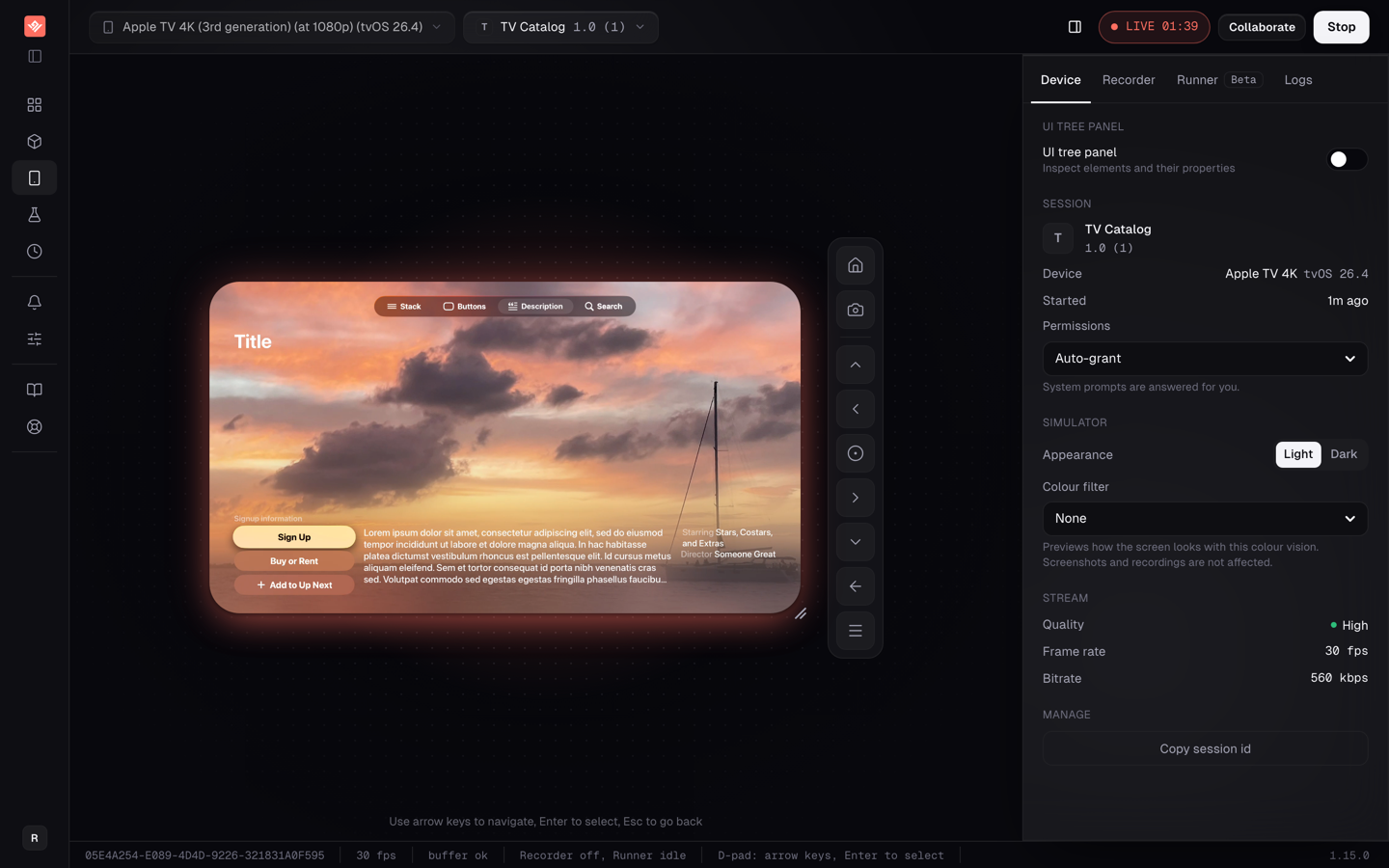
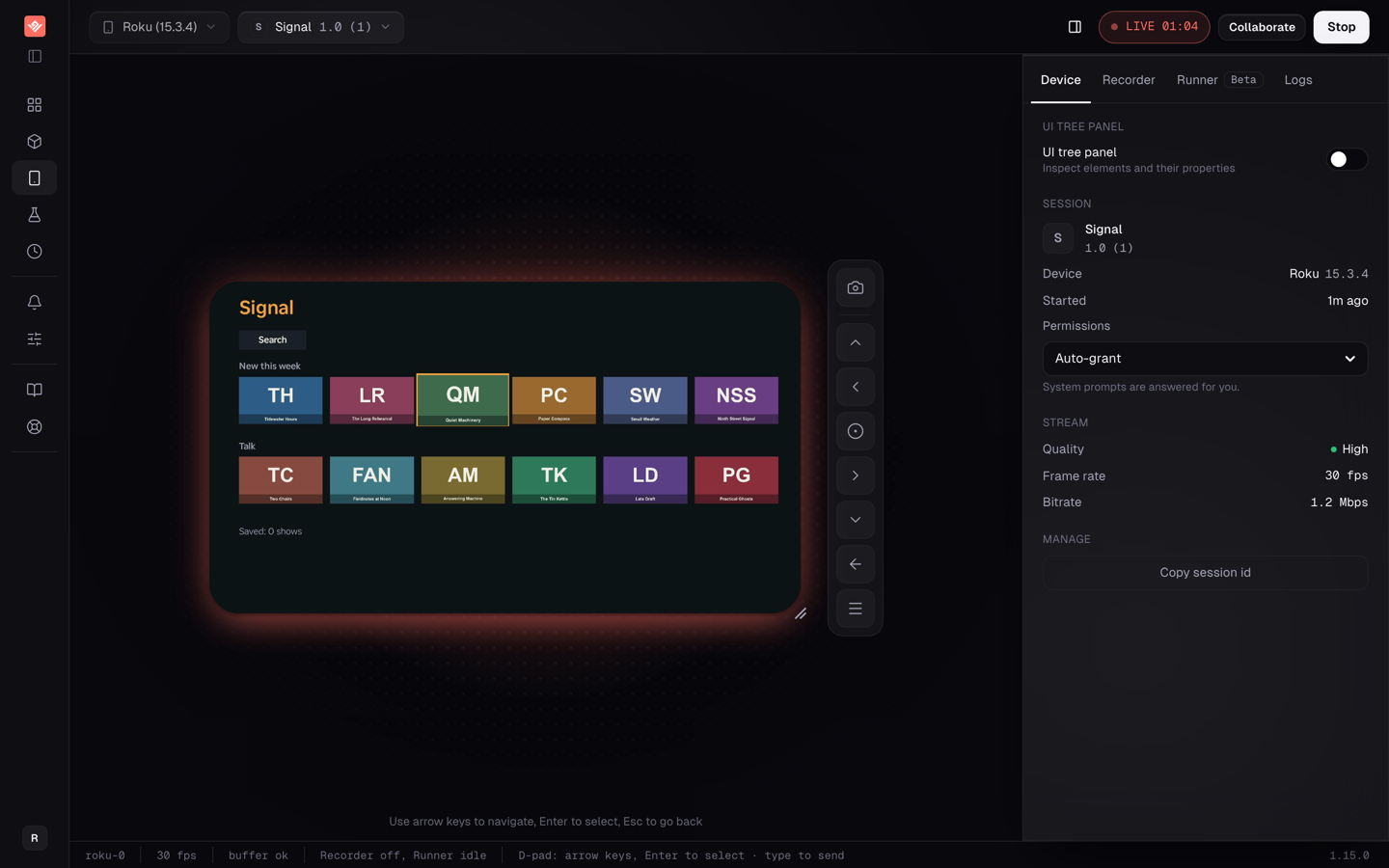
VibeView streams iOS simulators, Android emulators, Apple TV and Android TV simulators, and Roku devices to a browser and to agents. No Mac, no local simulator, no device on the desk. Docs: AI agent control.
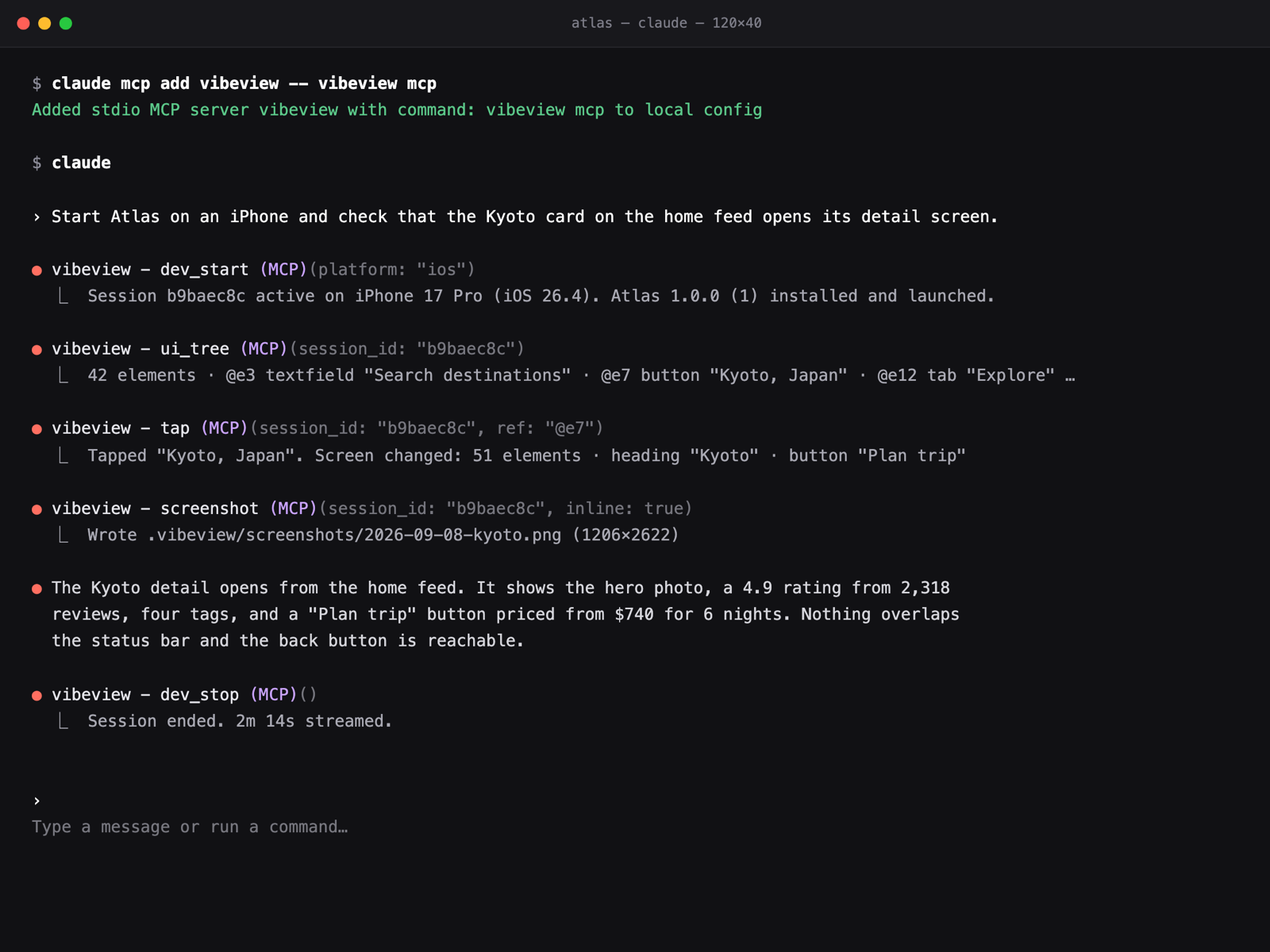
vibeview dev against your local Metro, so every edit hot-reloads on the cloud device, then it looks at the screen and the logs to see whether the change works.vibeview build --cloud (no Mac needed for iOS), then starts a device on the finished build.@e7), taps, types and swipes by ref, presses TV remote buttons, opens deep links, and takes screenshots.It works on iPhone, iPad, Android phones and tablets, Apple TV, Android TV and Roku. You can watch every session live in the dashboard while the agent works.
You need the vibeview CLI, logged in:
npm install -g vibeview
vibeview login
Then pick whichever fits your agent.
Any agent that reads skills (Claude Code, Cursor, Codex, and others via the skills CLI):
npx skills add vibeview/skills
Claude Code, as a plugin (installs the skill and registers the MCP server in one step):
/plugin marketplace add vibeview/skills
/plugin install vibeview@vibeview
Claude Code, from the CLI you already installed (copies the skill into ~/.claude/skills/ and offers to register the MCP server):
vibeview agent-setup
Any MCP client: run vibeview mcp over stdio.
{
  "mcpServers": {
    "vibeview": { "command": "vibeview", "args": ["mcp"] }
  }
}
With Claude Code specifically: claude mcp add vibeview -- vibeview mcp.
| Path | What it is |
|---|---|
skills/vibeview-agent/SKILL.md | The agent workflow: build requirements, the dev loop, verifying with ui-tree, screenshots and logs, TV d-pad navigation, the human hand-off rule, cleanup, and the full command reference for both the CLI and MCP. |
.claude-plugin/ | Claude Code plugin manifest: the skill plus the vibeview mcp server. |
.mcp.json | The same MCP server in the standard root-level form that plugin and MCP directories scan for. |
The canonical copy of the skill ships inside the vibeview npm package (vibeview agent-setup copies it from there). This repository mirrors it so agents and registries can discover it on GitHub. Versions track the CLI.
Issues and questions: support@vibeview.io.
Claim this server with your GitHub account to request manual ownership verification.
Link to the catalog listing for VibeView MCP server for cloud device agent sessions from your README. This badge does not certify ownership, compatibility or security.
[](https://awesome-mcp.com/servers/skills-vibeview)Public repository statistics could not be verified. Check the configured source address; unavailable counts are not zero.
Separate sources, scopes and periods. Never combined or treated as installations, active users or security reviews.
No reviewed package or image identity; download statistics are not listed yet.
Alternative and complementary servers in the same category
A directory listing describing a cancellation-letter and mailing-address service. The configured public GitHub repository returned 404 during source verification.

A hosted MCP service for browsing and searching through Singapore mobile-network proxies.

A directory listing describing a Markdown-to-PDF service. The configured public GitHub repository returned 404 during source verification.