
This is a Model Context Protocol (MCP) server for interacting with AIStor object stores.
Repository stats unavailable
Databases & Storage
An MCP server that exposes Snowflake Cortex AI capabilities, including Cortex Search, Cortex Analyst, and Cortex Agent, to MCP clients.
Snowflake Cortex AI MCP Server is cataloged as an MCP server attributed to thisisbhanuj. An MCP server that exposes Snowflake Cortex AI capabilities, including Cortex Search, Cortex Analyst, and Cortex Agent, to MCP clients. It is categorized under databases storage. See the capability inspector for recorded interfaces and their independent review status; consult upstream documentation for the current interface.
Installation configuration is not reviewed. No executable setup is offered for this entry; inspect the source repository before proceeding.
Catalog license label: Not specified. Check the source repository's current license and terms before using, modifying or distributing this software.
Capability definitions are not reviewed. Unreviewed imports are not exposed as trusted interfaces.
No reviewed records to display. This does not establish that upstream lacks this capability.
No reviewed records to display. This does not establish that upstream lacks this capability.
No reviewed records to display. This does not establish that upstream lacks this capability.
Email delivery is not connected. This page does not collect email addresses or create subscriptions.
Browse the registry for current listings instead.
Reviews for Snowflake Cortex AI MCP Server are not available yet
Review publishing and storage are not connected. This page does not collect or publish ratings or comments, including after sign-in.
It uses a Programmatic Access Token set as the SNOWFLAKE_PAT environment variable.
No; the tools are managed services accessed via REST API, and the server is intended to be started by the MCP client.
Yes; multiple instances of both services can be added, and the MCP client selects the appropriate ones based on the prompt.
README.md · fc8acceaab5b · Fetched 2026-11-13 13:46:46 UTC
Original upstream text, without AI rewriting. Scripts, forms and unsafe links are filtered for safety.
Showing the last retrieved documentation snapshot; check the source for current changes.
This Snowflake MCP server provides tooling for Snowflake Cortex AI features, bringing these capabilities to the MCP ecosystem. When connected to an MCP Client (e.g. Claude for Desktop, fast-agent, Agentic Orchestration Framework), users can leverage these Cortex AI features.
The MCP server currently supports the below Cortex AI capabilities:
RUN:
yarn dev
  - Runs as a sidecar/service.
  - Communicates with an MCP client (like VS Code, Cursor, Claude Desktop).
  - Protocol is `stdio`/`sockets`, not HTTP.
  - Tools are exposed via `server.tool("name", handler)`.
  - Goal: provide AI clients with structured capabilities (SQL exec, search, etc).
  - Exposes HTTP endpoints (`/api/runAgent`).
  - Clients are browsers, Postman, other web services.
  - Protocol is HTTP/JSON.
  - Goal: power web apps, user-facing dashboards, external integrations.
So putting MCP directly inside Next.js **doesn’t make sense** (MCP clients won’t connect to a Next.js API route).
The MCP server uses the Snowflake Cortex / REST API for all authentication and connection methods. Please refer to the official Snowflake documentation for comprehensive authentication options and best practices.
Connection parameters can be passed as environment variables. The server supports Programmtic Access Token to make all API calls.
The MCP server provides a Payload Builder utility to dynamically construct requests for Cortex Agents. This eliminates hardcoding tool definitions, resources, or queries, making your integrations flexible and maintainable.
[Your Query]  --->  buildAgentConfig()  --->  MCP Payload
                                 |
                                 v
                          [Tool Definitions]
                                 |
                                 v
                           [Tool Resources]
                                 |
                                 v
                        [Cortex Agent Server]
                                 |
                                 v
                    [Structured / Streamed Response]
name, type, and optional resources.processSSEResponse.import { buildAgentConfig, ToolDefinition } from "./mcp/payloadBuilder";
import { runCortexAgentQuery } from "./mcp/MCP";
const toolDefinitions: ToolDefinition[] = [
{
name: "Text2SQL",
type: "cortex_analyst_text_to_sql",
resources: { semantic_model_file: process.env.SEMANTIC_MODEL_VIEW }
},
{
name: "Vehicles_Search",
type: "cortex_search",
resources: {
name: process.env.VEHICLES_SEARCH_SERVICE,
id_column: "relative_path",
title_column: "title",
max_results: 10
}
},
{ name: "sql_execution_tool", type: "sql_exec" }
];
const query = "Show me the top selling brands by total sales quantity in TX for Books in 2003";
// Build payload dynamically
const payload = buildAgentConfig(toolDefinitions, query);
// Run agent query
const result = await runCortexAgentQuery(payload, process.env.SNOWFLAKE_PAT);
console.error(result);
tool_spec.name must match the snake_case key in tool_resources..env for dynamic configuration of semantic views, search services, etc.processSSEResponse() to parse it safely.toolDefinitions and the builder automatically includes them in the payload.This section will help developers quickly understand how to generate payloads programmatically and avoid common errors like mismatched tool_resources.
The MCP server is client-agnostic and will work with most MCP Clients that support basic functionality for MCP tools and (optionally) resources. Below are some examples.
To integrate this server with Claude Desktop as the MCP Client, add the following to your app's server configuration. By default, this is located at
Set the path to the service configuration file and configure your connection method.
{
  "mcpServers": {
    "Cortex Agent AI": {
      "command": "ABSOLUTE_PATH\\npx.cmd",
      "args": [
        "tsx",
        "--watch",
        "--env-file",
        "ABSOLUTE_PATH\\.env",
        "ABSOLUTE_PATH\\src\\mcp\\MCP.ts"
      ]
    }
  }
}
Add the MCP server as context in the chat.
For prerequisites, environment setup, step-by-step guide and instructions, please refer to this blog.
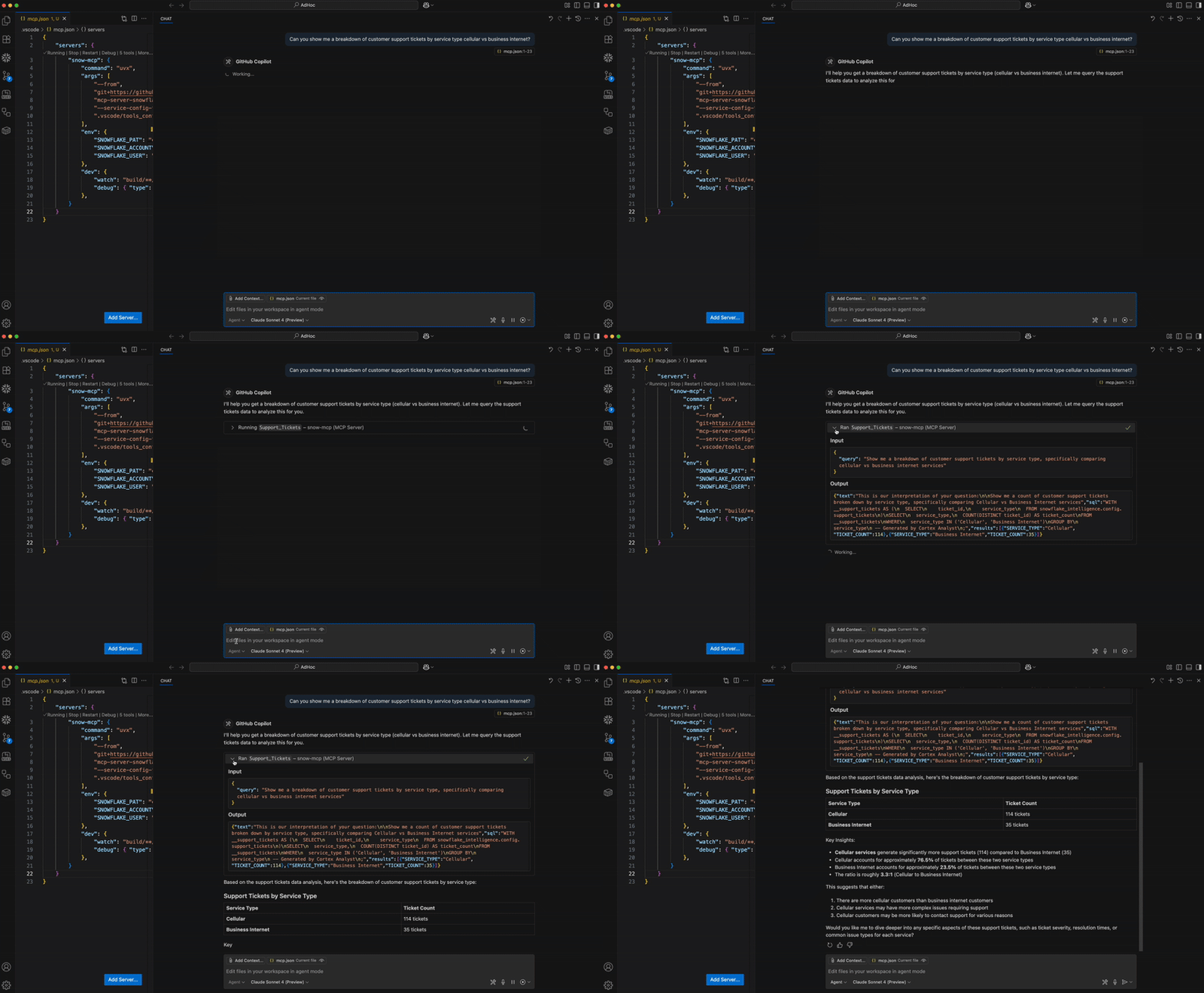
The MCP Inspector is suggested for troubleshooting the MCP server. Run the below to launch the inspector.
`yarn inspector`

OR

`npx @modelcontextprotocol/inspector tsx --env-file .env dist/mcp/MCP.js`
Read More: INSPECTOR.md
Claim this server with your GitHub account to request manual ownership verification.
Link to the catalog listing for Snowflake Cortex AI MCP Server from your README. This badge does not certify ownership, compatibility or security.
[](https://awesome-mcp.com/servers/snowflake-cortex-mcp-server)Public repository statistics could not be verified. Check the configured source address; unavailable counts are not zero.
Separate sources, scopes and periods. Never combined or treated as installations, active users or security reviews.
No reviewed package or image identity; download statistics are not listed yet.
Alternative and complementary servers in the same category
This is a Model Context Protocol (MCP) server for interacting with AIStor object stores.

A Model Context Protocol server that lets AI assistants run SQL queries against AWS Athena databases and retrieve results.

A Model Context Protocol (MCP) server that exposes access to an InfluxDB v2 instance using the InfluxDB OSS API v2.