Contents
- About The Project
- MCP Server
- Installation
- Usage
- Contributing
- License
- Contact
- Acknowledgements
About The Project
StackQL is an open-source project built with Golang that allows you to create, modify and query the state of services and resources across different local and remote interfaces, using SQL semantics. Such interfaces canonically include, but are not limited to, cloud and SaaS providers (Google, AWS, Azure, Okta, GitHub, etc.).
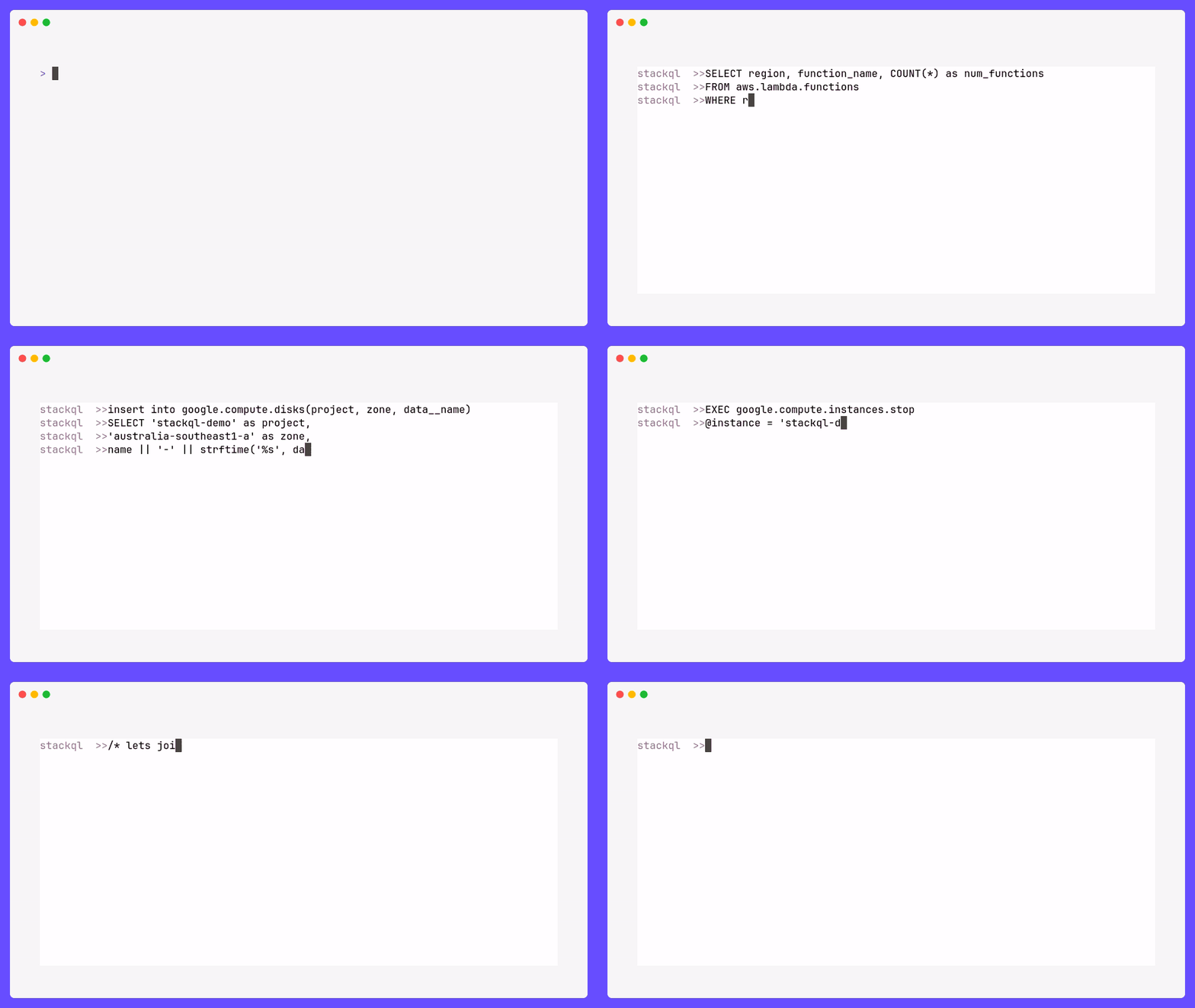
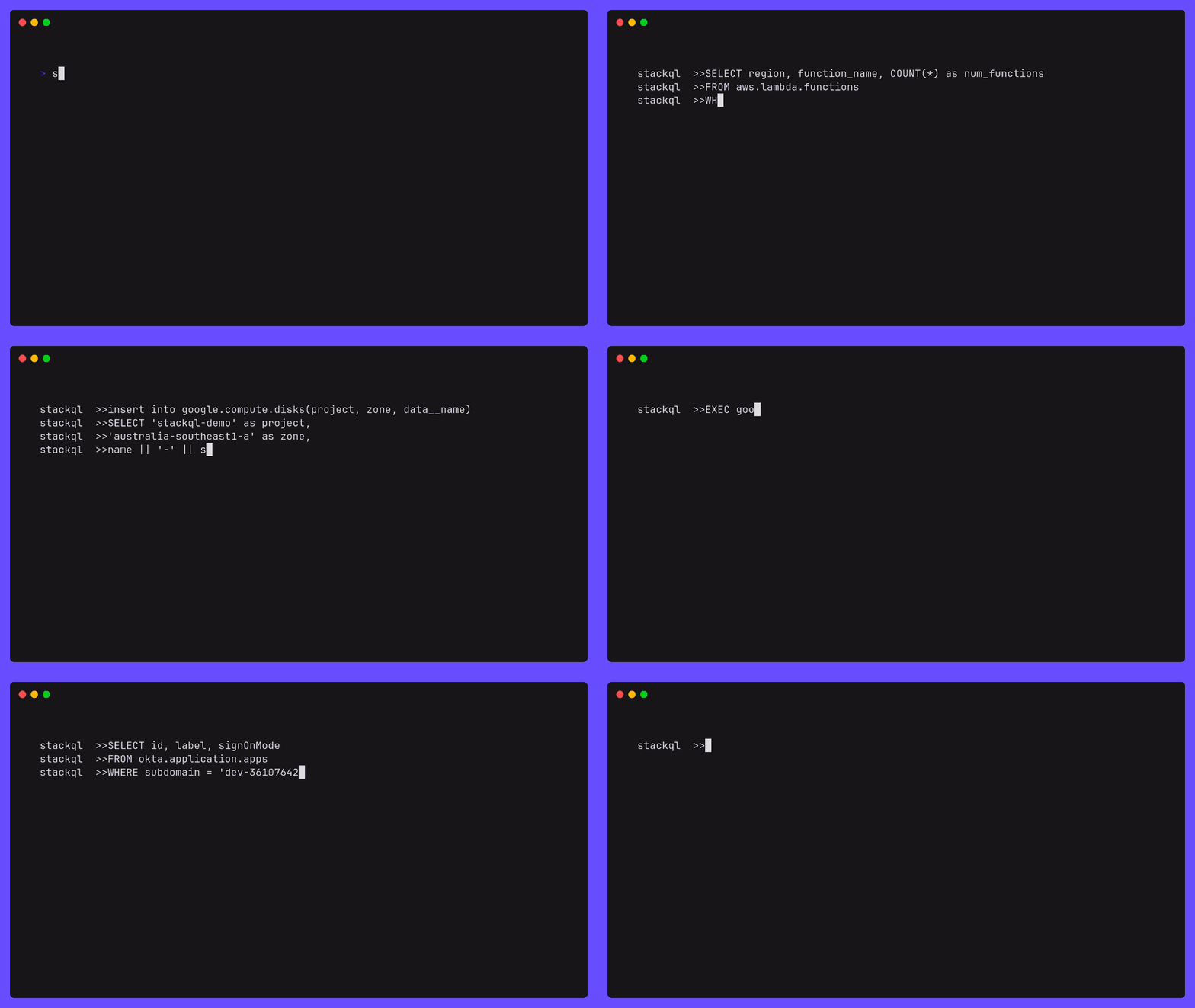
How it works
StackQL is a standalone application that can be used in client mode (via exec or shell) or accessed via a Postgres wire protocol client (psycopg2, etc.) using server mode (srv).
StackQL parses SQL statements and transpiles them into API requests to the (cloud) resource provider. The API calls are then executed and the results are returned to the user.
StackQL provider interfaces are canonically defined in OpenAPI extensions to the providers' specification. These definitions are then used to generate the SQL schema and the API client. The source for the provider definitions are stored in the StackQL Registry. The semantics of provider interactions are defined in our any-sdk library. For more detail on nuts and bolts, please see the local AGENTS.md file and that of any-sdk.
StackQL Context Diagram
The following context diagram describes the StackQL architecture at a high level:
flowchart LR
  subgraph StackQL
    direction BT
    subgraph ProviderDefs
        Registry[Provider Registry Docs]
    end
    subgraph App
        Proc[$ stackql exec\n$ stackql shell\n$ stackql srv]
        style Proc fill:#000,stroke:#000,color:#fff,text-align:left;

        %% ,font-family:'Courier New', Courier, monospace
    end
  end
  User((User)) <--> StackQL <--> Provider[Cloud Provider API]
  ProviderDefs --> App
More detailed design documentation can be found in the here.
MCP Server
StackQL is an MCP server - SQL over 40+ cloud and SaaS providers for AI agents. Point any MCP-capable client (Claude, VS Code, Cursor, etc.) at StackQL and it can query and provision cloud resources using SQL.
Run it over stdio:
stackql mcp --mcp.server.type=stdio
StackQL MCP is published to the Official MCP Registry as io.github.stackql/stackql-mcp and distributed via npm, PyPI, Docker, a GitHub Action and .mcpb bundles. Pick an install vector and add the matching block to your MCP client config:
npm (npx)
{
  "mcpServers": {
    "stackql": {
      "command": "npx",
      "args": ["-y", "@stackql/mcp-server"]
    }
  }
}
PyPI (uvx)
{
  "mcpServers": {
    "stackql": {
      "command": "uvx",
      "args": ["stackql-mcp-server"]
    }
  }
}
Docker
{
  "mcpServers": {
    "stackql": {
      "command": "docker",
      "args": ["run", "-i", "--rm", "stackql/stackql-mcp"]
    }
  }
}
.mcpb bundle
Download the bundle for your platform from the latest release and install it in your MCP client (one-click in clients that support .mcpb).
stackql-mcp-linux-x64.mcpbstackql-mcp-linux-arm64.mcpbstackql-mcp-windows-x64.mcpbstackql-mcp-darwin-universal.mcpb
GitHub Actions
Wire StackQL MCP into agentic CI workflows. Defaults to read_only mode, the safe default for CI.
- uses: stackql/setup-stackql-mcp@v1
  with:
    mode: read_only
For client-specific setup, authentication and server modes, see the full MCP install and usage docs.
Installation
StackQL is available for Windows, MacOS, Linux, Docker, GitHub Actions and more. See the installation instructions below for your platform.
Installing on MacOS
- Homebrew (
amd64 and arm64)
brew install stackql or brew tap stackql/tap && brew install stackql/tap/stackql
- MacOS PKG Installer (
amd64 and arm64)
Installing on Windows
- MSI Installer
- Chocolatey
- ZIP Archive
- download the latest Windows ZIP archive for StackQL
- extract the archive (code signed
stackql.exe file) to a directory of your choice
- add the directory to your
PATH environment variable (optional)
Installing on Linux
- ZIP Archive
- download the latest Linux ZIP archive for StackQL
- or via
curl -L https://bit.ly/stackql-zip -O && unzip stackql-zip
- extract the archive (
stackql file) to a directory of your choice
- add the directory to your
PATH environment variable (optional)
Getting StackQL from DockerHub
View all available StackQL images on DockerHub. Images available include stackql, stackql-jupyter-demo and more. Pull the latest StackQL base image using:
docker pull stackql/stackql
Want findings, not infrastructure? Run a read-only cross-cloud security &
FinOps audit with the standard image in one command — see the
Docker audit quickstart.
Using StackQL with GitHub Actions
Use StackQL in your GitHub Actions workflows to automate cloud infrastructure provisioning, IaC assurance, or compliance/security. Available GitHub Actions include: setup-stackql, stackql-exec and more
Usage
Caller authentication and permissions: configuration and
four tested walkthroughs.
StackQL can be used via the interactive REPL shell, or via the exec command or ran as a server using the Postgres wire protocol.
For provider authentication, StackQL uses the provider's default configuration when no --auth override is supplied. Set the environment variables required by the provider before running queries. For example, AWS uses AWS_ACCESS_KEY_ID and AWS_SECRET_ACCESS_KEY. See provider authentication examples.
ℹ️ StackQL does not require or install a database.
-
Interactive Shell
# run interactive stackql queries
stackql shell
-
Execute a statement or file
stackql exec -i myscript.iql --iqldata vars.jsonnet --output json

# or

stackql exec "SELECT id, status FROM aws.ec2.instances WHERE region = 'us-east-1'"
ℹ️ output options of json, csv, table and text are available for the exec command using the --output flag
ℹ️ StackQL supports passing parameters using jsonnet or json, see Using Variables
-
Server
# serve client requests over the Postgres wire protocol (psycopg2, etc.)
# clients are not authenticated unless mTLS is configured via --pgsrv.tls, so keep the listener on loopback otherwise
stackql srv --pgsrv.address=127.0.0.1
To override a provider's default authentication, supply an auth JSON object with --auth, for example stackql shell --auth="${AUTH}".
For more examples, please check our Blog
Contributing
Contributions are welcome and encouraged. For more information on how to contribute, please see our contributing guide.
License
Distributed under the MIT License. See LICENSE for more information. Licenses for third party software we are using are included in the /docs/licenses directory.
Get in touch with us via Twitter at @stackql, email us at info@stackql.io or start a conversation using discussions.
Acknowledgements
Forks of the following support our work:
We gratefully acknowledge these pieces of work.