
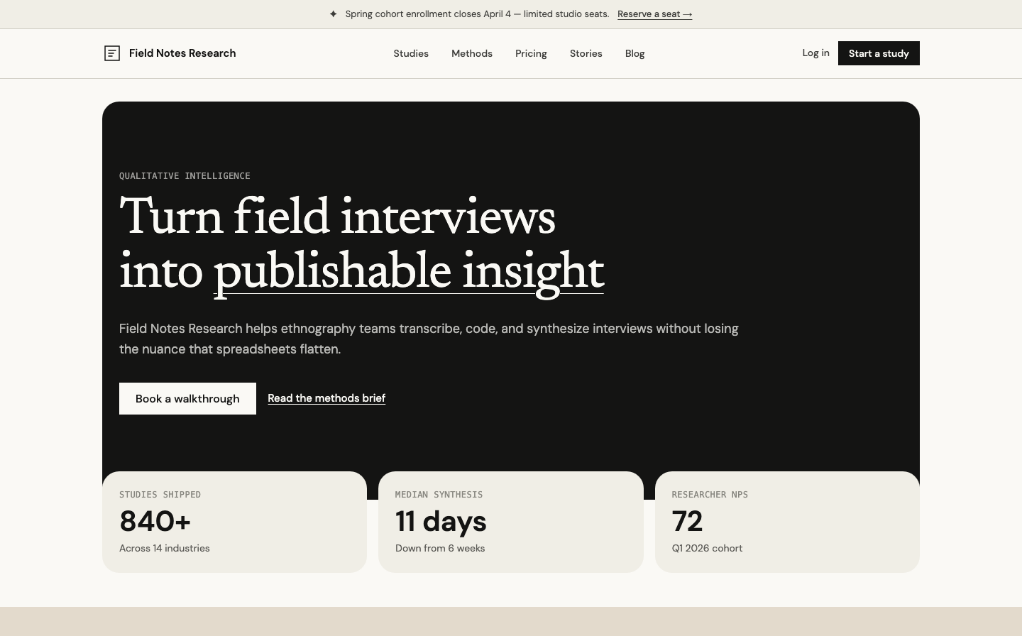
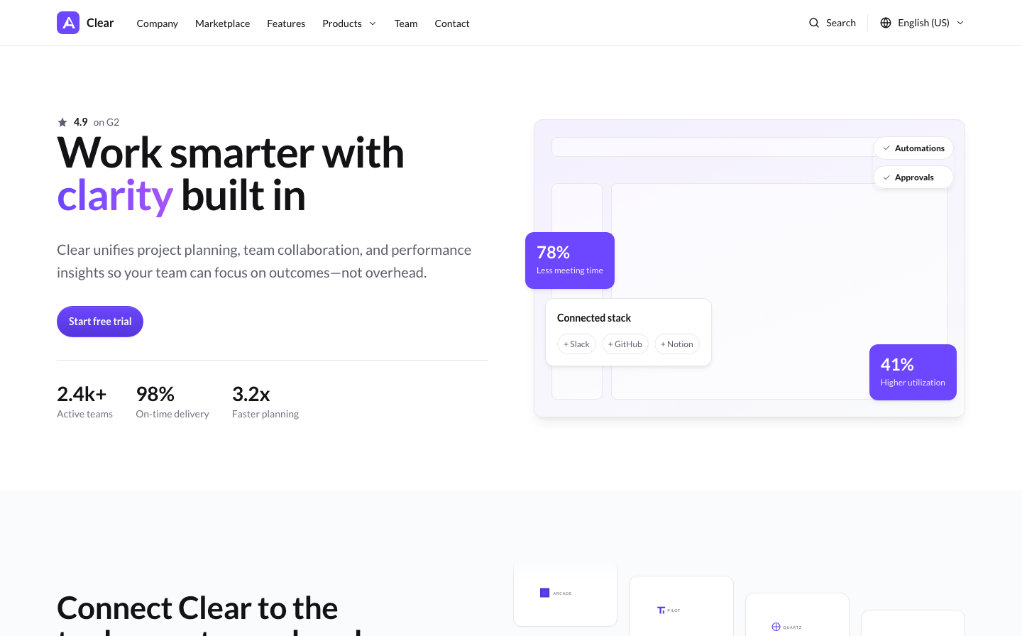
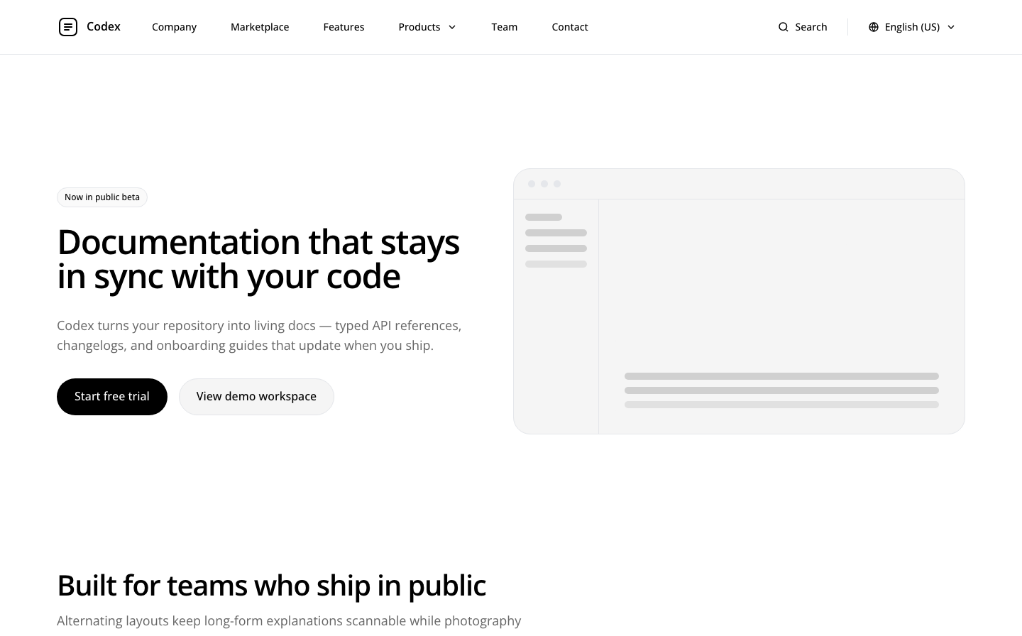
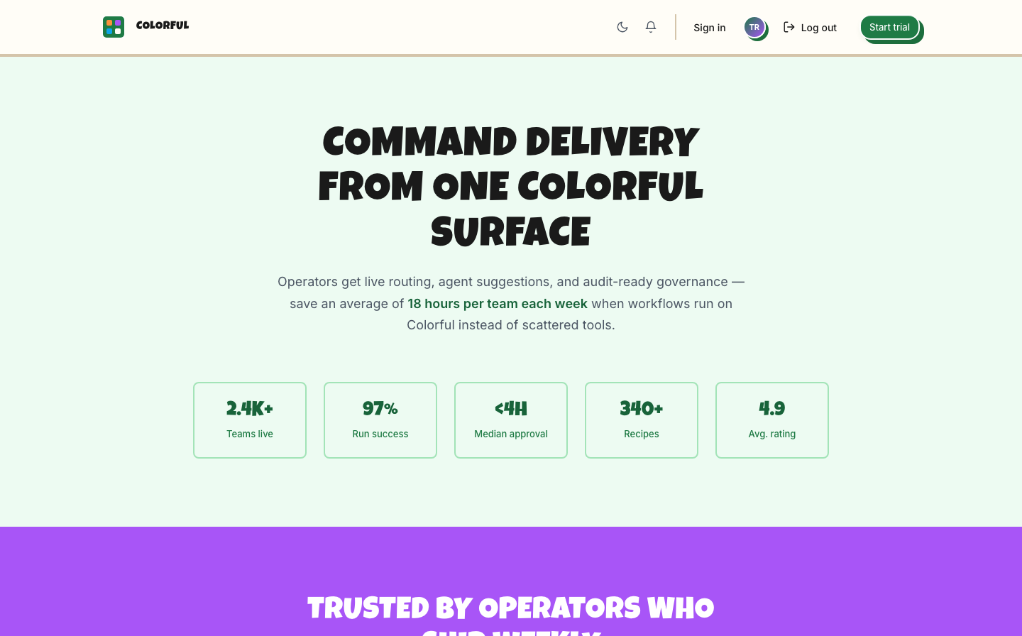

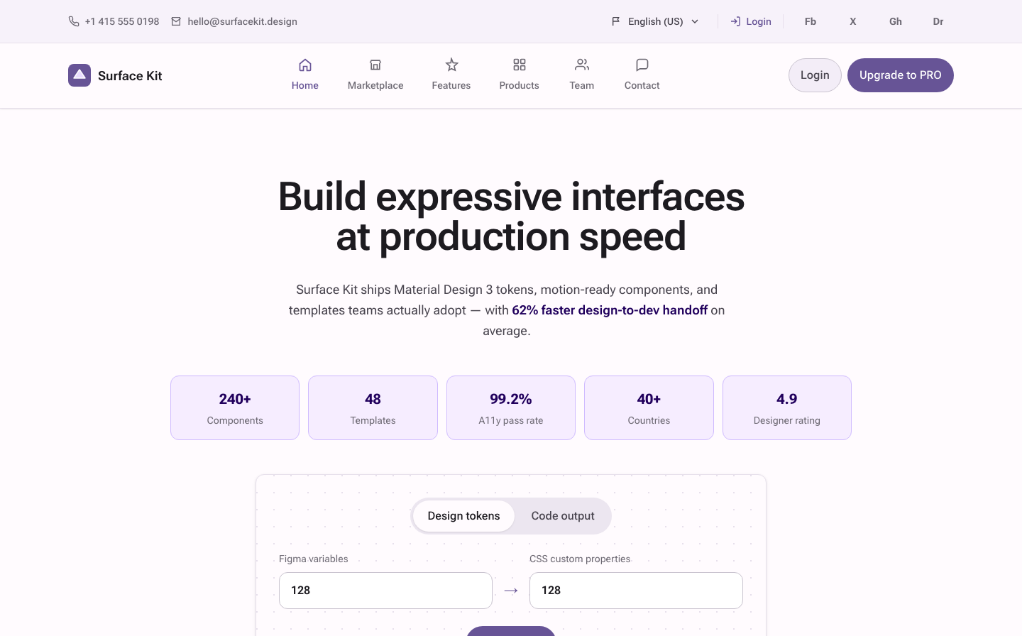
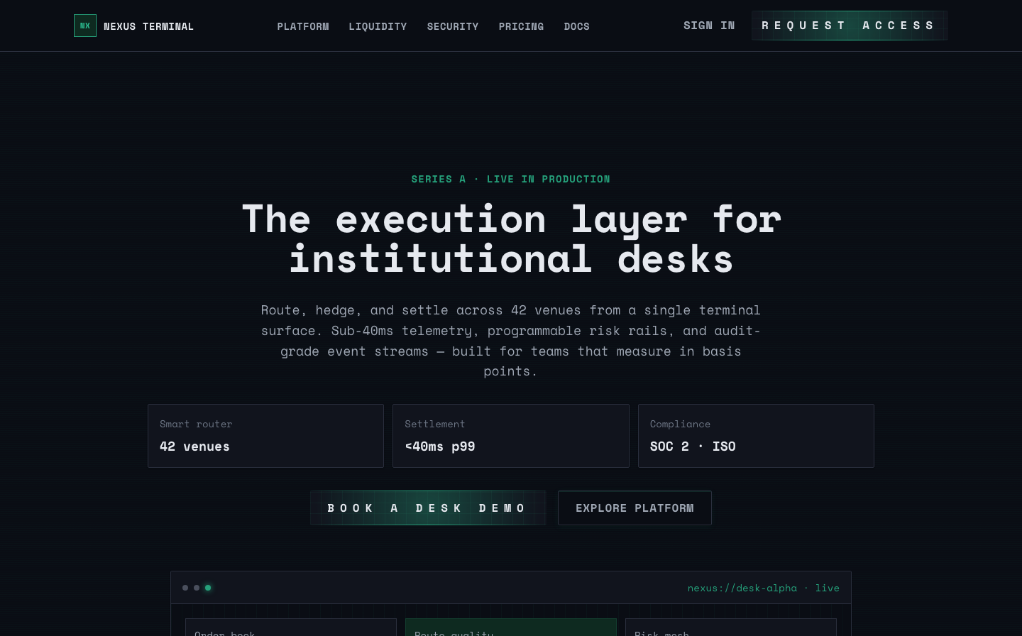
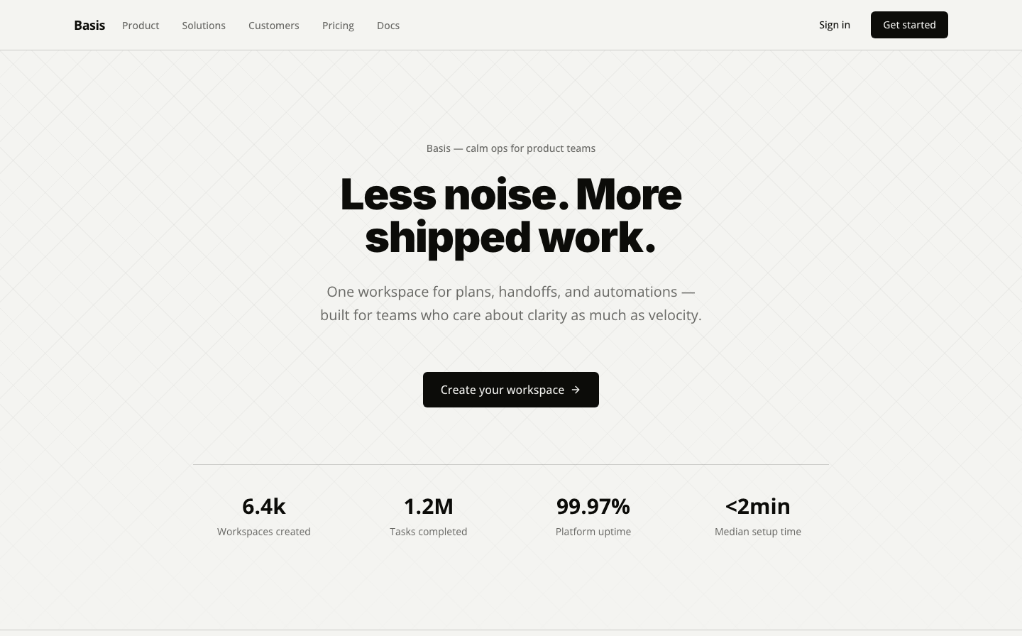
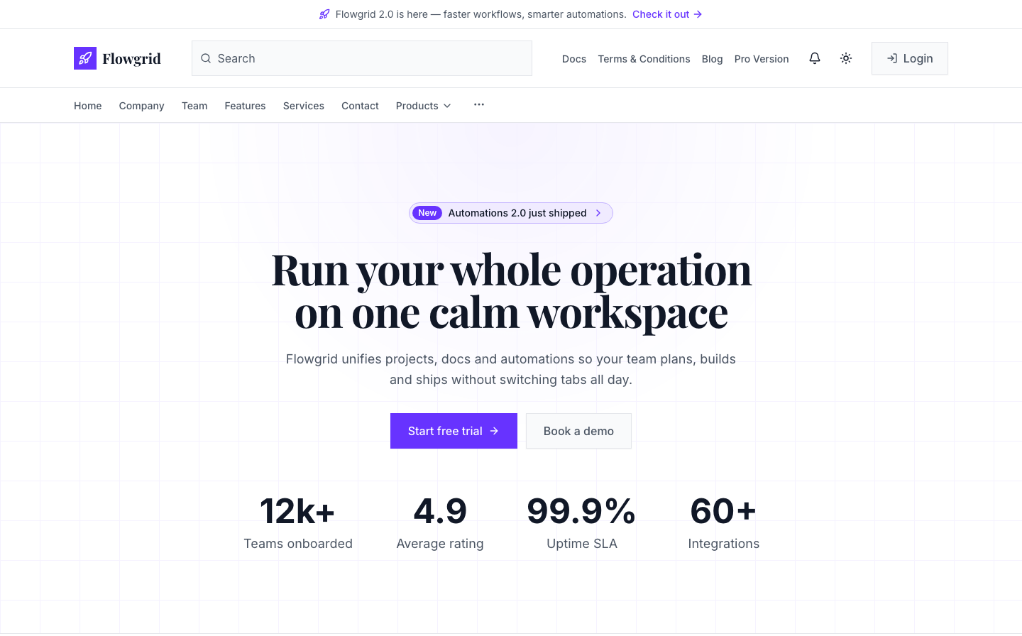


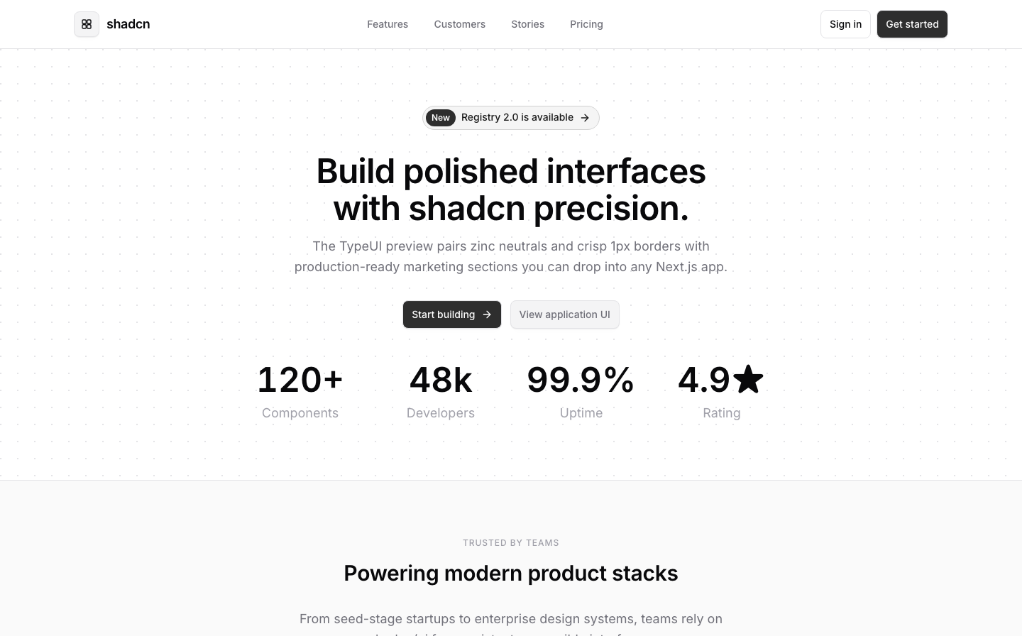
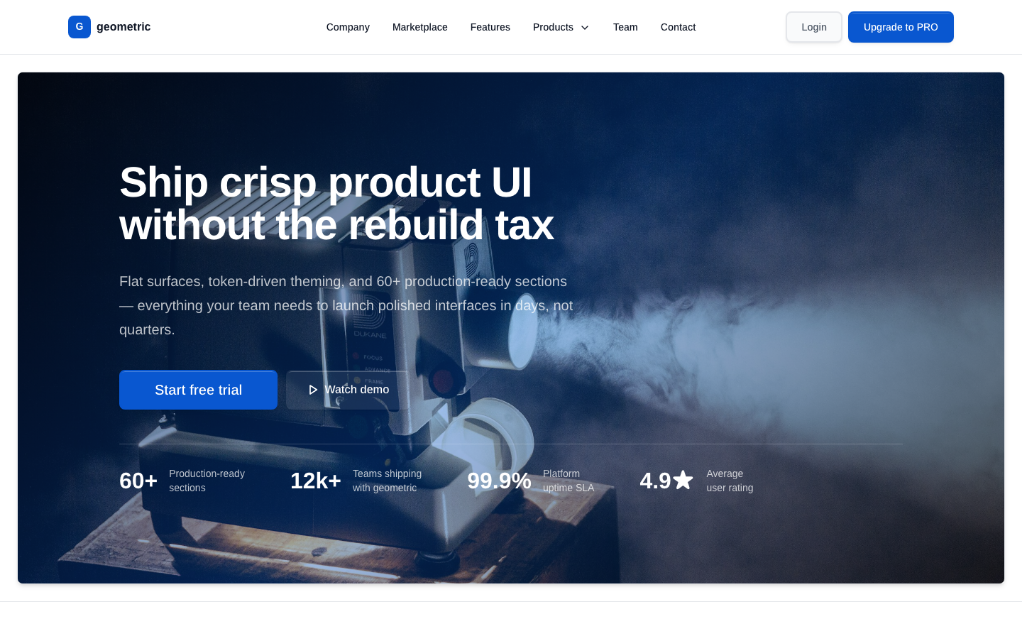
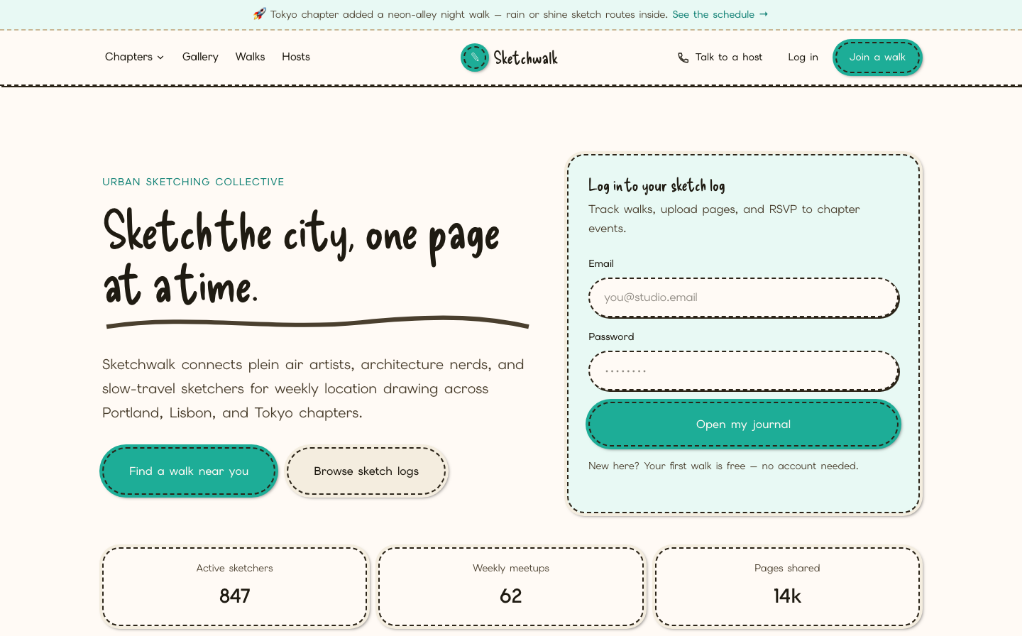
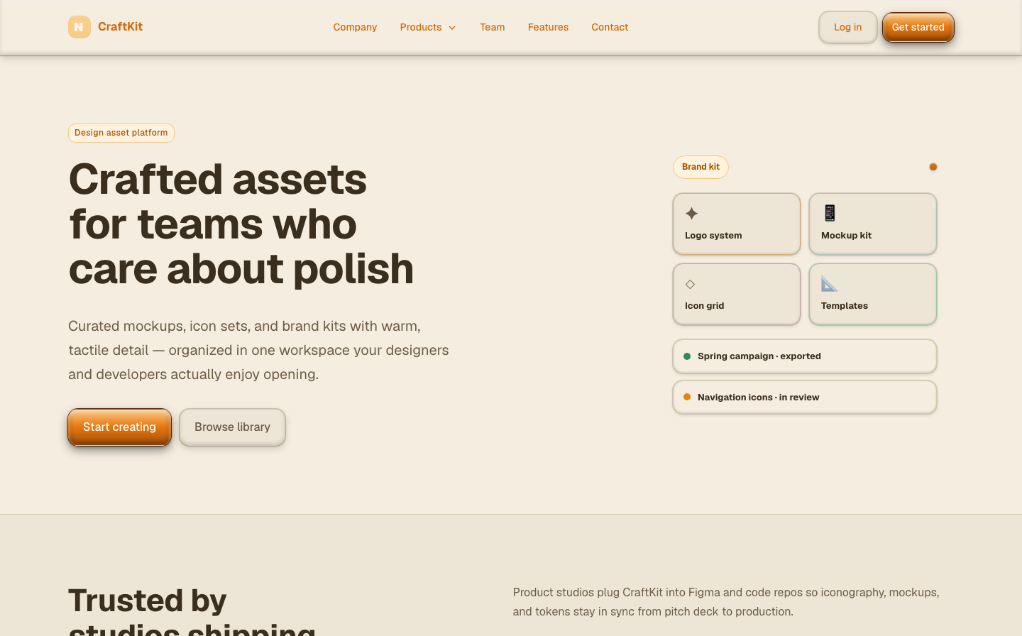


A directory listing describing a cancellation-letter and mailing-address service. The configured public GitHub repository returned 404 during source verification.
Repository stats unavailable
Developer Tools
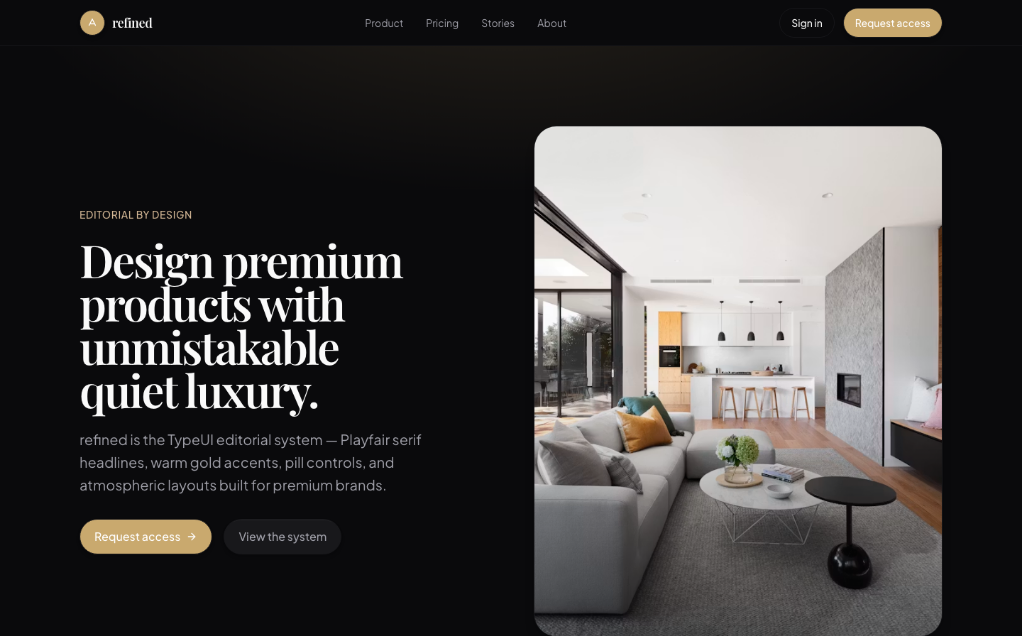
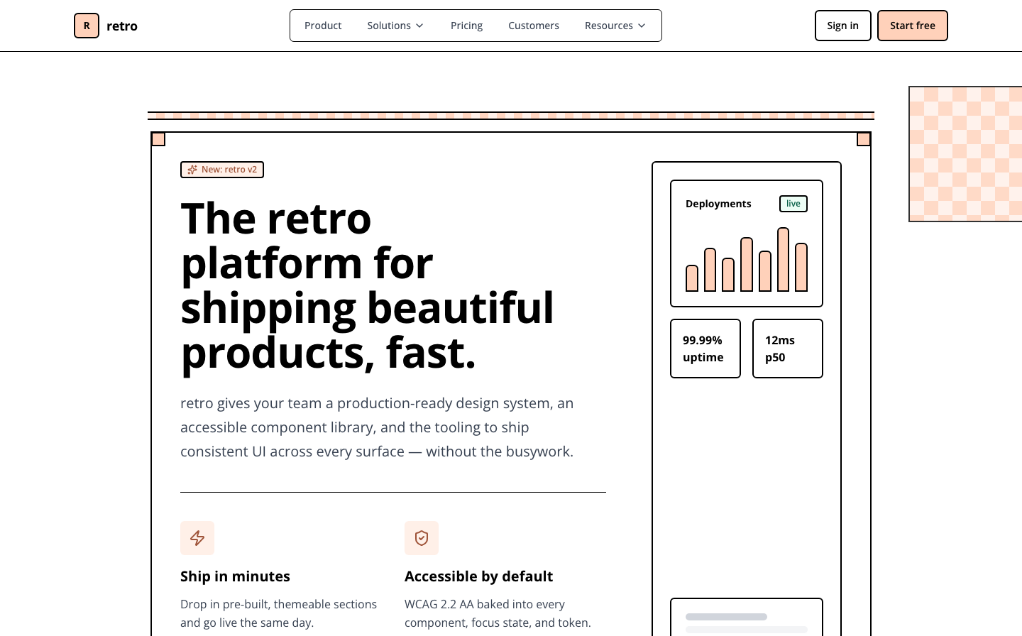
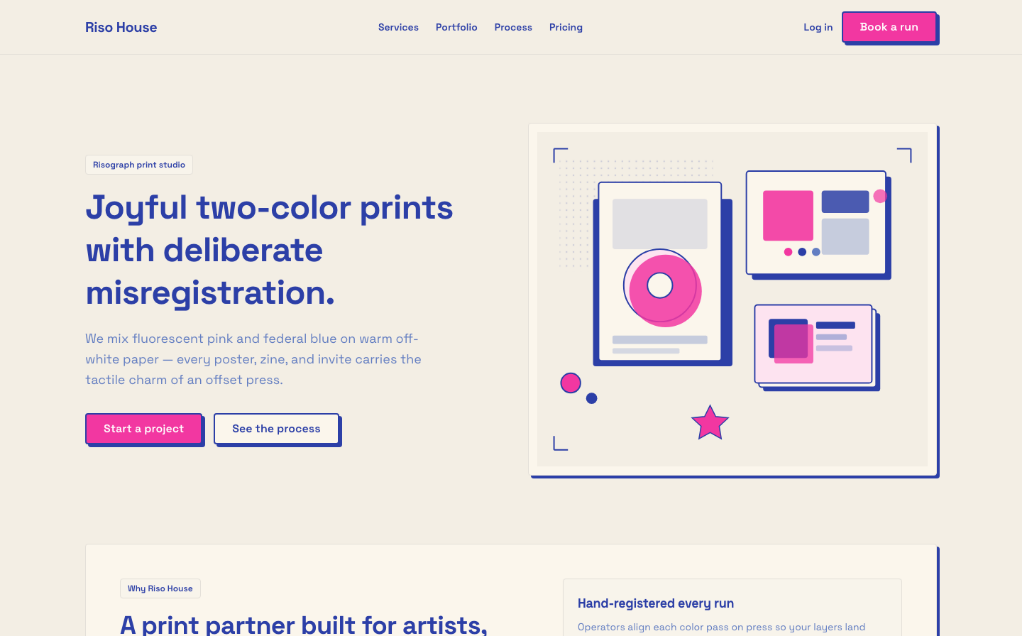
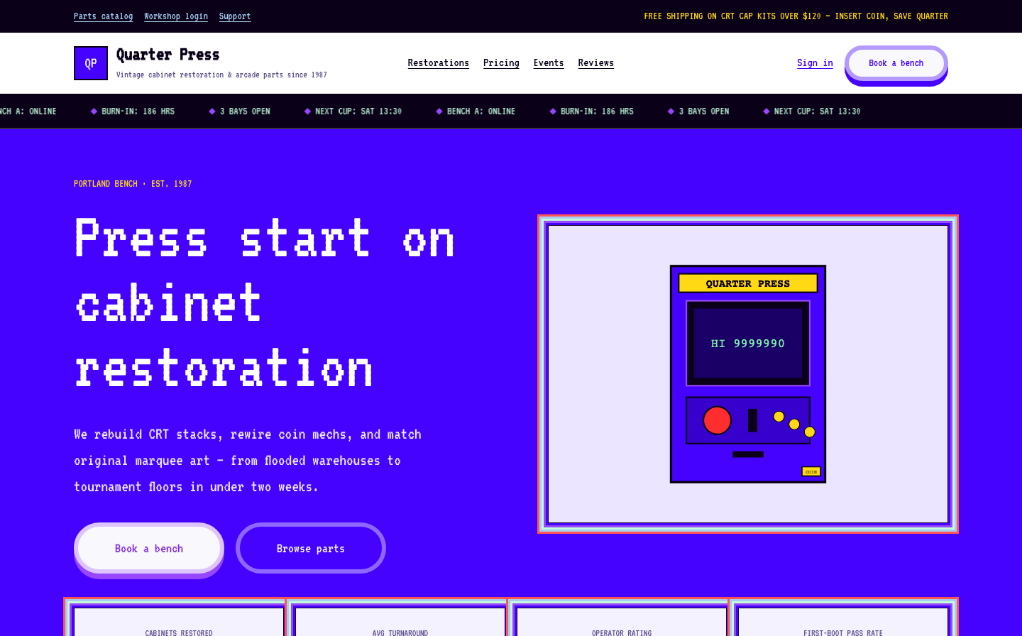
TypeUI offers a hosted MCP server that gives AI coding tools access to curated design systems, UI prompts, and layout variation guidance for generating and refining user interfaces.
TypeUI MCP is cataloged as an MCP server attributed to bergside. TypeUI offers a hosted MCP server that gives AI coding tools access to curated design systems, UI prompts, and layout variation guidance for generating and refining user interfaces. It is categorized under developer tools. See the capability inspector for recorded interfaces and their independent review status; consult upstream documentation for the current interface.
Installation configuration is not reviewed. No executable setup is offered for this entry; inspect the source repository before proceeding.
Catalog license label: MIT License. Check the source repository's current license and terms before using, modifying or distributing this software.
Capability definitions are not reviewed. Unreviewed imports are not exposed as trusted interfaces.
No reviewed records to display. This does not establish that upstream lacks this capability.
No reviewed records to display. This does not establish that upstream lacks this capability.
No reviewed records to display. This does not establish that upstream lacks this capability.
Email delivery is not connected. This page does not collect email addresses or create subscriptions.
Browse the registry for current listings instead.
Reviews for TypeUI MCP are not available yet
Review publishing and storage are not connected. This page does not collect or publish ratings or comments, including after sign-in.
The repository states its resources work with any AI provider that supports markdown files or general prompting.
Yes; a pro version offers enhanced design skill files, UI prompts for layouts, and a private Discord community.
README.md · efc5f21dff38 · Fetched 2026-11-13 11:05:10 UTC
Original upstream text, without AI rewriting. Scripts, forms and unsafe links are filtered for safety.
Showing the last retrieved documentation snapshot; check the source for current changes.
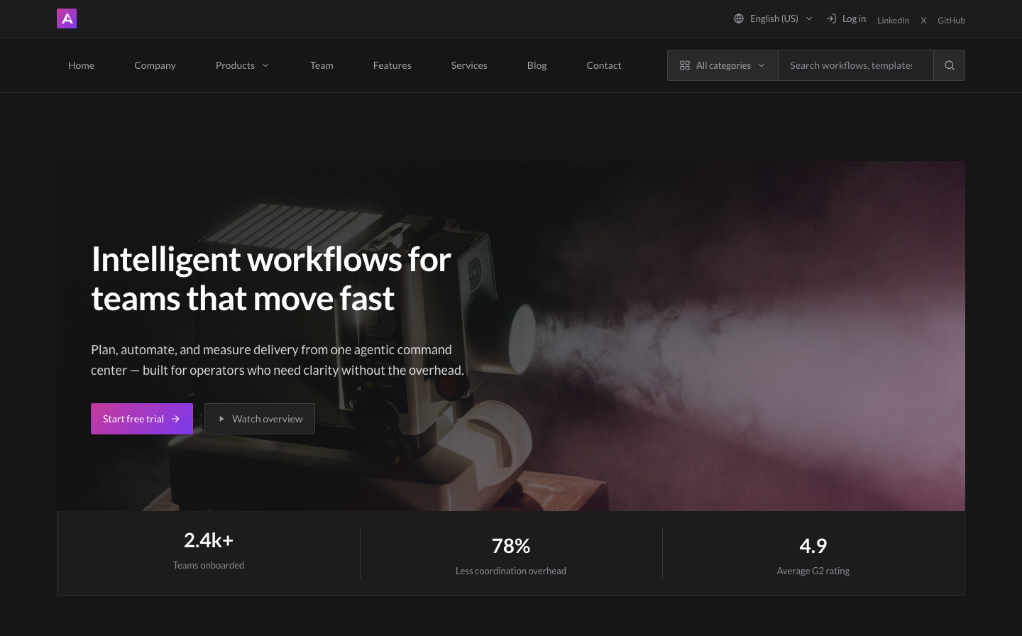
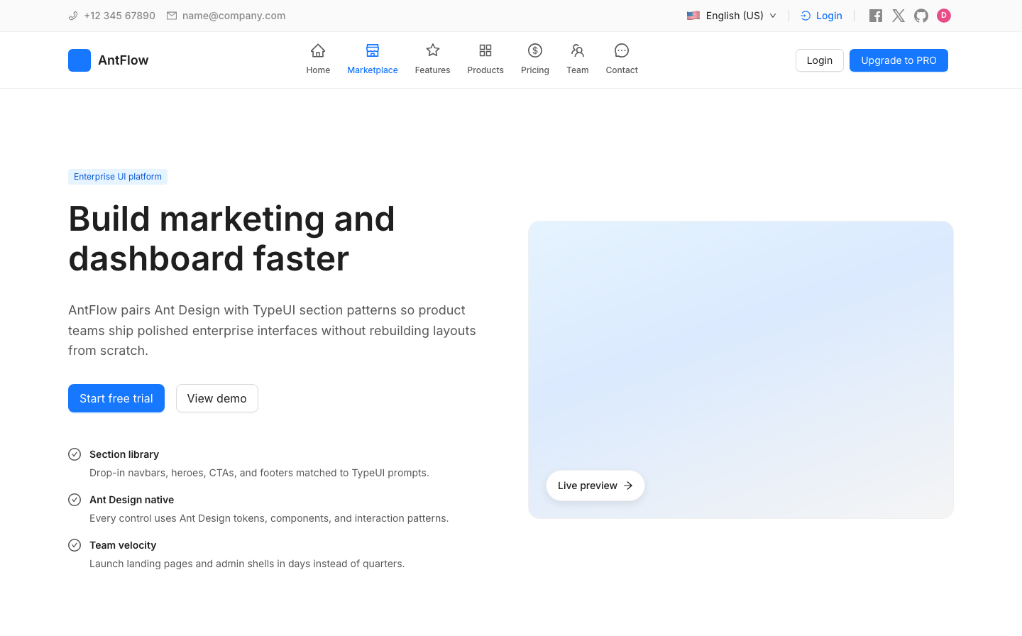
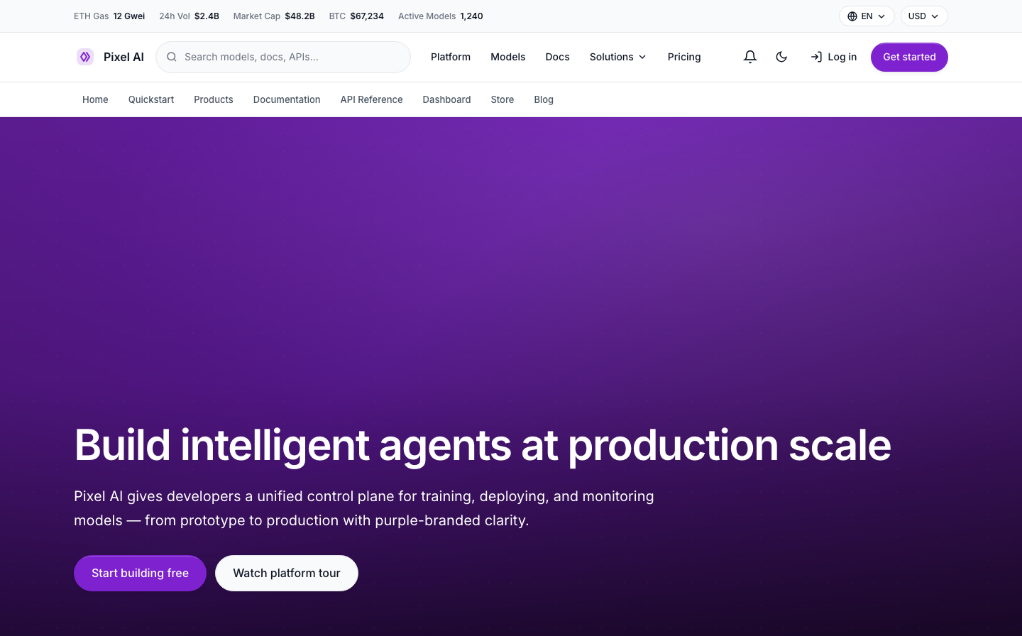
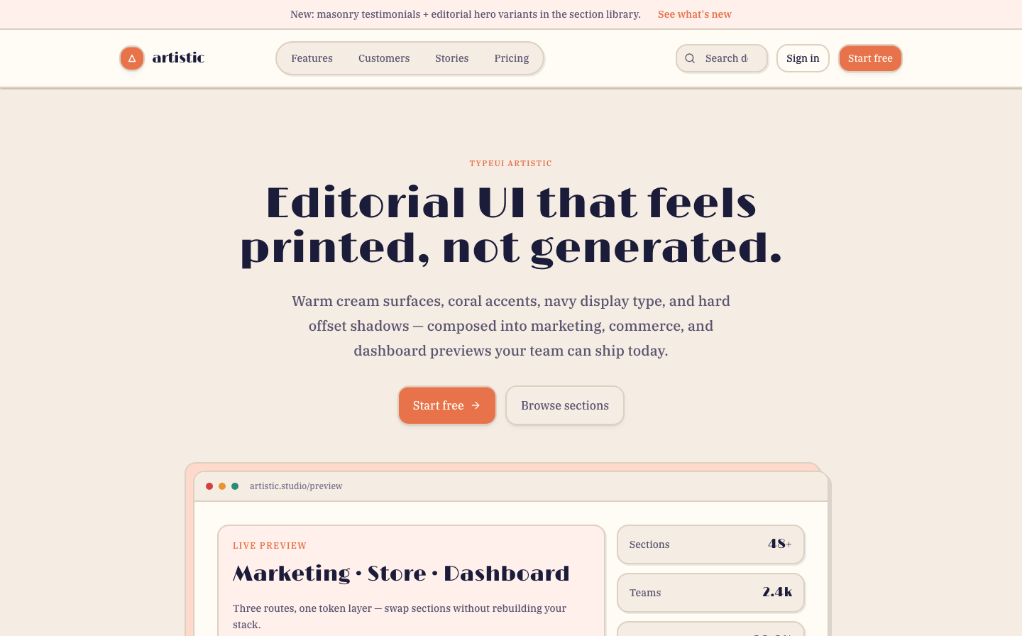
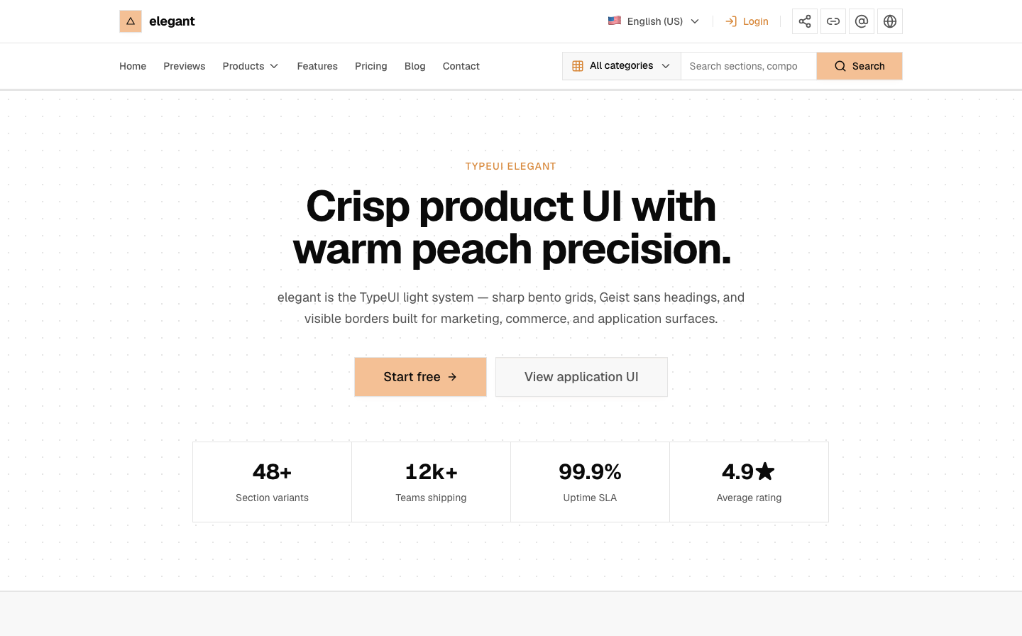
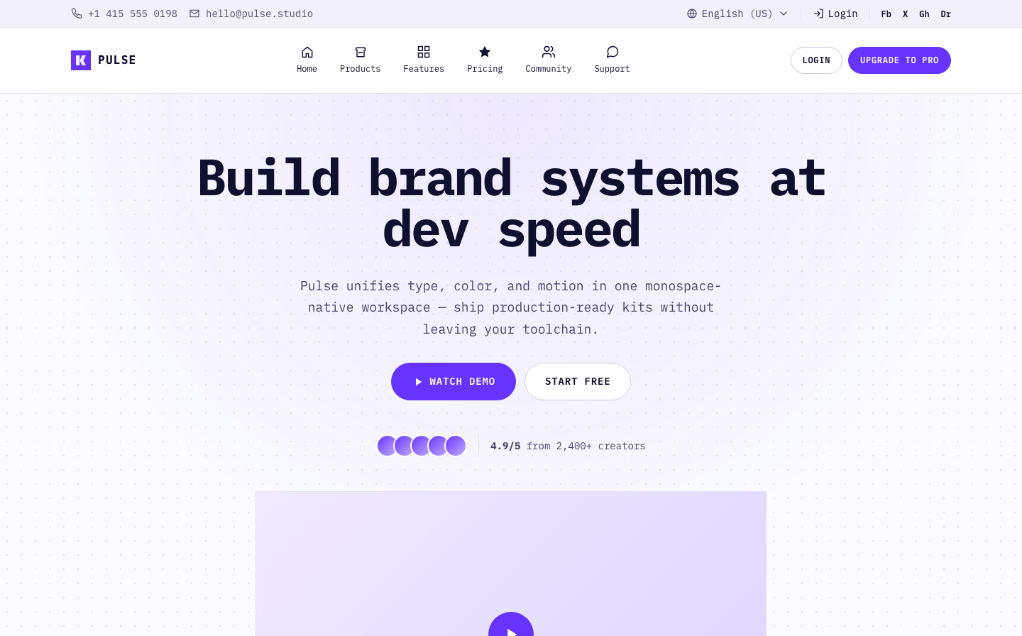
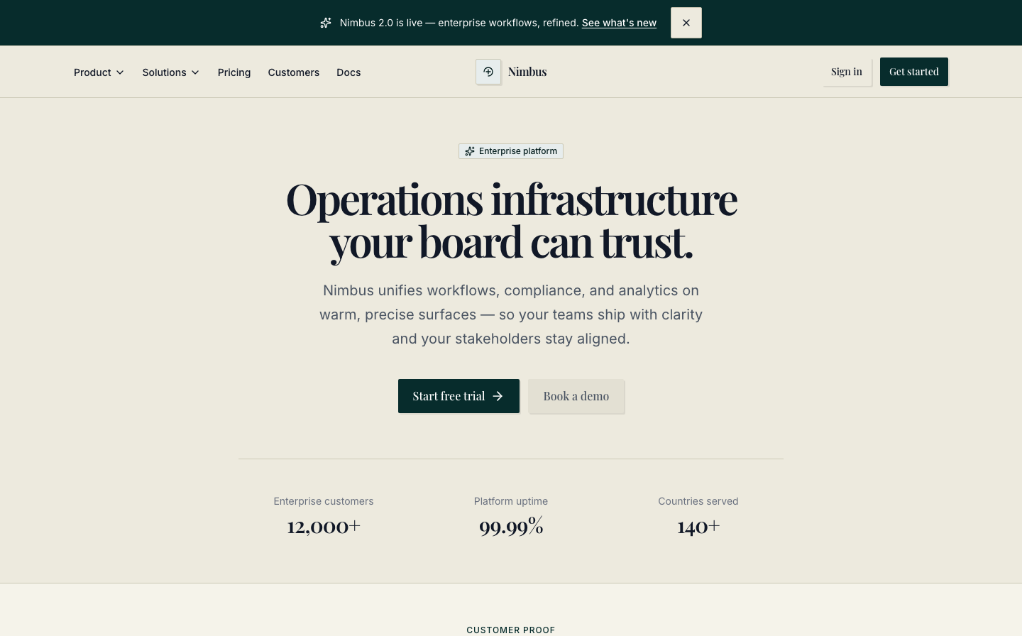
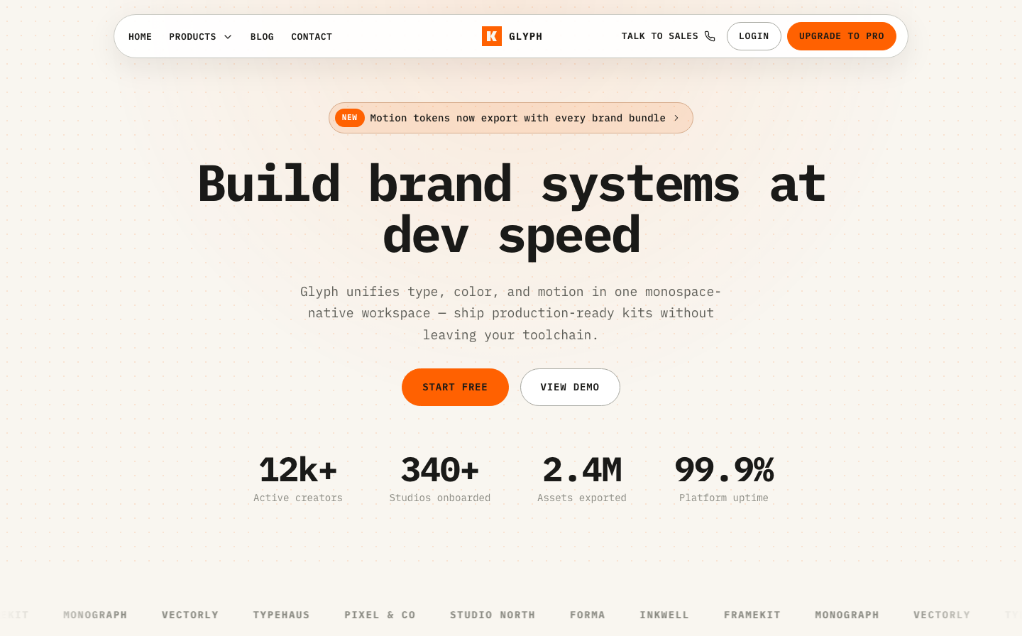
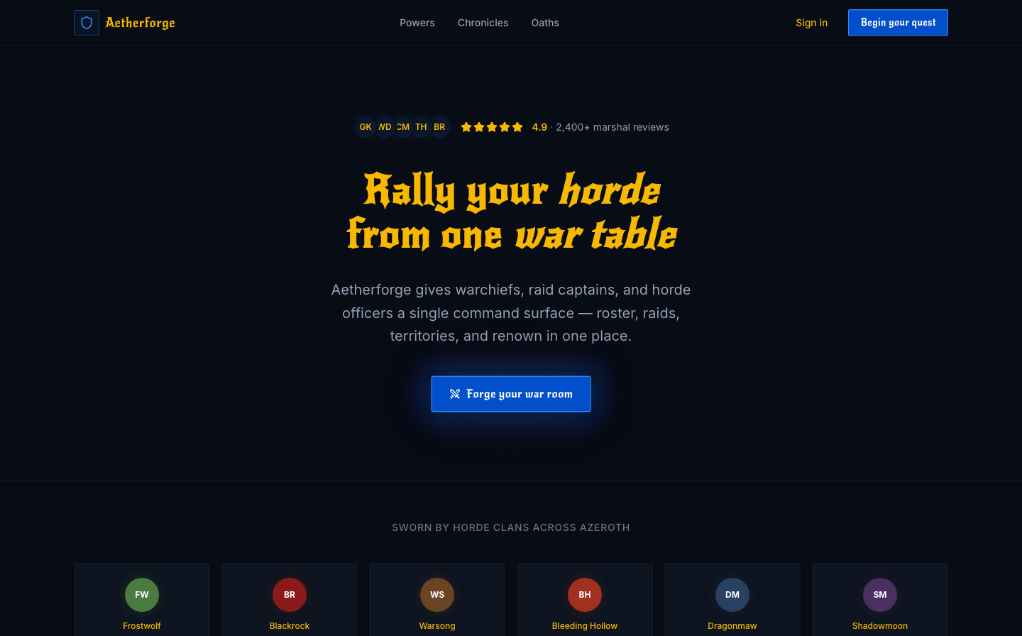
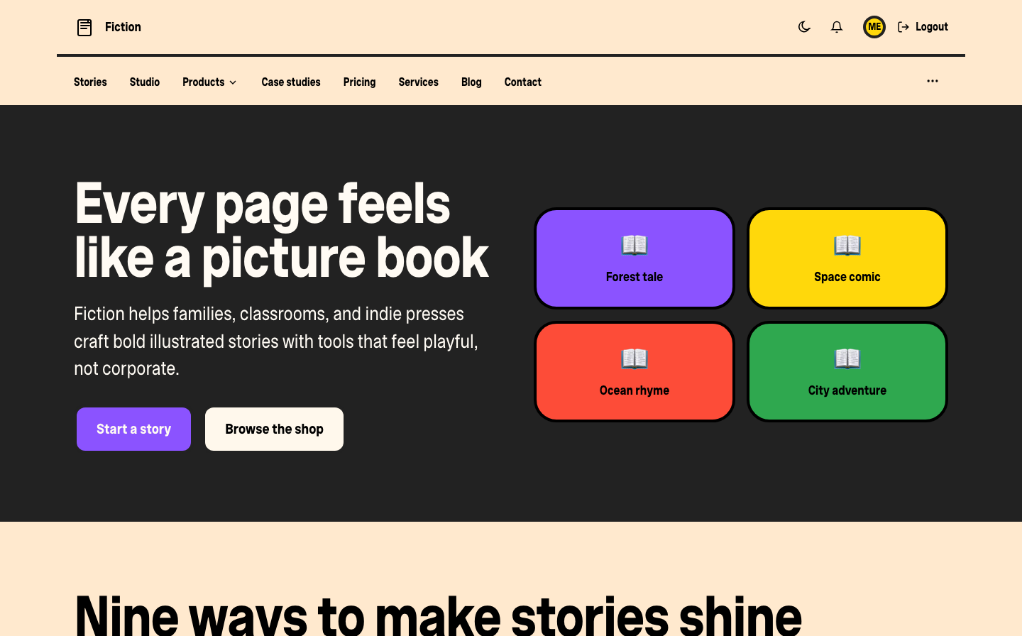
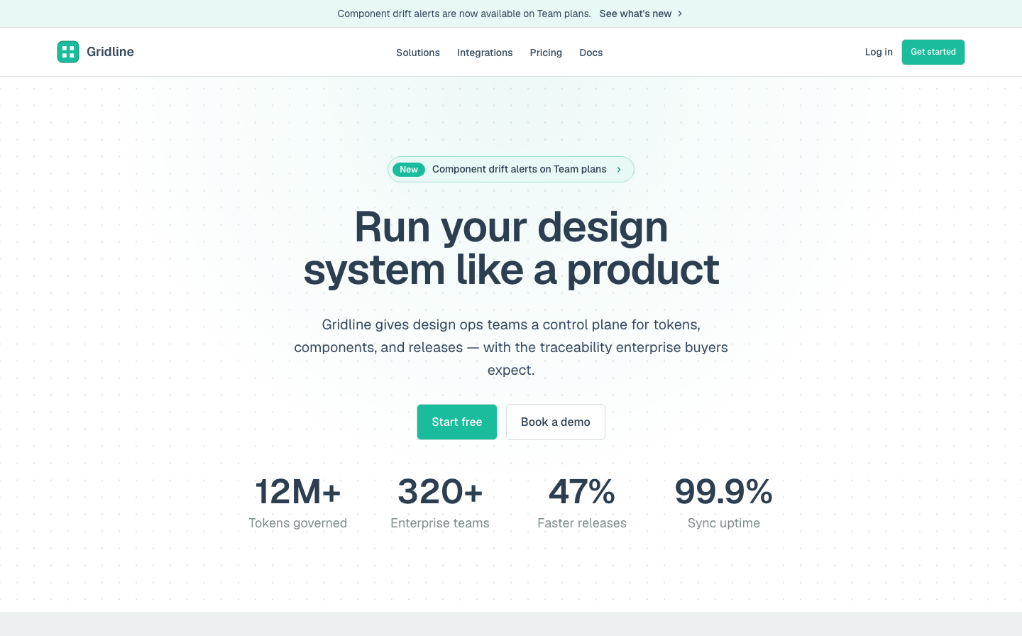
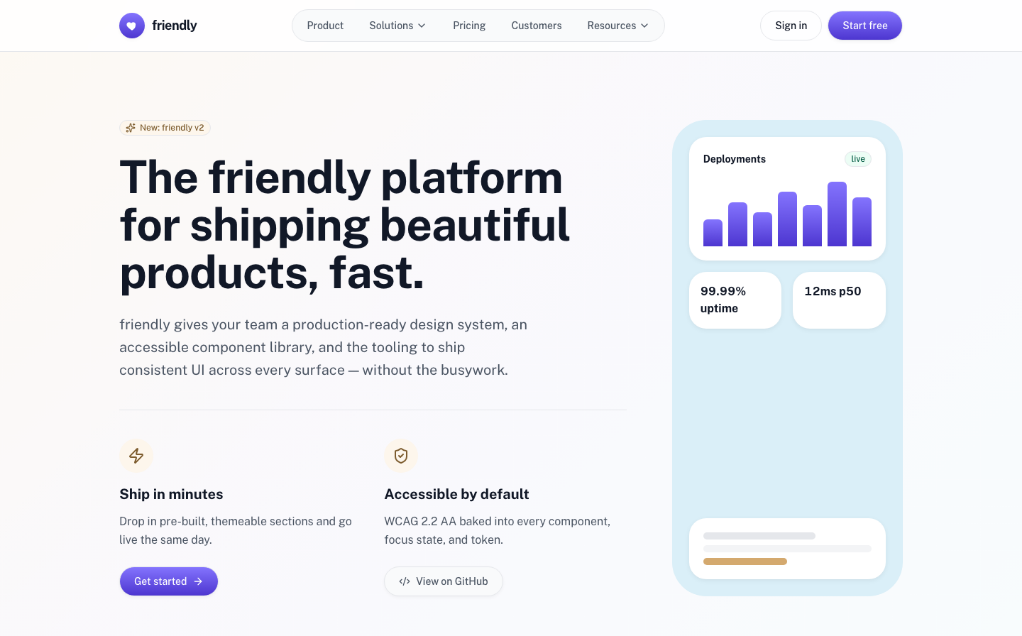
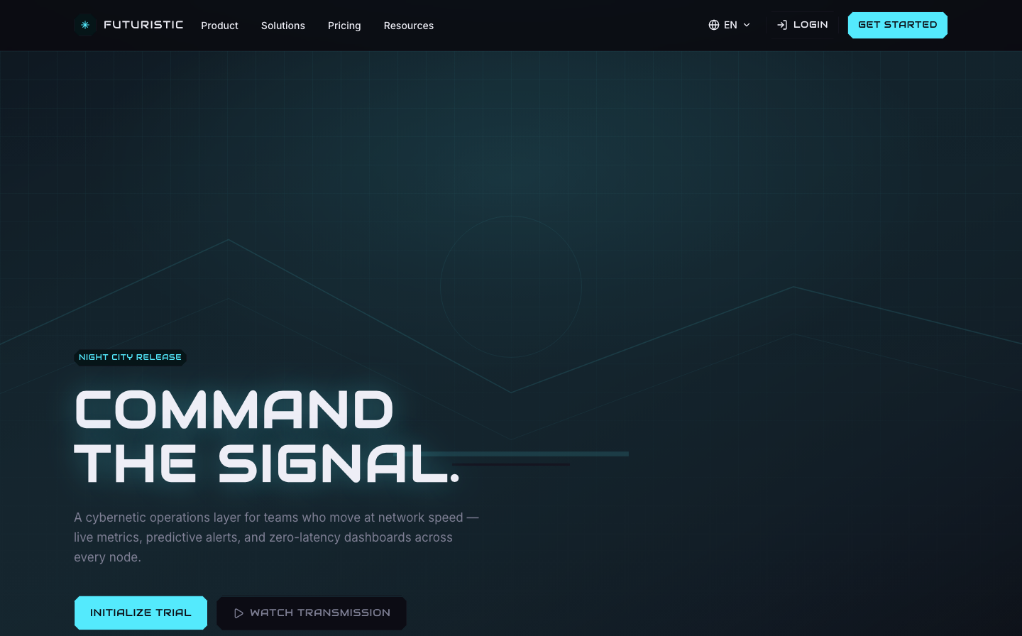
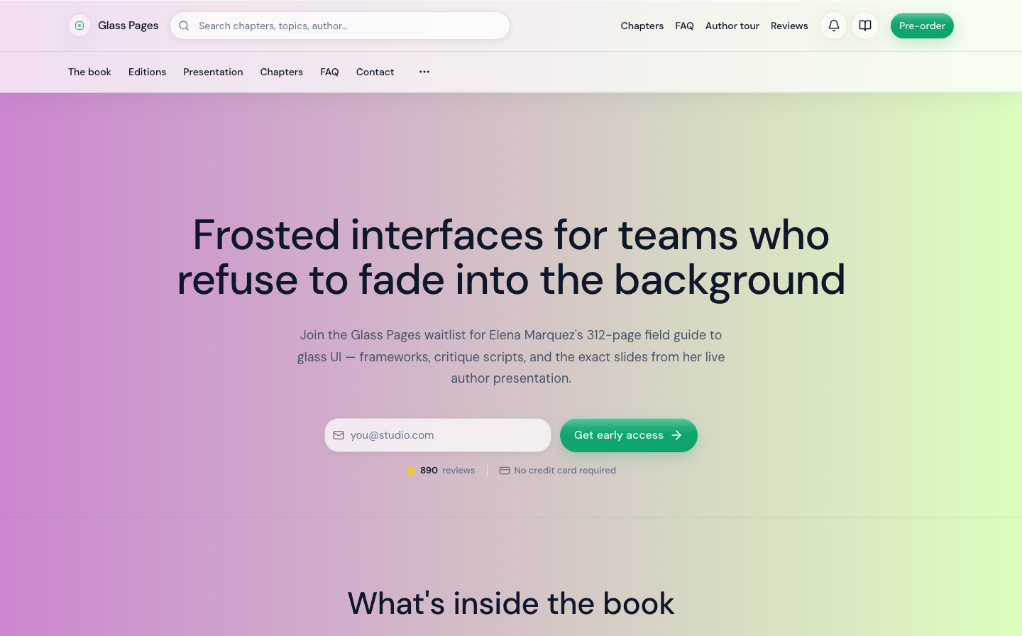
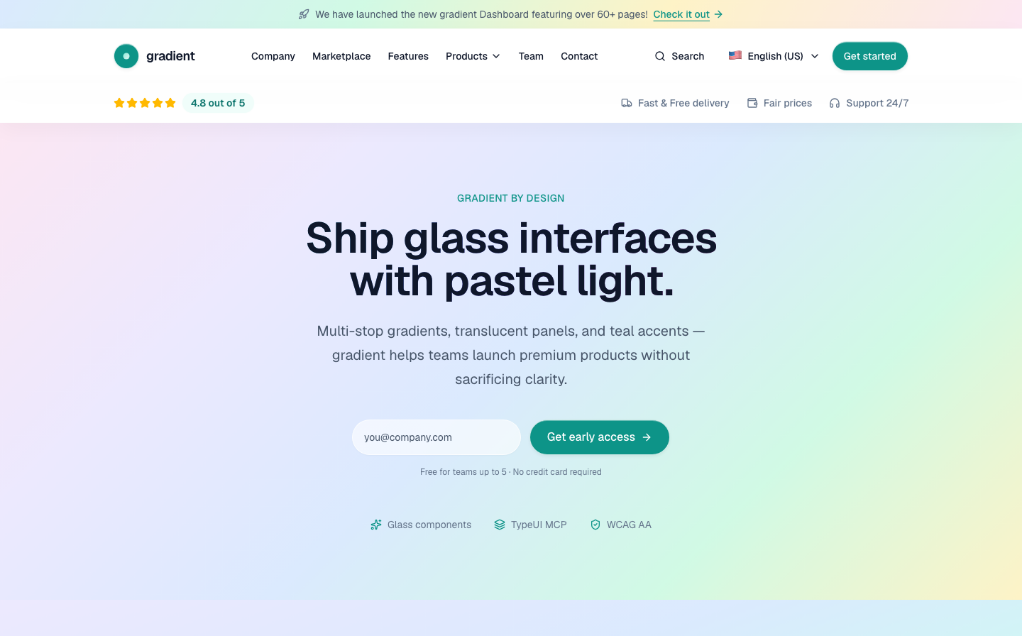
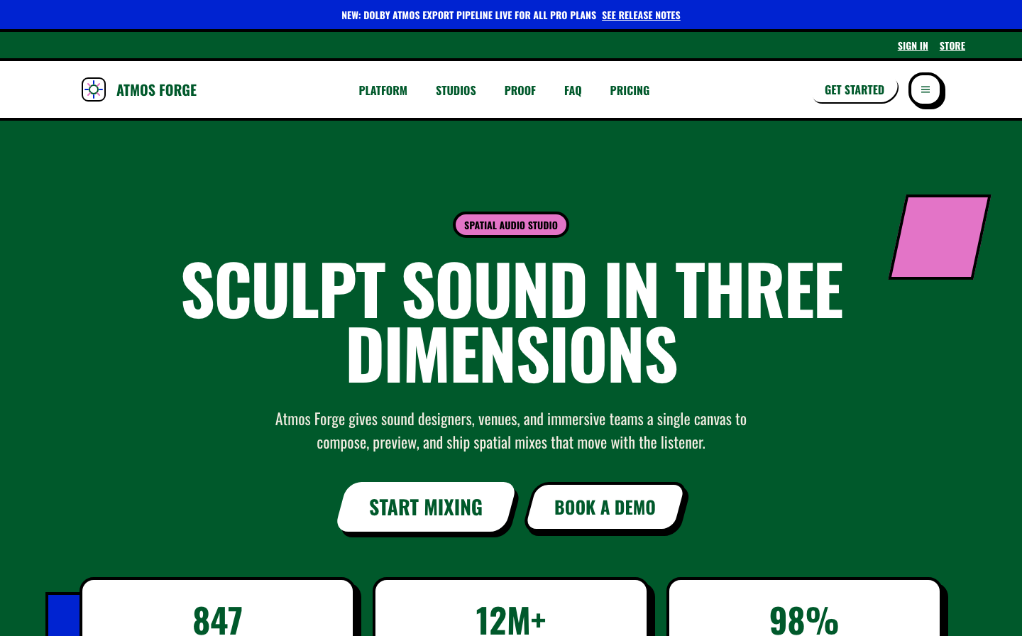
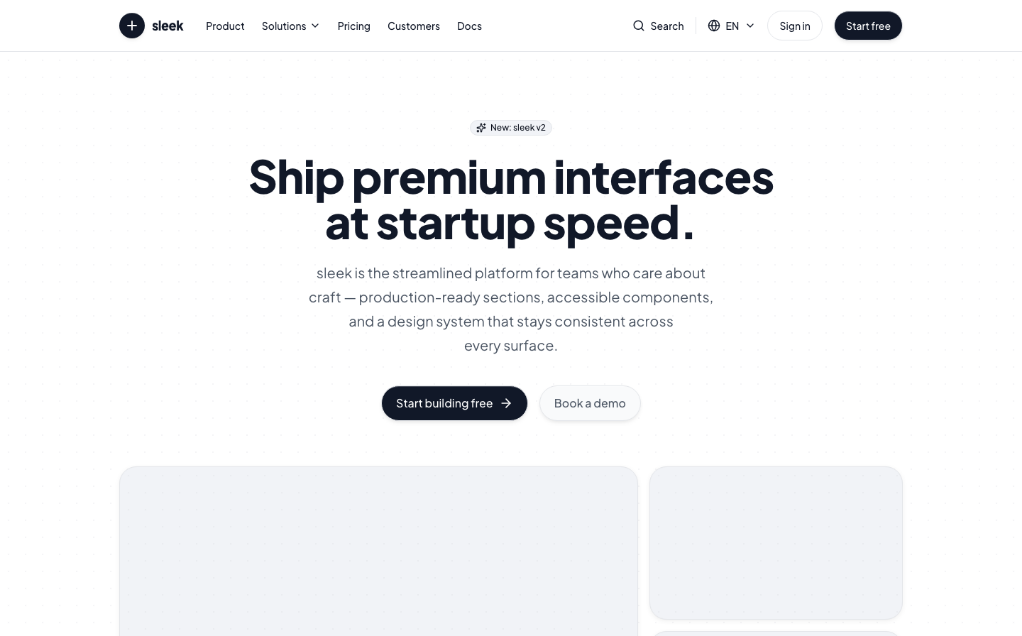
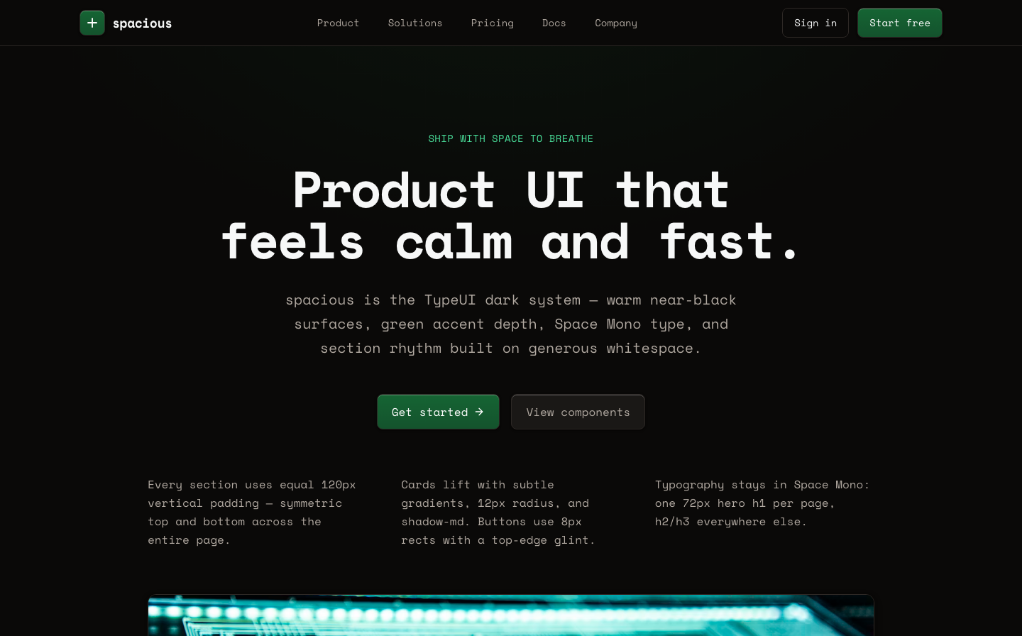
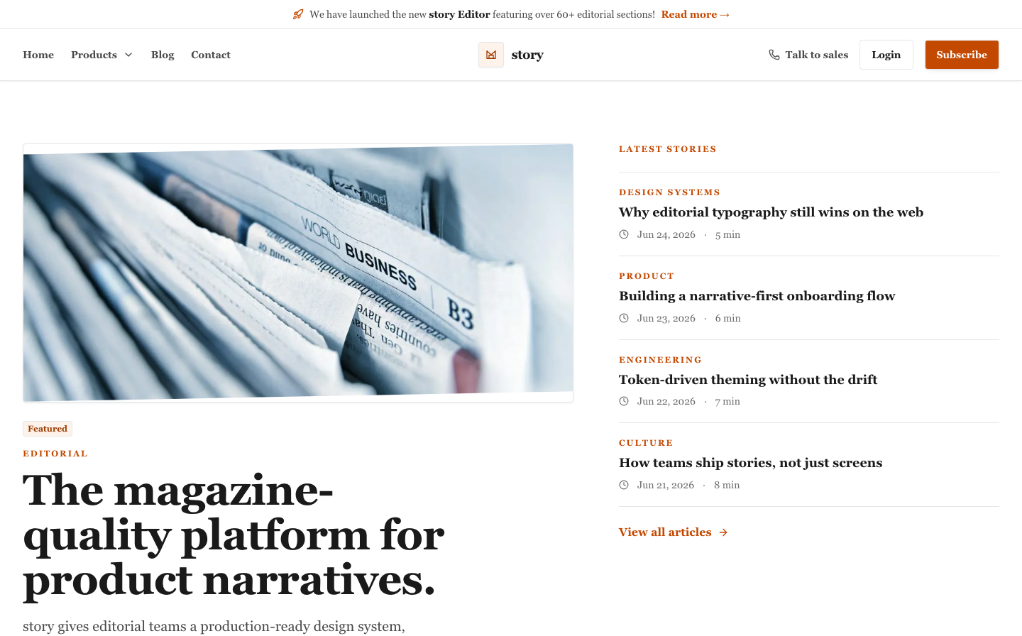
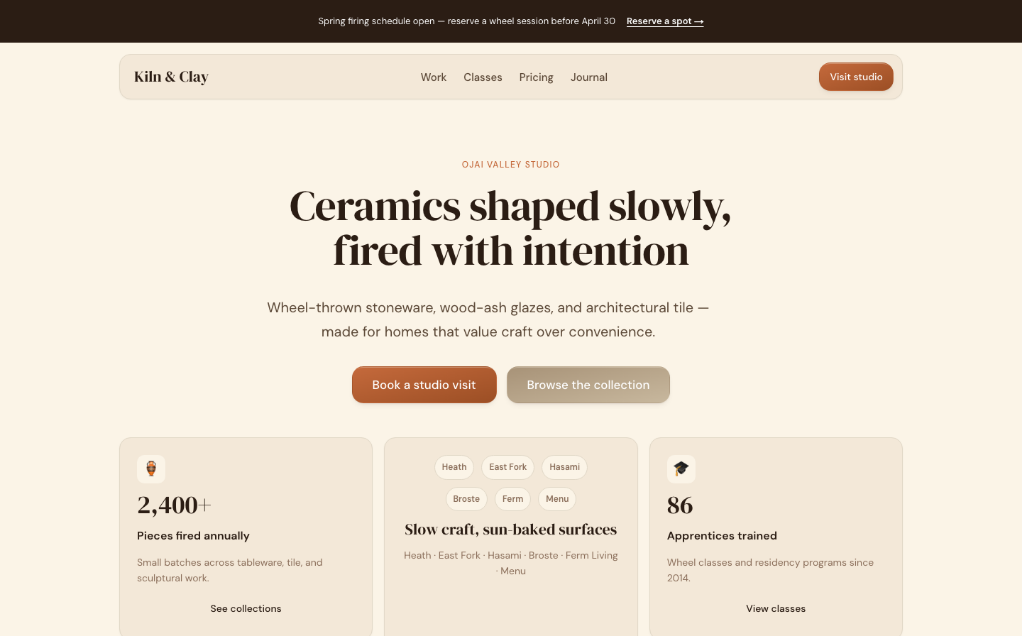
TypeUI is an AI-first platform where you can use design skills, UI prompts, and other resources to enhance AI capabilities to generate better user interfaces and design when building websites and applications. The resources from this repository will work with any AI provider, given they support markdown files or general prompting.
Install TypeUI where you build. Connect your AI coding tool to TypeUI MCP, then ask for UI in plain language while TypeUI supplies design systems, prompts, and layout variation guidance.

Codex Connect Codex to TypeUI MCP automatically with the TypeUI Codex plugin. Install in Codex → |

Claude Give Claude access to curated design guidance while it writes or refactors UI. Install in Claude → |

Cursor Use the TypeUI Cursor plugin while Cursor builds screens, sections, and variations. Install in Cursor → |

Grok Add the hosted TypeUI MCP server to Grok. Open Grok guide → |

Z.ai Add the hosted TypeUI MCP server to Z.ai ZCode. Open Z.ai guide → |

Hermes Install the TypeUI MCP plugin for Hermes Agent. Open Hermes guide → |

OpenClaw Add the hosted TypeUI MCP server to OpenClaw. Open OpenClaw guide → |

Eve Add TypeUI design skills to Eve agents. Open Eve guide → |

Mistral Add the hosted TypeUI MCP server to Mistral. Open Mistral guide → |

OpenCode Give OpenCode access to TypeUI design systems and prompts. Install in OpenCode → |

VS Code Connect GitHub Copilot in VS Code to TypeUI MCP. Install in VS Code → |

Antigravity Connect Antigravity to TypeUI MCP for UI generation workflows. Open Antigravity guide → |

Windsurf Connect Windsurf Cascade to TypeUI MCP. Install in Windsurf → |

JetBrains Connect JetBrains AI Assistant or Junie to TypeUI MCP. Install in JetBrains → |

Zed Add the hosted TypeUI MCP server to Zed. Open Zed guide → |

GitHub Copilot Add the hosted TypeUI MCP server to GitHub Copilot. Open GitHub Copilot guide → |

Cline Add the hosted TypeUI MCP server to Cline. Install in Cline → |

Qwen Add the hosted TypeUI MCP server to Qwen Code. Open Qwen guide → |

Amp Add the hosted TypeUI MCP server to Amp. Open Amp guide → |

Goose Add the hosted TypeUI MCP server to Goose. Open Goose guide → |

Lovable Add the hosted TypeUI MCP server to Lovable. Open Lovable guide → |

Replit Add the hosted TypeUI MCP server to Replit. Open Replit guide → |

v0 Add the hosted TypeUI MCP server to v0. Open v0 guide → |
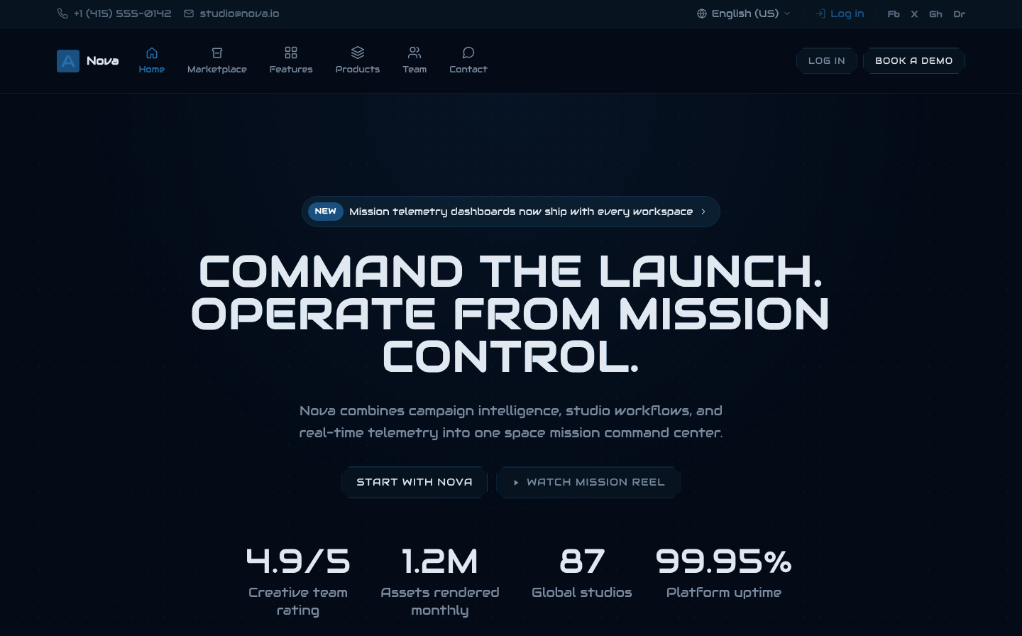
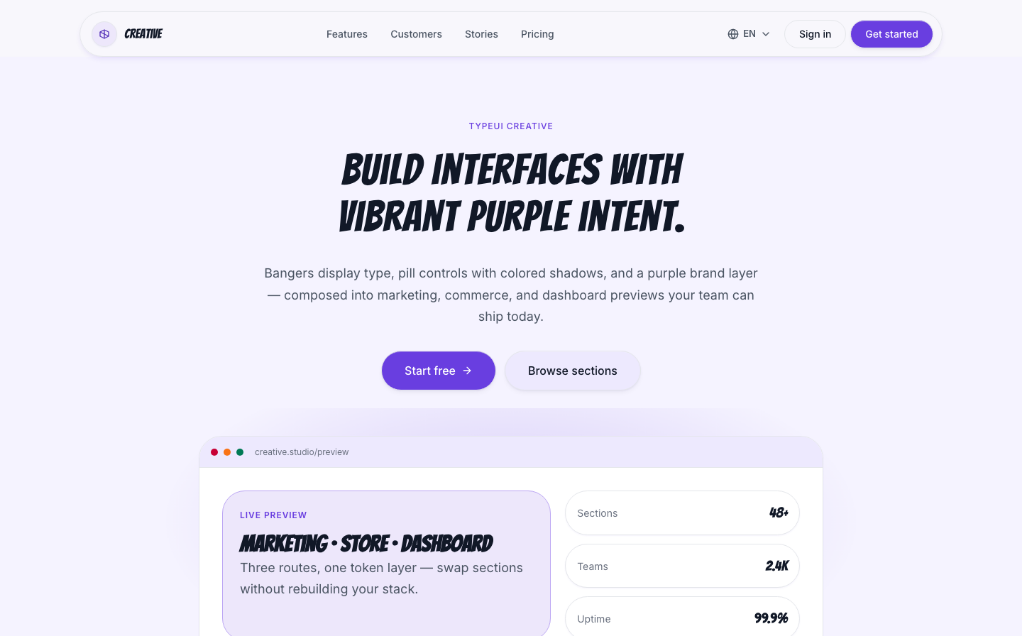
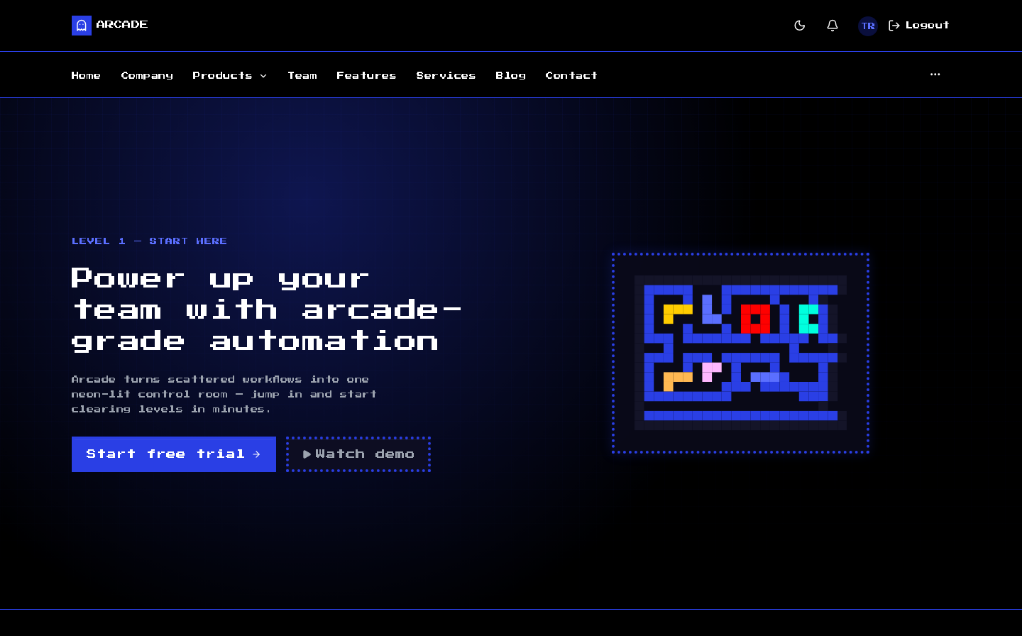
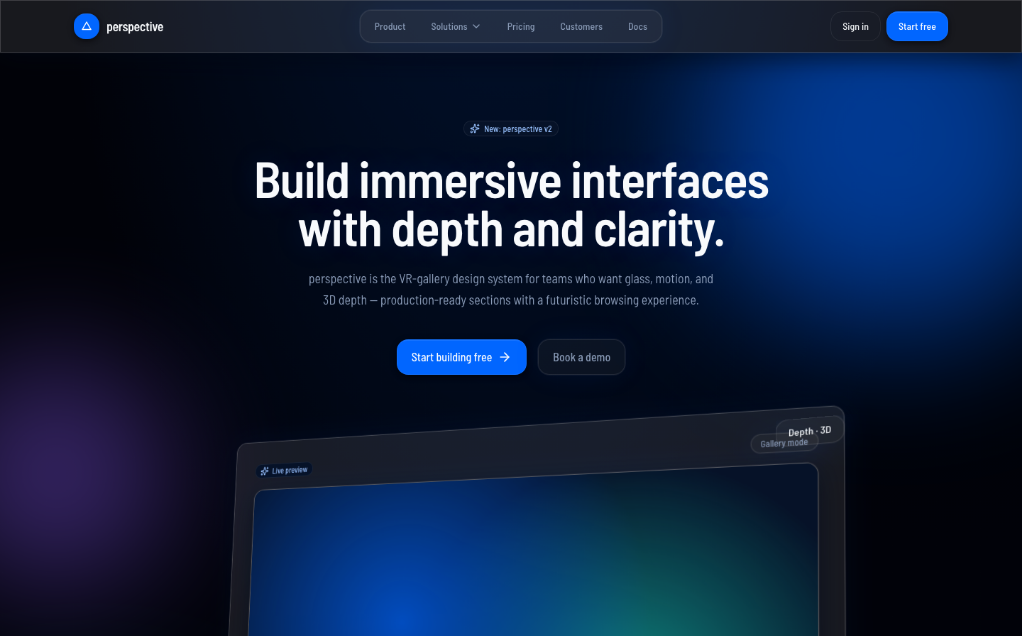
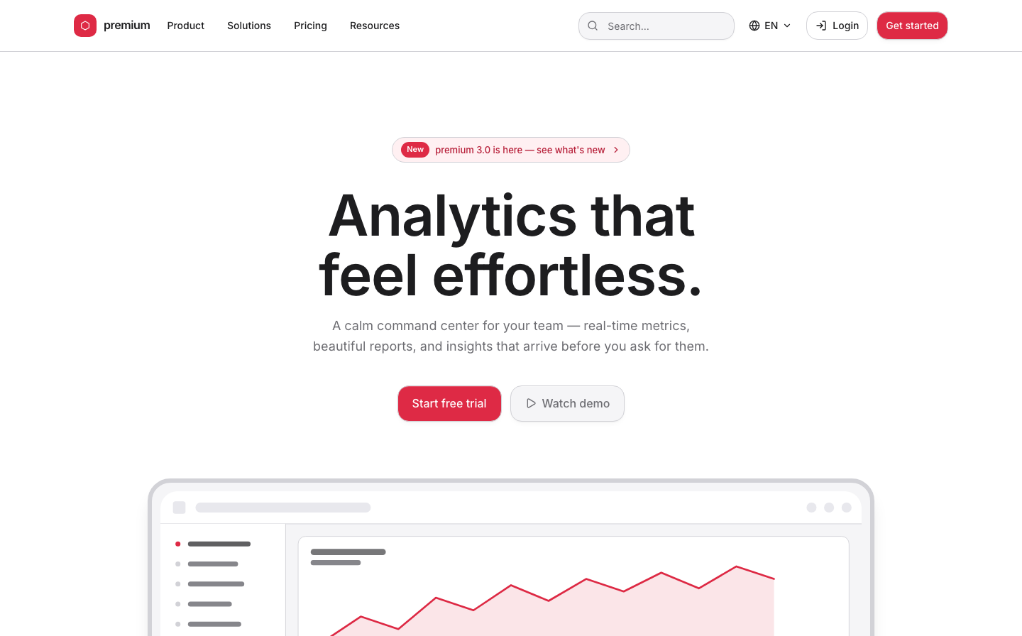
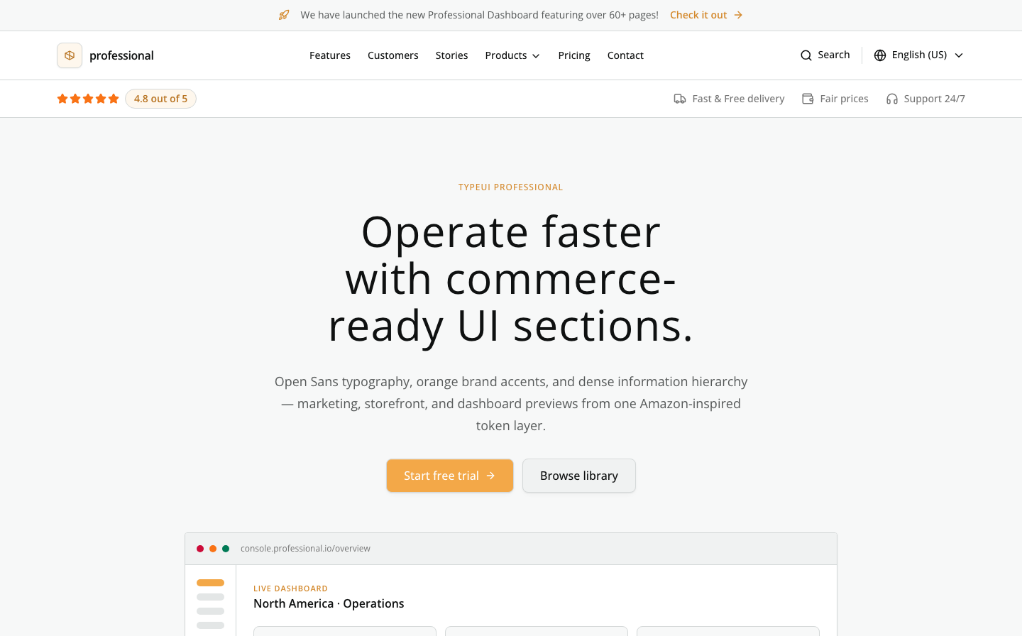
Check out all design skills. Available in both DESIGN.md and SKILL.md formats.
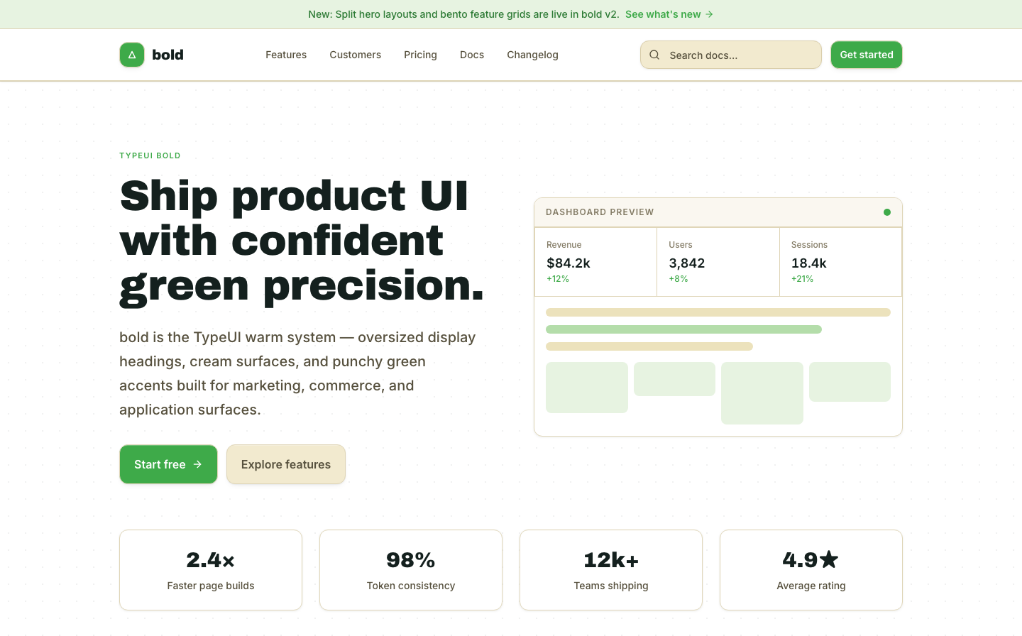
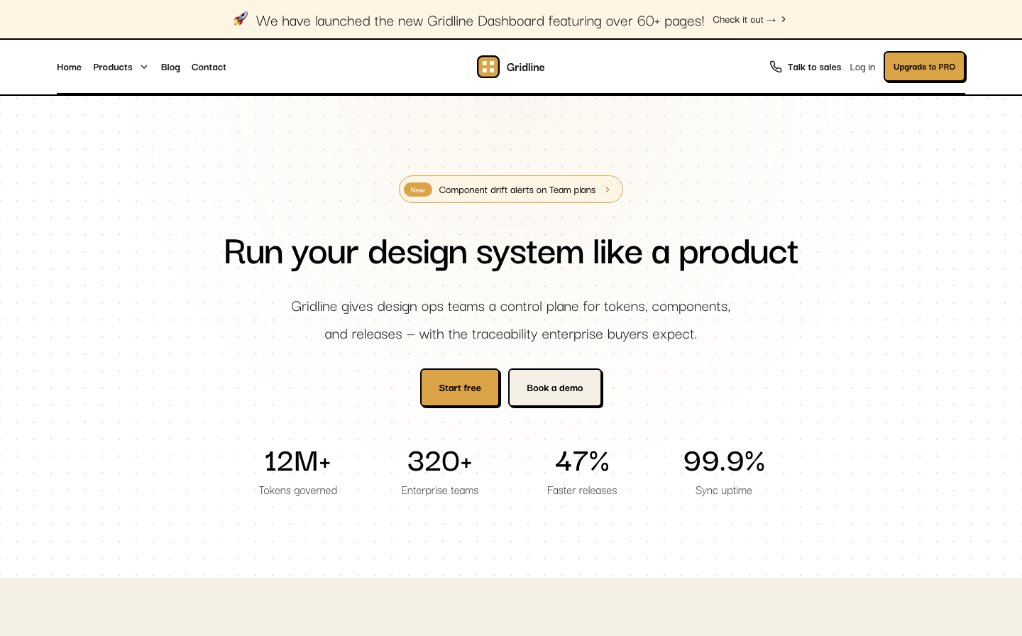
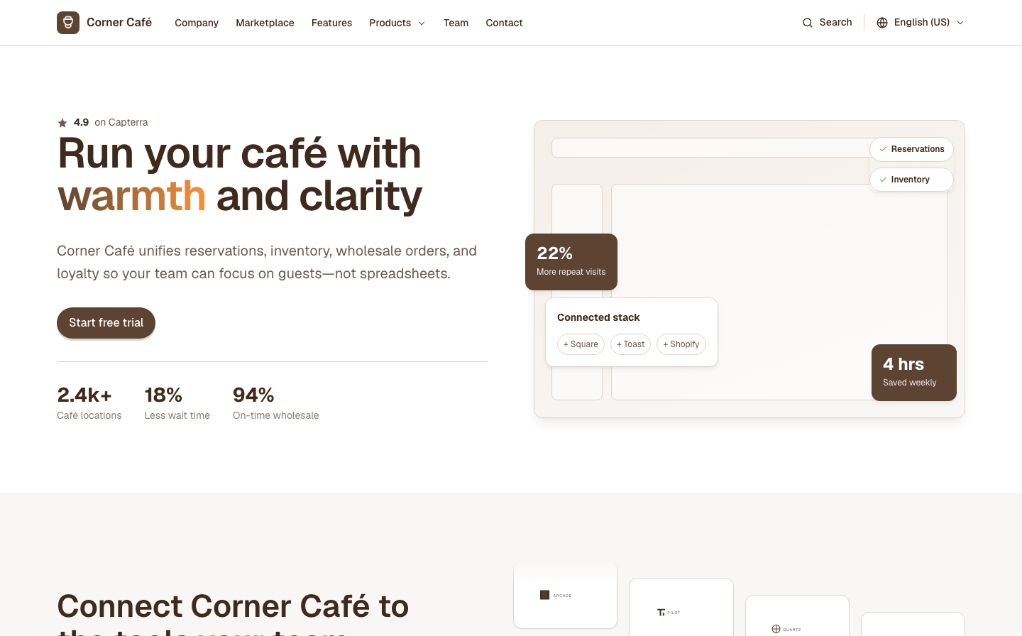
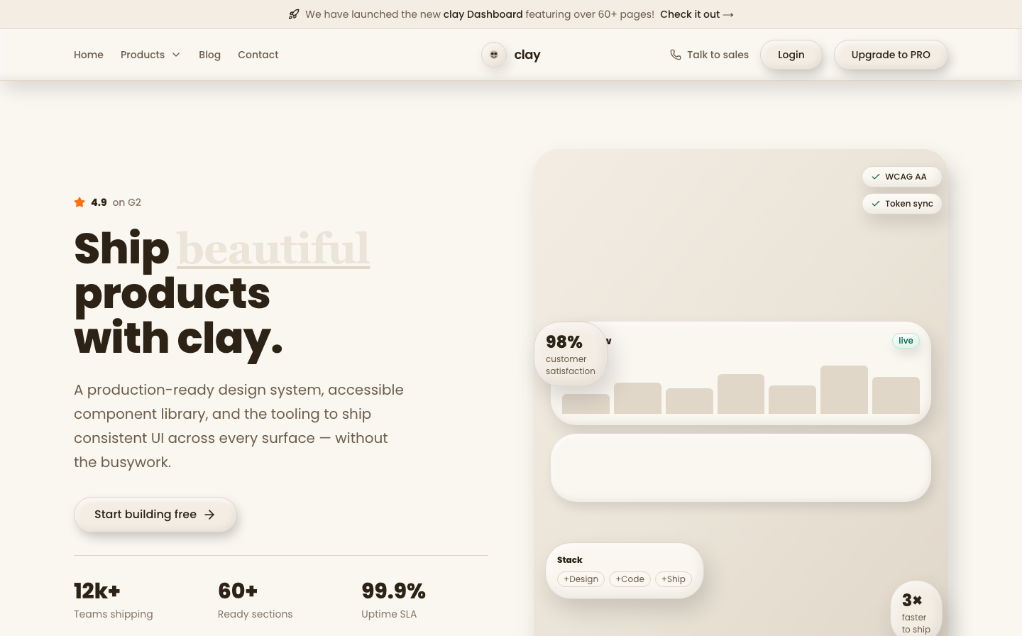
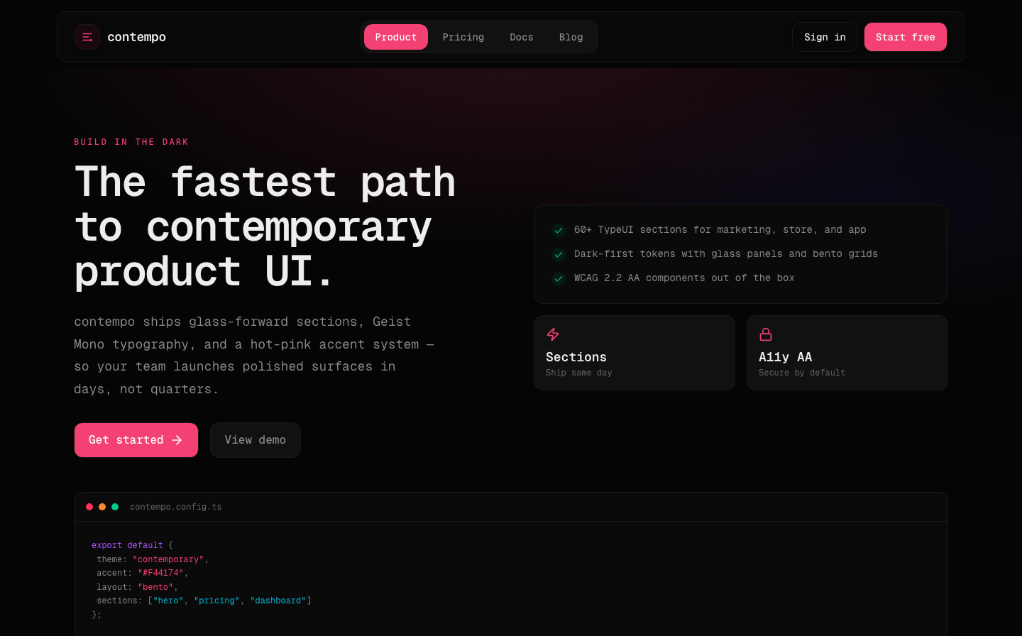
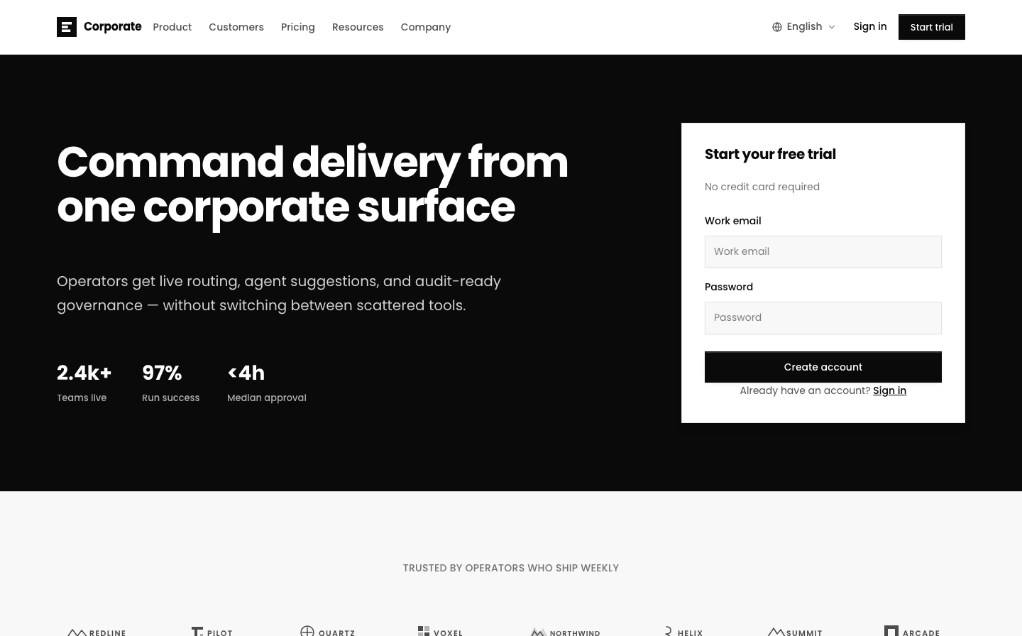
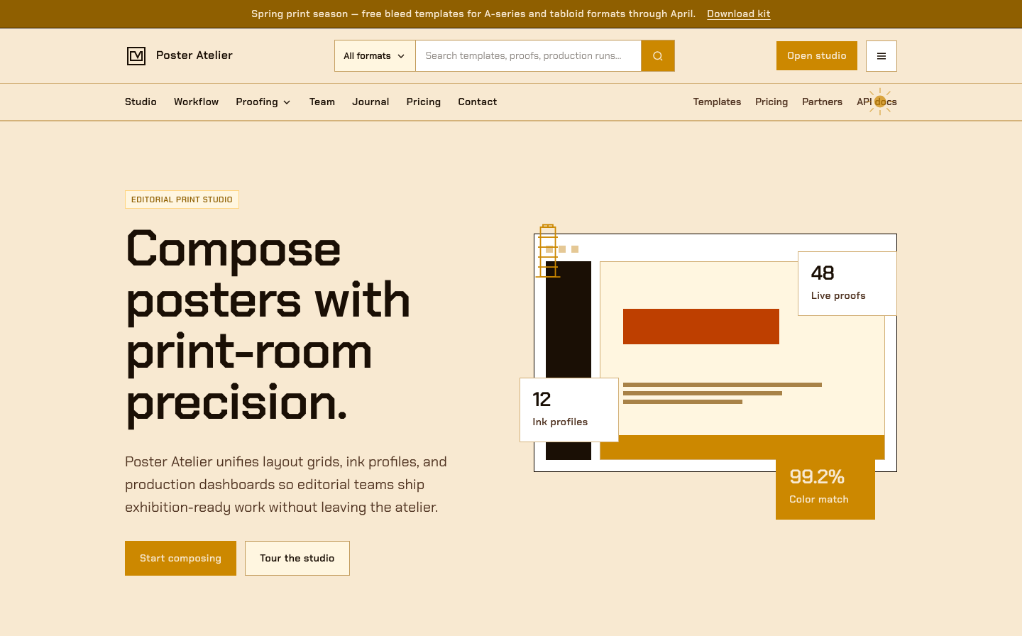
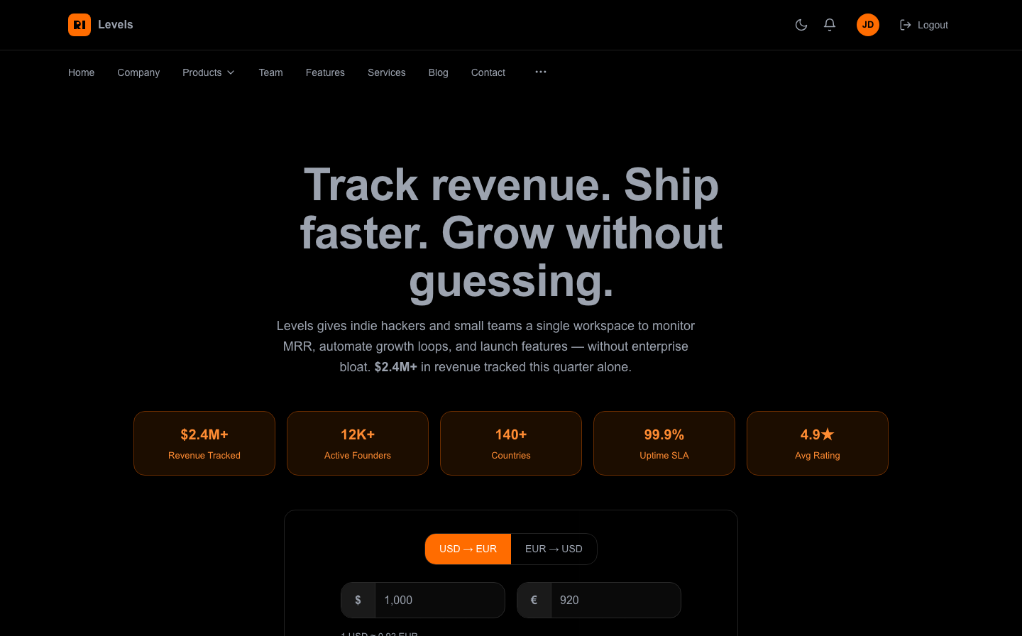
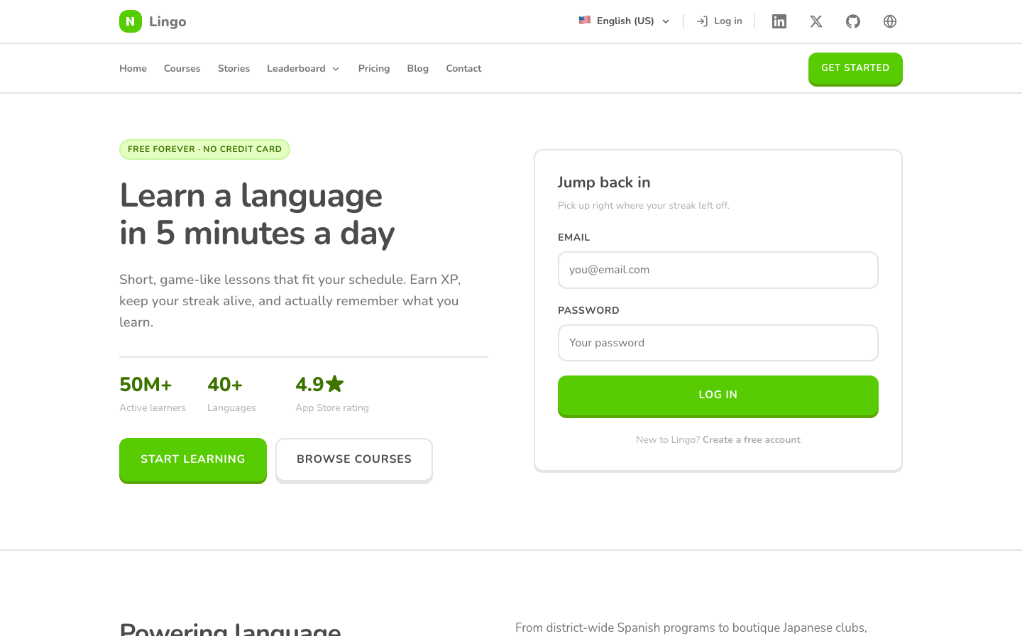
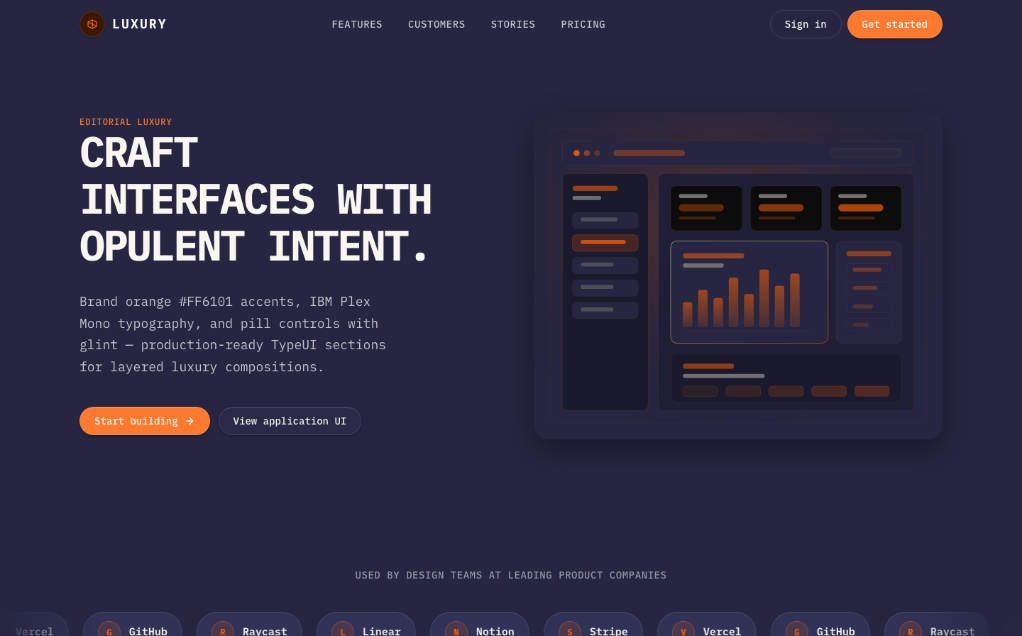
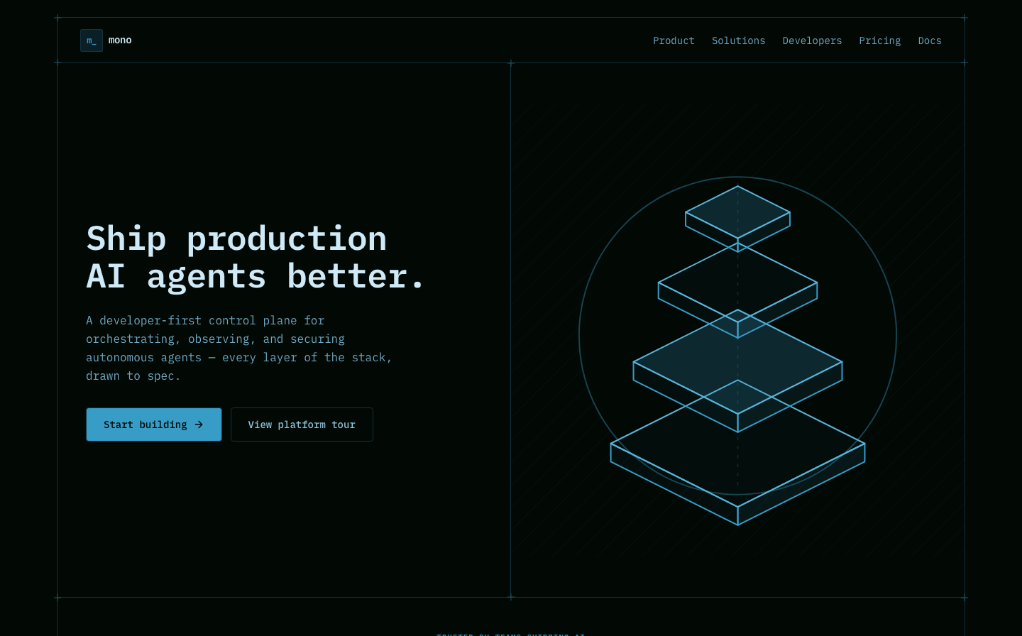
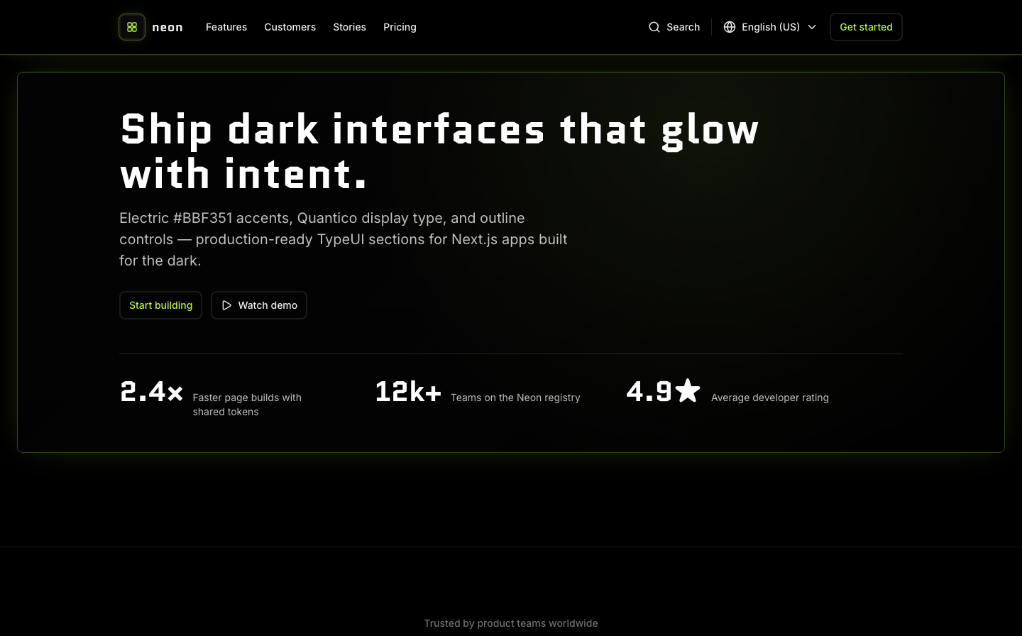
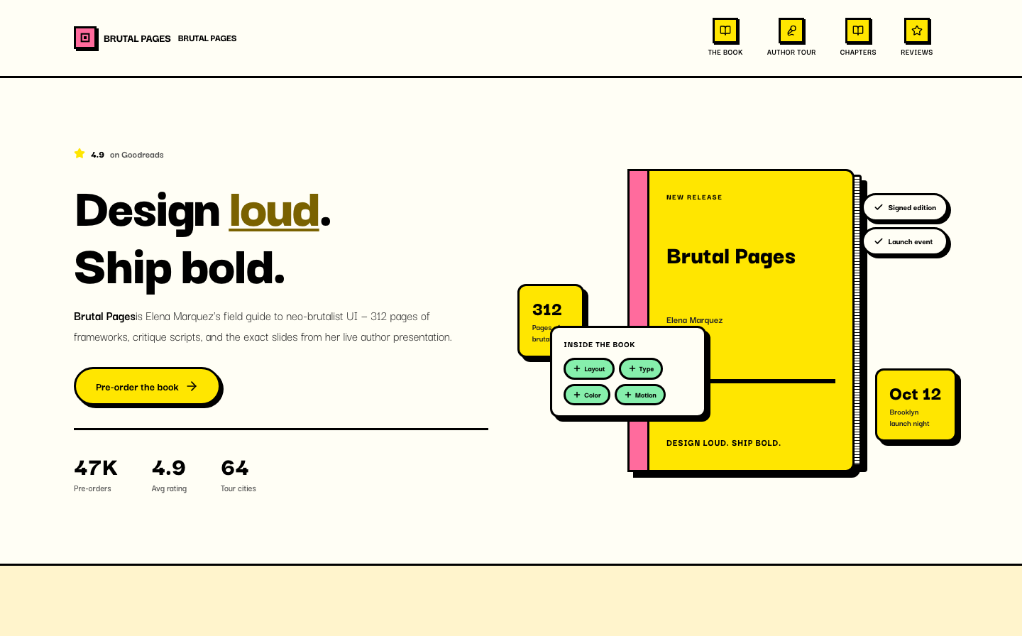
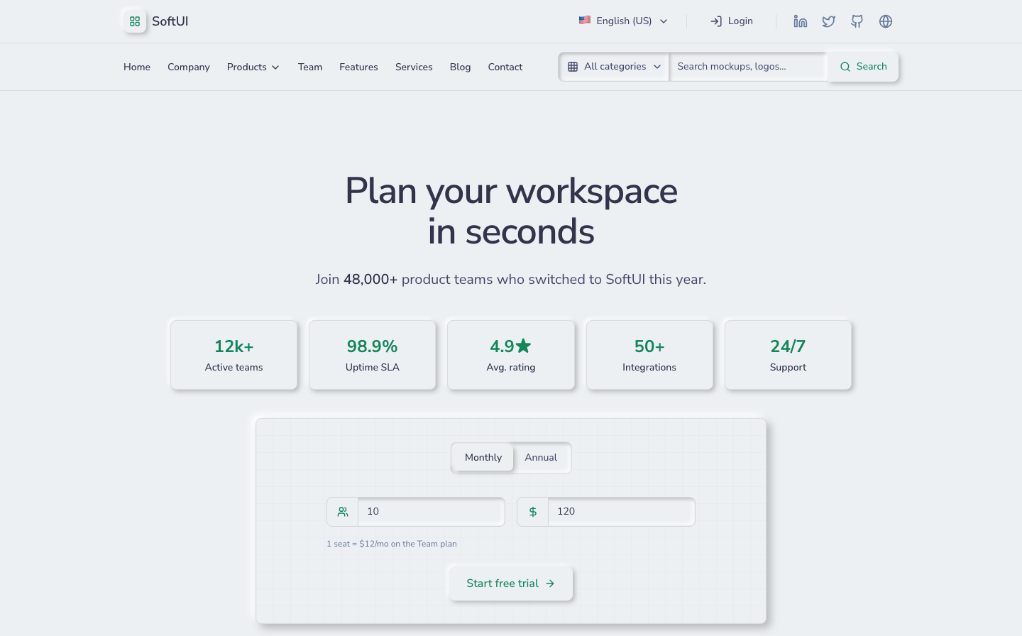
Browse all major UI prompt categories from TypeUI Prompts.
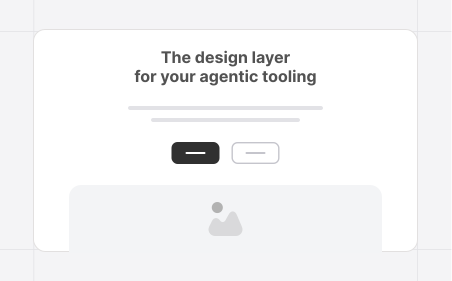
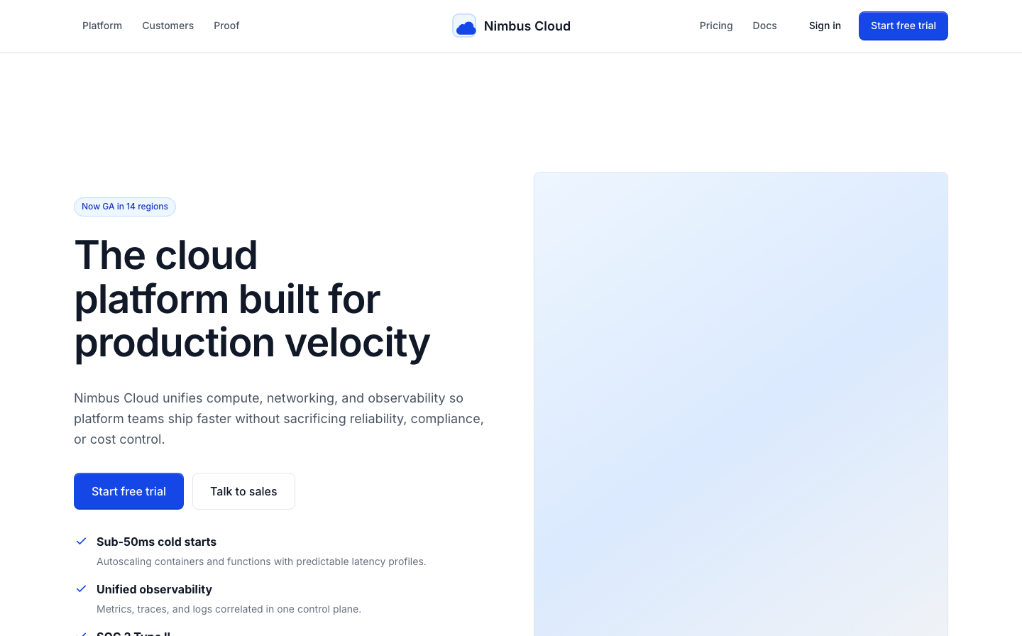
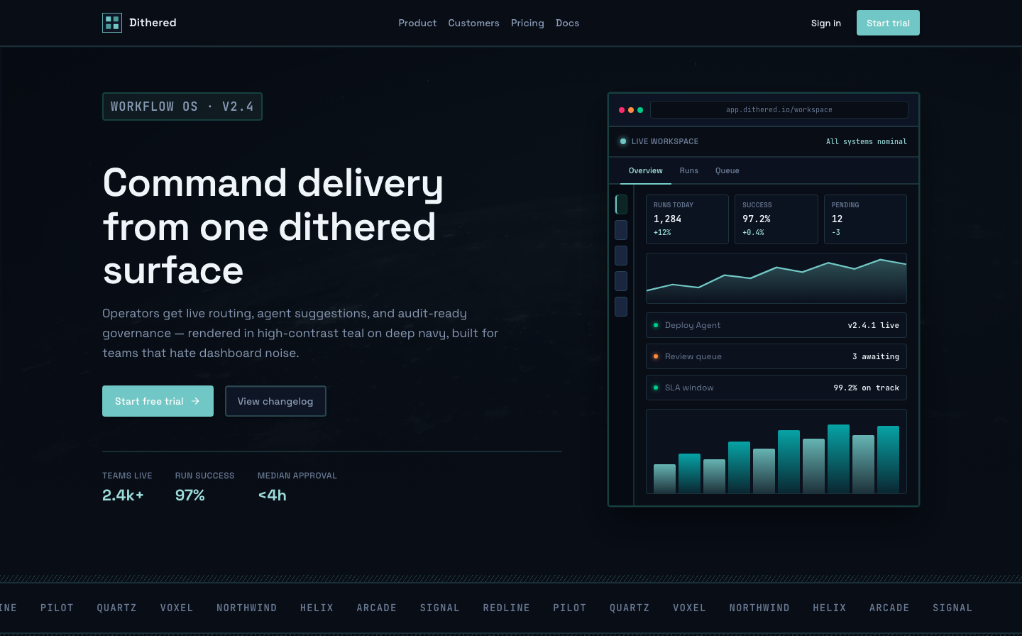
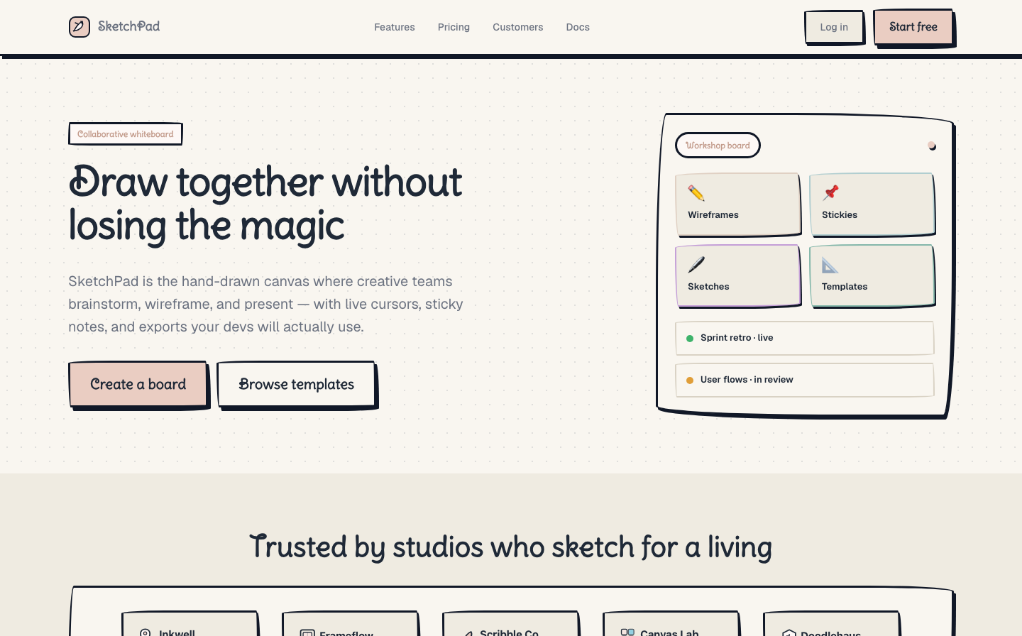
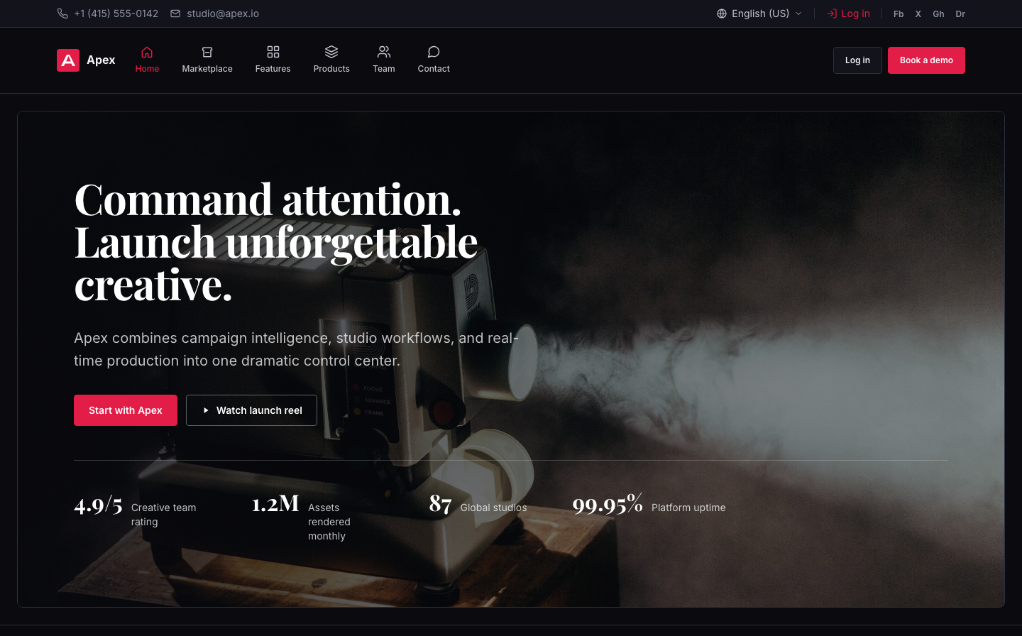
Hero Sections 17 layouts |
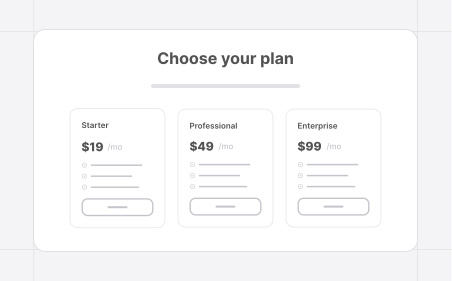
Pricing Sections 20 layouts |
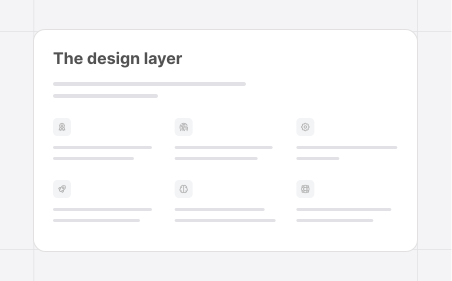
Feature Sections 16 layouts |
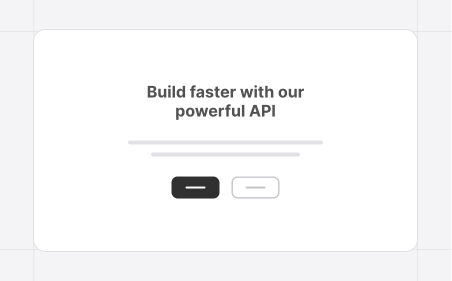
CTA Sections 11 layouts |
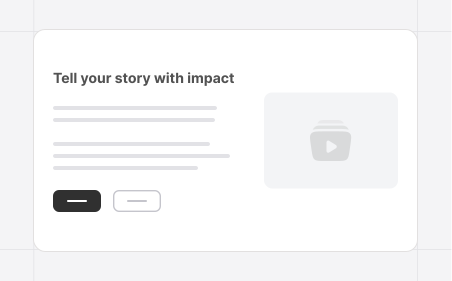
Content Sections 12 layouts |
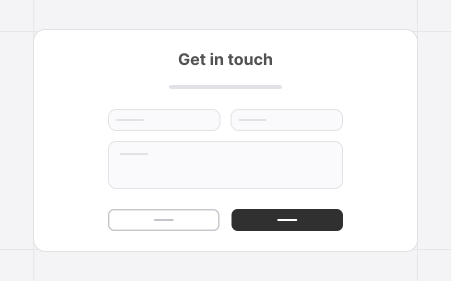
Contact Sections 9 layouts |
Customer Logos 10 layouts |
Team Sections 8 layouts |
Social Proof 11 layouts |
FAQ Sections 8 layouts |
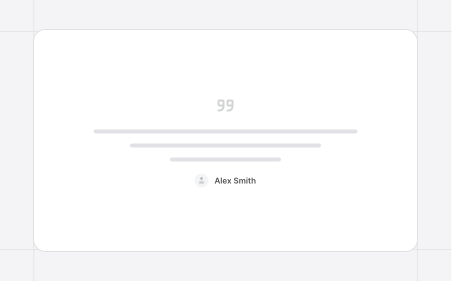
Testimonials 8 layouts |
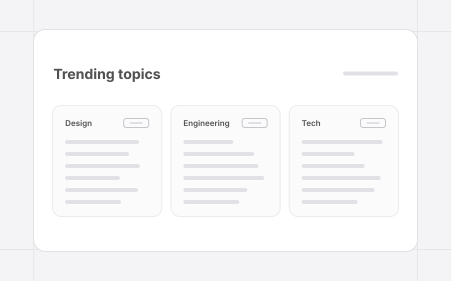
Blog Sections 8 layouts |
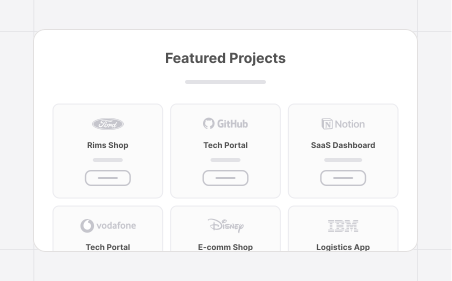
Portfolio Sections 7 layouts |

Newsletter 4 layouts |
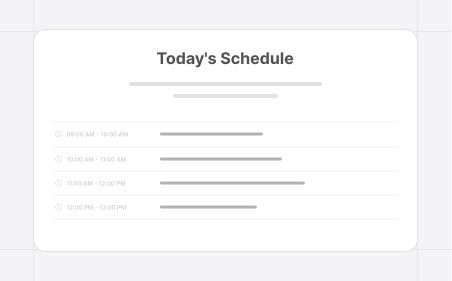
Event Schedule 4 layouts |
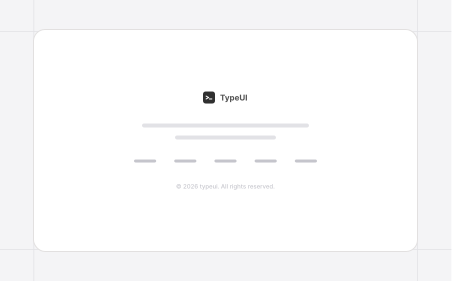
Footer Sections 7 layouts |
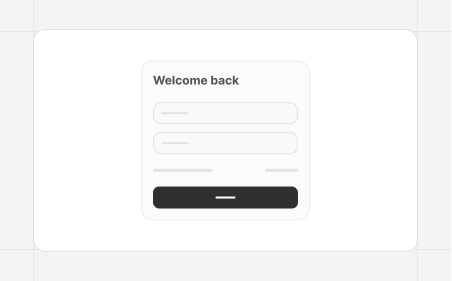
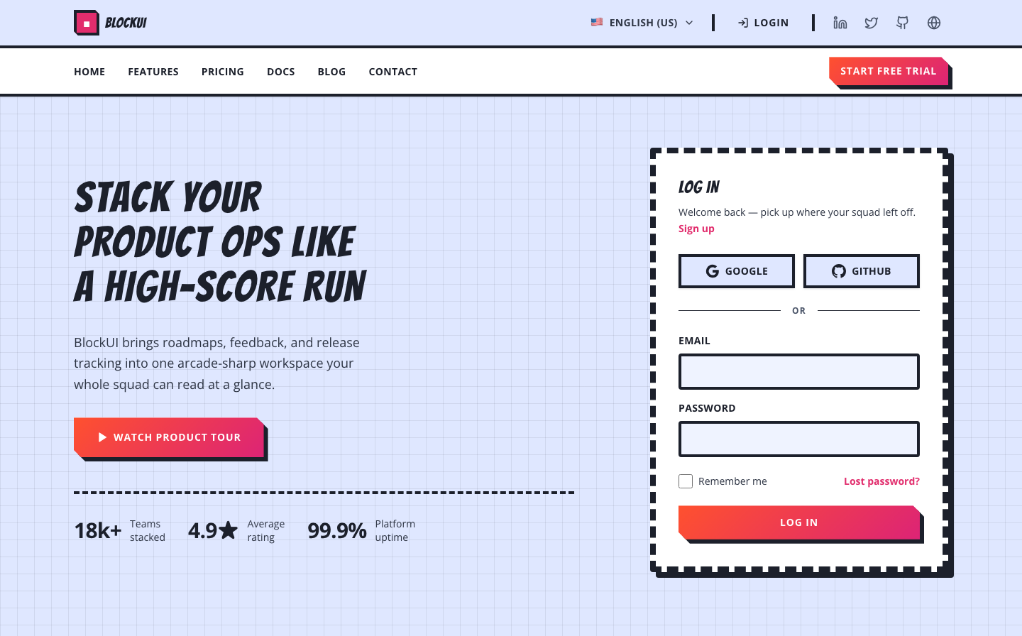
Login Pages 5 layouts |
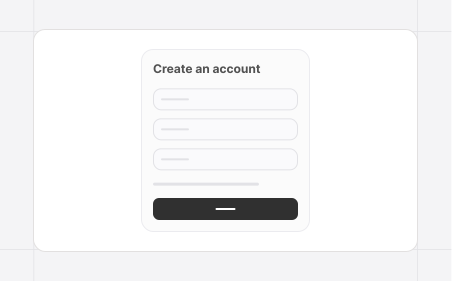
Register Pages 5 layouts |
Use our official skill for UI/UX fundamentals based on years of experience, knowledge and data from the design world to make sure that any UI you generate together with the design skills and UI prompts from TypeUI will keep fundamental design principles in order, such as spacing, typography, color contrasts, and more.
Run this command to install it locally:
npx skills add https://github.com/bergside/typeui --skill typeui-fundamentals
All commands run via npx typeui.sh. Add --help to any command to see its options.
| Command | What it does | |
|---|---|---|
| 🪄 | generate | Generate a fresh SKILL.md or DESIGN.md from interactive prompts. |
| ✏️ | update | Re-run prompts and update existing output files in place. |
| 🎲 | randomize | Generate a fully randomized local design system. |
| 📚 | list | Browse available registry specs and pull one automatically. |
| ⬇️ | pull <slug> | Pull a specific registry markdown file by slug. |
generateRun interactive prompts and generate a fresh SKILL.md (default) or DESIGN.md file.
npx typeui.sh generate
npx typeui.sh generate --format design
updateRun interactive prompts and update existing output files in place.
npx typeui.sh update
randomizeGenerate a fully randomized local design system — useful for quickly seeding a starter spec.
npx typeui.sh randomize
npx typeui.sh randomize --format design
listBrowse available registry specs from bergside/awesome-design-skills (with typeui.sh preview links), then pull one automatically.
npx typeui.sh list
npx typeui.sh list --format design
pull <slug>Pull a registry markdown file by slug. SKILL.md writes to provider paths; DESIGN.md writes to the project root.
npx typeui.sh pull <slug>
npx typeui.sh pull <slug> --format design
If you want to use this locally these are the commands you need to run:
npm install

npm run build
Then use the following command instead of npx in your terminal:
node dist/cli.js --help
The CLI and public registry is open-source under the MIT License.
Get access to enhanced design skill files, UI prompts for layouts and a private Discord community by getting the pro version and thus supporting our open-source work.
A huge thank you to the companies supporting our open-source work.
Want to see your logo here? Become a sponsor.
Claim this server with your GitHub account to request manual ownership verification.
Link to the catalog listing for TypeUI MCP from your README. This badge does not certify ownership, compatibility or security.
[](https://awesome-mcp.com/servers/typeui)Public repository statistics could not be verified. Check the configured source address; unavailable counts are not zero.
Separate sources, scopes and periods. Never combined or treated as installations, active users or security reviews.
No reviewed package or image identity; download statistics are not listed yet.
Alternative and complementary servers in the same category
A directory listing describing a cancellation-letter and mailing-address service. The configured public GitHub repository returned 404 during source verification.

A hosted MCP service for browsing and searching through Singapore mobile-network proxies.

A directory listing describing a Markdown-to-PDF service. The configured public GitHub repository returned 404 during source verification.