MCP Fetch
Model Context Protocol server for fetching web content with custom http proxy. This allows Claude Desktop (or any MCP client) to fetch web content and handle images appropriately.
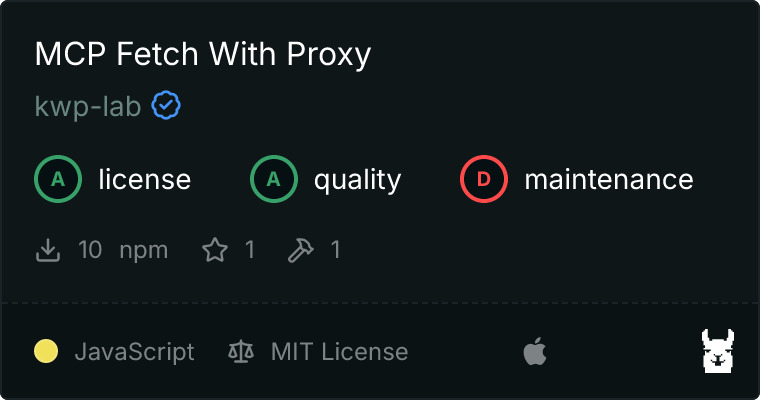
This repository forks from the @smithery/mcp-fetch and replaces the node-fetch implementation with the library node-fetch-native.
The server will use the http_proxy and https_proxy environment variables to route requests through the proxy server by default if they are set.
You also can set the MCP_HTTP_PROXY environment variable to use a different proxy server.
fetch: Retrieves URLs from the Internet and extracts their content as markdown. If images are found, their URLs will be included in the response.
Image Processing Specifications:
Only extract image urls from the article content, and append them to the tool result:
{
  "params": {
    "url": "https://www.example.com/articles/123"
  },
  "response": {
    "content": [
      {
        "type": "text",
        "text": "Contents of https://www.example.com/articles/123:\nHere is the article content\n\nImages found in article:\n- https://www.example.com/1.jpg.webp\n- https://www.example.com/2.jpg.webp\n- https://www.example.com/3.webp"
      }
    ]
  }
}
Quick Start (For Users)
To use this tool with Claude Desktop, simply add the following to your Claude Desktop configuration (~/Library/Application Support/Claude/claude_desktop_config.json):
{
  "tools": {
    "fetch": {
      "command": "npx",
      "args": ["-y", "@kwp-lab/mcp-fetch"],
      "env": {
        "MCP_HTTP_PROXY": "https://example.com:10890" // Optional, remove if not needed
      }
    }
  }
}
This will automatically download and run the latest version of the tool when needed.
Required Setup
- Enable Accessibility for Claude:
- Open System Settings
- Go to Privacy & Security > Accessibility
- Click the "+" button
- Add Claude from your Applications folder
- Turn ON the toggle for Claude
For Developers
The following sections are for those who want to develop or modify the tool.
Prerequisites
Installation
Installing via Smithery
To install MCP Fetch for Claude Desktop automatically via Smithery:
npx -y @smithery/cli install @kwp-lab/mcp-fetch --client claude
Manual Installation
git clone https://github.com/kwp-lab/mcp-fetch.git
cd mcp-fetch
npm install
npm run build
Configuration
-
Make sure Claude Desktop is installed and running.
-
Install tsx globally if you haven't:
npm install -g tsx
# or
pnpm add -g tsx
-
Modify your Claude Desktop config located at:
~/Library/Application Support/Claude/claude_desktop_config.json
You can easily find this through the Claude Desktop menu:
- Open Claude Desktop
- Click Claude on the Mac menu bar
- Click "Settings"
- Click "Developer"
Add the following to your MCP client's configuration:
{
  "tools": {
    "fetch": {
      "args": ["tsx", "/path/to/mcp-fetch/index.ts"]
    }
  }
}



