




This is a Model Context Protocol (MCP) server for interacting with AIStor object stores.
Repository stats unavailable
Databases & Storage
WhoDB is a lightweight, self-hosted workspace for exploring and editing databases, whose CLI bundles an MCP server for AI tools.
WhoDB MCP server is cataloged as an MCP server attributed to clidey. WhoDB is a lightweight, self-hosted workspace for exploring and editing databases, whose CLI bundles an MCP server for AI tools. It is categorized under databases storage. See the capability inspector for recorded interfaces and their independent review status; consult upstream documentation for the current interface.
Installation configuration is not reviewed. No executable setup is offered for this entry; inspect the source repository before proceeding.
Catalog license label: Apache License 2.0. Check the source repository's current license and terms before using, modifying or distributing this software.
Capability definitions are not reviewed. Unreviewed imports are not exposed as trusted interfaces.
No reviewed records to display. This does not establish that upstream lacks this capability.
No reviewed records to display. This does not establish that upstream lacks this capability.
No reviewed records to display. This does not establish that upstream lacks this capability.
Email delivery is not connected. This page does not collect email addresses or create subscriptions.
Browse the registry for current listings instead.
Reviews for WhoDB MCP server are not available yet
Review publishing and storage are not connected. This page does not collect or publish ratings or comments, including after sign-in.
No. AI features are optional; you can connect Ollama, OpenAI, Anthropic, LM Studio, or another OpenAI-compatible provider if you want to ask questions in plain English.
The MCP server is part of the WhoDB CLI and is started with the whodb mcp serve command.
Yes, it runs in the browser and is also available as a desktop app or terminal CLI.
README.md · 56bbfdb27e46 · Fetched 2026-11-13 12:04:55 UTC
Original upstream text, without AI rewriting. Scripts, forms and unsafe links are filtered for safety.
Showing the last retrieved documentation snapshot; check the source for current changes.
 WhoDB
















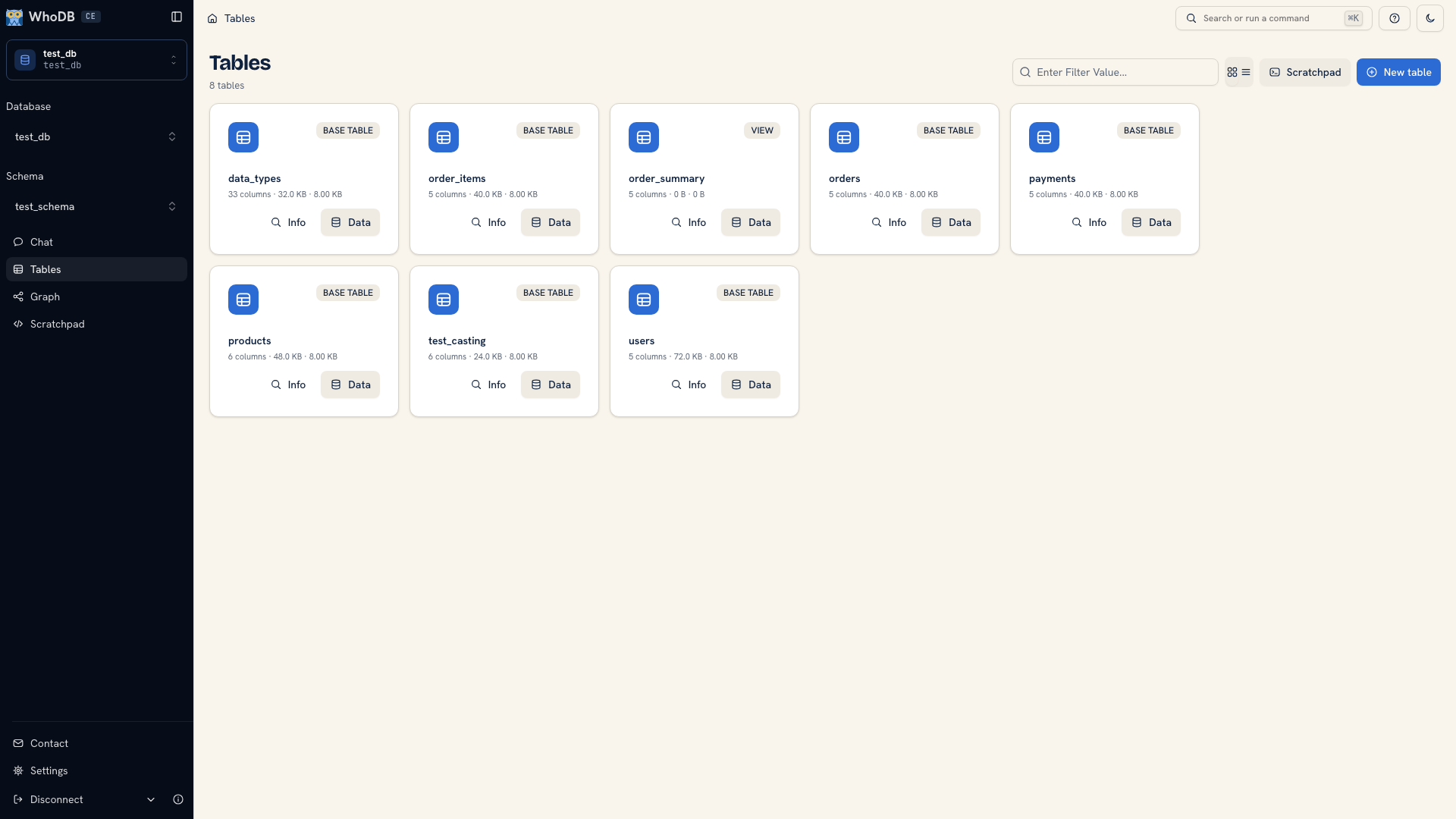
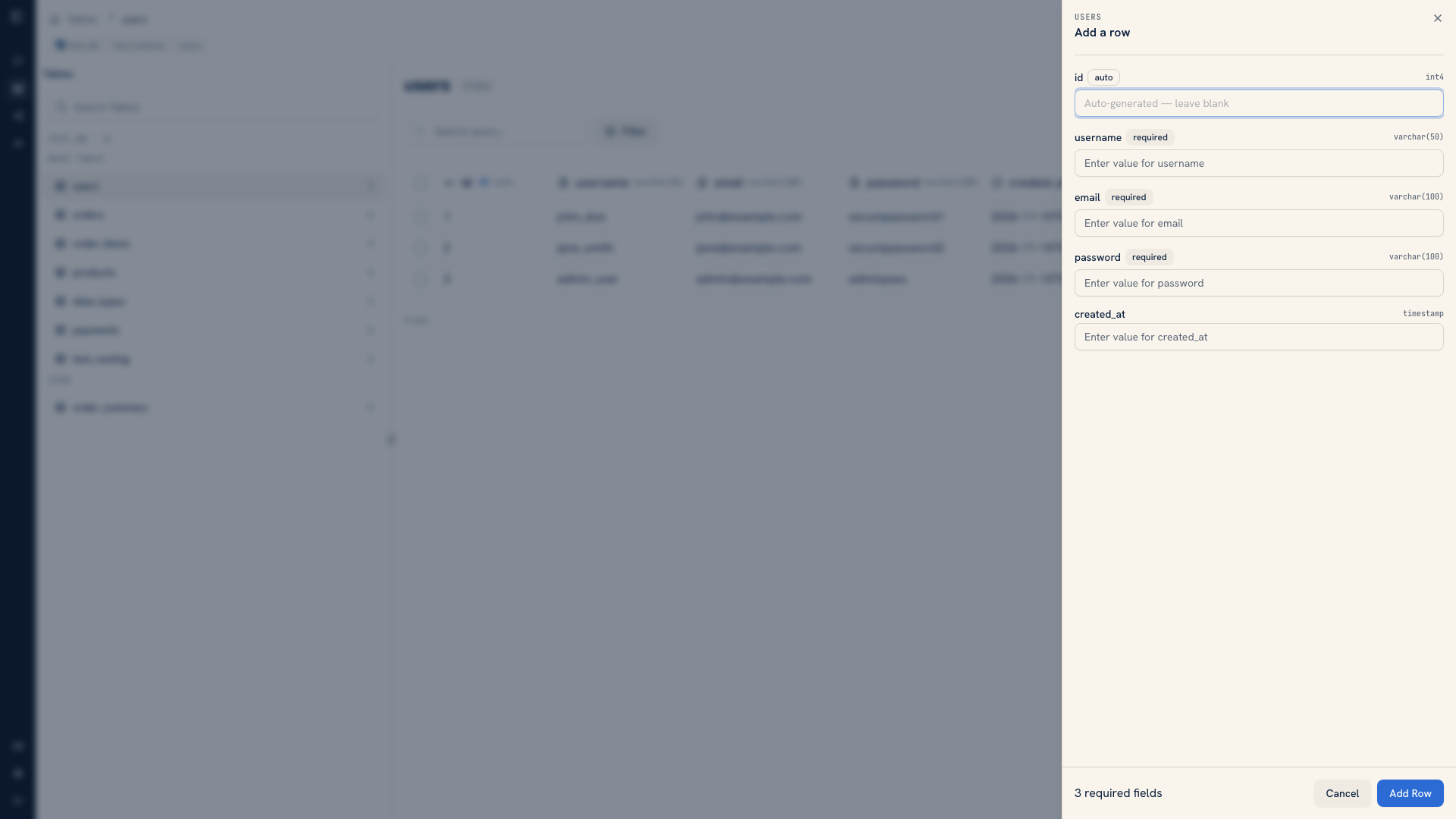
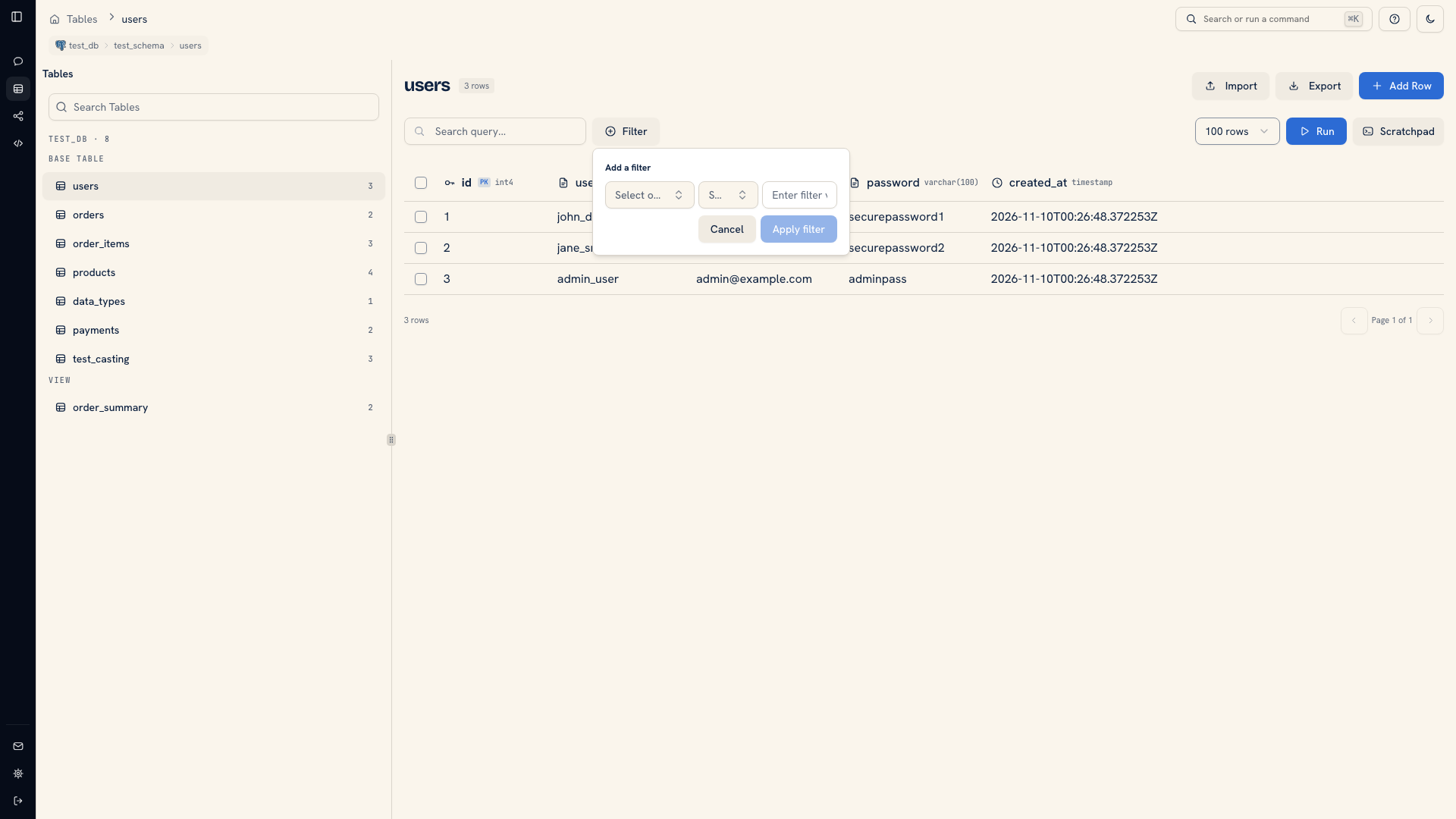
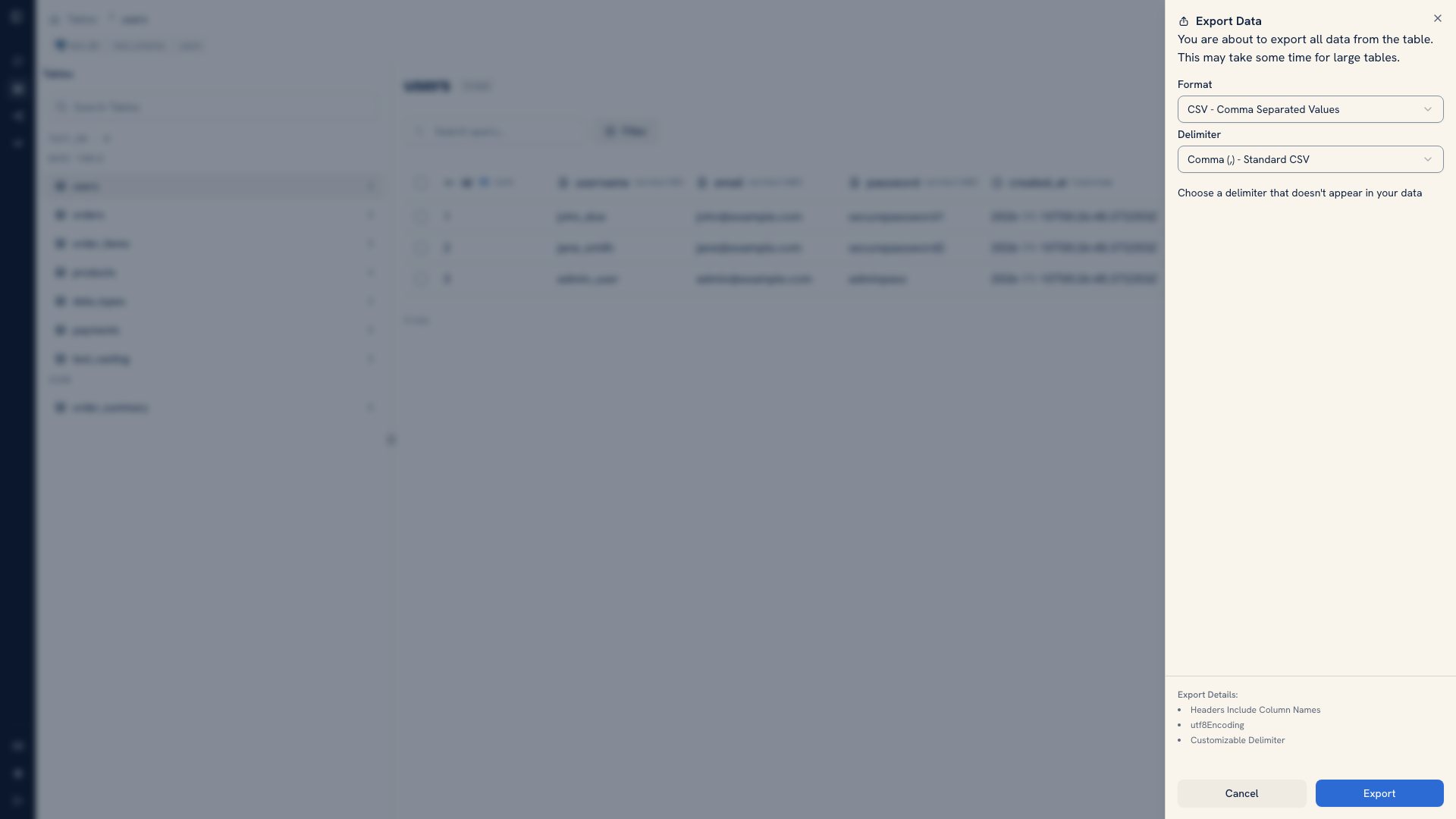
WhoDB gives you one place to explore your databases, edit data, run queries, and understand how a schema fits together. It runs in the browser, is easy to self-host, and is available as a desktop app or terminal CLI too.
Use it when you want to inspect a local database, help a teammate explore unfamiliar data, or work without installing a heavyweight database client. AI features are optional: connect Ollama, OpenAI, Anthropic, LM Studio, or another OpenAI-compatible provider if you want to ask questions in plain English.
Run WhoDB with Docker:
docker run --rm -it -p 8080:8080 clidey/whodb
Then open http://localhost:8080 and enter your database connection details.
Want to look around first? Try the live demo or watch the video walkthrough.
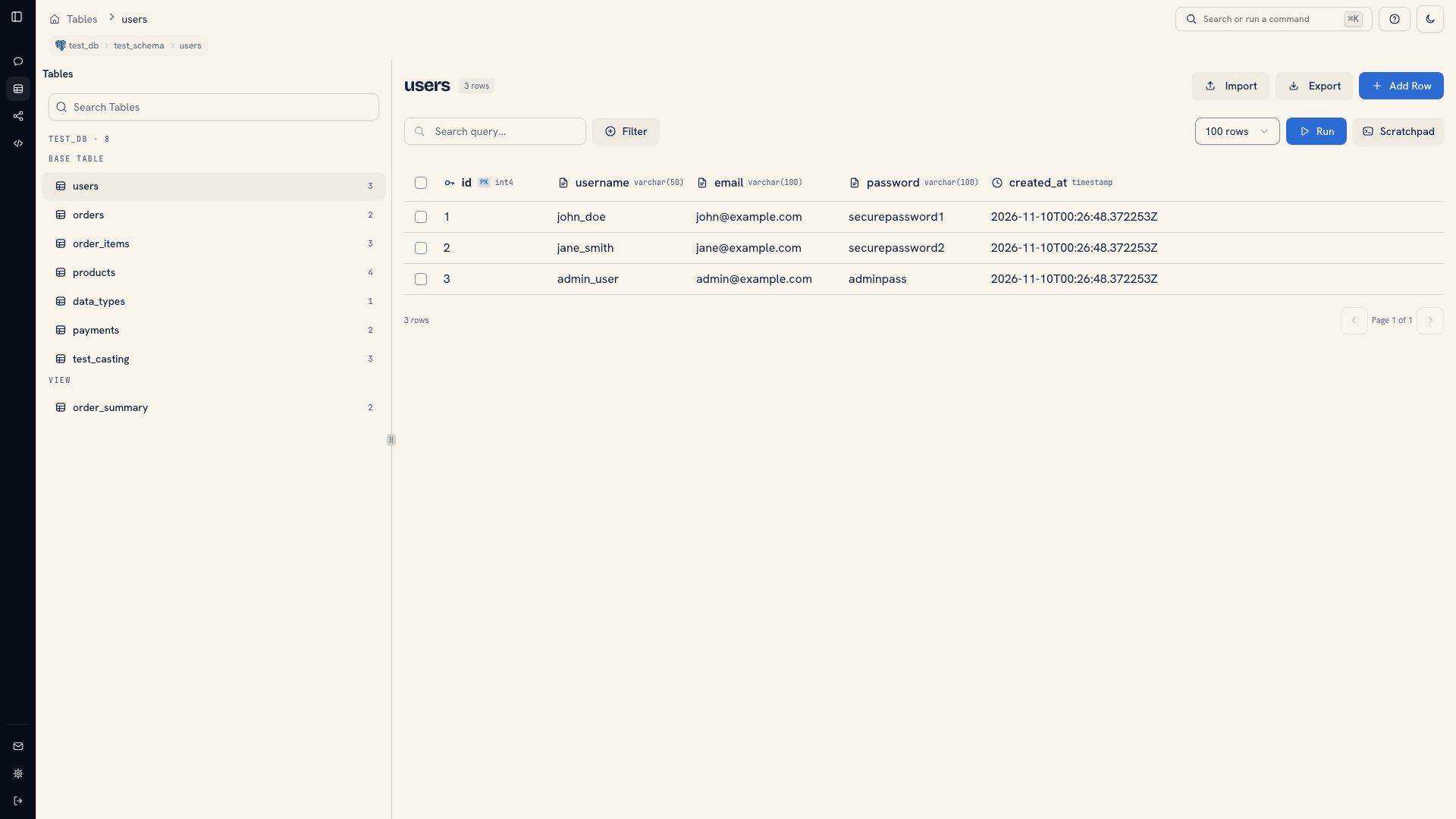
|
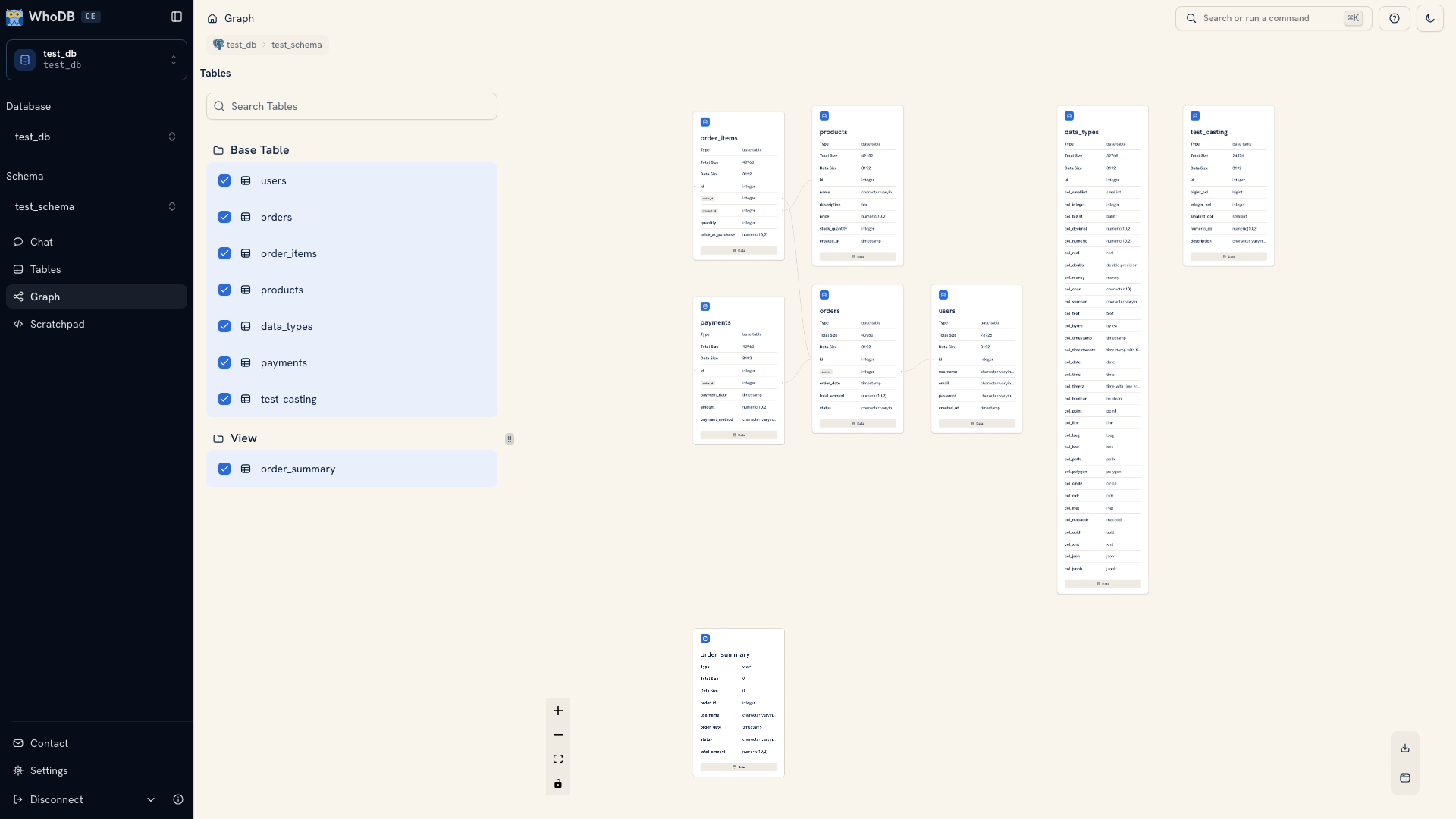
|
| Browse, filter, and edit data | Follow relationships through the schema graph |
WhoDB Community supports:
Support varies by database because not every system has the same concepts or capabilities. The connection screen shows the options available for each source.
The one-line Docker command is ideal for trying WhoDB. To keep encrypted login sessions when the container is replaced, first generate a key and save it somewhere secure:
openssl rand -hex 32
Then mount /data and reuse that key whenever you start the container:
docker run -it -p 8080:8080 \
  -v whodb-data:/data \
  -e WHODB_ENCRYPTION_KEY=your_saved_64_character_hex_key \
  clidey/whodb
Keep that key somewhere safe. Changing it invalidates existing sessions. If WhoDB is served through an HTTPS reverse proxy, also set WHODB_SECURE=true so browsers only send the session cookie over HTTPS.
See the documentation for Docker Compose, connection profiles, SSL, AI providers, and other configuration options.
The CLI includes an interactive terminal UI and an MCP server for AI tools:
# macOS and Linux
curl -fsSL https://raw.githubusercontent.com/clidey/whodb/main/cli/install/install.sh | bash

# or install with npm
npm install -g @clidey/whodb
whodb             # open the terminal UI
whodb mcp serve   # start the MCP server
See the CLI guide for connection examples and the full command reference.
You can add a hosted AI provider directly from WhoDB—no backend configuration or restart is required. Open Chat, choose Add Provider from the provider menu, then select OpenAI, Anthropic, or Gemini and enter your API key. WhoDB will fetch the available models from that provider.
Ollama and LM Studio are available as local options in WhoDB Community. By default, the backend looks for Ollama at localhost:11434 and LM Studio at localhost:1234/v1, with local addresses adjusted automatically for Docker and WSL. Use WHODB_OLLAMA_HOST, WHODB_OLLAMA_PORT, or WHODB_LMSTUDIO_BASE_URL only when those defaults are not suitable for your setup.
Environment variables let deployment administrators declare providers when the server starts. This is useful for preconfiguring OpenAI or Anthropic, changing provider endpoints, or adding an OpenAI-compatible service for everyone using that deployment:
WHODB_OPENAI_* for OpenAIWHODB_ANTHROPIC_* for AnthropicWHODB_OLLAMA_* for Ollama connection settingsWHODB_LMSTUDIO_* for LM Studio connection settingsWHODB_AI_GENERIC_<ID>_* for OpenAI-compatible providersSee the installation guide for the complete environment variable list and the AI provider guide for setup examples.
This repository contains WhoDB Community, the Apache-2.0-licensed database workspace described above. It is free to self-host and is the best place to start if you want to explore and work with databases.
WhoDB Platform is the commercial, self-hosted edition for organizations that need shared projects, more data sources, SSO, fine-grained access controls, audit logs, pipelines, reporting, and internal apps. You can read the WhoDB overview or compare plans on the pricing page.
WhoDB has a Go backend and a React/TypeScript frontend. For local development, run them in separate terminals.
Requirements:
Start the backend:
cd core
go run ./cmd/whodb
Start the frontend:
cd frontend
pnpm install
pnpm start
The frontend opens at http://localhost:3000 and talks to the backend on port 8080. See the installation guide for generation and build commands.
Bug reports, feature ideas, documentation improvements, and code contributions are all welcome.
WhoDB is licensed under the Apache License 2.0.
If WhoDB saves you time, consider giving the project a star.
Claim this server with your GitHub account to request manual ownership verification.
Link to the catalog listing for WhoDB MCP server from your README. This badge does not certify ownership, compatibility or security.
[](https://awesome-mcp.com/servers/whodb)Public repository statistics could not be verified. Check the configured source address; unavailable counts are not zero.
Separate sources, scopes and periods. Never combined or treated as installations, active users or security reviews.
No reviewed package or image identity; download statistics are not listed yet.
Alternative and complementary servers in the same category
This is a Model Context Protocol (MCP) server for interacting with AIStor object stores.

A Model Context Protocol server that lets AI assistants run SQL queries against AWS Athena databases and retrieve results.

A Model Context Protocol (MCP) server that exposes access to an InfluxDB v2 instance using the InfluxDB OSS API v2.