

Oleafly is a live collaborative LaTeX, Typst and Markdown editor for research that offers a local MCP server and an oleafly mcp stdio command so outside AI clients can use its project tools.
Repository stats unavailable
Productivity & Ops
A remote MCP server that lets supported AI assistants compress, edit, redact, protect and compare PDFs on request.
KDAN PDF MCP is cataloged as an MCP server attributed to kdan-pdf. A remote MCP server that lets supported AI assistants compress, edit, redact, protect and compare PDFs on request. It is categorized under productivity work. See the capability inspector for recorded interfaces and their independent review status; consult upstream documentation for the current interface.
Installation configuration is not reviewed. No executable setup is offered for this entry; inspect the source repository before proceeding.
Catalog license label: Not specified. Check the source repository's current license and terms before using, modifying or distributing this software.
Capability definitions are not reviewed. Unreviewed imports are not exposed as trusted interfaces.
No reviewed records to display. This does not establish that upstream lacks this capability.
No reviewed records to display. This does not establish that upstream lacks this capability.
No reviewed records to display. This does not establish that upstream lacks this capability.
Email delivery is not connected. This page does not collect email addresses or create subscriptions.
Browse the registry for current listings instead.
Reviews for KDAN PDF MCP are not available yet
Review publishing and storage are not connected. This page does not collect or publish ratings or comments, including after sign-in.
The README states it is completely free and unlimited, with no upsell and no credit card required.
Yes, it applies true redaction so the underlying text cannot be copied or recovered, rather than a visual black box.
Compress, delete pages, password-protect or change password, redact PII, compare two versions, preview, and generate a download link.
README.md · e38f8899c72a · Fetched 2026-11-13 13:07:43 UTC
Original upstream text, without AI rewriting. Scripts, forms and unsafe links are filtered for safety.
Showing the last retrieved documentation snapshot; check the source for current changes.




Organize, protect, compare & redact PDFs — just by chatting.
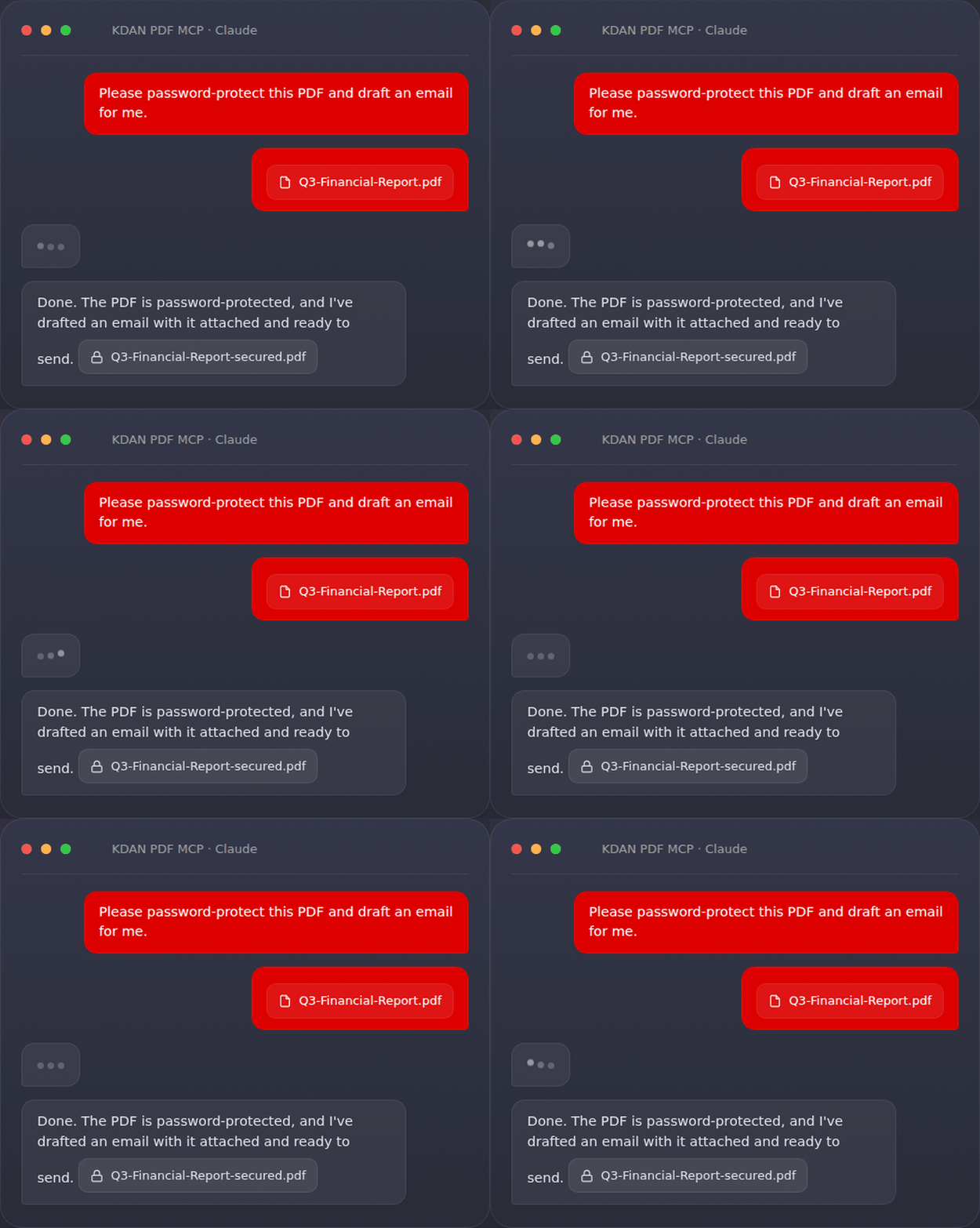
Contents: What is MCP? · Why KDAN PDF MCP · How it works · Setup on Claude · Setup on ChatGPT · What you can do · Tips · Built for every team · Feature spotlights · Prompt Pack & resources · Privacy & security · FAQ · Troubleshooting · Support
KDAN PDF MCP is a remote MCP server that lets users prepare PDFs with natural-language instructions. In supported AI assistants such as Claude or ChatGPT, users can ask KDAN PDF MCP to compress large files, remove selected pages, redact sensitive information, compare document versions, or add or update password protection before documents are shared, submitted, or reviewed.
Think of an AI assistant like Claude as very capable, but with no hands — on its own it can only talk about your PDF. MCP (Model Context Protocol) is an open standard that gives the AI a real pair of hands: it can now actually open your file, edit it, and save a new copy for you. KDAN PDF MCP is the connector that plugs KDAN PDF's editing tools into that assistant.
No code, no installation, no account. You paste one link into your AI assistant once, and from then on you just type what you want in plain language.
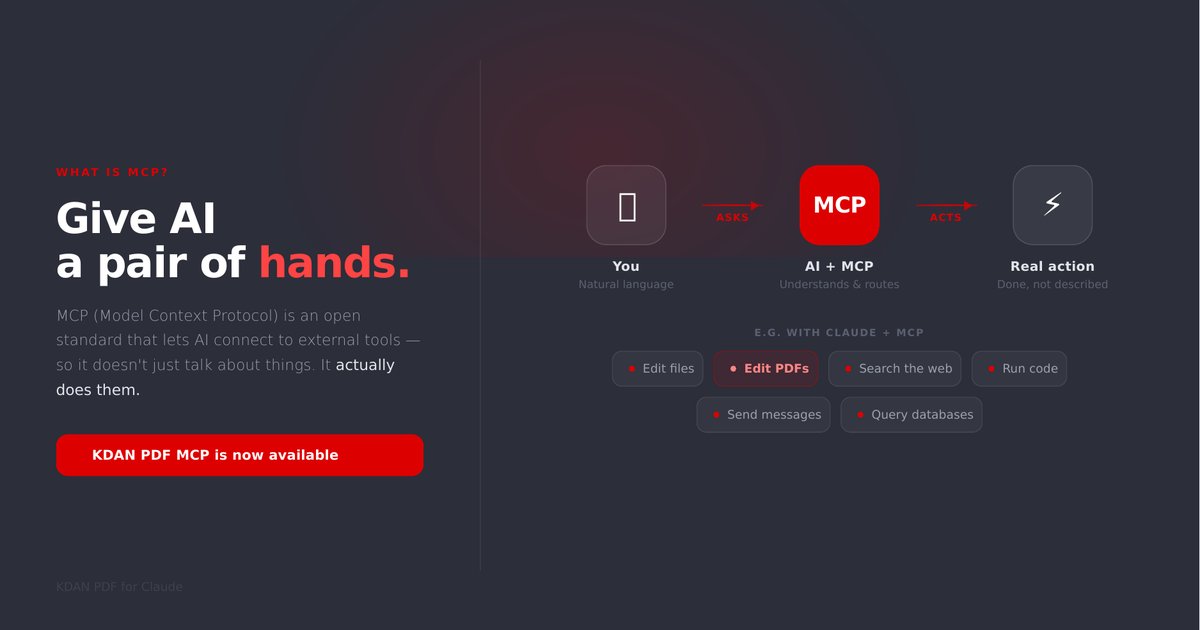
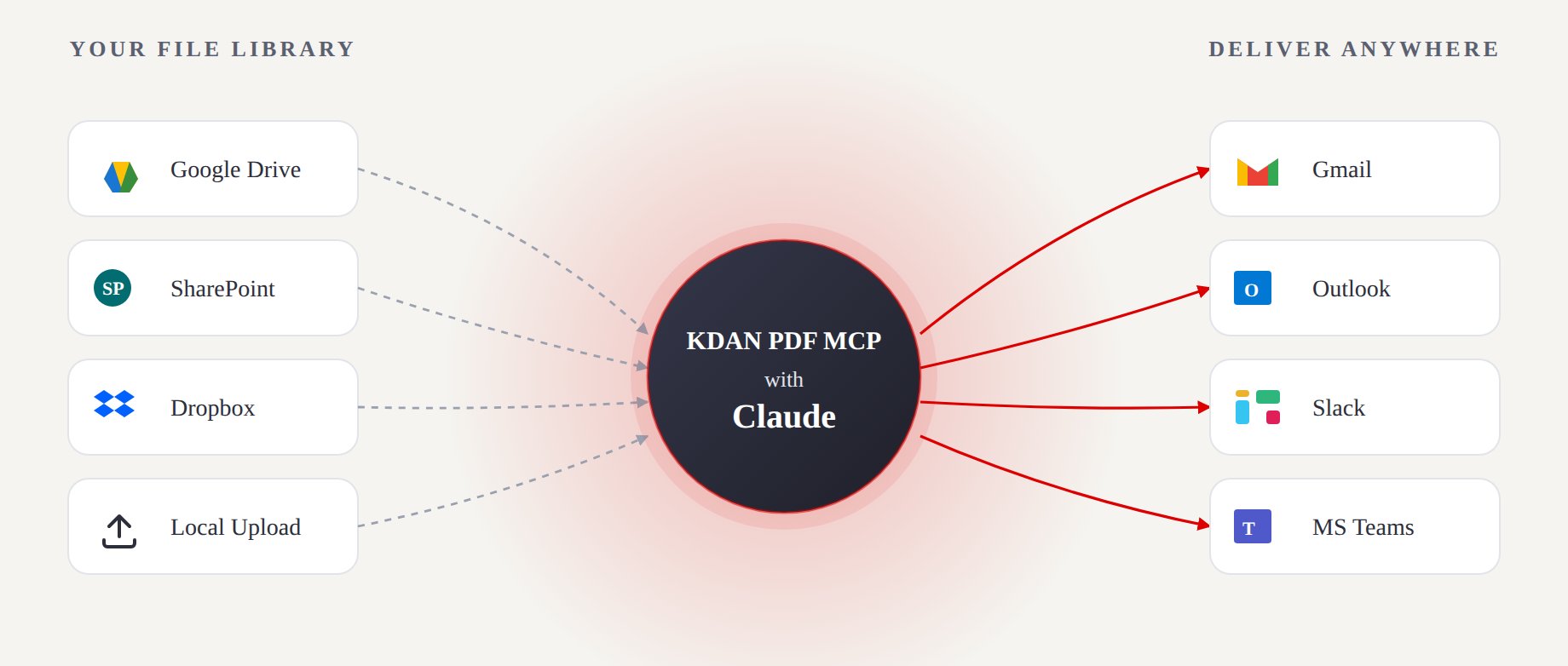
Pull a file from wherever it lives, let KDAN PDF MCP + your AI assistant do the work, and send the result straight to where your team already is.
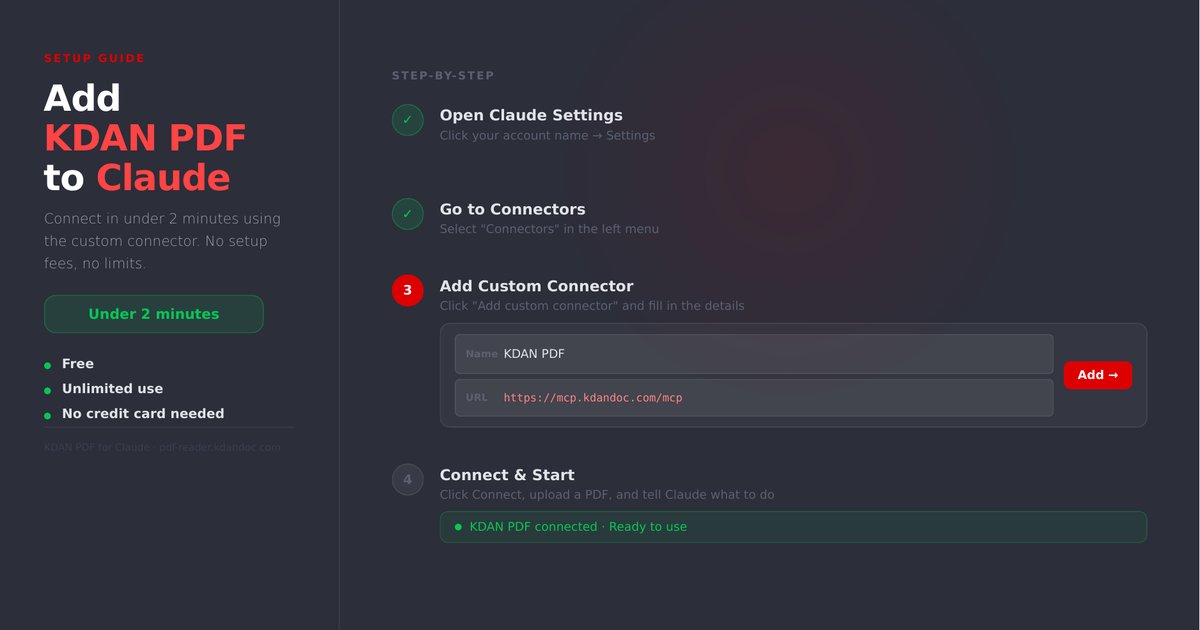
Works on free accounts. Steps are the same for both Claude Desktop and claude.ai.
https://mcp.kdandoc.com/mcp
Once connected, just tell Claude what you want — for example: "Help me compress this PDF and remove page 3."
May require a paid plan.
https://mcp.kdandoc.com/mcp
Once connected, try asking your AI assistant:
The same connector fits seven everyday workflows:
| Team | Typical job | One-sentence example |
|---|---|---|
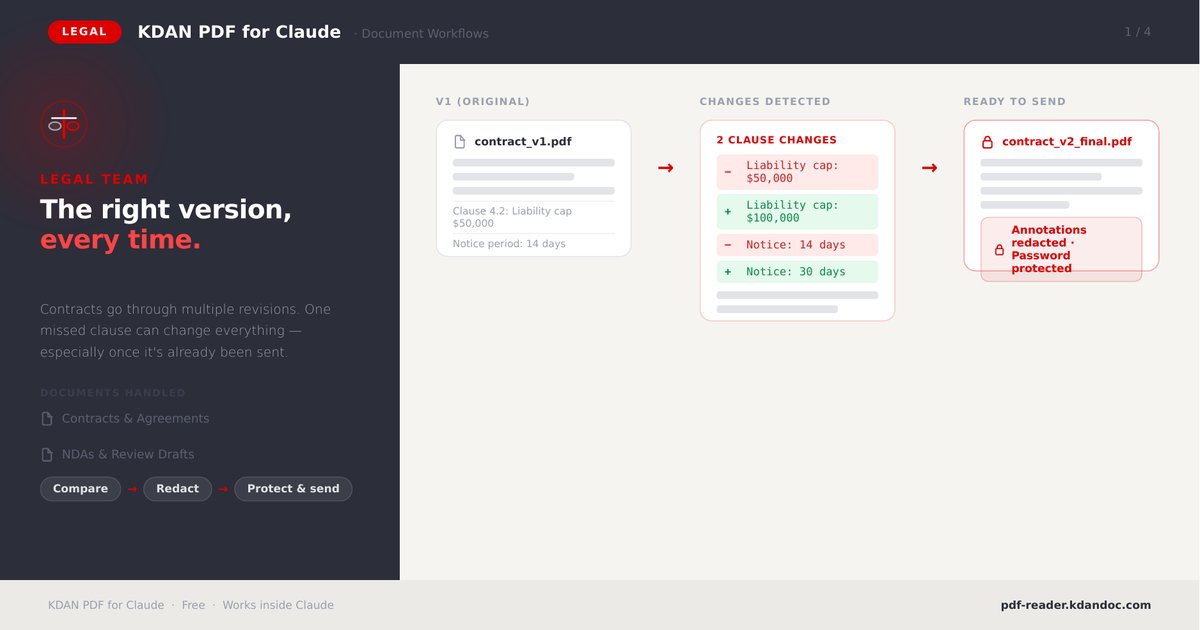
| Legal | Compare contract versions, strip internal notes, protect before sending | "Compare v1 and v2, redact comments, then set a password." |
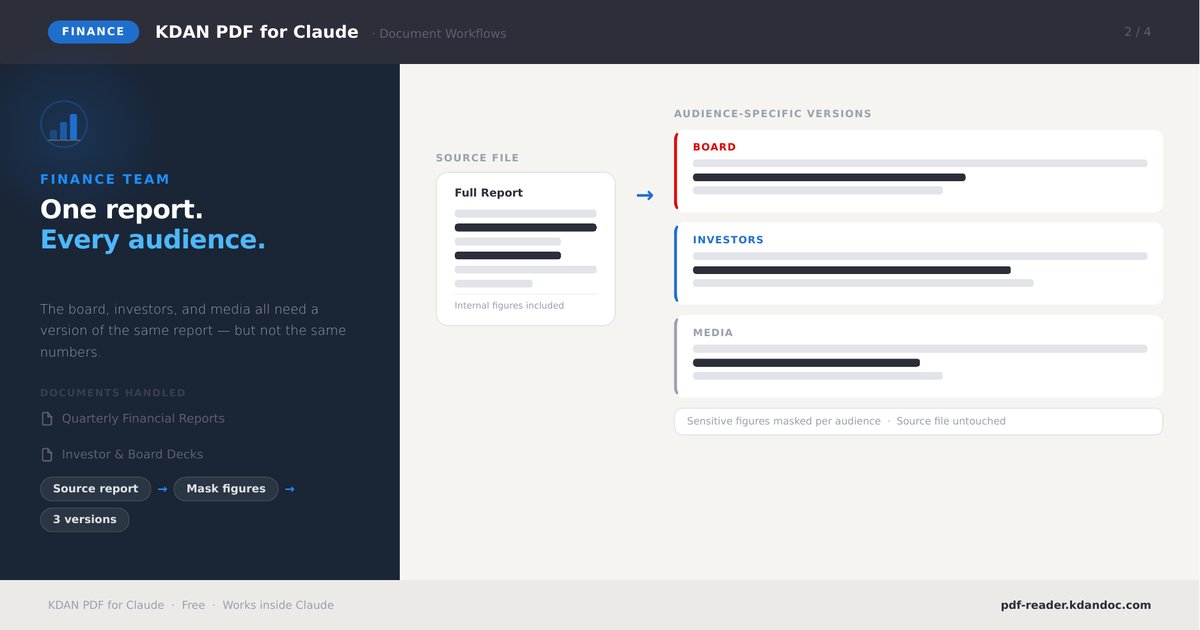
| Finance | One report, audience-specific versions with figures masked | "Mask the internal figures for the investor version." |
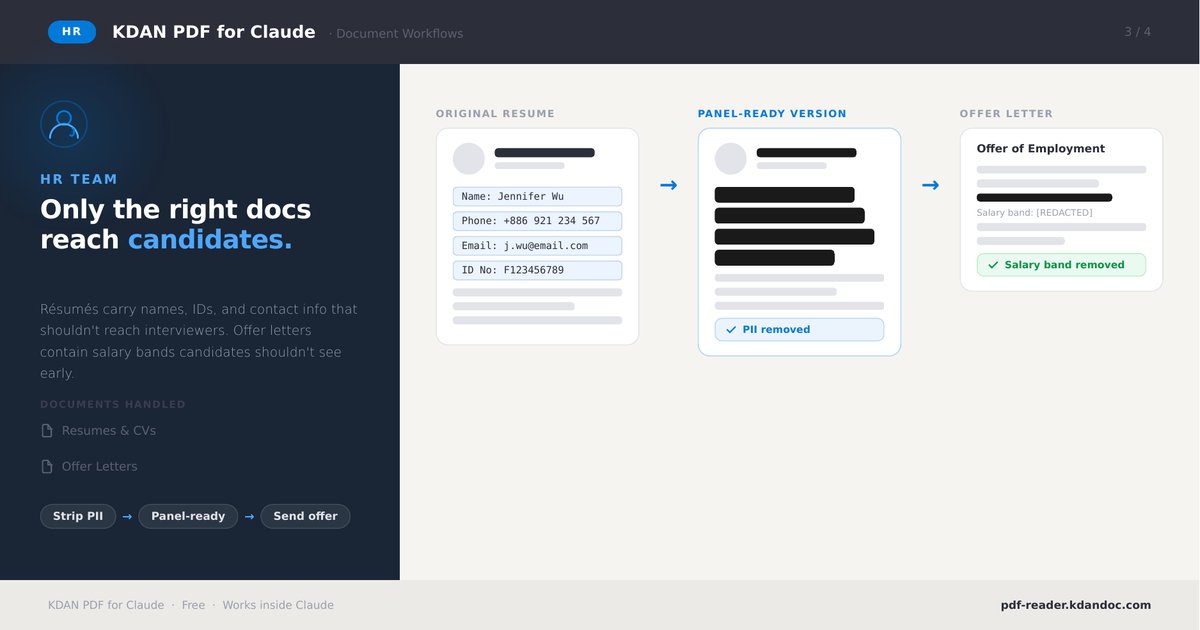
| HR | Remove PII from resumes; hide salary bands on offer letters | "Black out names, IDs and phone numbers on this resume." |
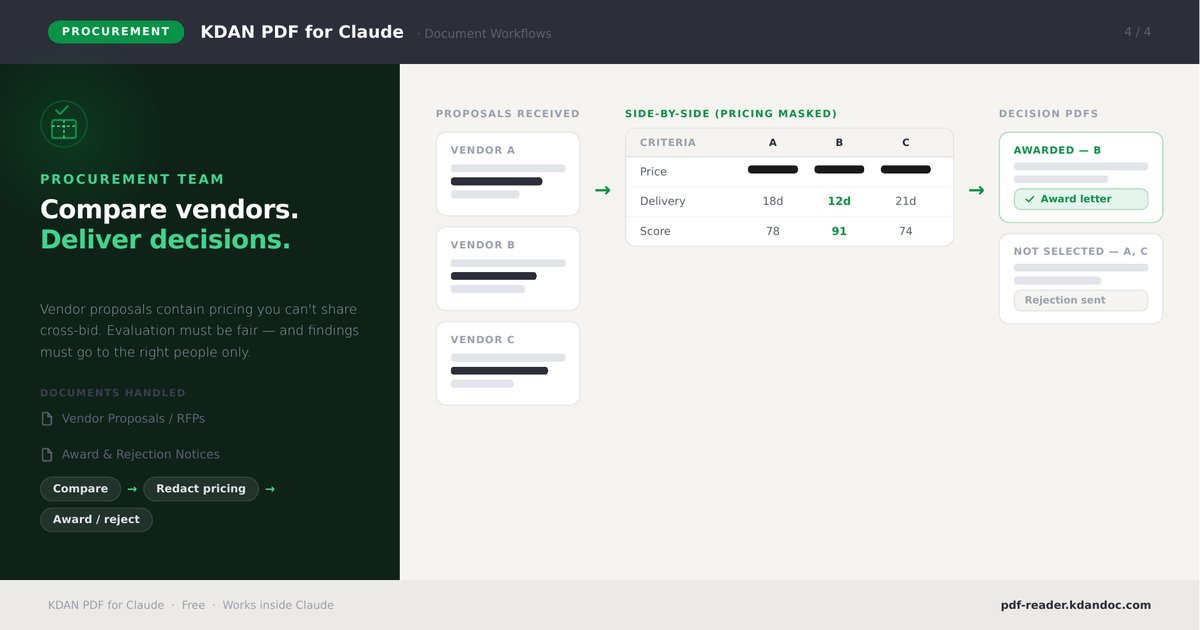
| Procurement | Compare vendor proposals with pricing masked; issue decisions | "Compare these three proposals and mask the pricing." |
| Marketing & Sales | Compress decks, protect proposals before sharing externally | "Compress this deck and password-protect it." |
| Project Management | Clean up specs, remove draft pages, share final copies | "Delete the draft pages and give me a clean copy." |
| Engineering | Redact credentials from logs/specs before distribution | "Redact any keys or emails in this document." |
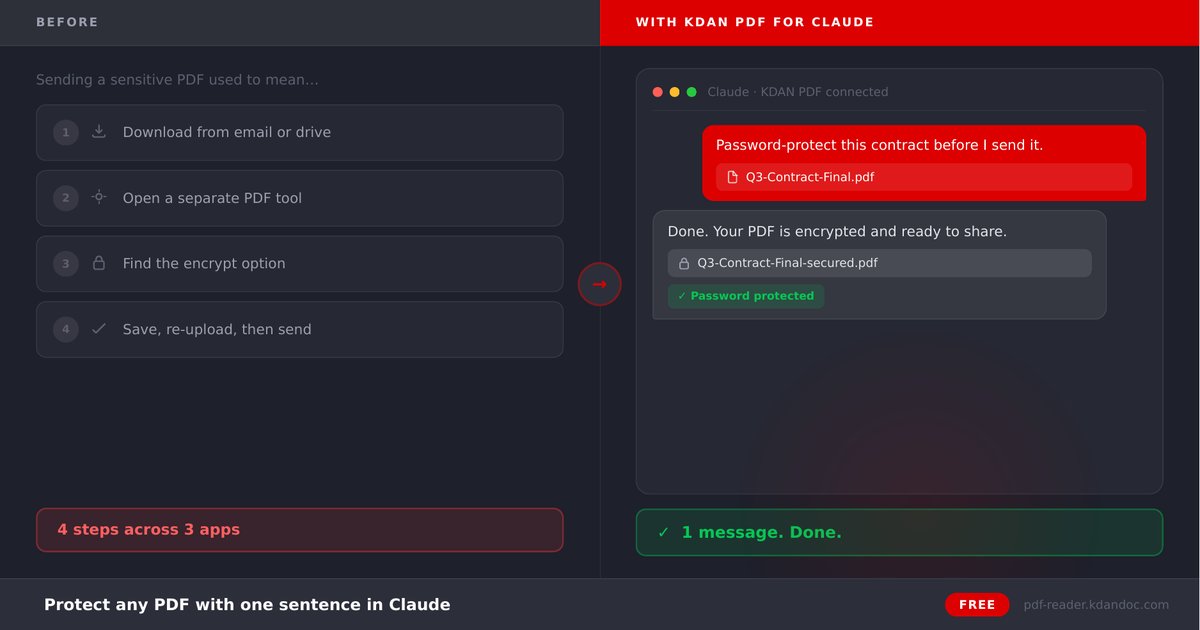
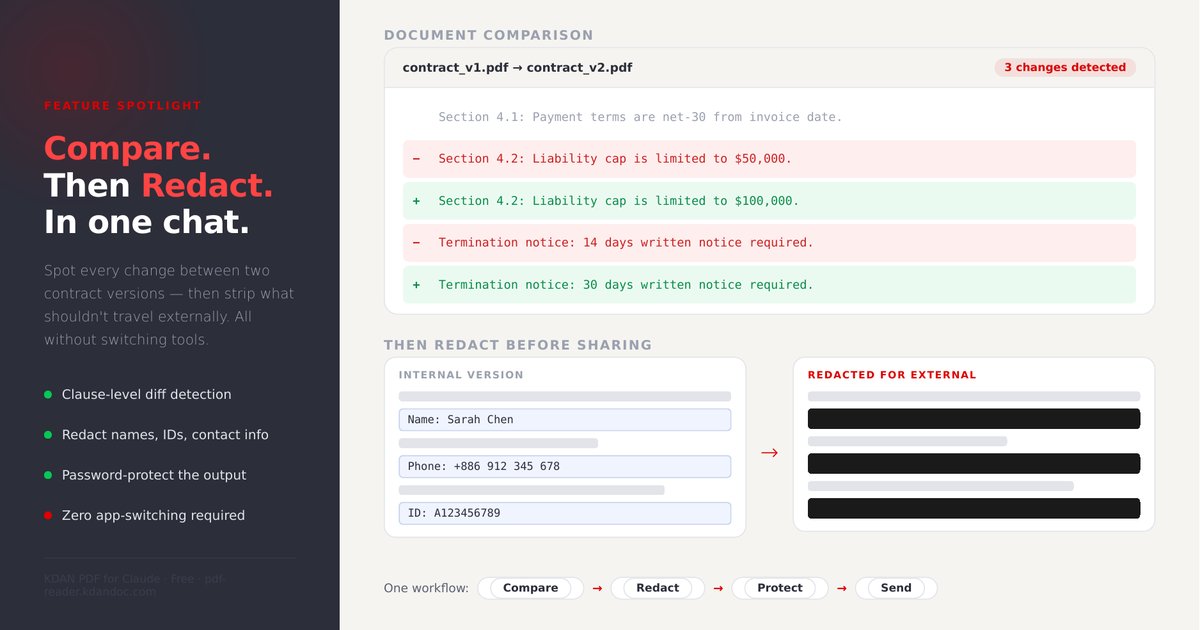
KDAN PDF MCP applies true PDF redaction — targeted content is permanently removed, not masked with an overlay, so it cannot be recovered from the output file. KDAN Mobile operates under GDPR, Taiwan PDPA and CCPA. For full details see KDAN's Security, Privacy Policy and GDPR Compliance pages.
A: Yes — completely free and unlimited, with no upsell and no credit card required.
A: Yes. Once national IDs, credit cards, emails and phone numbers are detected, KDAN PDF MCP applies permanent, compliance-ready redaction.
A: On its own, an AI assistant can only read a PDF. KDAN PDF MCP adds full editing — encrypt, delete pages, redact and save new copies — all through chat.
A: Claude (web and desktop) and ChatGPT. Setup steps for each are above.
A: No. There's no sign-up — paste the connector URL once and start using it.
A: Yes, KDAN PDF MCP works on free Claude accounts. ChatGPT may require a paid plan to add connectors.
A: It removes it. KDAN PDF MCP applies true redaction rather than a visual black box, so the underlying text can't be copied or recovered.
A: Compress, delete pages, password-protect / change password, redact PII, compare two versions, preview, and generate a download link.
A: You can chat in the language your AI assistant supports; instructions work in natural language.
https://mcp.kdandoc.com/mcp.Claim this server with your GitHub account to request manual ownership verification.
Link to the catalog listing for KDAN PDF MCP from your README. This badge does not certify ownership, compatibility or security.
[](https://awesome-mcp.com/servers/kdan-pdf-mcp)Public repository statistics could not be verified. Check the configured source address; unavailable counts are not zero.
Separate sources, scopes and periods. Never combined or treated as installations, active users or security reviews.
No reviewed package or image identity; download statistics are not listed yet.
Alternative and complementary servers in the same category
Oleafly is a live collaborative LaTeX, Typst and Markdown editor for research that offers a local MCP server and an oleafly mcp stdio command so outside AI clients can use its project tools.
Buddy is an Android app that offers its phone tools through a local MCP server to Claude Code, Codex, OpenCode, Antigravity, and Grok sessions.

Tuqui is a hosted MCP server that connects Odoo with Claude and ChatGPT so users can ask about sales, stock, customers and overdue invoices in plain language.
