
Oleafly is a live collaborative LaTeX, Typst and Markdown editor for research that offers a local MCP server and an oleafly mcp stdio command so outside AI clients can use its project tools.
Repository stats unavailable
Productivity & Ops
An MCP server that converts Markdown content into interactive mindmap HTML, returning either HTML content or a saved file path.
Mindmap MCP Server is cataloged as an MCP server attributed to yuchenssr. An MCP server that converts Markdown content into interactive mindmap HTML, returning either HTML content or a saved file path. It is categorized under productivity work. See the capability inspector for recorded interfaces and their independent review status; consult upstream documentation for the current interface.
Installation configuration is not reviewed. No executable setup is offered for this entry; inspect the source repository before proceeding.
Catalog license label: MIT License. Check the source repository's current license and terms before using, modifying or distributing this software.
Capability definitions are not reviewed. Unreviewed imports are not exposed as trusted interfaces.
No reviewed records to display. This does not establish that upstream lacks this capability.
No reviewed records to display. This does not establish that upstream lacks this capability.
No reviewed records to display. This does not establish that upstream lacks this capability.
Email delivery is not connected. This page does not collect email addresses or create subscriptions.
Browse the registry for current listings instead.
Reviews for Mindmap MCP Server are not available yet
Review publishing and storage are not connected. This page does not collect or publish ratings or comments, including after sign-in.
Yes, the HTML return type can be previewed in the AI client's artifact.
Yes, the filePath option saves the mindmap to a file and returns the file path.
README.md · f61f76fd6093 · Fetched 2026-11-13 08:24:24 UTC
Original upstream text, without AI rewriting. Scripts, forms and unsafe links are filtered for safety.
Showing the last retrieved documentation snapshot; check the source for current changes.
A Model Context Protocol (MCP) server for converting Markdown content to interactive mindmaps.
pip install mindmap-mcp-server
Or using uvx:
uvx mindmap-mcp-server
Or using docker safer and easier.
Three installation methods have been successfully tested on macOS and Linux.
For Windows users experiencing issues with npx for this MCP, consider using the Docker method. Alternatively, if you use Visual Studio Code, the "Markmap" extension offers a potentially simpler solution than navigating command-line tools.
If you're experiencing unresolved issues, you can use my recent system prompt as a Mindmap Assistant instead of using this MCP server.
You are a specialized assistant that generates HTML code for interactive markdown-based mind maps (markmaps). When a user sends you content, respond with a complete HTML document that displays their content as a markmap visualization.
If artifact tool is turned on, you can use the artifact.

Follow these requirements:
1. Use the markmap-autoloader library (version 0.18 or latest stable version)
2. Format the HTML exactly according to the template below
3. Replace the demo content in the template with the user's content, preserving their hierarchical structure
4. Maintain the markmap configuration options (maxWidth: 300, colorFreezeLevel: 2)
5. If the user doesn't provide markdown formatting (# for headings), format their content appropriately with main topics using # and subtopics using ##

Template to follow:

<!DOCTYPE html>
<html lang="en">
  <head>
    <meta charset="UTF-8" />
    <meta http-equiv="X-UA-Compatible" content="IE=edge" />
    <meta name="viewport" content="width=device-width, initial-scale=1.0" />
    <title>Markmap</title>
    <style>
      svg.markmap {
        width: 100%;
        height: 100vh;
      }
    </style>
    <script src="https://cdn.jsdelivr.net/npm/markmap-autoloader@0.18"></script>
  </head>
  <body>
    <div class="markmap">
      <script type="text/template">
        ---
        markmap:
          maxWidth: 300
          colorFreezeLevel: 2
        ---

        # markmap

        ## Links

        - <https://markmap.js.org/>
        - [GitHub](https://github.com/markmap/markmap)

        ## Related

        - [coc-markmap](https://github.com/markmap/coc-markmap)
        - [gatsby-remark-markmap](https://github.com/markmap/gatsby-remark-markmap)

        ## Features

        - links
        - **inline** ~~text~~ *styles*
        - multiline
          text
        - `inline code`
        - Katex - $x = {-b \pm \sqrt{b^2-4ac} \over 2a}$
        - This is a very very very very very very very very very very very very very very very long line.
      </script>
    </div>
  </body>
</html>
Visualization options: (If formulas or symbols don’t display correctly, download the HTML file and open it in a browser.)
View the mindmap in artifacts (if available):
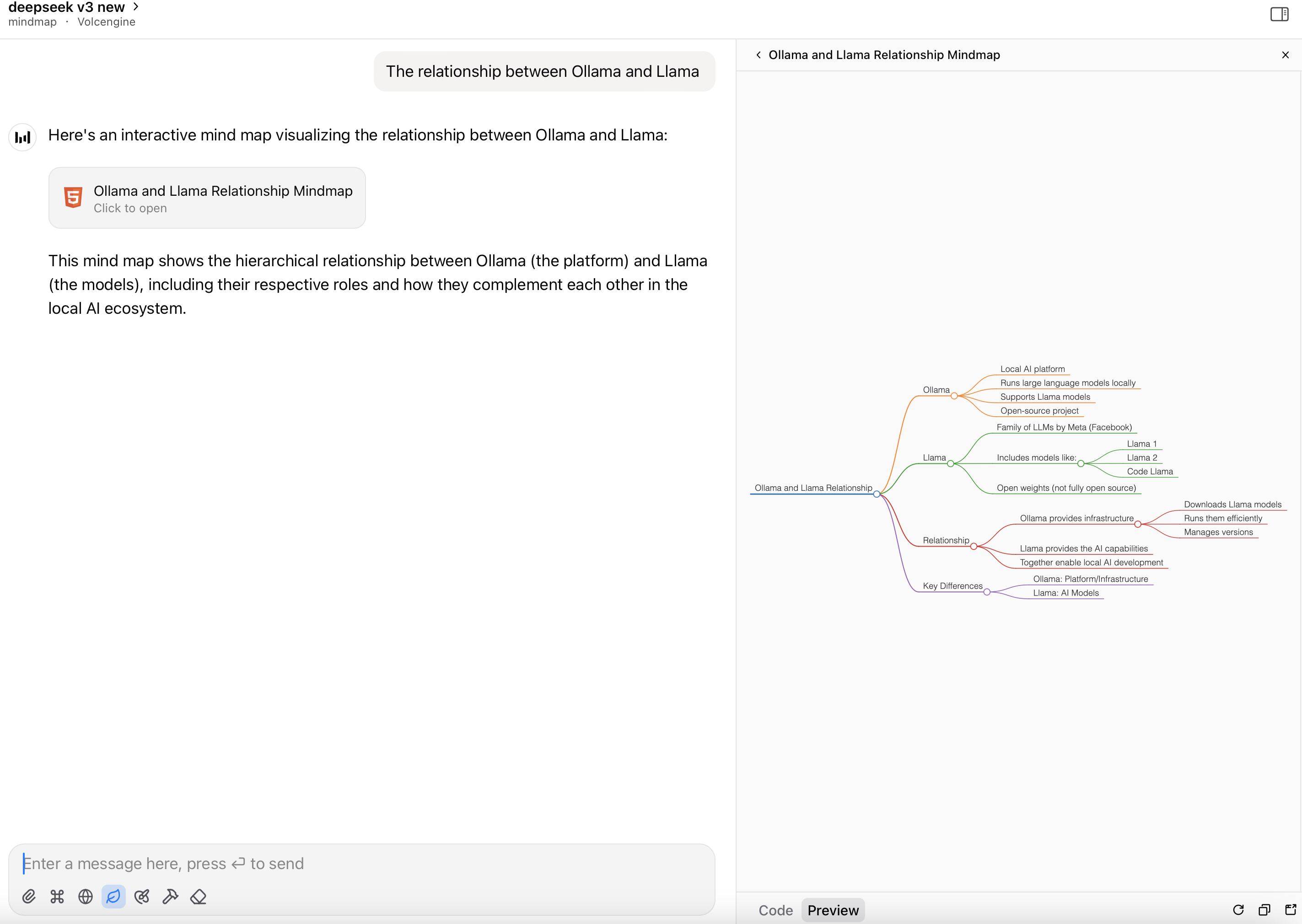
Render the HTML file as a mindmap:
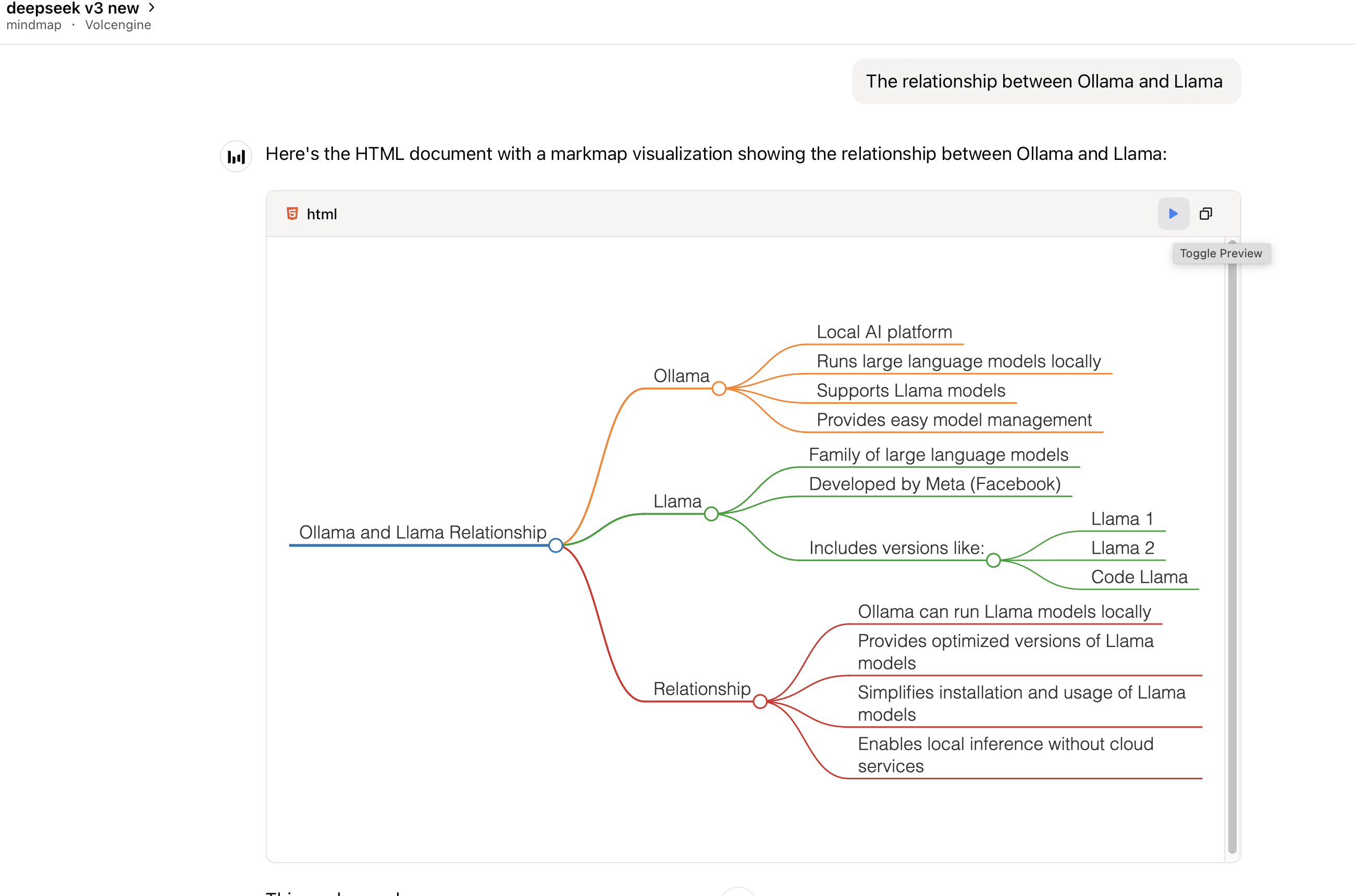
This package requires Node.js to be installed when using command python or uvx to run the server.
Add this server to your claude_desktop_config.json:
{
  "mcpServers": {
    "mindmap": {
      "command": "uvx",
      "args": ["mindmap-mcp-server", "--return-type", "html"]
    }
  }
}
or
recommended:
{
  "mcpServers": {
    "mindmap": {
      "command": "uvx",
      "args": ["mindmap-mcp-server", "--return-type", "filePath"]
    }
  }
}
we use --return-type to specify the return type of the mindmap content, you can choose html or filePath according to your needs.
html will return the entire HTML content of the mindmap, which you can preview in your AI client's artifact;
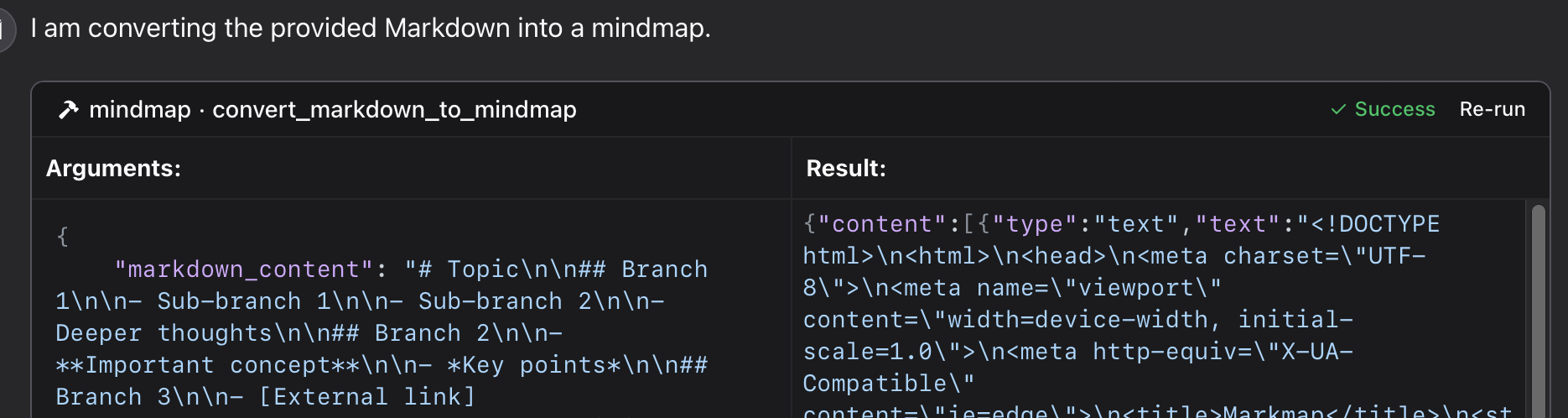
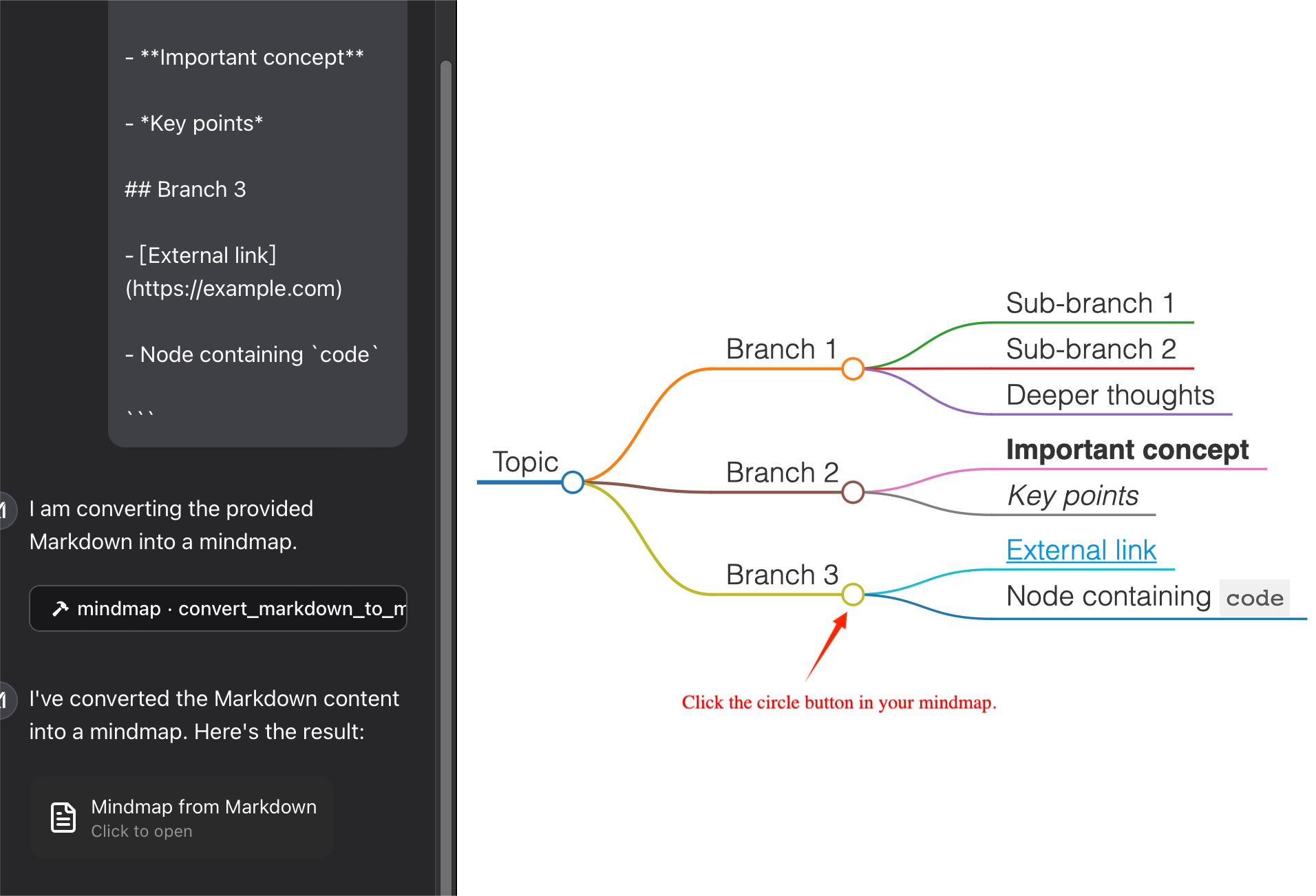
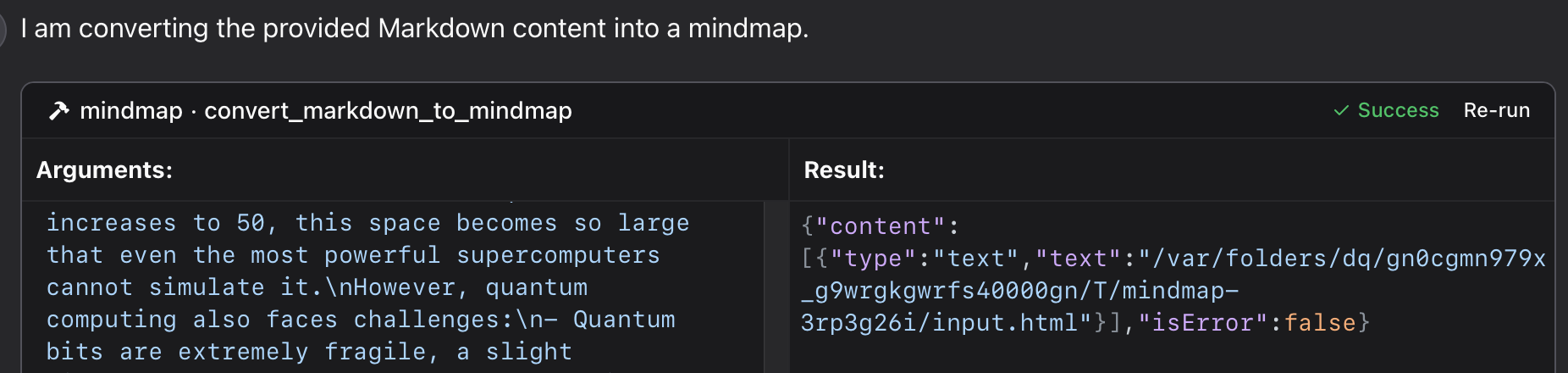
filePath will save the mindmap to a file and return the file path,which you can open in your browser. It can save your tokens !
Using a specific Python file in this repository:
{
  "mcpServers": {
    "mindmap": {
      "command": "python",
      "args": ["/path/to/your/mindmap_mcp_server/server.py", "--return-type", "html"]
    }
  }
}
or
{
  "mcpServers": {
    "mindmap": {
      "command": "python",
      "args": ["/path/to/your/mindmap_mcp_server/server.py", "--return-type", "filePath"]
    }
  }
}
we use --return-type to specify the return type of the mindmap content, you can choose html or filePath according to your needs. see using `uvx` for more details.
First, you pull the image:
docker pull ychen94/mindmap-converter-mcp
Second, set the server:
{
  "mcpServers": {
    "mindmap-converter": {
      "command": "docker",
      "args": ["run", "--rm", "-i", "-v", "/path/to/output/folder:/output", "ychen94/mindmap-converter-mcp:latest"]
    }
  }
}
⚠️ Replace /path/to/output/folder with an actual path on your system where you want to save mind maps, such as /Users/username/Downloads on macOS or C:\\Users\\username\\Downloads on Windows.
Tools Provided in the docker container The server provides the following MCP tools:
-v and /path/to/output/folder:/output in the command docker.File Not Found
If your mind map file isn't accessible:
1 Check that you've correctly mounted a volume to the Docker container
2 Ensure the path format is correct for your operating system
3 Make sure Docker has permission to access the directory
Docker Command Not Found
1 Verify Docker is installed and in your PATH
2 Try using the absolute path to Docker
Server Not Appearing in Claude
1 Restart Claude for Desktop after configuration changes
2 Check Claude logs for connection errors
3 Verify Docker is running
Advanced Usage
Using with Other MCP Clients
This server works with any MCP-compatible client, not just Claude for Desktop. The server implements the Model Context Protocol (MCP) version 1.0 specification.
This server provides a tool for converting Markdown content to mindmaps using the markmap-cli library:
In Claude, you can ask:
"give a mindmap for the following markdown code, using a mindmap tool:
# Project Planning
## Research
### Market Analysis
### Competitor Review
## Design
### Wireframes
### Mockups
## Development
### Frontend
### Backend
## Testing
### Unit Tests
### User Testing
"
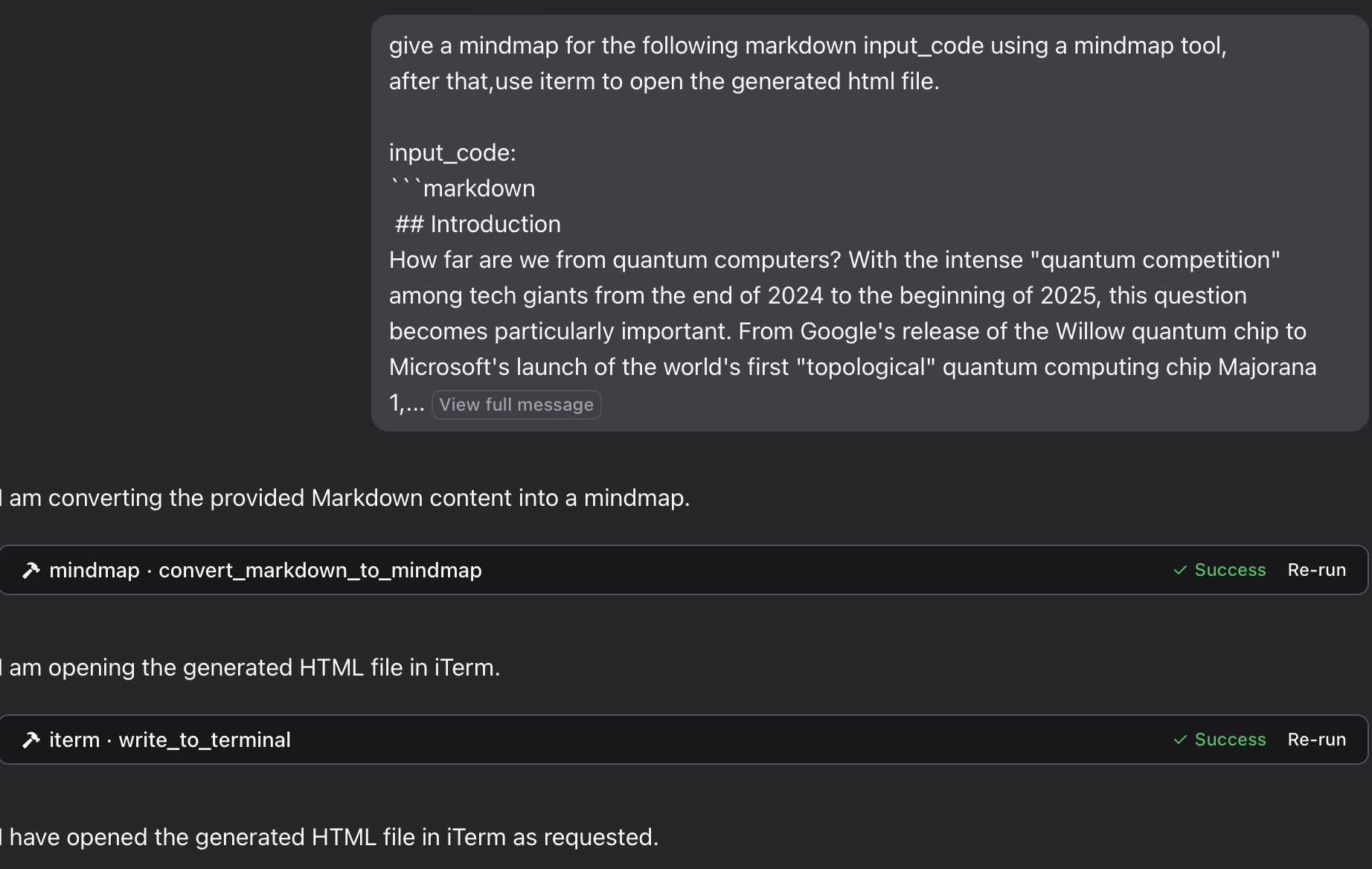
if you want to save the mindmap to a file, and then open it in your browser using the iTerm MCP server:
"give a mindmap for the following markdown input_code using a mindmap tool, after that,use iterm to open the generated html file. input_code:
markdown content
"
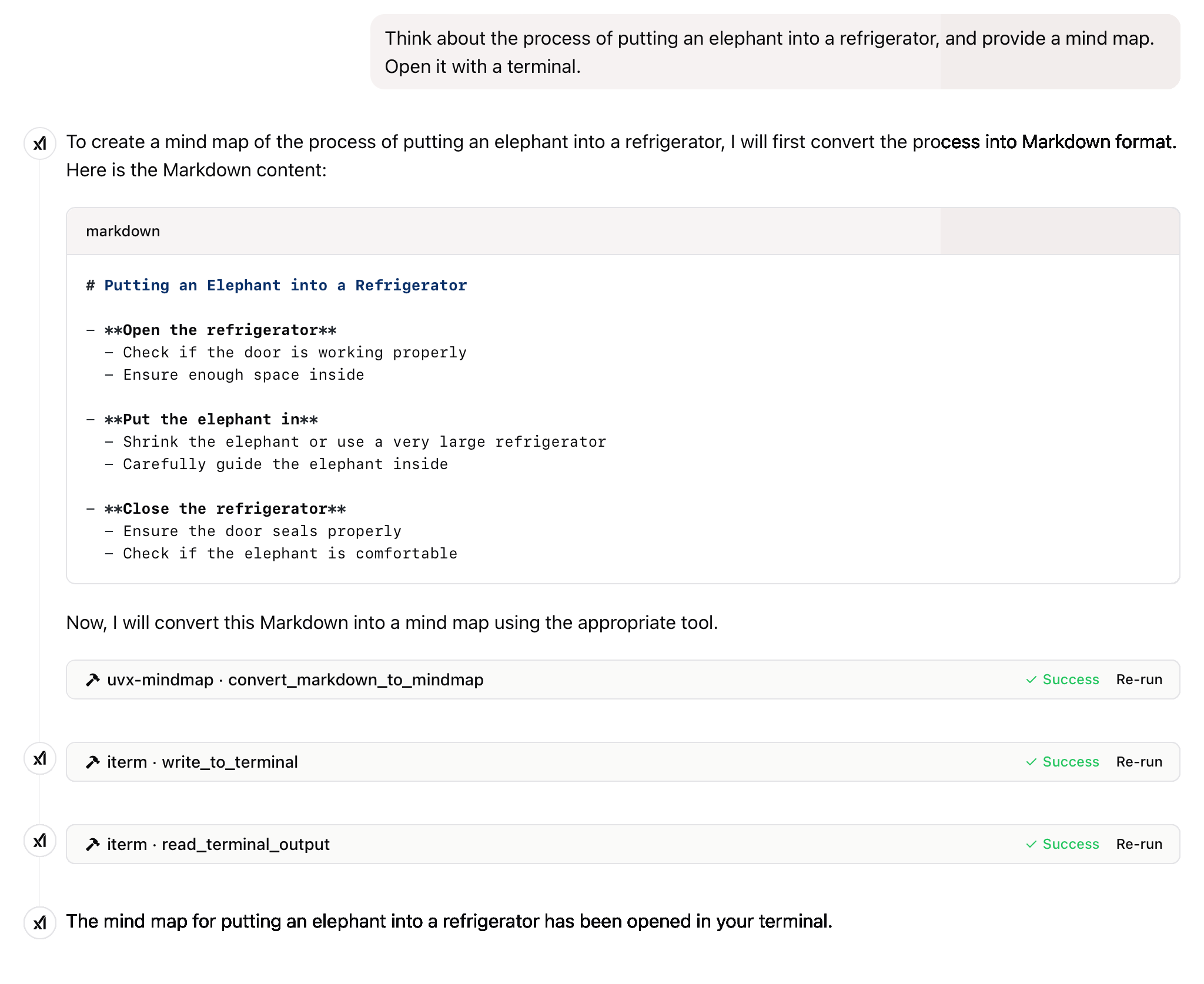
"Think about the process of putting an elephant into a refrigerator, and provide a mind map. Open it with a terminal."
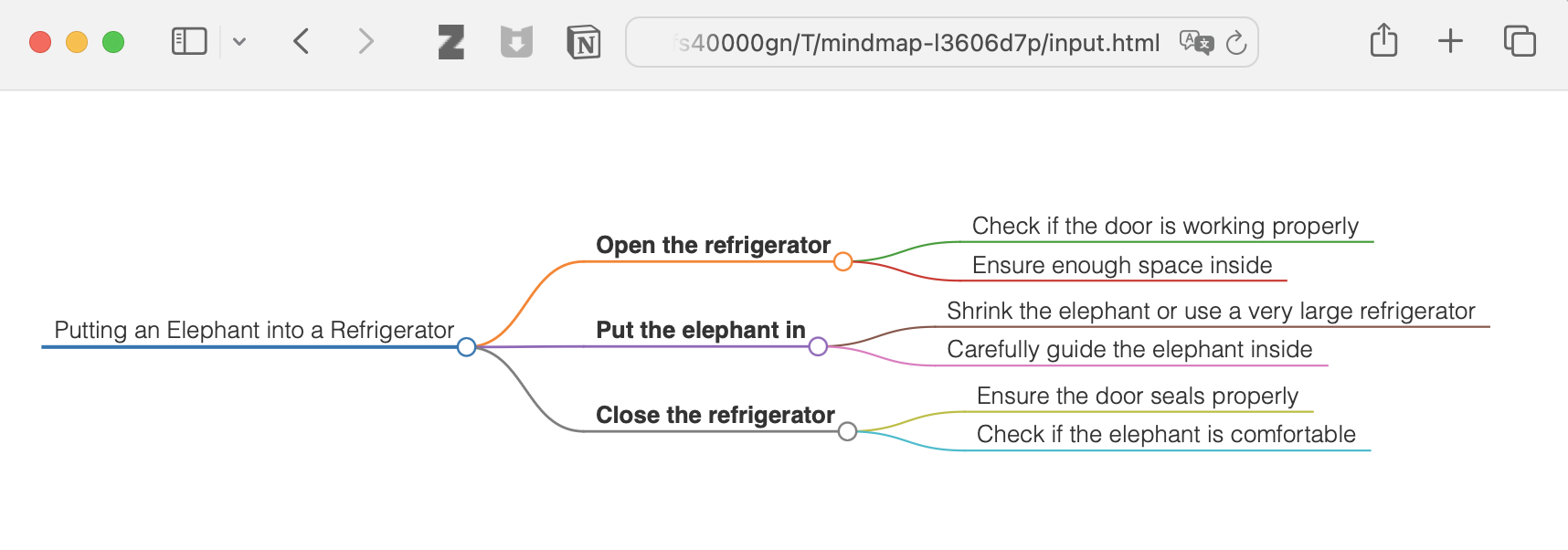
and more
This project is licensed under the MIT License. For more details, please see the LICENSE file in this project repository
If this project is helpful to you, please consider giving it a Star ⭐️
The advancement of technology ought to benefit all individuals rather than exploit the general populace.
Claim this server with your GitHub account to request manual ownership verification.
Link to the catalog listing for Mindmap MCP Server from your README. This badge does not certify ownership, compatibility or security.
[](https://awesome-mcp.com/servers/markdown-mindmap)Public repository statistics could not be verified. Check the configured source address; unavailable counts are not zero.
Separate sources, scopes and periods. Never combined or treated as installations, active users or security reviews.
No reviewed package or image identity; download statistics are not listed yet.
Alternative and complementary servers in the same category
Oleafly is a live collaborative LaTeX, Typst and Markdown editor for research that offers a local MCP server and an oleafly mcp stdio command so outside AI clients can use its project tools.
Buddy is an Android app that offers its phone tools through a local MCP server to Claude Code, Codex, OpenCode, Antigravity, and Grok sessions.

Tuqui is a hosted MCP server that connects Odoo with Claude and ChatGPT so users can ask about sales, stock, customers and overdue invoices in plain language.
