
A directory listing describing a cancellation-letter and mailing-address service. The configured public GitHub repository returned 404 during source verification.
Repository stats unavailable
Developer Tools
A Model Context Protocol server that retrieves Web Platform API Baseline support status via the Web Platform Dashboard API and returns results to MCP clients.
Baseline MCP Server is cataloged as an MCP server attributed to yamanoku. A Model Context Protocol server that retrieves Web Platform API Baseline support status via the Web Platform Dashboard API and returns results to MCP clients. It is categorized under developer tools. See the capability inspector for recorded interfaces and their independent review status; consult upstream documentation for the current interface.
Installation configuration is not reviewed. No executable setup is offered for this entry; inspect the source repository before proceeding.
Catalog license label: MIT License. Check the source repository's current license and terms before using, modifying or distributing this software.
能力定义尚未审核。未核验的采集内容不会作为可信接口展示。
暂无可展示的已审核记录。这不表示上游不支持此能力。
暂无可展示的已审核记录。这不表示上游不支持此能力。
暂无可展示的已审核记录。这不表示上游不支持此能力。
Email delivery is not connected. This page does not collect email addresses or create subscriptions.
Browse the registry for current listings instead.
Reviews for Baseline MCP Server are not available yet
Review publishing and storage are not connected. This page does not collect or publish ratings or comments, including after sign-in.
It indicates a web standard feature that is broadly supported and safe to use in most browsers.
It indicates a web feature not currently included in Baseline, so browser support must be checked individually.
README.md · 8f98ea93064c · 采集于 2026-11-13 09:44:19 UTC
保留上游原文,不做 AI 改写。为安全起见过滤脚本、表单和不安全链接。
当前显示最后一次成功采集的文档快照,请以来源页面为准。

Web Platform APIのサポート状況を提供するModel Context Protocolサーバーです。
このサーバーは、Web Platform DashboardのAPIを使用して、WebのAPI機能のBaselineステータス(サポート状況)を取得できるMCPサーバーを実装しています。クエリに基づいてWeb機能の情報を取得し、その結果をMCPクライアントに返します。
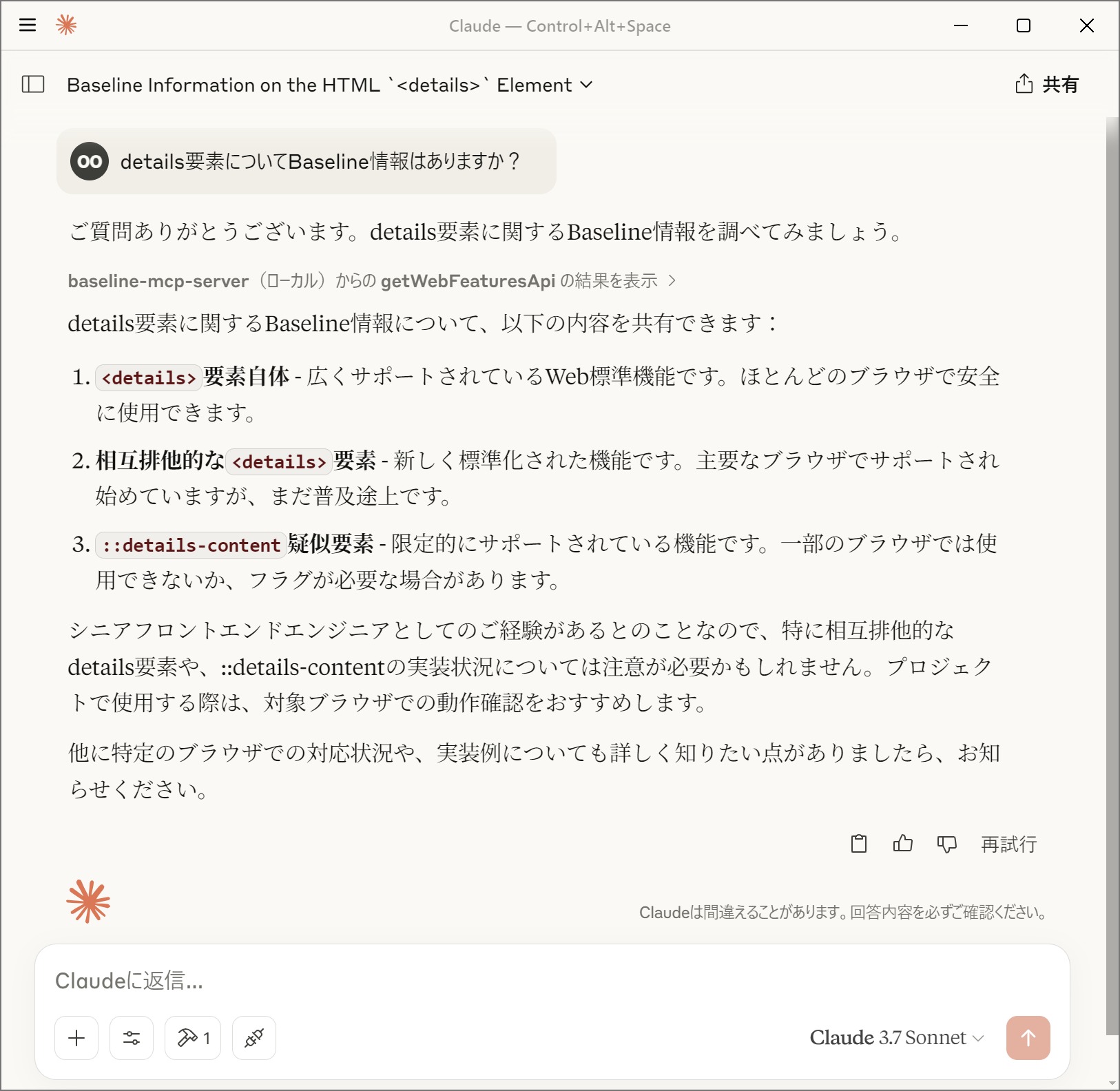
widely、newly、limited、no_data)の提供chrome, edge, firefox, safari)Baselineステータスは、Web機能のブラウザサポート状況を示します:
Baselineについての詳細については「Baseline (互換性) - MDN Web Docs 用語集」を参照してください。
api.webstatus.devのみのアクセスを許可してください@yamanoku/baseline-mcp-serverを指定するか、お手元のローカル環境にbaseline-mcp-server.tsを設置して読み取るように設定してくださいClaude
DesktopのMCPクライアントで使用するには、以下のようにcline_mcp_settings.jsonに設定を追加します。
{
  "mcpServers": {
    "baseline-mcp-server": {
      "command": "deno",
      "args": [
        "run",
        "--allow-net=api.webstatus.dev",
        "jsr:@yamanoku/baseline-mcp-server"
      ]
    }
  }
}
Visual Studio
CodeのMCPクライアントで使用するには、以下のようにsettings.jsonに設定を追加します。
{
  "mcp": {
    "servers": {
      "baseline-mcp-server": {
        "command": "deno",
        "args": [
          "run",
          "--allow-net=api.webstatus.dev",
          "jsr:@yamanoku/baseline-mcp-server"
        ]
      }
    }
  }
}
最初にDockerイメージをビルドします。
docker build -t baseline-mcp-server .
MCPクライアントの設定でDockerコンテナを実行するようにします。
{
  "mcpServers": {
    "baseline-mcp-server": {
      "command": "docker",
      "args": [
        "run",
        "-i",
        "baseline-mcp-server:latest"
      ]
    }
  }
}
deno compile
で、Denoランタイムを含んだ単一の実行ファイルを作れます。ネットワーク許可(api.webstatus.dev)はコンパイル時に埋め込まれるため、実行時にDenoや追加のパーミッション指定は不要です。
バージョンタグ(v*)をpushすると、OSごとのzip(linux.zip / macos.zip /
windows.zip)がGitHub Releasesに公開されます。展開後の配置は次のとおりです。
| OS | アーキテクチャ | ファイル |
|---|---|---|
| Linux | x86_64 | linux/baseline-mcp-server-x86_64 |
| Linux | ARM64 | linux/baseline-mcp-server-aarch64 |
| macOS | x86_64 | macos/baseline-mcp-server-x86_64 |
| macOS | ARM64 | macos/baseline-mcp-server-aarch64 |
| Windows | x86_64 | windows/baseline-mcp-server-x86_64.exe |
| Windows | ARM64 | windows/baseline-mcp-server-aarch64.exe |
最新リリース
から環境に合ったzipをダウンロードして展開し、実行権限を付与してください。同梱のSHA256SUMSで改ざんがないことも確認できます。
unzip linux.zip
chmod +x linux/baseline-mcp-server-x86_64
sha256sum --ignore-missing -c SHA256SUMS
MCPクライアントでは、ダウンロードしたバイナリのパスをcommandに指定します。
{
  "mcpServers": {
    "baseline-mcp-server": {
      "command": "/path/to/linux/baseline-mcp-server-x86_64"
    }
  }
}
# 実行中のOS向け
deno task compile

# ドキュメント記載の全ターゲット向け(GitHub Releasesと同じ成果物)
deno task compile:all
成果物はdist/に出力されます。ホスト向けバイナリはdist/baseline-mcp-server、全ターゲット向けはdist/linux/・dist/macos/・dist/windows/です。
このOSSはGPT-4o Image Generationによってロゴを製作、Claude 3.7 Sonnetによって実装、ドキュメントのサンプルを提案いただきました。感謝申し上げます。
Claim this server with your GitHub account to request manual ownership verification.
Link to the catalog listing for Baseline MCP Server from your README. This badge does not certify ownership, compatibility or security.
[](https://awesome-mcp.com/servers/baseline-mcp-server)Public repository statistics could not be verified. Check the configured source address; unavailable counts are not zero.
来源、范围和时段分别列出;不相加,不代表安装人数、活跃用户或安全审核。
尚无已审核的包 / 镜像标识,暂不展示下载统计。
Alternative and complementary servers in the same category
A directory listing describing a cancellation-letter and mailing-address service. The configured public GitHub repository returned 404 during source verification.

A hosted MCP service for browsing and searching through Singapore mobile-network proxies.

A directory listing describing a Markdown-to-PDF service. The configured public GitHub repository returned 404 during source verification.