

Oleafly is a live collaborative LaTeX, Typst and Markdown editor for research that offers a local MCP server and an oleafly mcp stdio command so outside AI clients can use its project tools.
Repository stats unavailable
Productivity & Ops
A hosted DottedSign MCP server that lets AI assistants create signing tasks, manage templates, track document status, and handle eSignature workflows in natural language.
DottedSign MCP is cataloged as an MCP server attributed to dottedsign-official. A hosted DottedSign MCP server that lets AI assistants create signing tasks, manage templates, track document status, and handle eSignature workflows in natural language. It is categorized under productivity work. See the capability inspector for recorded interfaces and their independent review status; consult upstream documentation for the current interface.
Installation configuration is not reviewed. No executable setup is offered for this entry; inspect the source repository before proceeding.
Catalog license label: MIT. Check the source repository's current license and terms before using, modifying or distributing this software.
能力定义尚未审核。未核验的采集内容不会作为可信接口展示。
暂无可展示的已审核记录。这不表示上游不支持此能力。
暂无可展示的已审核记录。这不表示上游不支持此能力。
暂无可展示的已审核记录。这不表示上游不支持此能力。
Email delivery is not connected. This page does not collect email addresses or create subscriptions.
Browse the registry for current listings instead.
Reviews for DottedSign MCP are not available yet
Review publishing and storage are not connected. This page does not collect or publish ratings or comments, including after sign-in.
No. Recipients sign through the normal DottedSign email link and need no account or AI tool on their side.
No. Setup is done once by pasting a connector URL, after which everything is done in plain language.
A DottedSign account is required, and sending signing tasks requires a paid plan; all plans support AI platform integration but some features are limited on Free and Pro.
README.md · d72d5201e551 · 采集于 2026-11-13 12:44:40 UTC
保留上游原文,不做 AI 改写。为安全起见过滤脚本、表单和不安全链接。
当前显示最后一次成功采集的文档快照,请以来源页面为准。
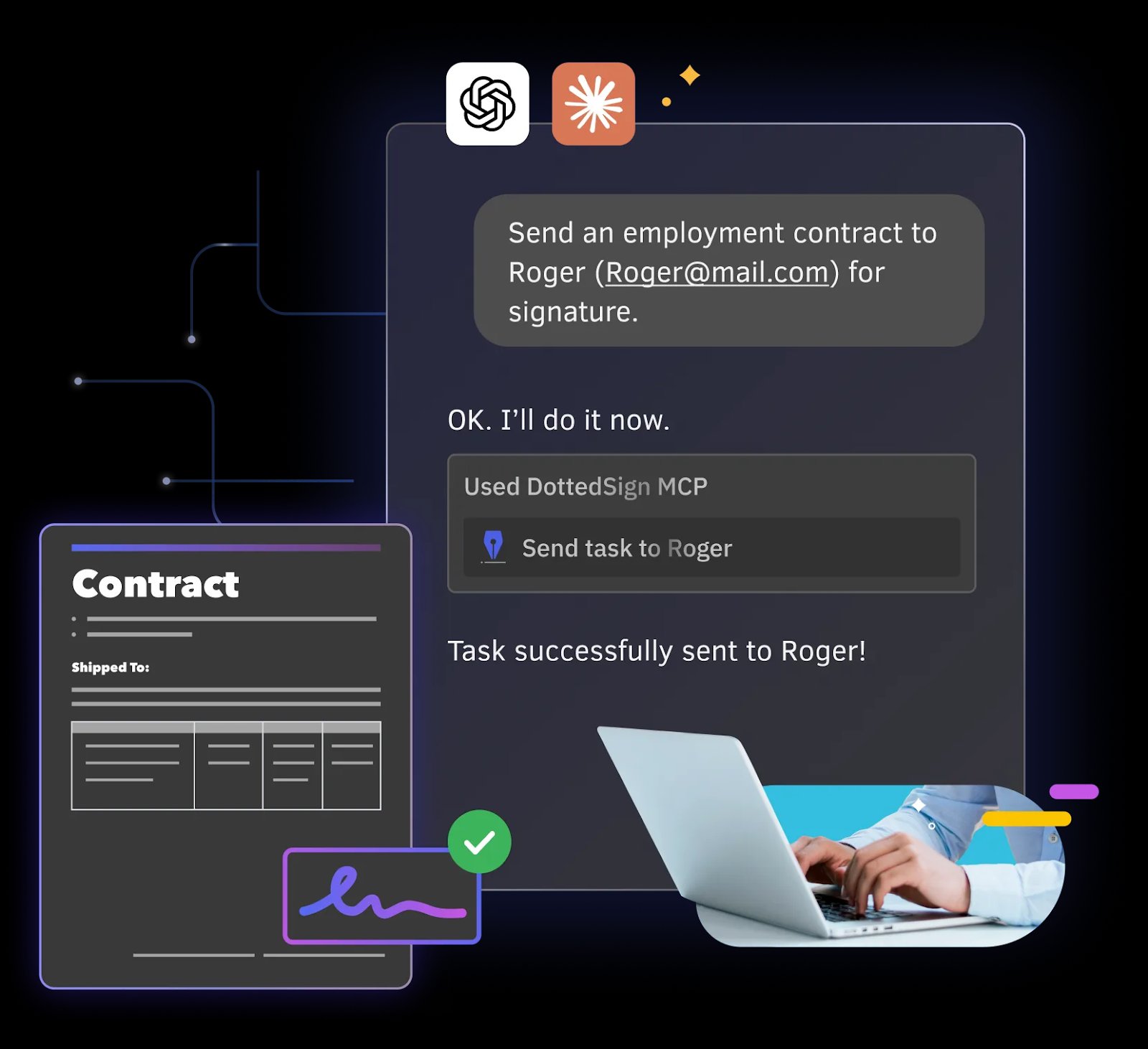



Connect your AI assistant (Claude or ChatGPT) to DottedSign — create signing tasks, track document status, manage templates, and more using natural language.
DottedSign MCP lets you run your entire eSignature workflow just by chatting with an AI assistant — no coding, no API keys, no app-switching. Tell Claude or ChatGPT what you need in plain language, and it talks to DottedSign for you: sending contracts, chasing signatures, checking status, and more.
You only need two things:
Works on free accounts. Steps are the same for both Claude Desktop and claude.ai.
https://mcp.dottedsign.com/dottedsign-api/mcp
Once connected, just tell Claude what you want — for example: "Show me my recent signing tasks in DottedSign."
Run the following command in your terminal:
claude mcp add --transport http dottedsign https://mcp.dottedsign.com/dottedsign-api/mcp
Claude Code will prompt you to authorize via DottedSign on first use.
May require a paid plan.
https://mcp.dottedsign.com/dottedsign-api/mcp
| Platform | Account needed | Best for |
|---|---|---|
| Claude (Desktop / web) | Free account works | Everyday users — fastest way to start |
| Claude Code | Claude account | Developers working in the terminal |
| ChatGPT | Paid plan may be required | ChatGPT-first teams |
Once connected, try asking your AI assistant:
Real prompts, real results. Each example shows what you type and what the AI does.
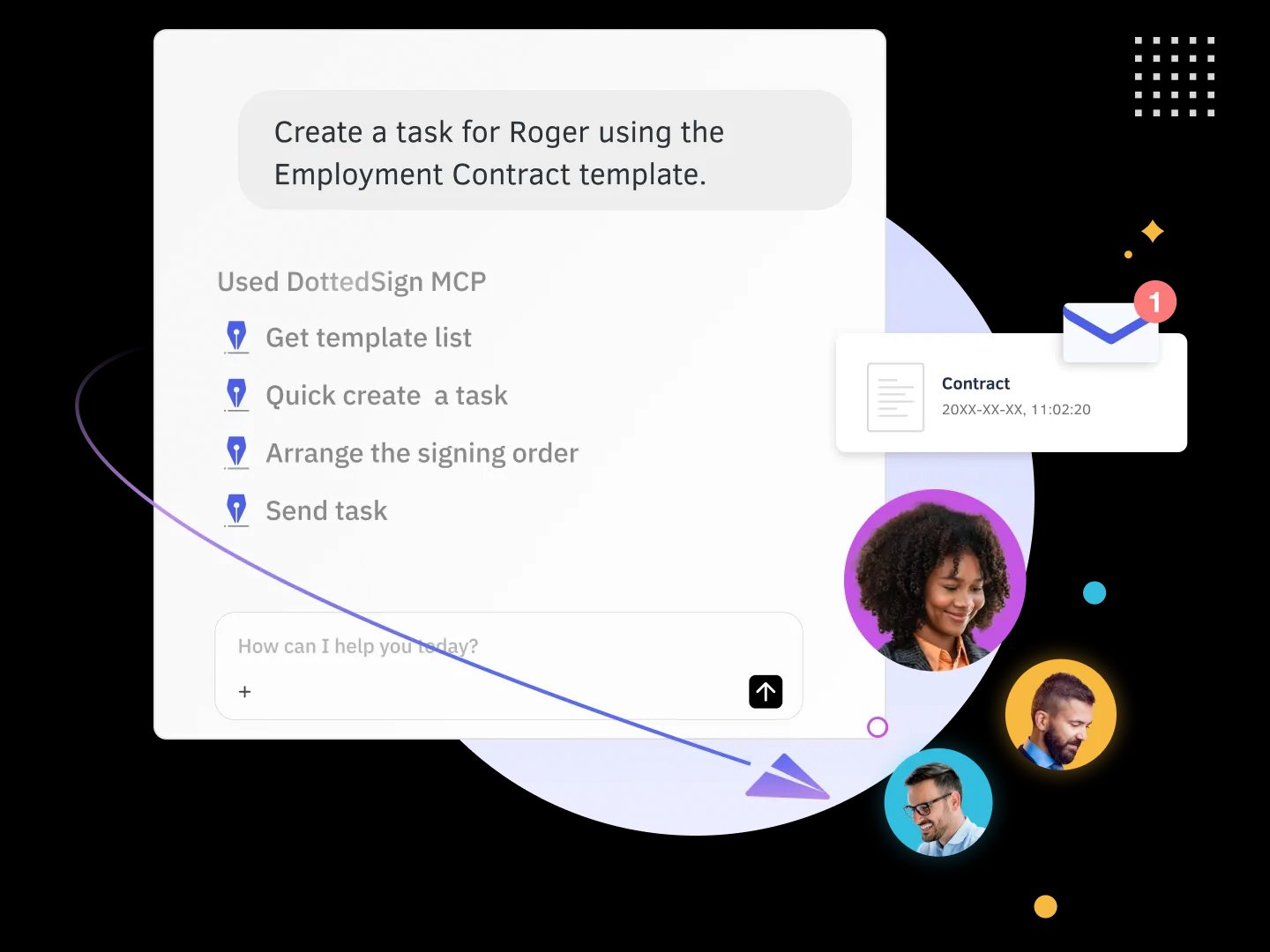
"Create a task for Roger using the Employment Contract template." → The AI pulls the template, creates the task, arranges the signing order, and sends it.
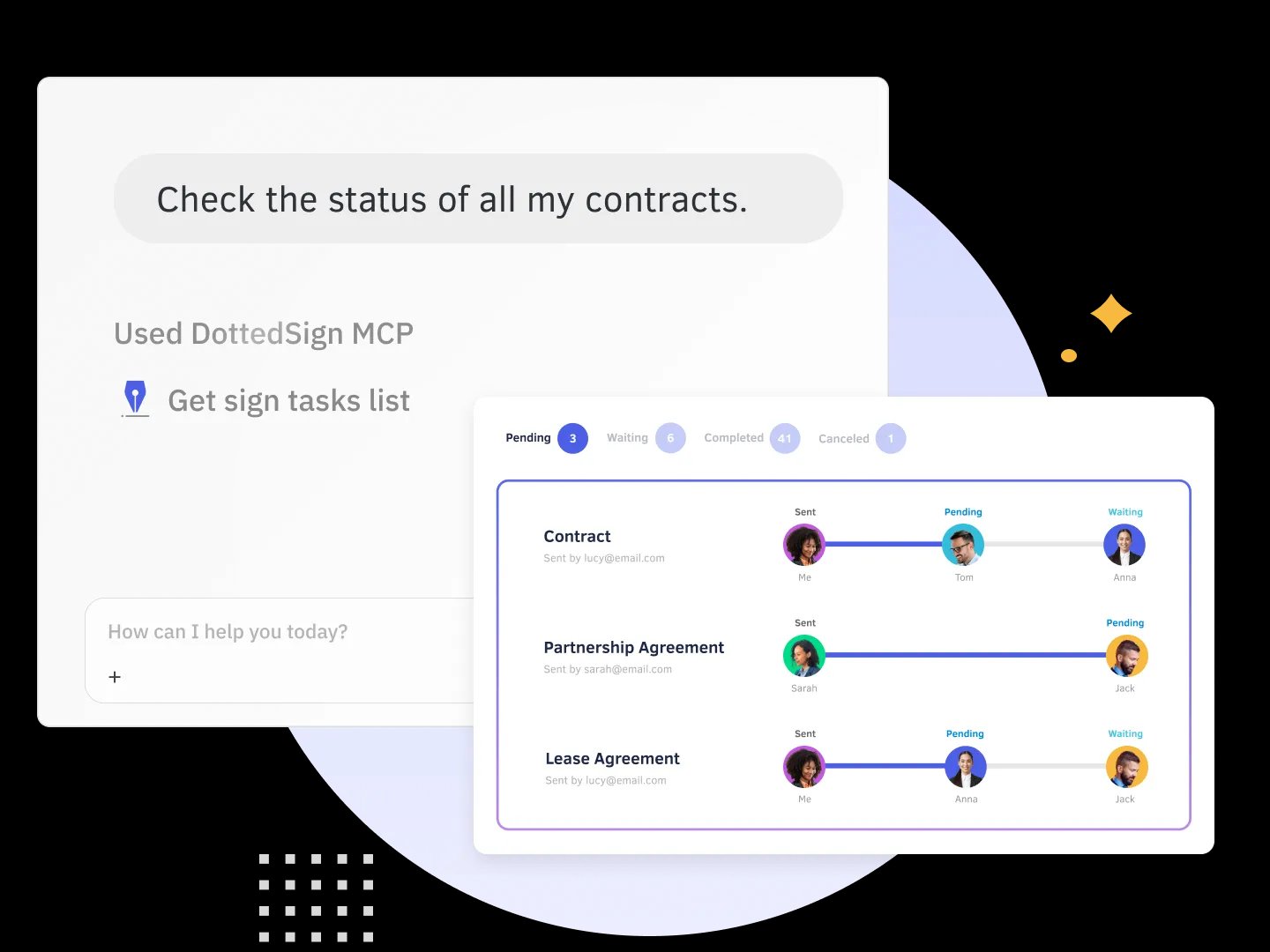
"Check the status of all my contracts." → The AI returns a live overview: pending, waiting, completed, and canceled.
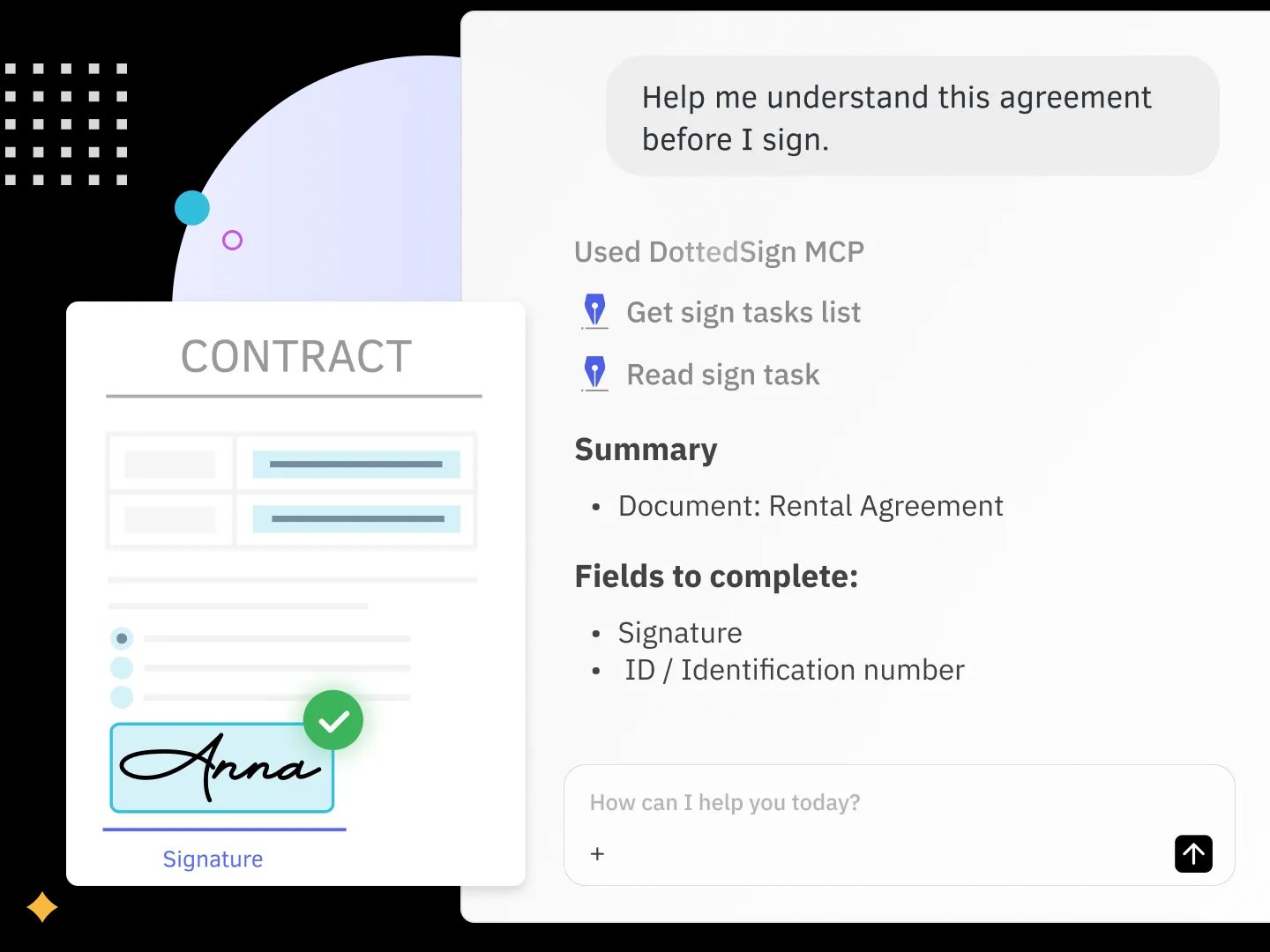
"Help me understand this agreement before I sign." → The AI summarizes the document and lists the fields you still need to complete.
"Cancel Lucy's signing task immediately." → The AI finds the task and voids it right away.
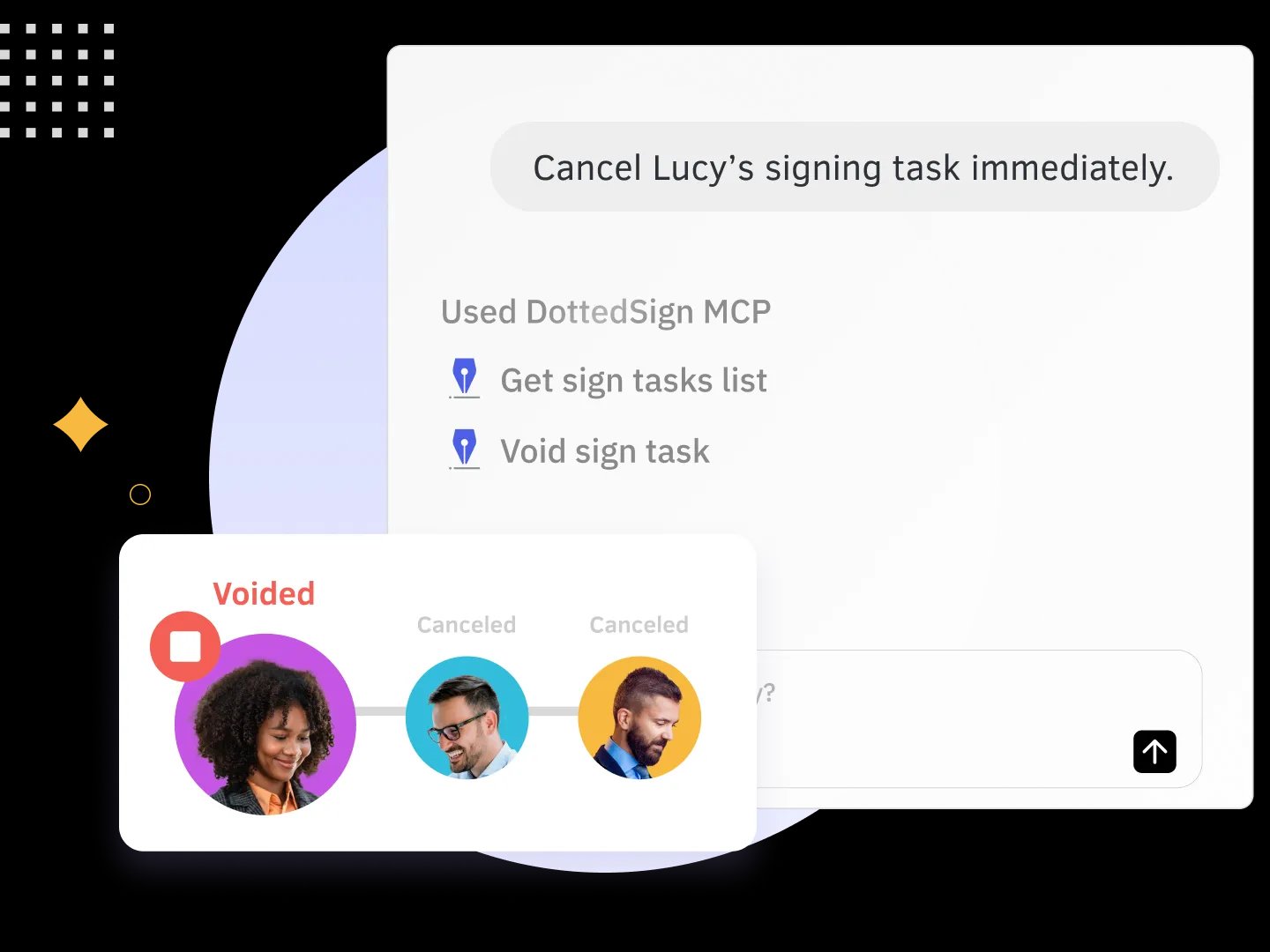
Behind every request, the AI calls one or more DottedSign tools — so you never have to:
Get sign tasks list — list and filter your signing tasksRead sign task — read and summarize a task's content and fieldsGet template list — browse your saved templatesQuick create a task — create a task from a templateArrange the signing order — set who signs firstSend task — deliver the task to signersVoid sign task — cancel or void a taskThe exact tool set is defined by the MCP server and may grow over time.
Q1. Do I need to know how to code? A. No. You set it up once by pasting a URL, then everything is done in plain language.
Q2. Is it free? A. The MCP connector itself is free, and Claude works on free accounts (ChatGPT may require a paid plan). A DottedSign account is required to use DottedSign MCP. All plans support AI platform integration, but some features are limited in the Free and Pro plans (such as sending signing tasks). To fully leverage AI-powered workflows—including creating signing tasks, sending documents, tracking progress, and signing documents—we recommend upgrading to the DottedSign Business plan.
Q3. Which AI assistants are supported? A. Claude (Desktop and web), Claude Code, and ChatGPT today — and any MCP-compatible client over time.
Q4. Do the people I send to need DottedSign or an AI tool? A. No. Recipients sign through the normal DottedSign email link — no account or AI tool required on their side.
Q5. Can the AI sign documents for me? A. Yes. If you've already created a signature in your DottedSign account, the AI can sign documents on your behalf — as well as prepare, send, track, and manage tasks. You stay in control of what gets created and sent.
Q6. Is my data secure? A. Access is granted through DottedSign's secure authorization (OAuth). You decide what to connect and can revoke access at any time.
Q7. How do I disconnect? A. Remove the connector in your AI assistant's Settings → Connectors, and/or revoke access from your DottedSign account.
Q8. What languages can I use? A. You can prompt in natural language, including English, 繁體中文, 日本語, and more.
Claim this server with your GitHub account to request manual ownership verification.
Link to the catalog listing for DottedSign MCP from your README. This badge does not certify ownership, compatibility or security.
[](https://awesome-mcp.com/servers/dottedsign-mcp)Public repository statistics could not be verified. Check the configured source address; unavailable counts are not zero.
来源、范围和时段分别列出;不相加,不代表安装人数、活跃用户或安全审核。
尚无已审核的包 / 镜像标识,暂不展示下载统计。
Alternative and complementary servers in the same category
Oleafly is a live collaborative LaTeX, Typst and Markdown editor for research that offers a local MCP server and an oleafly mcp stdio command so outside AI clients can use its project tools.
Buddy is an Android app that offers its phone tools through a local MCP server to Claude Code, Codex, OpenCode, Antigravity, and Grok sessions.

Tuqui is a hosted MCP server that connects Odoo with Claude and ChatGPT so users can ask about sales, stock, customers and overdue invoices in plain language.
