

A Rust CAD application with an MCP server for creating, inspecting and rendering drawings, either headlessly or through a connection to the desktop app.
8K
Media & Design
A plugin and skill library that connects AI agents to the Picsart MCP server for planning, previewing and producing AI video, drama series, motion design, screen-recording tutorials, recreated edits and vertical reels.
Picsart Video for AI agents is cataloged as an MCP server attributed to picsart. A plugin and skill library that connects AI agents to the Picsart MCP server for planning, previewing and producing AI video, drama series, motion design, screen-recording tutorials, recreated edits and vertical reels. It is categorized under media design. See the capability inspector for recorded interfaces and their independent review status; consult upstream documentation for the current interface.
Installation configuration is not reviewed. No executable setup is offered for this entry; inspect the source repository before proceeding.
Catalog license label: MIT. Check the source repository's current license and terms before using, modifying or distributing this software.
能力定义尚未审核。未核验的采集内容不会作为可信接口展示。
暂无可展示的已审核记录。这不表示上游不支持此能力。
暂无可展示的已审核记录。这不表示上游不支持此能力。
暂无可展示的已审核记录。这不表示上游不支持此能力。
Email delivery is not connected. This page does not collect email addresses or create subscriptions.
Browse the registry for current listings instead.
Reviews for Picsart Video for AI agents are not available yet
Review publishing and storage are not connected. This page does not collect or publish ratings or comments, including after sign-in.
Yes, a Picsart account is required, and the plugin signs you in to Picsart and shows your credits.
Every paid step is quoted before anything is charged.
README.md · 648a58496f8f · 采集于 2026-11-13 12:25:38 UTC
保留上游原文,不做 AI 改写。为安全起见过滤脚本、表单和不安全链接。
当前显示最后一次成功采集的文档快照,请以来源页面为准。
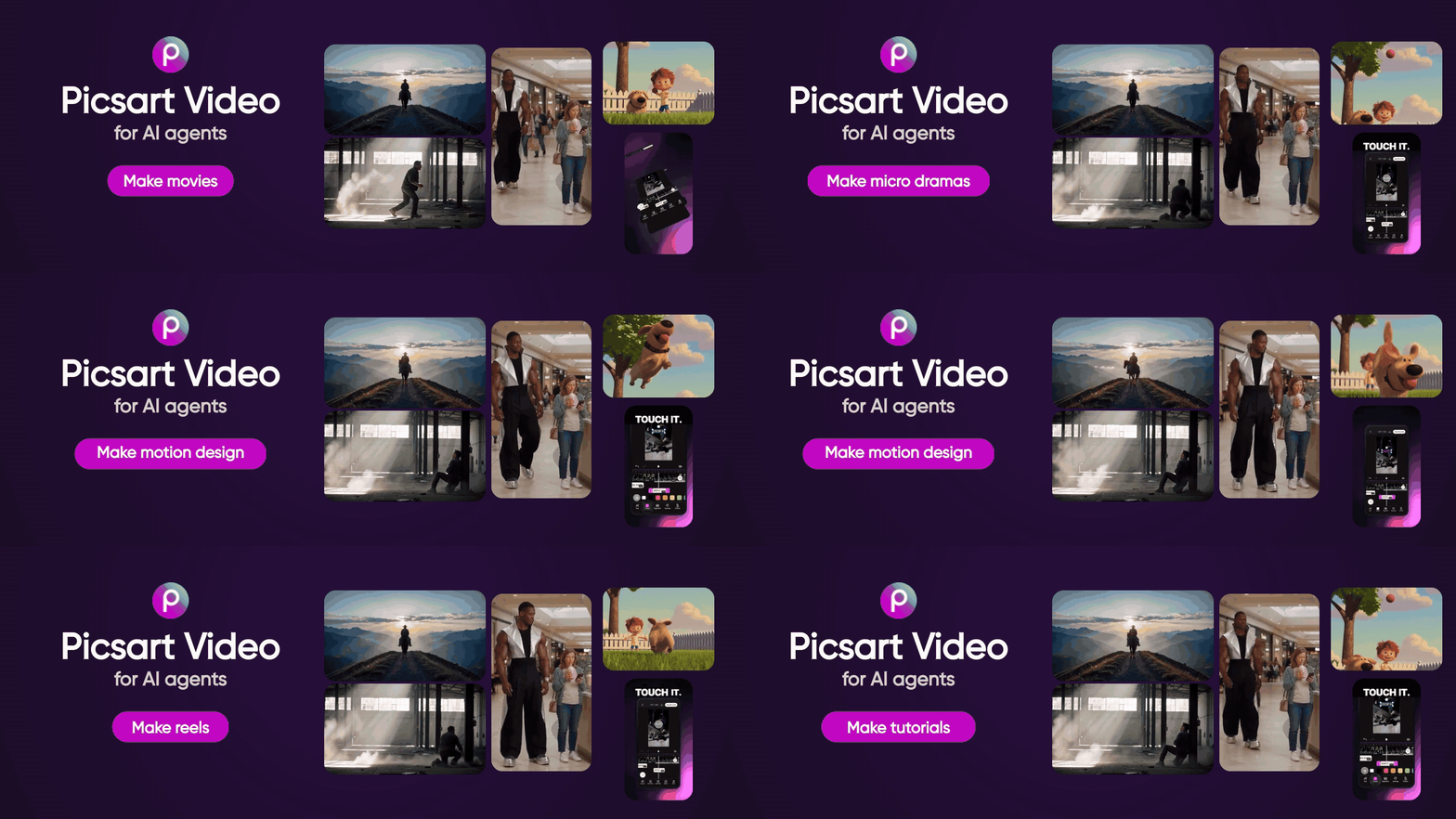
Movies, micro dramas, motion design, reels and tutorials, made in the chat with your agent.




Install the plugin · What you can make · Start a use case · Skills library
Picsart Video gives your AI agent a creative studio. Describe what you want, and the agent plans it with you, shows you a preview, and makes it with Picsart's AI models and editing tools. You need a Picsart account, and every paid step is quoted before anything is charged.
[!TIP] The Picsart plugin is the recommended way to install. One install brings every skill below and connects the Picsart MCP server for you: nothing else to set up.
In Claude Code, run:
/plugin marketplace add PicsArt/gen-ai-skills
/plugin install picsart@picsart
Then ask "Show me what Picsart can do.": the plugin signs you in to Picsart and shows your credits.
codex plugin marketplace add PicsArt/gen-ai-skills
codex plugin add picsart@picsart
Or open /plugins inside Codex and install picsart from the Picsart marketplace. Like the Claude Code plugin, it brings every skill and connects the Picsart MCP server.
npx skills add PicsArt/gen-ai-skills
The skills CLI detects your agent (Cursor, GitHub Copilot, OpenCode, Antigravity and over 70 more) and installs every skill. gh skill install PicsArt/gen-ai-skills works the same way. Then add the Picsart MCP server below.
Every command (OpenClaw and Hermes included), the ./setup script and how to update are in INSTALL.md.
Without the plugin, add a custom connector (or an MCP server) with this URL, and sign in with your Picsart account when it asks:
https://api.picsart.com/gen-ai/mcp
Its name in .mcp.json is picsart. The plugin does this step for you.
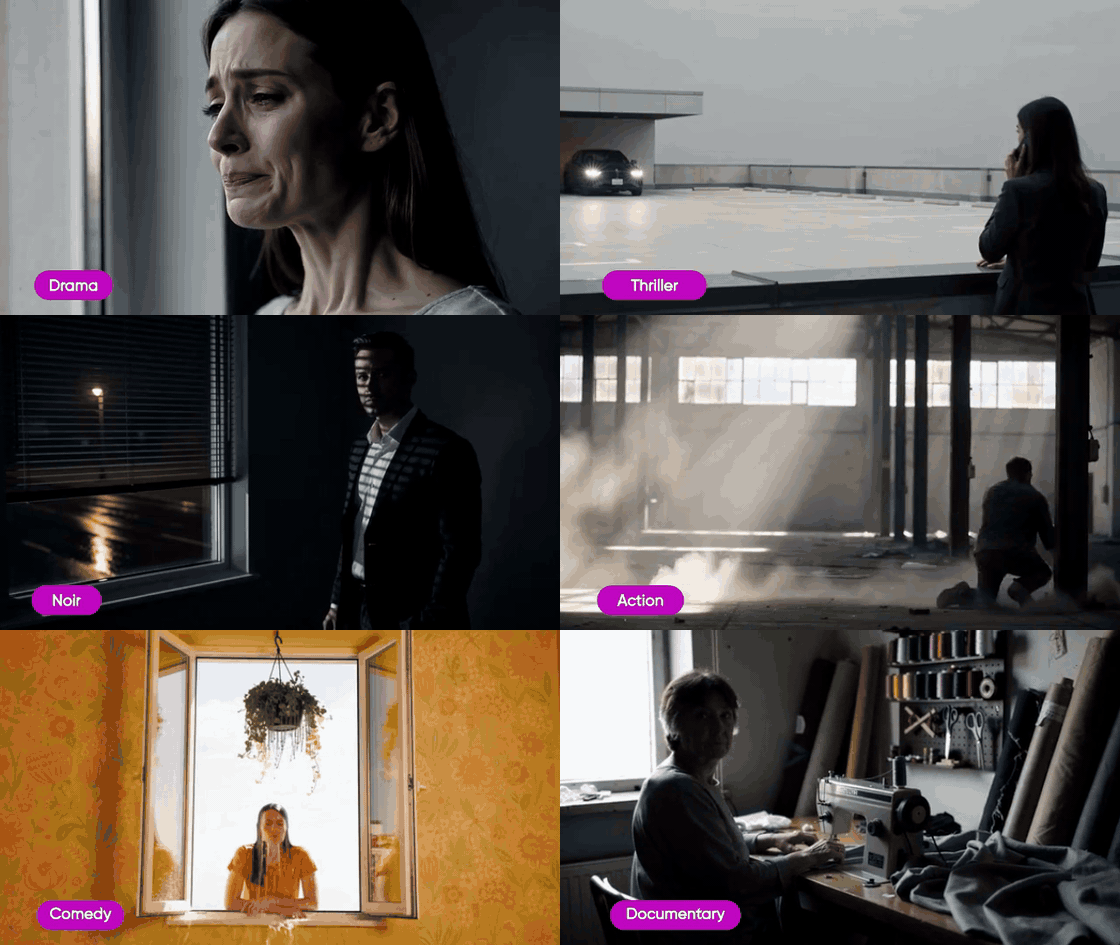
Direct your own AI moviePick a genre. Call action. You’re the director.
|
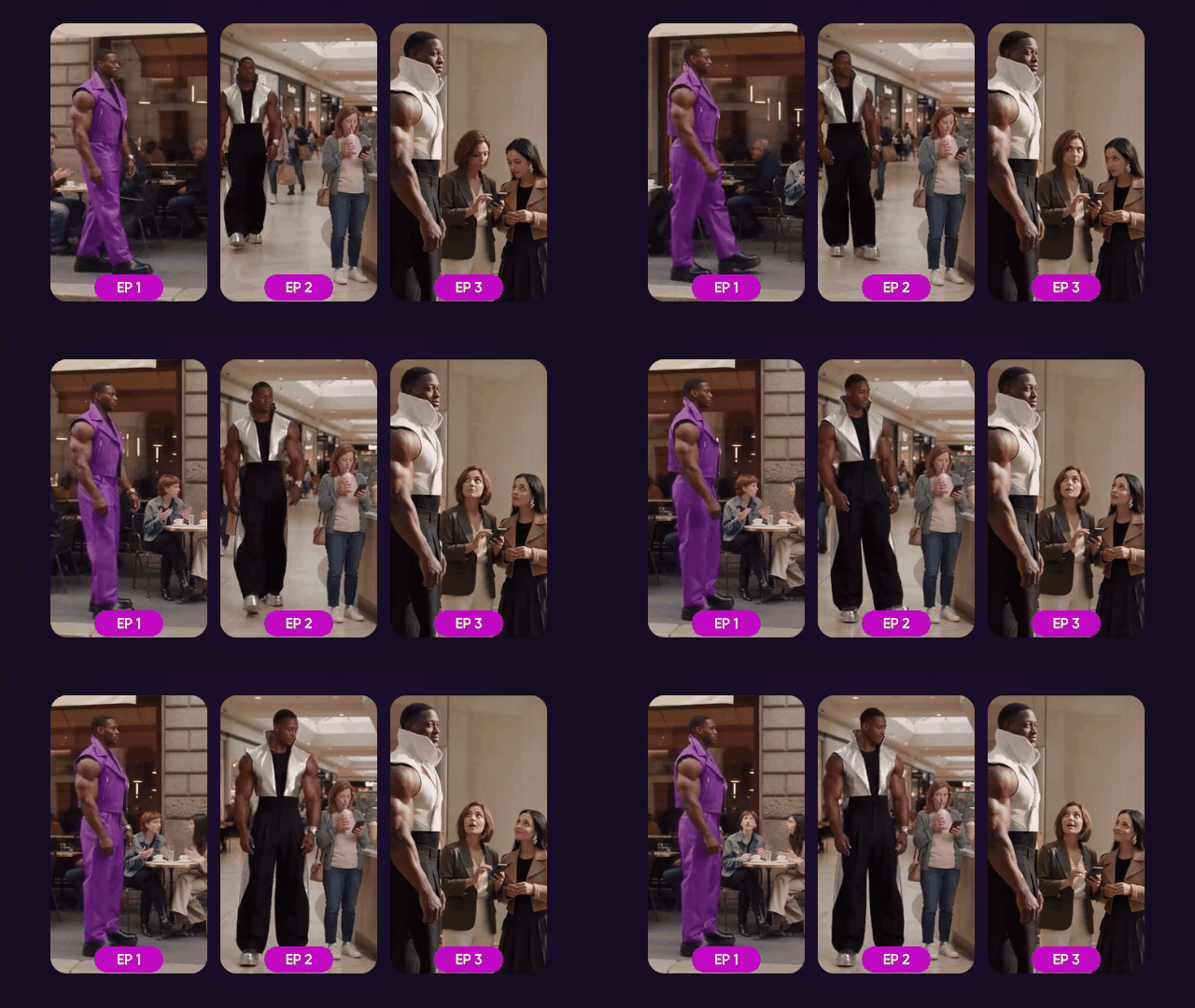
Micro dramas, made to bingeYour series, cast and cliffhangers, episode by episode.
|

Design that movesTurn text and logos into scroll-stopping loops.
|
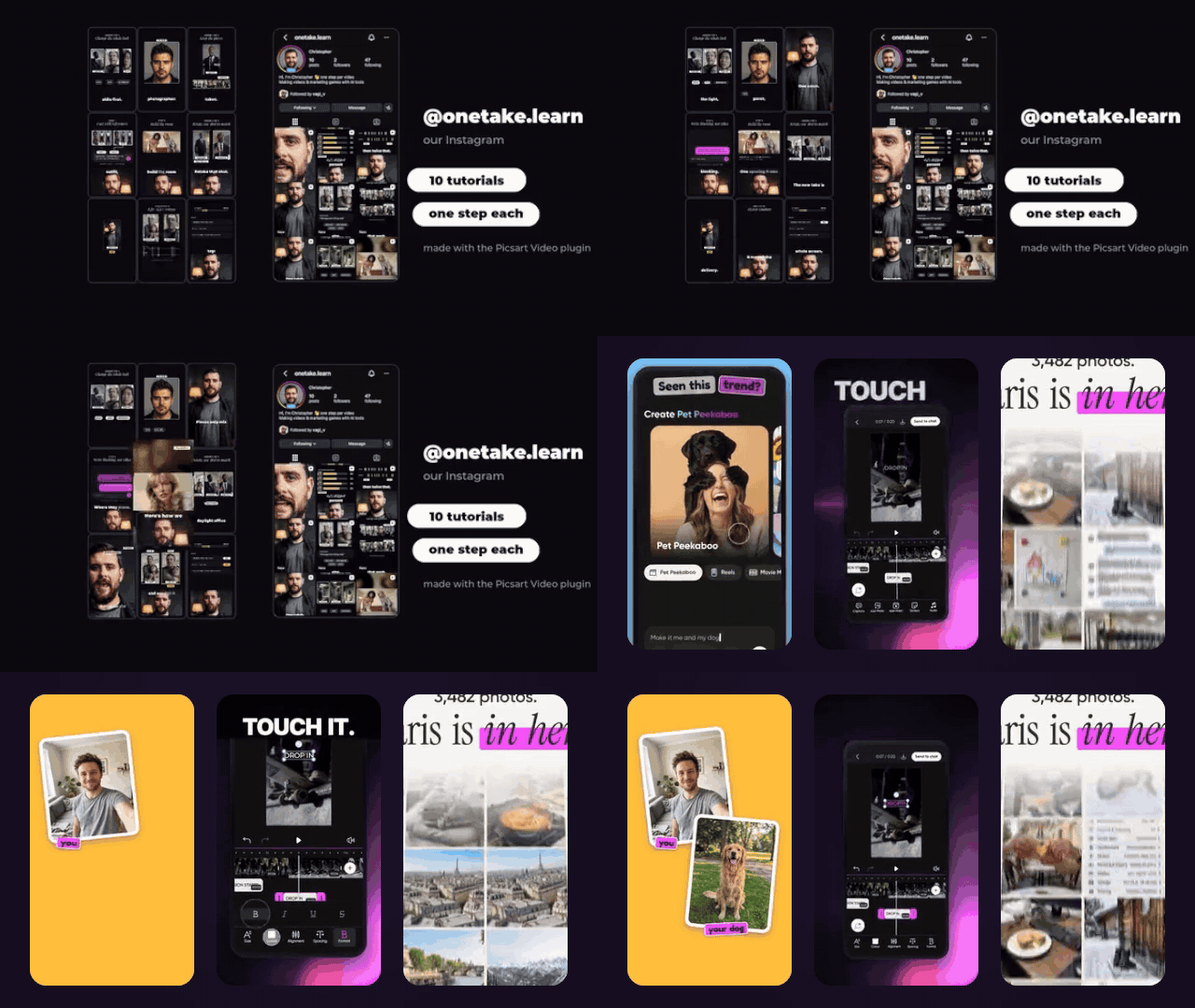
Tutorials from your screenLessons, how-to shorts and promos from one recording.
|
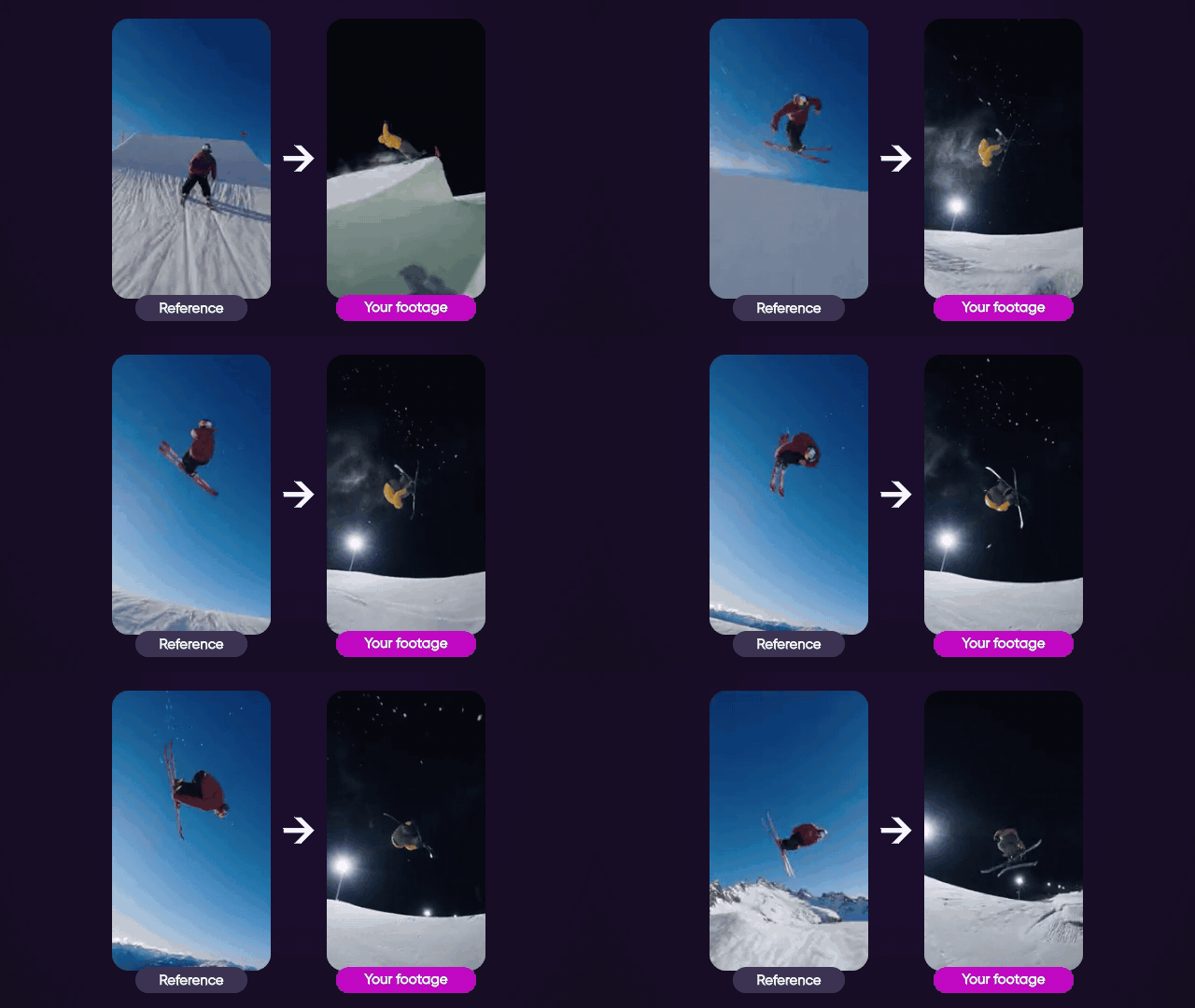
Same edit. Your footage.Copy a video’s cuts, timing and motion, then drop in your own photos and text.
|
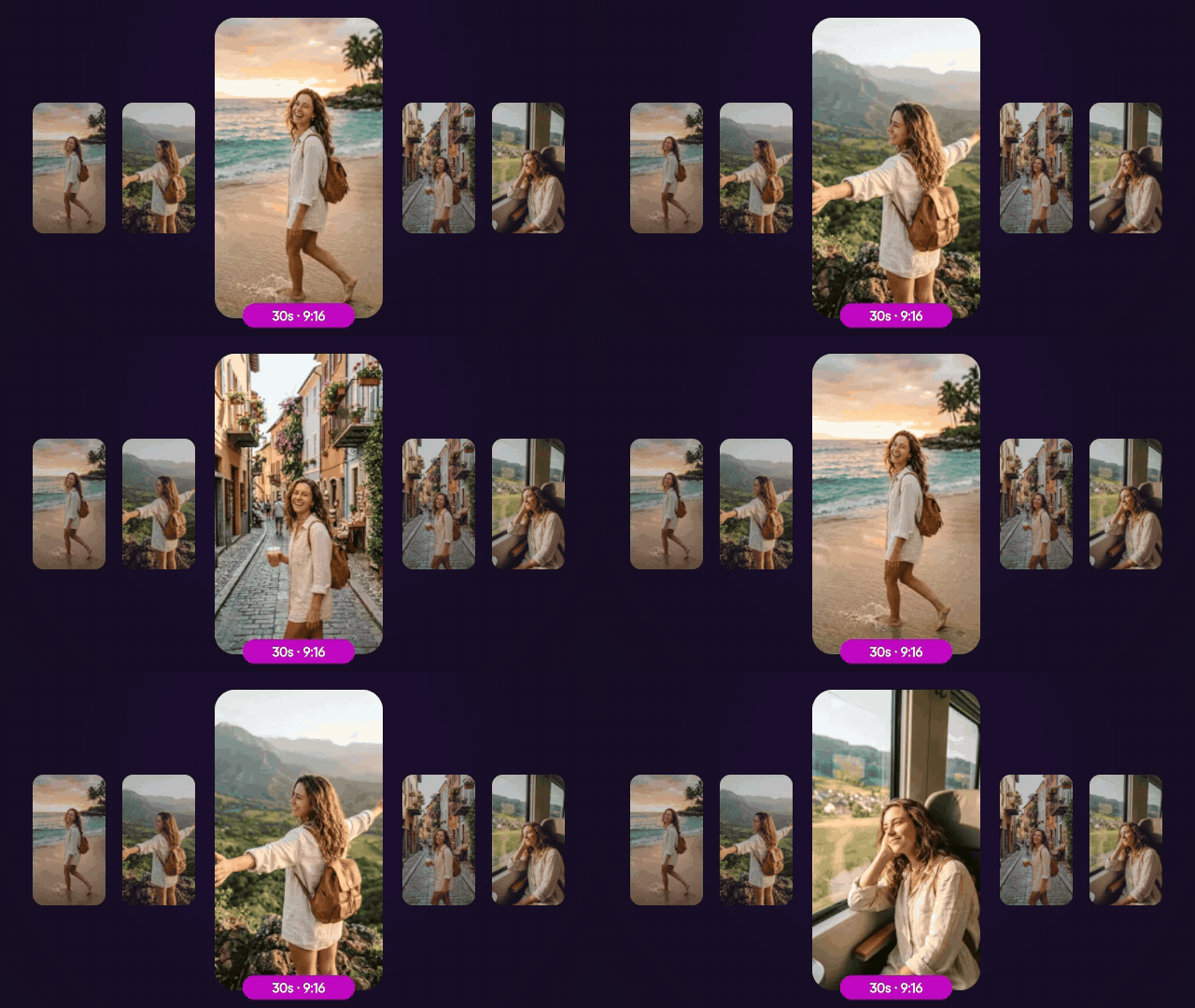
Drop footage. Get a reel.Beat-synced cuts, transitions and music, done for you.
|
Ask in your own words: generate-media and the Picsart tools handle these directly.
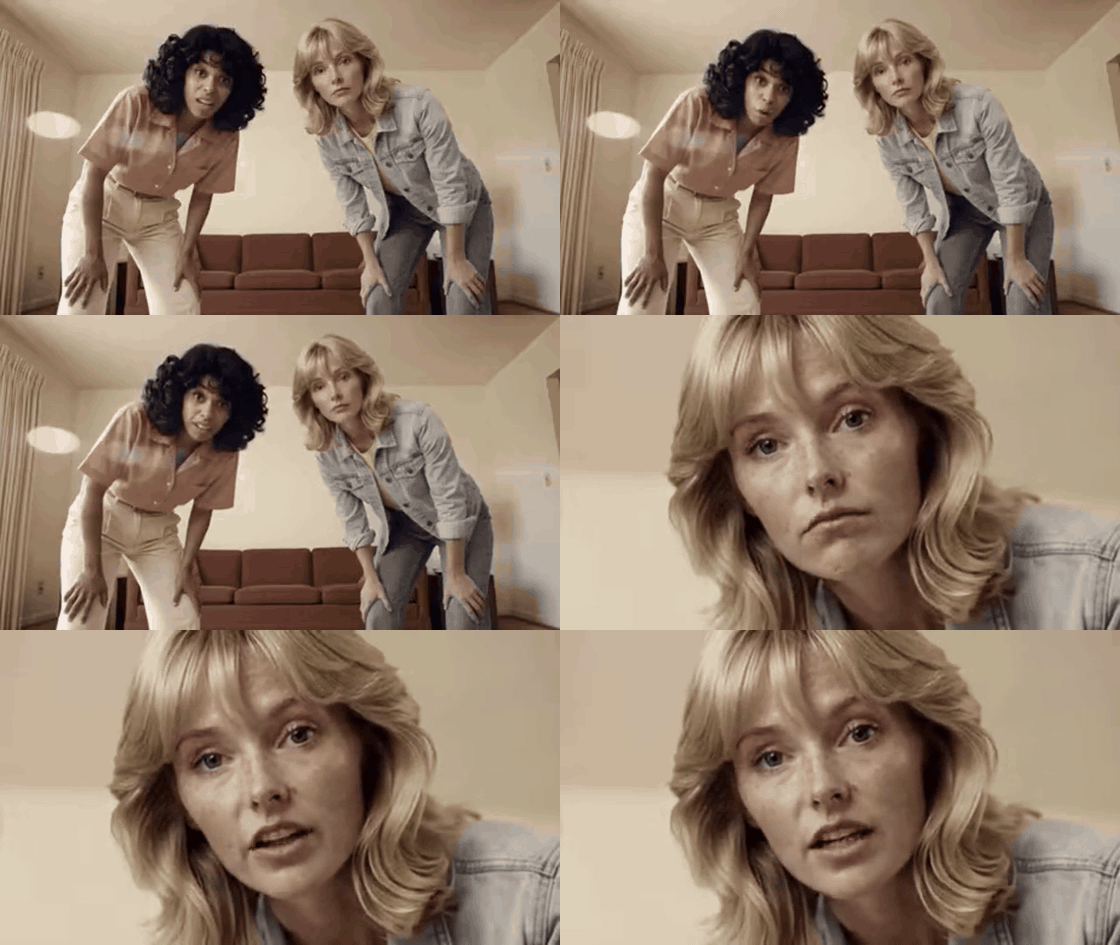 Create and edit videos Create and edit videos with a prompt. | 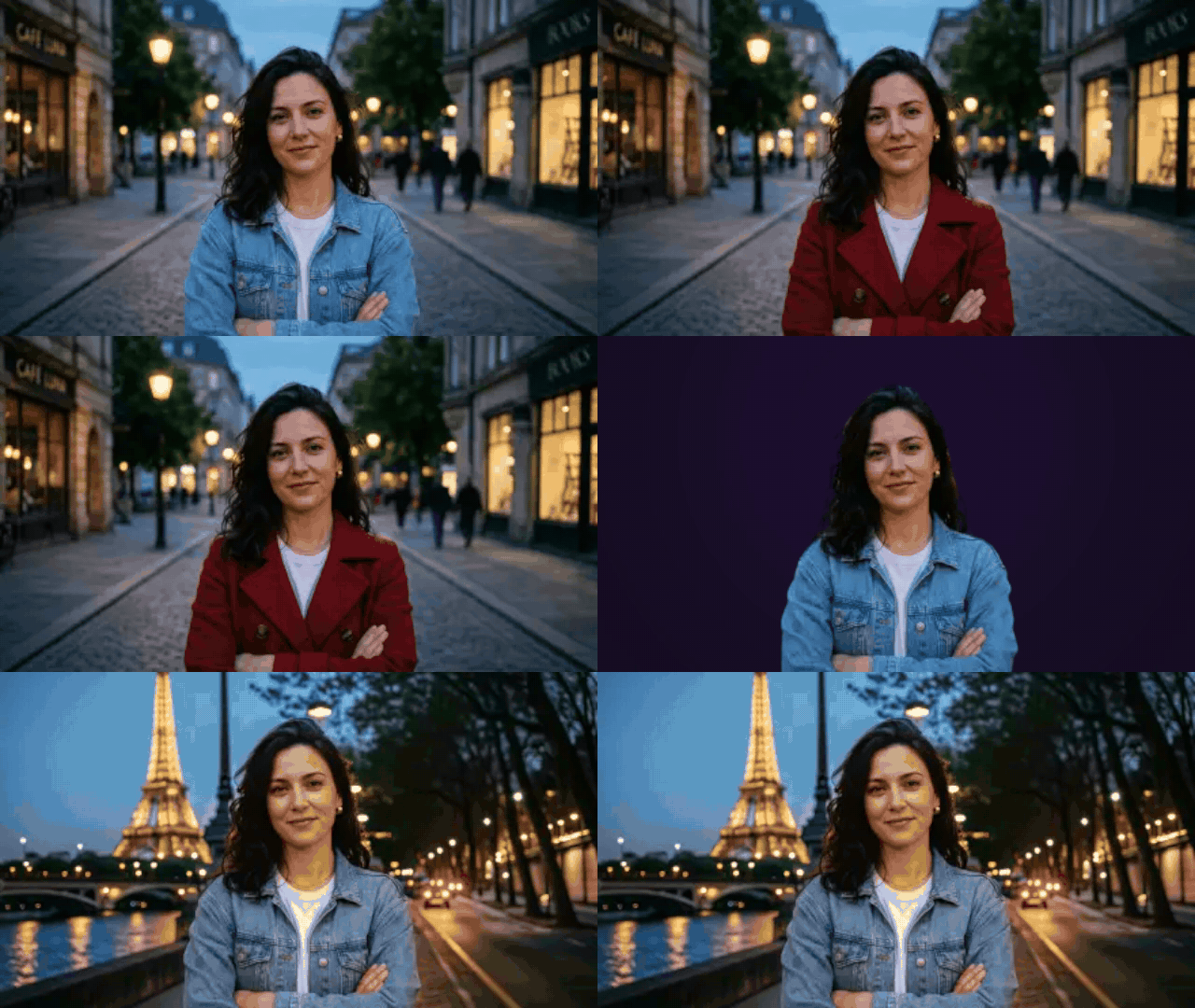 Create and edit images Restyle, cut out the background, or put it anywhere. |  Bring your cartoon to life Dream up a character. Watch it bounce, blink and wave. |
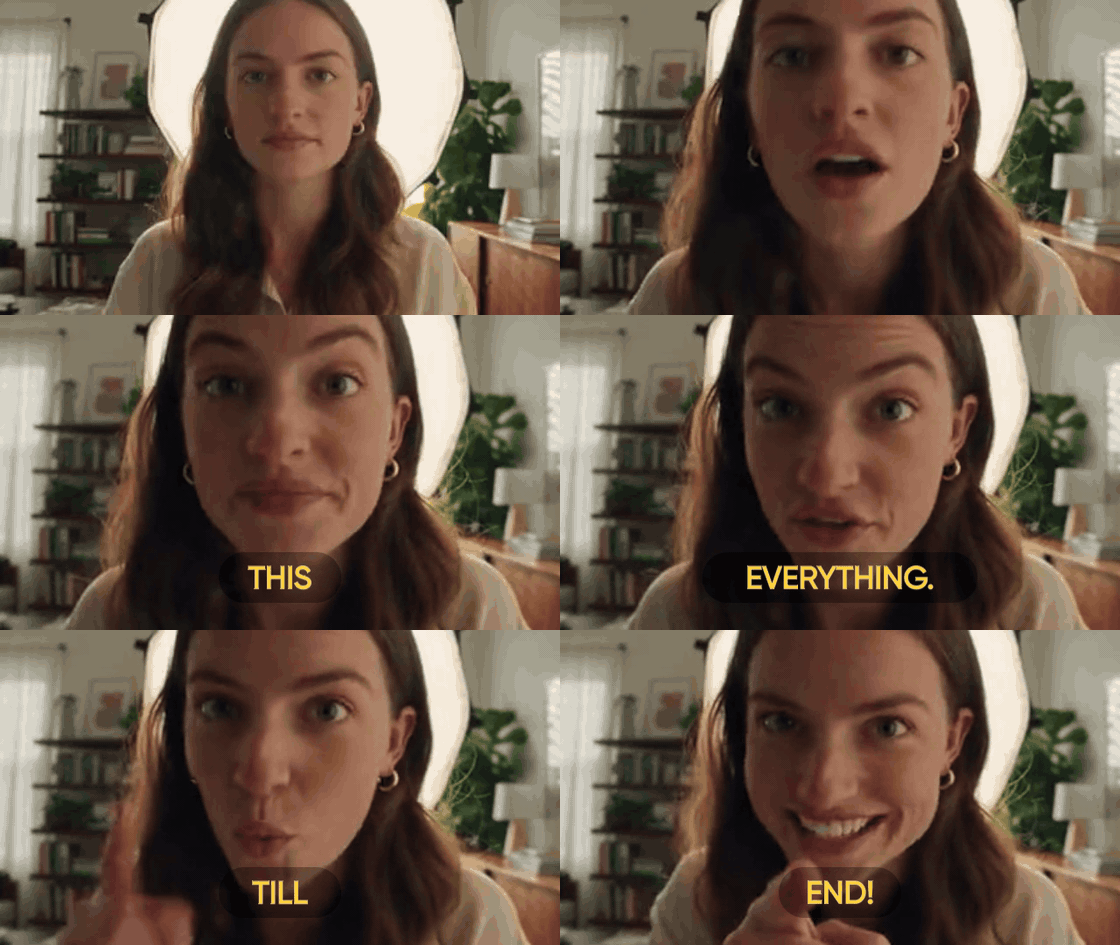 Captions that pop Auto-captions in bold styles, timed to every word. | 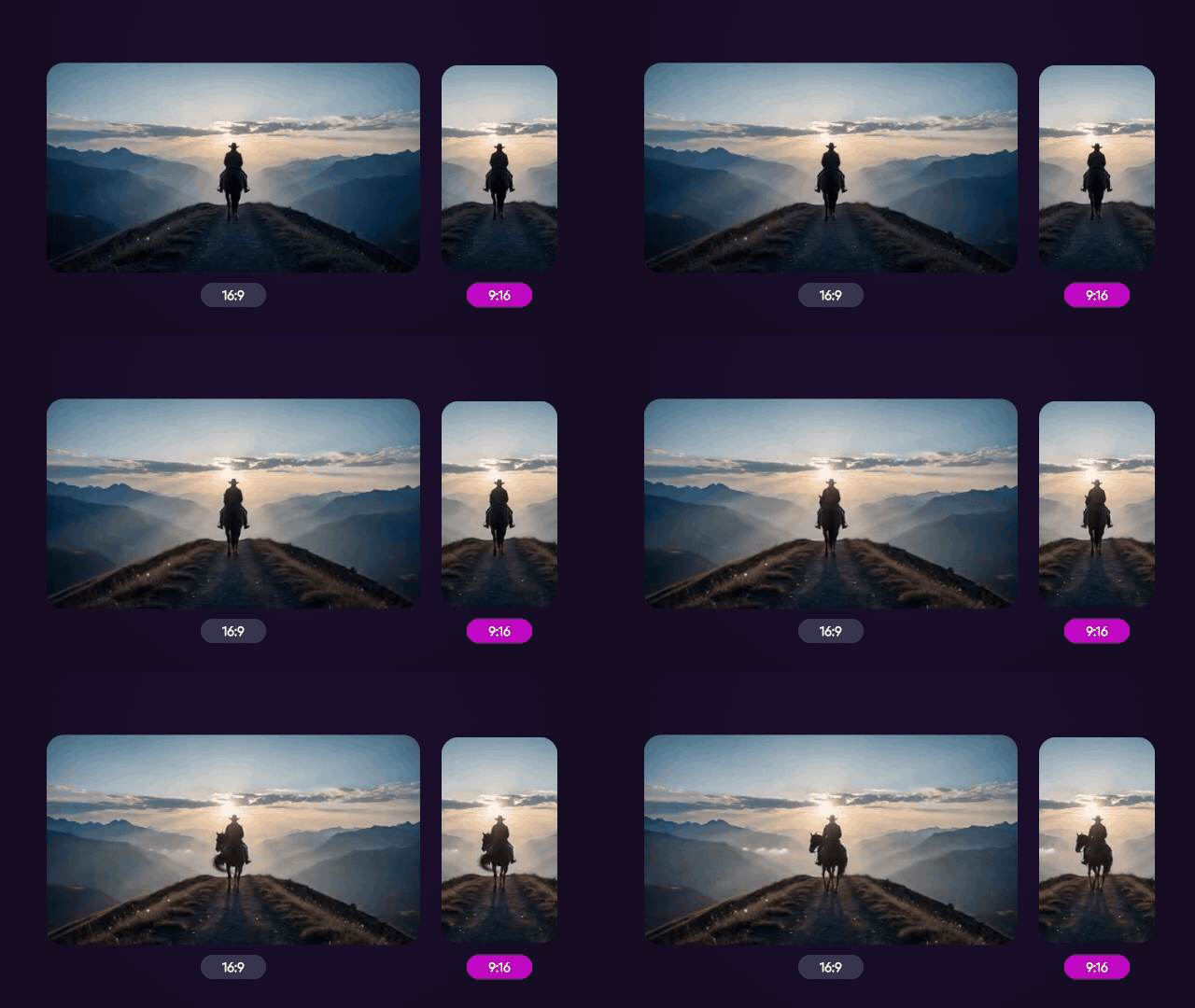 One video, every size Reframe for vertical, square or wide. The subject stays in frame. | Speak every language Natural voiceovers and lip-synced dubs. |
In Claude Code, type the use case's command and your brief:
/picsart:make-short-drama a heist series set in a night market
With the plugin the commands are namespaced (/picsart:…); a skills-only install names them without the prefix (/make-short-drama).
Everywhere else, open with the use case's starter prompt and add your brief. The agent picks the right use case from it.
| Use case | Starter prompt |
|---|---|
get-started | Show me what Picsart can do. |
generate-media | Make an image, a video or audio from my prompt. |
movie-producer | Make a short film from my story. |
make-short-drama | Make a short drama series from my idea. |
animate-design | Animate my design into a short motion video. |
make-screen-videos | Turn my screen recording into short how-to videos. |
recreate-video | Recreate this reference video with my own photos and text. |
cut-footage-into-reel | Cut my footage into a 30-second vertical reel. |
A use case loads other skills by name (every one reads picsart-video-rules first), so install the whole plugin rather than a single use case.
Generated; generated.json lists them. Don't edit these folders by hand: the next generation overwrites them.
Use cases, the entry points a user asks for:
| Skill | Description |
|---|---|
animate-design | Turn static material into a real motion-designed video. |
assets | Open the Picsart Assets panel on what the user made with Picsart. |
edit-footage | Make videos from the user's own footage, or copy a reel's structure onto their script. |
generate-media | Make an image, a video, a voice line, a sound or a song from a prompt, or edit a picture or product photo. |
get-started | Get started with Picsart Video. |
make-cartoon | Make a short cartoon with a character the user picks or describes. |
make-character | Make one AI character with no film. |
make-comics | Turn a photo into a ComicMe creation. |
make-screen-videos | Turn a screen recording of an app or site into videos. |
make-short-drama | Make a vertical drama series, pilot or episode with a recurring cast. |
movie-producer | Make a short narrative film from a story, with recurring characters, one look and approved cast/location references, then draft video and a reviewed cut. |
recast | Put the user's own characters, people or things into a video of theirs with Recast. |
recreate-video | Rebuild a reference video as an editable animated scene that moves and looks like it. |
Skills the use cases load:
| Skill | Description |
|---|---|
ai-presenter | Put a generated presenter on screen and keep them honest. |
app-ui-animation | Build a phone or web UI in a scene with scrolling, carousels, button feedback, cursor paths and clicks, context menus, drag-and-drop, synchronized controls, bottom sheets and frosted-glass panels. |
asset-audit | Audit media assets BEFORE they enter scene cards, boxes or looks. |
background-music | Draft, generate and lay an instrumental music bed under a finished video's speech. |
caption-decorations | Author and validate scene caption decorations, choosing between measured procedural decoration presets and arbitrary scene artwork. |
character-rigging | Build and animate a 2D cartoon character in a scene. |
custom-transitions | How to write a new scene transition as an inline JSON definition. |
design-layer-import | Bring a design or static assets into a scene as LAYERS, not flat frames, whenever they are going to move. |
drama-series-writing | Write a drama series' bible, season arc and episode cliffhangers, from templates or the user's idea. |
edit-on-your-computer | Edit footage on the user's own computer. |
edit-pipeline | Run an edit of the user's footage as fixed stages, with a project record (standing decisions, approvals, the pace, a locked meaning map, every version), resume from the first stage not done, and the gate rules every check follows. |
face-hiding | Hide the faces in a video or photo by blurring or pixelating them. |
figma-storyboard-animation | Turn a Figma storyboard of static frames into an animated scene. |
film-animatic | Draft a film or drama episode as a voiced storyboard animatic before any video is bought, with a still per shot, app screens built as scenes, every line voiced at its shot's time, cut with captions and watched until the user says yes. |
film-cast-design | Make a film's people, props and places consistent on pictures. |
film-cutting | Cut a film's accepted takes into one scene. |
film-finishing | Finish a film after picture lock. |
film-shot-generation | Shoot a film's shots as runs. |
film-story-writing | Write a short film's story and break it down. |
footage-analysis | Watch the user's own talking footage and turn it into facts you can build on. |
footage-reframing | Put the user's own footage in a frame of another shape. |
large-scene-assembly | Build large editable scenes by decomposing a timeline into bounded scenes and reusable components, defining timing and asset contracts, then assembling and safely consolidating them. |
linked-element-motion | Keep related scene elements aligned and moving together, including container resizing, shared fades, content reveals and sibling reflow. |
motion-design-craft | The craft of adding motion to any scene, whatever the video. |
motion-intent | Choose and diagnose scene motion from communication intent before selecting presets or keyframes. |
motion-pattern-library | Worked scene motion patterns for entrances, exits, stagger, directional nudges, emphasis, ambient life, springs, arcs, layered beats, parenting, parallax, focus, wipes, drawn strokes, and cartoon fast motion (smears, multiples, speed lines). |
motion-review | Review an existing scene for motion that is confusing, mistimed, distracting, broken at a seam, or unnecessarily expensive. |
motion-scene-continuity | Plan and diagnose continuity across scene beats and scene boundaries—semantic handoffs, dominant direction, shared visual carriers, causal action/reaction, intentional resets, and seam verification. |
motion-tracking-from-video | Measure what objects visibly do in a video. |
open-picsart-app | Open Picsart beside the conversation. |
photo-slideshow | Build a photo promo or slideshow in a scene. |
picsart-video-rules | The rules every Picsart Video use case follows. |
quality-review | Check work before the user sees it. |
quick-merge-and-export | The shortest path from media URLs to a rendered file. |
realistic-color-grade | Make a video's colours look more realistic and natural with the ai_realism look. |
reel-structure | Read a reference reel's structure and format, never its content. |
reference-fragment-matching | Rebuild a reference video as a scene one fragment at a time. |
resting-frame-rules | Keep every element whole or gone whenever motion stops. |
retention-hooks | Keep a short video watched to the end with open loops. |
scene-3d-authoring | Build a 3D scene (a composition whose space is 3d). |
scene-animation-reference | How a scene expresses motion. |
scene-building-basics | Build and edit a scene with the scene tools. |
scene-template-remix | Select, reuse and customize scene catalog items. |
screen-recording-analysis | Read a screen recording from its pixels. |
screen-recording-layouts | Lay a screen recording out in a 1080x1920 vertical frame or a 1920x1080 landscape one. |
screen-recording-zoom | The house zoom for screen footage in a panel. |
screen-ui-redesign | Recreate the screens of a recording as designed motion UI. |
sd2-pe | Use only for a Seedance 2.0 model (model ids seedance-2.0*): optimizes user prompts for Seedance 2.0 multi-modal video generation. |
sd25-pe | Use only for a Seedance 2.5 model (model ids seedance-2.5*): optimizes text, stories, or optional multimodal references for Seedance 2.5 text-to-video, multi-reference generation, keyframes, storyboards, blockouts, video editing, audio editing, or extension. |
social-posting | Post a finished video to the user's own TikTok, Instagram, YouTube or other connected accounts through the Picsart app's post preview. |
speech-aware-cutting | Choose the moments of talking footage worth keeping and cut them so no one is clipped mid-sentence. |
spoken-captions | Put spoken words on screen from the transcript. |
visual-style | A video's style, chosen by eye and kept. |
voice-over-generation | Generate a voice-over from written lines. |
| Skill | Description |
|---|---|
picsart-add-media | Turn the user's own files into hosted URLs with the gen-ai MCP's upload tools. |
style-guide-builder | Build a reusable visual style guide from reference images. |
video-prompt-engineer | Write and fix prompts for AI video generation. |
gen-ai-skills/
├── .claude-plugin/      # Claude Code plugin + marketplace manifests
├── .codex-plugin/       # Codex plugin manifest
├── .cursor-plugin/      # Cursor plugin manifest
├── .github/workflows/   # CI (security scan, lint)
├── scripts/             # Repo tooling (scan-skill.py, ...)
├── skills/              # All skills live here, one directory each
│   ├── picsart-add-media/
│   │   └── SKILL.md
│   ├── video-prompt-engineer/
│   │   └── SKILL.md
│   └── ...
├── INSTALL.md
├── CONTRIBUTING.md
├── VERSION
├── .mcp.json            # the picsart MCP server, shared by every manifest
├── generated.json       # the skill folders that are generated, not hand-written
├── setup                # universal symlink installer
└── README.md
Each skill lives in its own directory under skills/. The directory name is the install name. The directory holds a SKILL.md that follows the open Agent Skills specification: YAML frontmatter with name and description, then the instructions. The plugin manifests connect the MCP server through .mcp.json.
More skills are welcome. See CONTRIBUTING.md and the Code of Conduct.
Claim this server with your GitHub account to request manual ownership verification.
Link to the catalog listing for Picsart Video for AI agents from your README. This badge does not certify ownership, compatibility or security.
[](https://awesome-mcp.com/servers/gen-ai-skills)Public repository statistics could not be verified. Check the configured source address; unavailable counts are not zero.
来源、范围和时段分别列出;不相加,不代表安装人数、活跃用户或安全审核。
尚无已审核的包 / 镜像标识,暂不展示下载统计。
Alternative and complementary servers in the same category
A Rust CAD application with an MCP server for creating, inspecting and rendering drawings, either headlessly or through a connection to the desktop app.

Liquid Composer is a browser-based Liquid Glass icon design tool that offers a local MCP server for agent-driven icon workflows.

agent-media makes short drama series and other short vertical videos from Claude, ChatGPT or Codex through one MCP connection, with OAuth sign-in and no API keys.