
Store and retrieve entities, relations and observations in a persistent local knowledge graph.
create_entitiescreate_relationsadd_observations+6 more
92K
AI & Multi-Agent
An MCP server, available hosted or local, that turns plain-language briefs into editable parametric CAD source, lets agents evaluate and review geometry, and exports STEP, STL, and drawings.
kernelCAD MCP server for parametric CAD is cataloged as an MCP server attributed to w1ne. An MCP server, available hosted or local, that turns plain-language briefs into editable parametric CAD source, lets agents evaluate and review geometry, and exports STEP, STL, and drawings. It is categorized under ai agents-models. See the capability inspector for recorded interfaces and their independent review status; consult upstream documentation for the current interface.
Installation configuration is not reviewed. No executable setup is offered for this entry; inspect the source repository before proceeding.
Catalog license label: MIT. Check the source repository's current license and terms before using, modifying or distributing this software.
能力定义尚未审核。未核验的采集内容不会作为可信接口展示。
暂无可展示的已审核记录。这不表示上游不支持此能力。
暂无可展示的已审核记录。这不表示上游不支持此能力。
暂无可展示的已审核记录。这不表示上游不支持此能力。
Email delivery is not connected. This page does not collect email addresses or create subscriptions.
Browse the registry for current listings instead.
Reviews for kernelCAD MCP server for parametric CAD are not available yet
Review publishing and storage are not connected. This page does not collect or publish ratings or comments, including after sign-in.
Yes, a hosted MCP endpoint is offered that requires no local CAD install, and the local server can also be run with no install beyond Node.js.
No, geometry checks are not material-strength or manufacturing certification, and outputs are CAD for review rather than certification.
README.md · e6f4f40849fa · 采集于 2026-11-13 14:08:26 UTC
保留上游原文,不做 AI 改写。为安全起见过滤脚本、表单和不安全链接。
当前显示最后一次成功采集的文档快照,请以来源页面为准。
Describe a mechanical part in ChatGPT, Claude, Codex, Cursor, or the browser. kernelCAD turns the brief into editable parametric CAD, lets you inspect and revise the geometry, and exports STEP, STL, and drawings.
Start here: Open Studio · Connect your agent · Watch real tool workflows · Read the prompt-to-STEP guide
Why not just generate an image? Your design remains .kcad.ts source:
named features, editable dimensions and assembly structure. Agents can
evaluate it, check constraints and clearances, revise the source, and export
files for an engineer to inspect. Reproducible example source
and documented checks are public.
Geometry checks are not material-strength or manufacturing certification.
Connect a hosted MCP client: https://mcp.kernelcad.com/mcp
(no local CAD install). Run locally: npx -y kernelcad mcp
(Node.js 22.12+).
Source scope: this repository contains the reusable CAD runtime, CLI, MCP tools and headless renderer. Hosted UI and commercial services are maintained separately. Build the reusable tools with
npm run build; usenpm run devfor the standalone renderer.
The workflow is: brief → editable .kcad.ts → evaluated B-rep → validation
→ guided revision → STEP/STL/drawing. OpenCASCADE is the geometry kernel;
kernelCAD supplies the agent-first modeling and review workflow.
Describe a part, refine its editable CAD source, and export the geometry or drawing needed for the next step. These examples are starting points for designing parts for different processes:
| Process | Example | Reusable CAD reference |
|---|---|---|
| 3D printing | An electronics enclosure with locating lid and PCB posts | Enclosure |
| CNC milling | A bearing block with mounting holes and a stepped seat | Bearing block |
| Sheet metal | A four-hole bent bracket with a flat pattern | Bent bracket |
| Laser or waterjet cutting | A motor mounting plate with pilot and hole patterns | Motor plate |
| Turning | A shouldered spacer with an axial bore | Shoulder spacer |
| Assemblies | A bearing, housing, shaft and retainer | Bearing assembly |
| Injection molding | A drafted housing with board-screw bosses and structural ribs | Moulded housing |
The output is CAD for review, not a manufacturing certification. Check dimensions, fit, material and process requirements, and prototype or obtain engineering review as appropriate for the part. The case notes describe what has been checked and what remains open for each model.
kernelCAD runs as a connected app in ChatGPT (Apps SDK, with the Studio viewer and paint review inside the chat) and in Claude / claude.ai (custom connector). Add it from the chat settings and sign in:
https://mcp.kernelcad.com/mcpOne account everywhere. The coding-agent plugins below use the same hosted
server (https://mcp.kernelcad.com/mcp) and the same kernelCAD sign-in. A model
saved from Claude Code, Codex, Cursor, Gemini or Grok opens at the same Studio
share link (/p/<slug>) you see in ChatGPT or Claude. Sign in with the same
account in each client.
Ask your agent: “look at kernelcad.com and install the mcp”. Agent-readable installation instructions cover hosted setup, local CLI setup, and connection verification.
Run the MCP server over stdio with no install (Node.js 22.12 or newer):
npx -y kernelcad mcp
Claude Code: claude mcp add kernelcad -- npx -y kernelcad mcp
To keep the kernelcad command on your PATH:
npm install --global kernelcad
For a self-contained install that includes Node.js, Linux and macOS users can run:
curl -fsSL https://kernelcad.com/install.sh | sh
On Windows PowerShell, run:
irm https://kernelcad.com/install.ps1 | iex
The direct installers download a platform archive, verify its SHA-256 checksum,
and install it under the user's home directory. Pin a release with
KERNELCAD_VERSION=vX.Y.Z on Linux/macOS or $env:KERNELCAD_VERSION='vX.Y.Z'
in PowerShell. Builds are available for Linux x64/ARM64, macOS Intel/Apple
Silicon, and Windows x64. Direct installs do not require a separately installed
Node.js.
For regulated or air-gapped machines, kernelcad --sandbox … and
kernelcad mcp --sandbox --workspace <dir> (or KERNELCAD_SANDBOX=1) keep all
file access inside one workspace directory and refuse outbound network at
runtime, including telemetry. See docs/sandbox.md.
One command connects your agent to the hosted kernelCAD MCP server
(https://mcp.kernelcad.com/mcp) and adds the kernelCAD skills. Nothing runs
locally and no OpenCASCADE install is needed. Anonymous use works; sign in
through your client's OAuth prompt for account features.
| Agent | One-liner |
|---|---|
| Claude Code | claude plugin install kernelcad --marketplace w1ne/kernelCAD-web |
| Codex | codex plugin marketplace add w1ne/kernelCAD-web && codex plugin add kernelcad@kernelcad |
| Cursor | Add kernelCAD MCP to Cursor (MCP only) |
| Gemini CLI | gemini extensions install https://github.com/w1ne/kernelCAD-web --consent --auto-update |
| Grok Build | grok plugin marketplace add w1ne/kernelCAD-web && grok plugin install kernelcad --trust |
| VS Code / Copilot | code --add-mcp '{"name":"kernelcad","type":"http","url":"https://mcp.kernelcad.com/mcp"}' |
| Skills only (any agent) | npx skills add w1ne/kernelCAD-web |
Inside Claude Code you can also type /plugin marketplace add w1ne/kernelCAD-web
then /plugin install kernelcad@kernelcad. Restart the app after installing.
Claude Desktop, ChatGPT, Windsurf, Cline, Zed, Continue, update, uninstall and the Cursor skills install are in
docs/usage/agent-plugin-install.md.
Each model below started from the plain-language prompt shown. An AI agent wrote it through kernelCAD's own authoring loop (CLI / MCP): it wrote .kcad.ts source, ran evaluate, rendered the seven-view inspection sheet, read the renders, fixed what was wrong, and repeated. None of these is a one-shot generation. Each folder in showcase/ holds the parametric source, the turntable GIF (kernelcad animate --turntable, publish look), and a short note on what to look at and which checks were run.
| Model | Prompt | Params | Preview |
|---|---|---|---|
| Twisted hex vase | Hollow shell ~150 mm tall, tapers 70 → 50 mm, hex section twisting 120°, 2 mm wall, closed bottom | height baseDia mouthDia twistDeg wall | 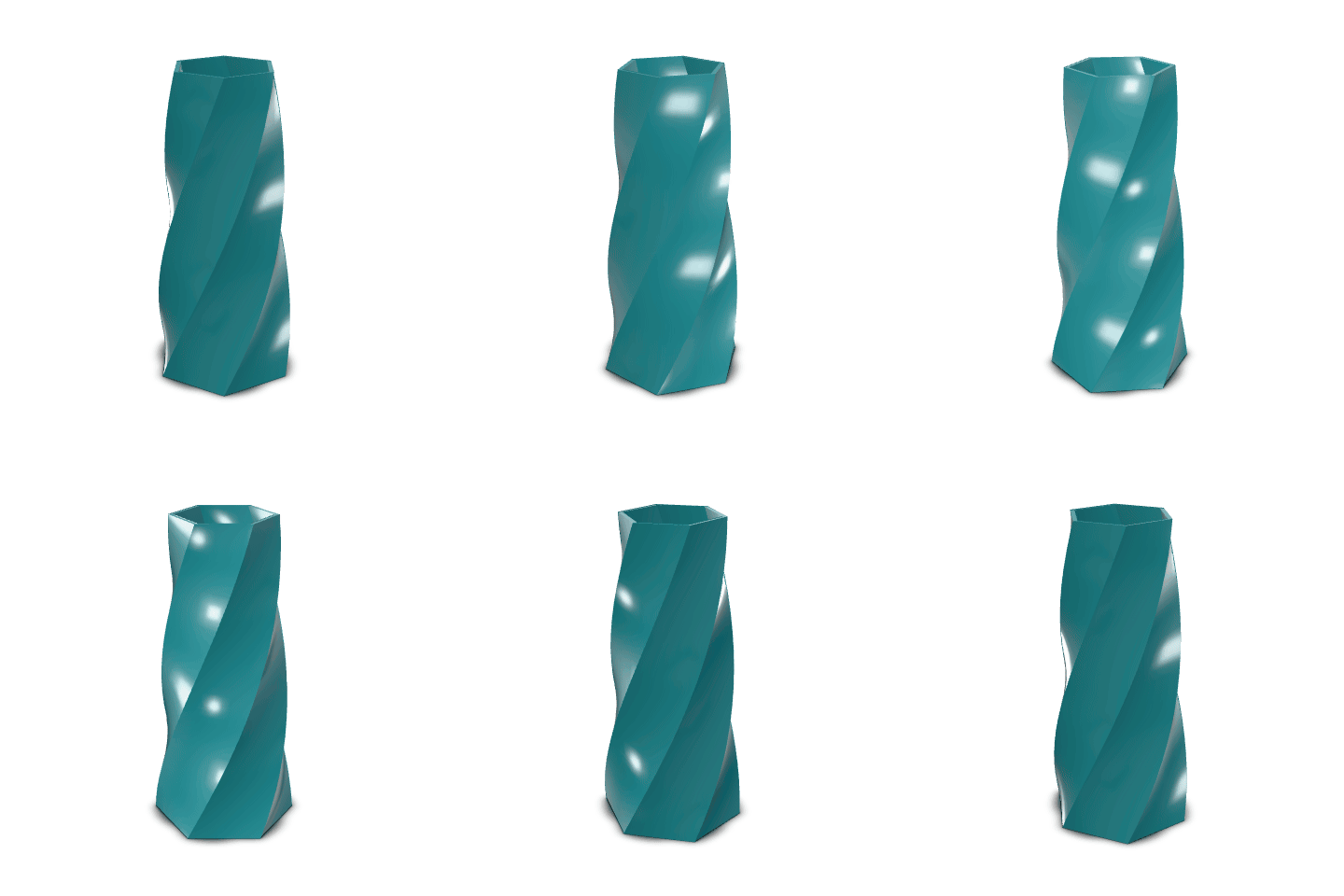 |
| Knurled control knob | Ø40 × 22 mm, diamond-knurled grip, raised pointer, 6 mm D-shaft bore, M3 set-screw hole | diameter height knurlDepth knurlTwistDeg knurlTeeth shaftDia dFlatDepth boreDepth skirtHeight | 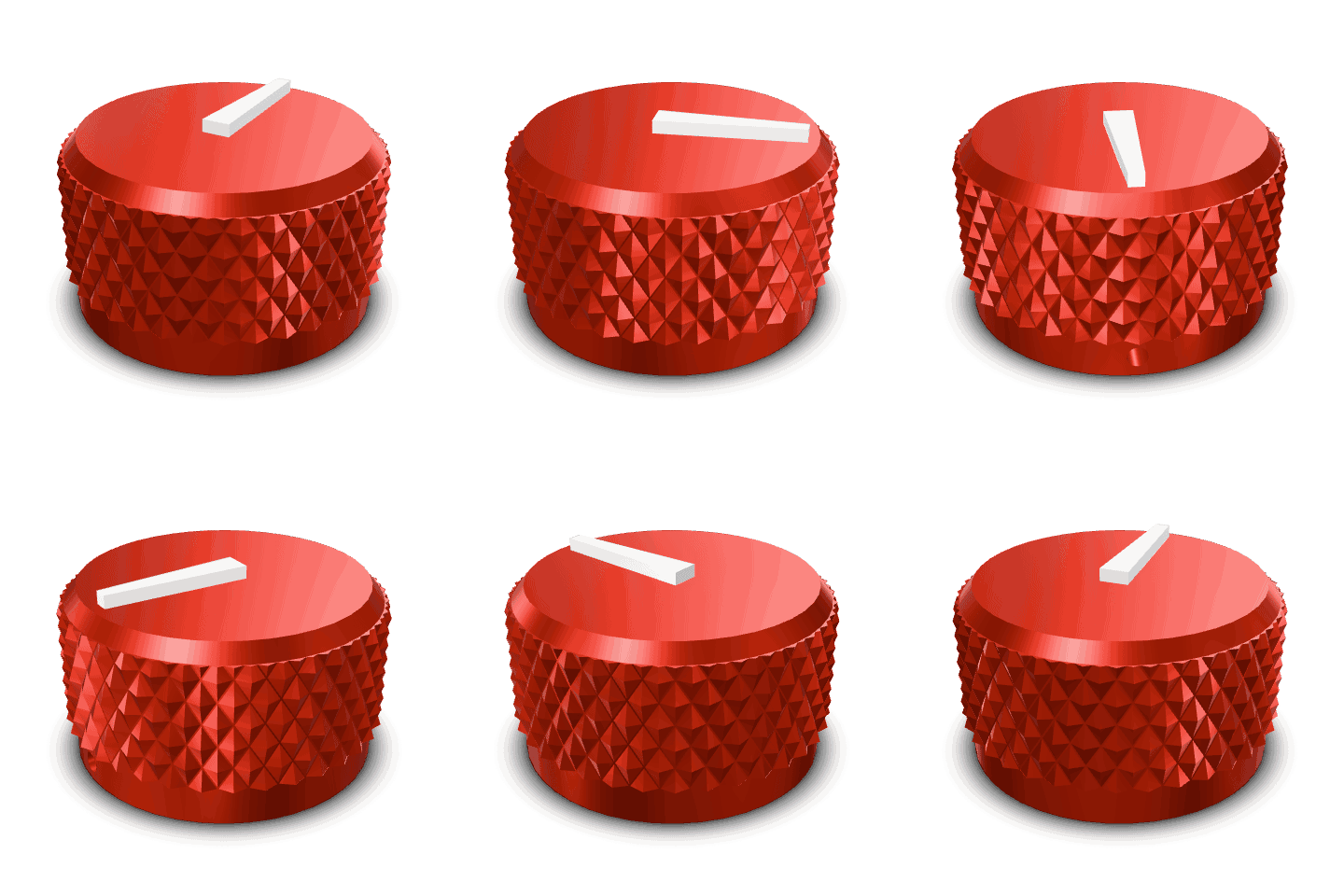 |
| Honeycomb bracket | Filleted L-bracket with a generative hex lattice | thickness innerFillet cellSize web | 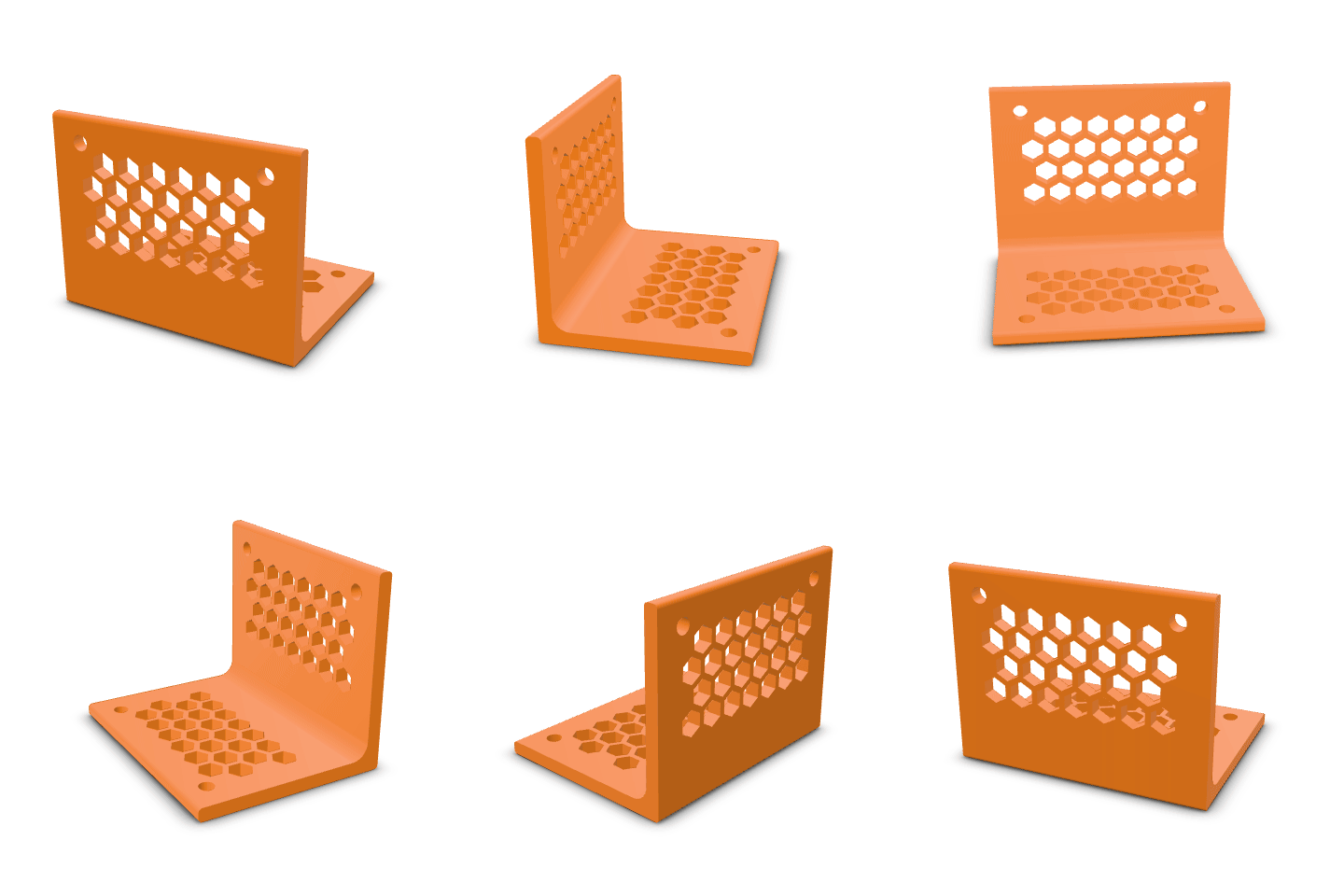 |
| NACA 2412 wing | True airfoil from the NACA equations, tapered loft | semiSpan rootChord tipChord leSweep dihedralRise washoutDeg | 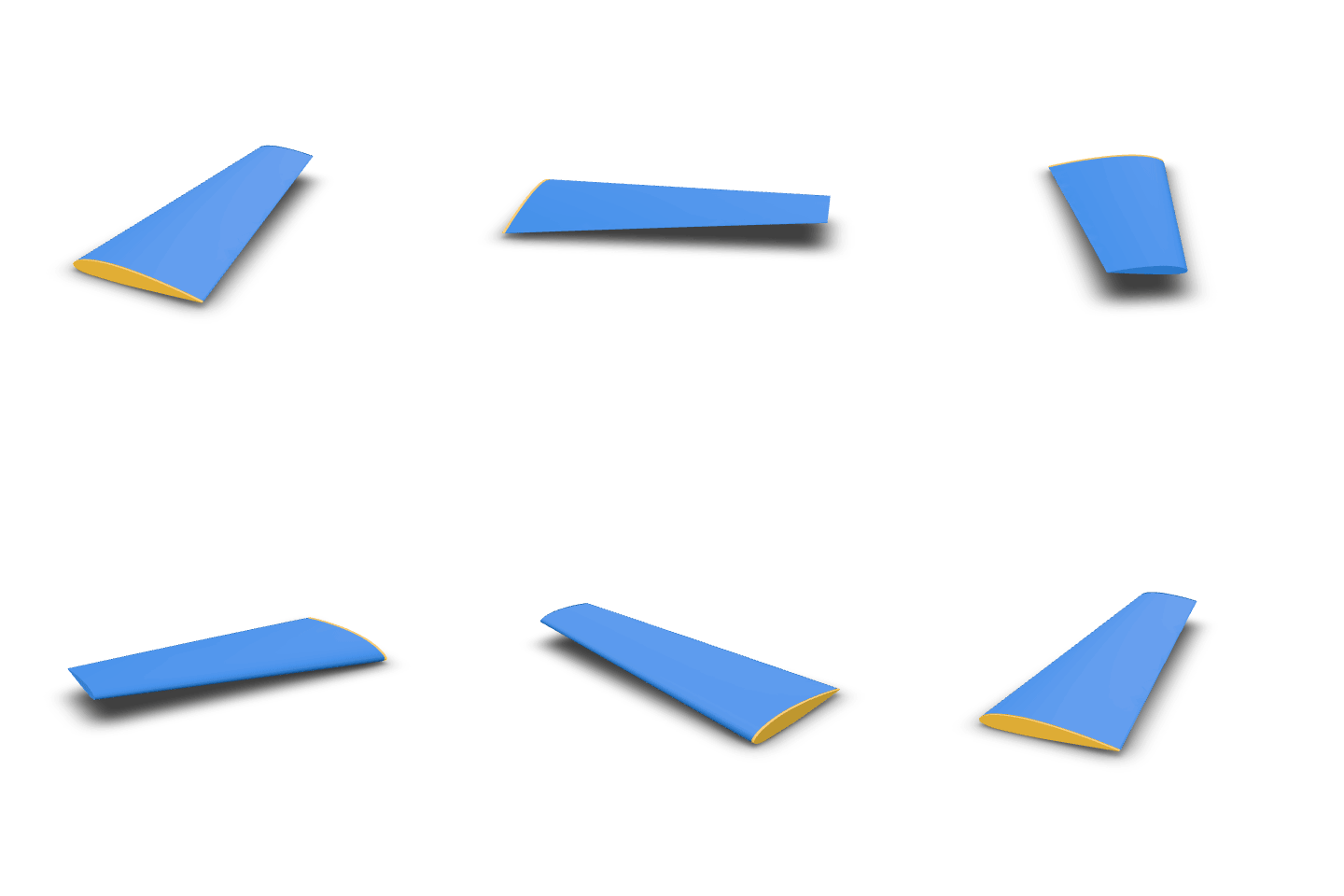 |
| Bevel gear drive | Meshing bevel gear pair at 90° | gearDeg pinionTeeth gearTeeth | 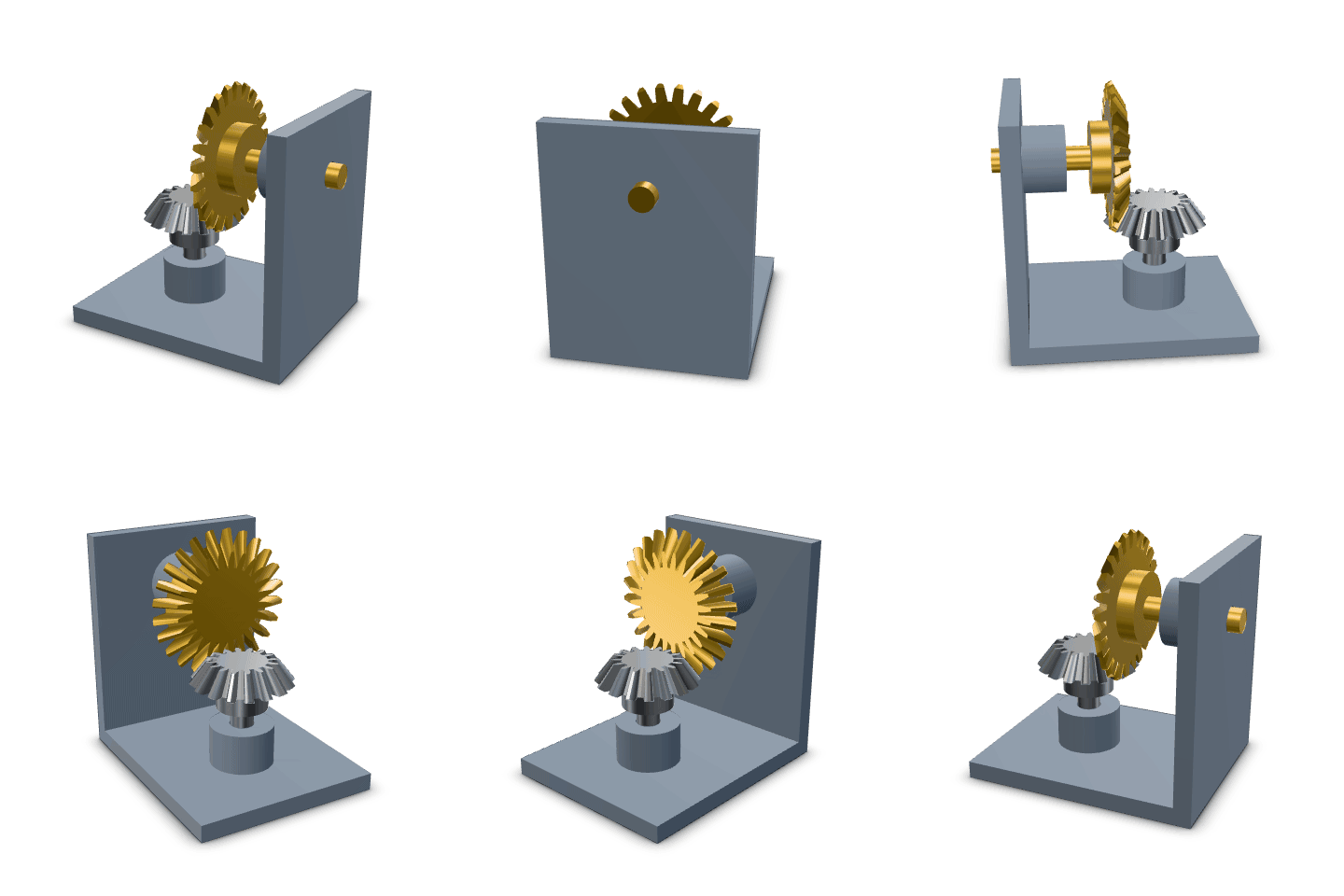 |
| Centrifugal impeller | 7 swept backward-curved blades | bladeCount wrapDeg backplateThickness boreDia keyWidth | 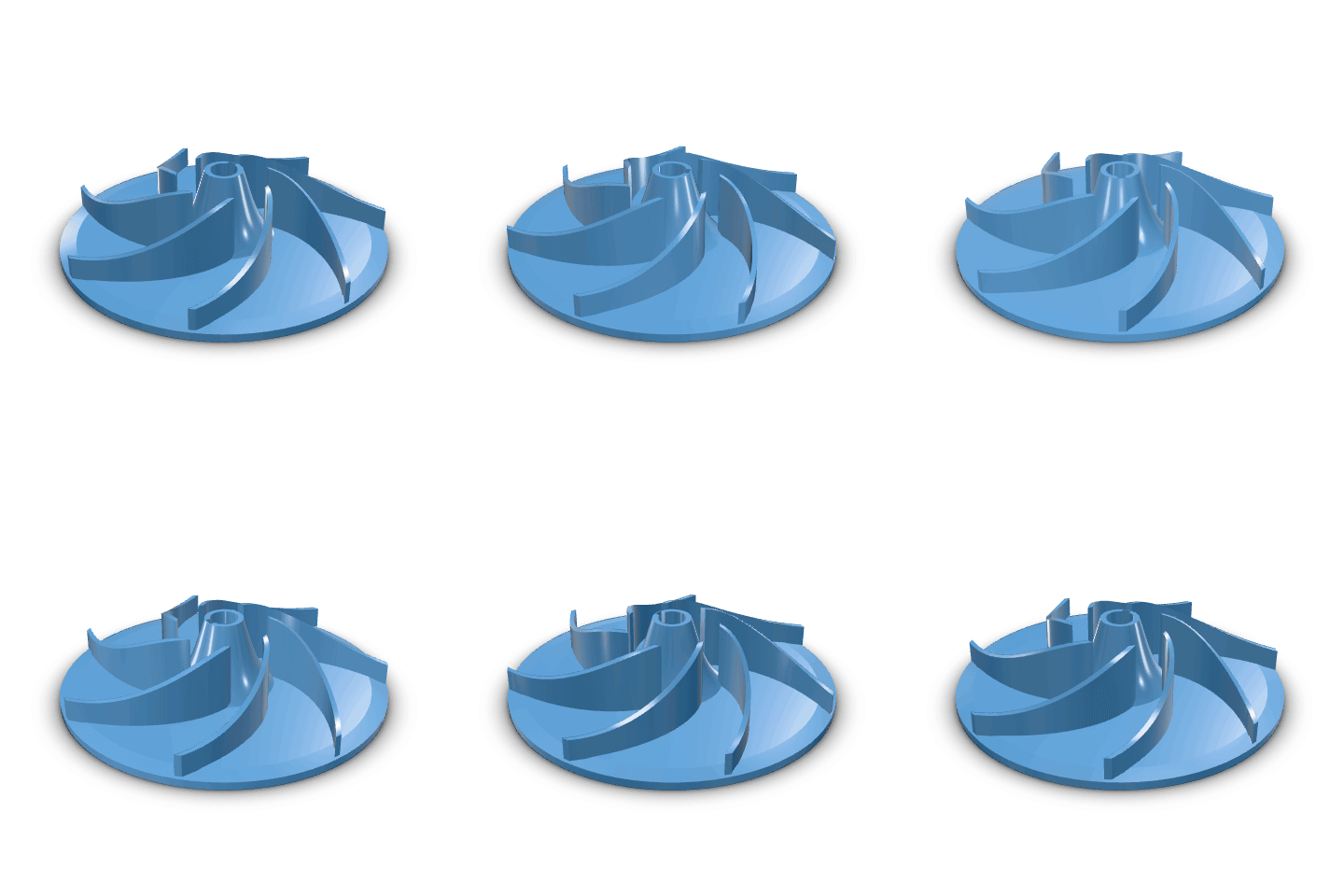 |
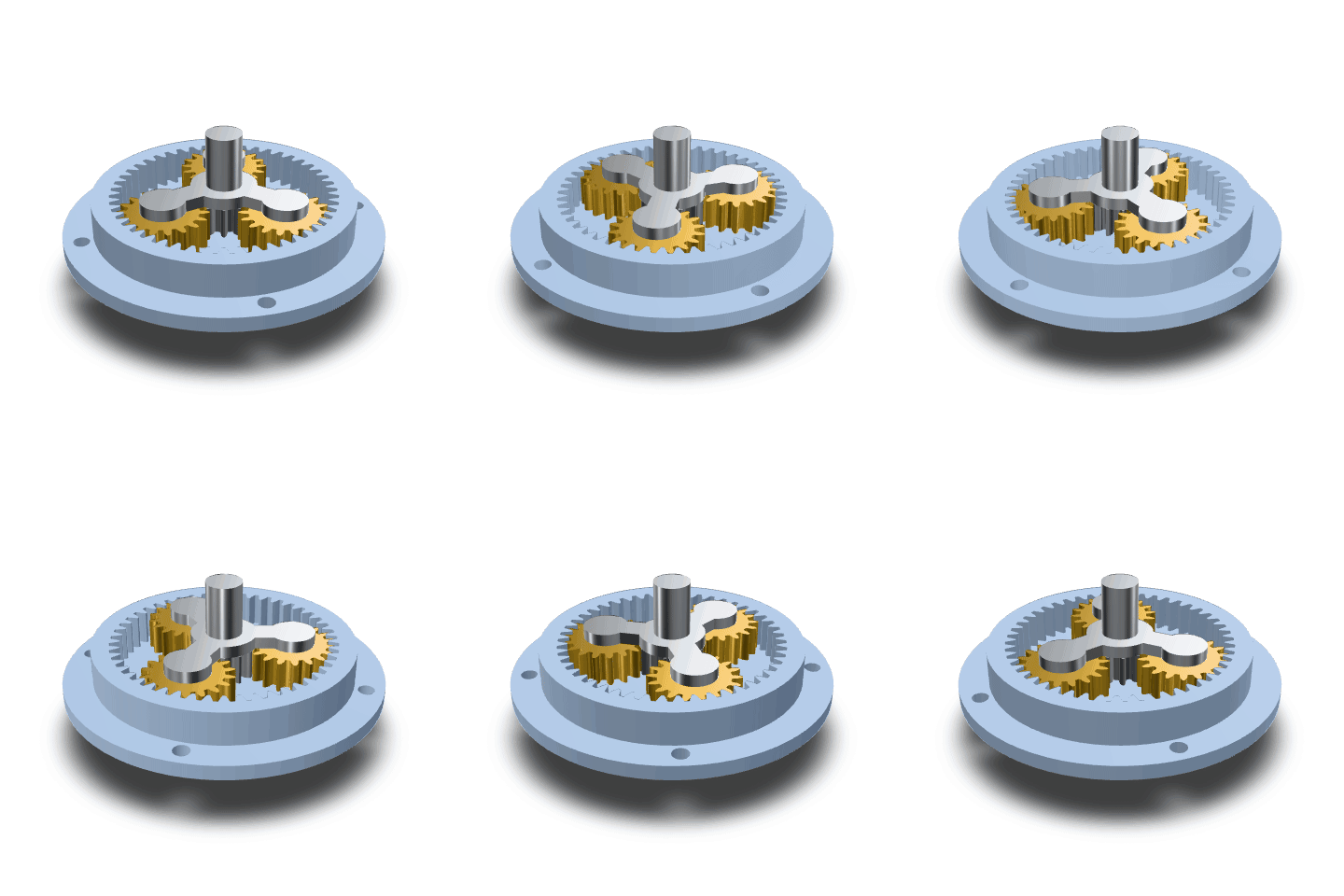
| Planetary gear stage | Sun, planets, ring, carrier | carrierDeg sunTeeth planetTeeth planetCount | |
| 9-cylinder radial engine | Round crankcase, nine finned cylinders in a star, domed heads, prop hub | cylinderCount barrelLength | 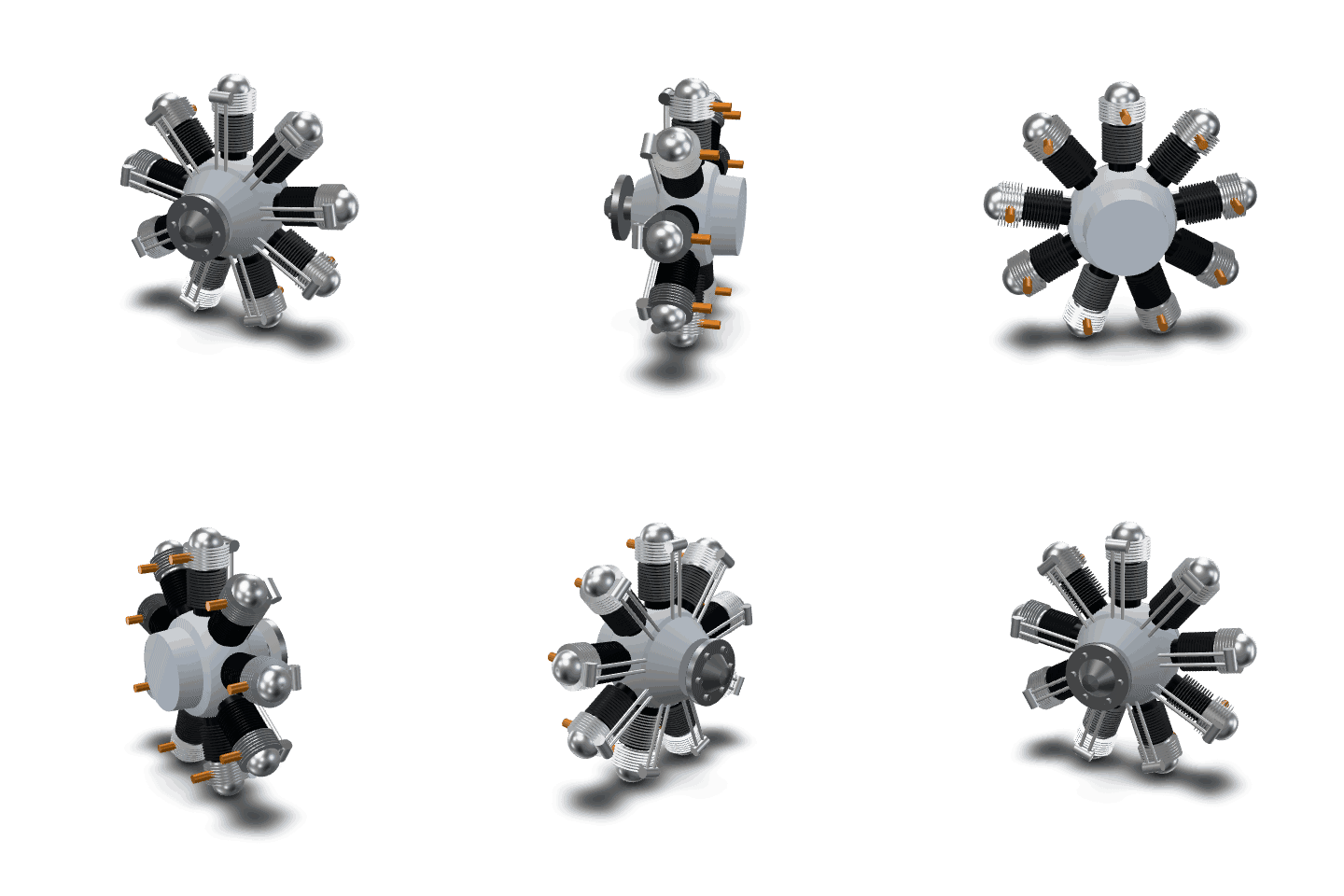 |
Some checks go past the picture:
evaluate_script → mechanism: "real") turns each mechanism through its limits with the couplings applied and looks for overlapping teeth. kernelcad validate --include-interference reports both assemblies clean.kernelcad dfm passes it (thinnest wall 2.0 mm, no unsupported overhang), and kernelcad export step writes a B-rep whose holes read back with kernelcad inspect step..kcad.ts, CLI, and MCP. The UI reviews and steers generated designs.The headless OCCT gate checks 27 native .kcad.ts reference parts against
analytic or recorded OCCT volume, surface-area, and bounding-box values. The
current headline is 27/27 reference parts match; the expected-pass gate is
27/27, with the analytic inputs and tolerances listed in the
scorecard. See the
reference-parts scorecard and its
local validation demo.
The SolidCraft oracle ledger vendors that project's public reference cases (Apache-2.0) and checks the kernelCAD parts that have been modelled so far. Cases without a kernelCAD source stay pending and do not fail CI. Pull-request CI runs the fast subset; the nightly job runs every implemented part.
For agents and contributors, .kcad.ts source is the design source of truth.
Rendered PNG/MP4 files, STEP/STL exports, score JSON, and capture-run metadata
are generated evidence or deliverables. Prompt briefs, source files, and
provenance metadata remain source. Change source first, regenerate explicit
targets, and avoid broad artifact refreshes unless you are intentionally
rebuilding a demo or release bundle.
Use deterministic checks before visual judgment:
kernelcad evaluate model.kcad.ts
# then run review_cad from an MCP client connected through `kernelcad mcp`
kernelcad export step model.kcad.ts -o model.step
kernelcad export stl model.kcad.ts -o model.stl
Translate an assembly exported from SolidWorks or another CAD application as STEP into a KernelCAD project:
kernelcad import-step robot.step --out robot-kcad
kernelcad evaluate robot-kcad/robot.kcad.ts
The bundle contains a .kcad.ts root assembly, manifest.json with the source
product paths, units, placements, colors, and geometry measurements, and exact
native OCCT BREP assets content-addressed by geometry. Byte-identical product
definitions share an asset. The original STEP assembly hierarchy is recorded
in the manifest; the current KernelCAD scene is flattened into independently
placeable occurrences. Local STEP DOCUMENT_FILE dependencies are read
recursively, included in the import provenance hashes, and must stay inside the
input directory. Component colors are preserved; per-face color mapping is not
part of this import. It does not infer mates, joints, motion, feature history,
or read native SolidWorks/Parasolid data.
See the retained import demo, bundle, and verification evidence.
When a rendered artifact is produced, inspect the image/video itself and report what is visible: proportions, interfaces, floating geometry, occlusion, camera framing, and whether required features are legible. Passing tests are not a substitute for visual evidence.
When visual evidence matters, keep a deterministic inspection bundle:
kernelcad render inspect model.kcad.ts model.inspect
The v1 bundle writes a manifest and canonical RGB views. It can also emit
machine-readable mask, depth, and normals channels:
kernelcad render inspect model.kcad.ts model.inspect --channels rgb,mask,depth,normals
Use --focus <names> or --hide <names> when a specific feature id or
assembly part needs isolated review. Keep richer channels in the same manifest
packet; do not replace the canonical RGB views.
For real hardware, prefer catalog/vendor geometry via lib.fromSTEP(...)
instead of fake placeholder boxes or cylinders. This keeps mounts, clearances,
and mechanism checks tied to physical components.
npm install --global kernelcad
The npm package requires Node.js 22.12 or newer. For a self-contained install, use the platform installer above.
Drop this in bracket.kcad.ts:
const w = param('Width', 60, { unit: 'mm' });
const h = param('Height', 40, { unit: 'mm' });
const t = param('Thickness', 5, { unit: 'mm' });

const base = box(w, h, t);
const hole = cylinder(t + 2, 4).translate(w / 2, h / 2, -1);
return base.subtract(hole).fillet(1);
Run it:
kernelcad evaluate bracket.kcad.ts
kernelcad export stl bracket.kcad.ts -o bracket.stl
That's it. For agents: kernelcad mcp runs an MCP server with dynamic model
introspection tools. Object tool responses include structuredContent alongside
the serialized JSON text so MCP clients can validate advertised output schemas.
See SKILL.md (bundled with the install) for the full API
surface and authoring guide.
kernelCAD runs as an MCP server, so Claude Desktop can drive it locally. After the one-line install, add an entry to your Claude Desktop config file:
~/Library/Application Support/Claude/claude_desktop_config.json%APPDATA%\Claude\claude_desktop_config.json~/.config/Claude/claude_desktop_config.json{
"mcpServers": {
"kernelcad": {
"command": "kernelcad",
"args": ["mcp"]
}
}
}
Restart Claude Desktop. The kernelCAD MCP tools (review_cad, model
introspection, export helpers, etc.) appear in the tools list.
The first full local evaluate_script build returns viewerUrl. Open it in
Studio once: later full builds and source-edit tool calls replace the source,
history, and geometry behind that same session link. The viewer is served on
127.0.0.1 by the MCP process and lasts until that process closes; it is not a
public share link. Dry runs leave it unchanged. A build failure keeps the last
built model visible; a successfully built model with DFM failures remains
viewable. Build diagnostics shown there are not a full CAD/physics review.
Published packages include the Studio bundle. When running MCP from a checkout,
run npm run build:mcp-viewer first. If the bundle cannot be served, the build
result includes viewerError separately from its CAD diagnostics. Hosted MCP
and --cloud continue to use the gateway's Studio/project URLs.
For hosted workflows, sign in at the existing connection guide. It gives the current connector and OAuth steps for your client. The hosted tool set depends on authentication, your selected profile, and server-native tools; use the connected server's discovery rather than assuming the local list.
The local installer is available. Preview the config change before applying it:
kernelcad install --claude-desktop --dry-run
kernelcad install --claude-desktop
Other hosted setup guides: ChatGPT, Claude, Claude Code, Codex, Gemini CLI, Grok Build, Cursor, and VS Code.
Browse the generated local MCP tool reference for complete input/output schemas and behavior annotations, or search the design guide for existing recipes and cited, dated manufacturing catalog snapshots.
For local Studio, get_selection and set_selection
share face/edge picks with your MCP agent. Open the same script in Studio and
use its session token; picks expire on model rebuild.
For opt-in kernel selection and fallback diagnostics, see the experimental guarded SMLib kernel guide and its workflow demo bundle.
kernelCAD runs locally. It has no install-time scripts and makes no network calls except the ones below.
| Host | When | What is sent |
|---|---|---|
telemetry.kernelcad.com | Anonymous usage stats, opt-out | Tool name, outcome, duration, counts, versions. Never prompts, code, geometry, paths or env vars. See TELEMETRY.md. |
api.kernelcad.com, app.kernelcad.com | Only when you use the hosted gateway, Studio links, or ordering/pricing tools | The request you make |
api.step.parts, kernelcad-parts.pages.dev, raw.githubusercontent.com, vendor sites | Only when you call find_part / fetch_part | The part search query or part URL |
Turn telemetry off with kernelcad telemetry disable, KERNELCAD_TELEMETRY=0
or DO_NOT_TRACK=1. It is off in CI. Demo scripts under scripts/ and
eval/ call subprocesses and test URLs; they are developer tools and are not
part of the published package.
Web app + dev workflow (clone the repo, npm install, npm run dev) for contributors who want to hack on the kernel or the visual debugger:
git clone https://github.com/w1ne/kernelCAD-web.git
cd kernelCAD-web
npm install
npm run setup-hooks  # optional: enable the local pre-commit hook
npm run dev          # web visual debugger at localhost:5173
npm run build:cli    # build the CLI bundle into dist/cli/
npm run test         # full vitest suite
npm run qc           # quick quality gate (lint + typecheck + tests)
Exported files name kernelCAD in their metadata field (STEP FILE_NAME, GLB
asset.generator, the STL header, a DXF or XML comment), and public viewer
pages show a small "Made with kernelCAD" link. Self-hosters and forks change
this in src/shared/links/attribution.ts. See ATTRIBUTION.md.
MIT — see LICENSE. The kernelCAD name is covered by the trademark policy.
Claim this server with your GitHub account to request manual ownership verification.
Link to the catalog listing for kernelCAD MCP server for parametric CAD from your README. This badge does not certify ownership, compatibility or security.
[](https://awesome-mcp.com/servers/kernelcad-web)Public repository statistics could not be verified. Check the configured source address; unavailable counts are not zero.
来源、范围和时段分别列出;不相加,不代表安装人数、活跃用户或安全审核。
尚无已审核的包 / 镜像标识,暂不展示下载统计。
Alternative and complementary servers in the same category
Store and retrieve entities, relations and observations in a persistent local knowledge graph.
Organize problem solving into revisable, branching thought steps through an MCP tool.

Query-aware context compression with an MCP plugin for coding agents, plus Python and HTTP interfaces for reducing the context sent to a language model.