MCP Claude Hacker News


Features
- Browse latest stories from Hacker News
- View top and best-rated stories
- Search stories by keyword, by relevance or most recent (Algolia HN Search API)
- Get story details
- Read comments for stories, capped so a busy thread cannot flood the context
- Clean formatting of Hacker News content for better readability, including HTML entity decoding
Demo
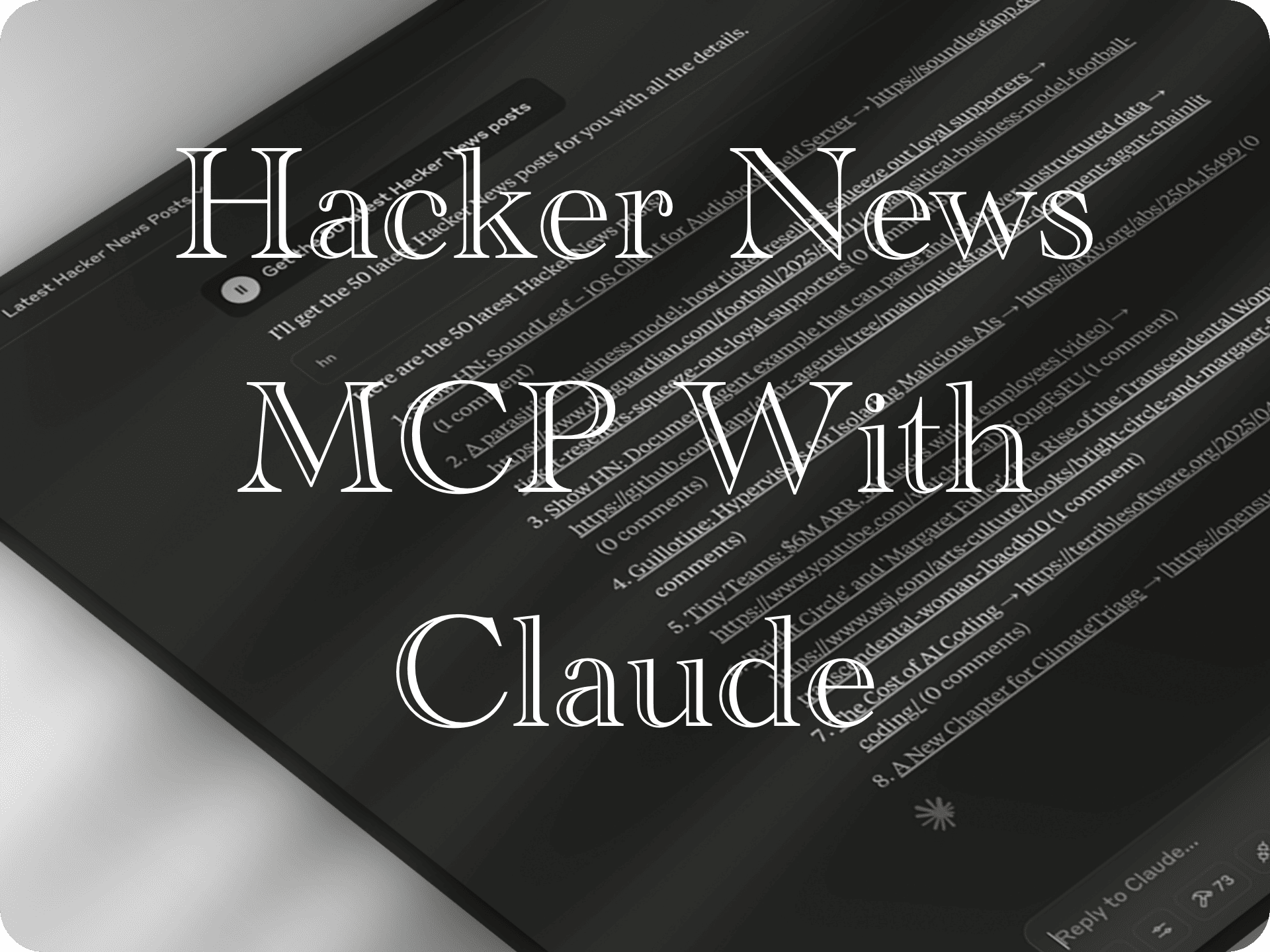
Requirements
- Node.js 20 or higher
- Claude Desktop
- Internet connection to access Hacker News API
Installation
Installing via Smithery
Install the packaged bundle from the Smithery server page, or from the CLI:
npx -y @smithery/cli@latest mcp add imprvhub/mcp-claude-hackernews --client claude
Installing Manually
- Clone or download this repository:
git clone https://github.com/imprvhub/mcp-claude-hackernews
cd mcp-claude-hackernews
- Install dependencies:
npm install
- Build the project:
npm run build
Running the MCP Server
There are two ways to run the MCP server:
Option 1: Running manually
- Open a terminal or command prompt
- Navigate to the project directory
- Run the server directly:
node build/index.js
Keep this terminal window open while using Claude Desktop. The server will run until you close the terminal.
Option 2: Auto-starting with Claude Desktop (recommended for regular use)
The Claude Desktop can automatically start the MCP server when needed. To set this up:
Configuration
The Claude Desktop configuration file is located at:
- macOS:
~/Library/Application Support/Claude/claude_desktop_config.json
- Windows:
%APPDATA%\Claude\claude_desktop_config.json
- Linux:
~/.config/Claude/claude_desktop_config.json
Edit this file to add the Hacker News MCP configuration. If the file doesn't exist, create it:
{
  "mcpServers": {
    "hackerNews": {
      "command": "node",
      "args": ["ABSOLUTE_PATH_TO_DIRECTORY/mcp-claude-hackernews/build/index.js"]
    }
  }
}
Important: Replace ABSOLUTE_PATH_TO_DIRECTORY with the complete absolute path where you installed the MCP
- macOS/Linux example:
/Users/username/mcp-claude-hackernews
- Windows example:
C:\\Users\\username\\mcp-claude-hackernews
If you already have other MCPs configured, simply add the "hackerNews" section inside the "mcpServers" object. Here's an example of a configuration with multiple MCPs:
{
  "mcpServers": {
    "otherMcp1": {
      "command": "...",
      "args": ["..."]
    },
    "otherMcp2": {
      "command": "...",
      "args": ["..."]
    },
    "hackerNews": {
      "command": "node",
      "args": [
        "ABSOLUTE_PATH_TO_DIRECTORY/mcp-claude-hackernews/build/index.js"
      ]
    }
  }
}
The MCP server will automatically start when Claude Desktop needs it, based on the configuration in your claude_desktop_config.json file.
Usage
- Restart Claude Desktop after modifying the configuration
- In Claude, use the Hacker News tools to interact with Hacker News
- The MCP server runs as a child process managed by Claude Desktop
The Hacker News MCP provides 6 specialized tools for different functions:
hn_latest, hn_top, hn_best
limit (optional): Number of stories to fetch
- Type: Number
- Range: 1-50
- Default: 10
hn_search
query (required): Search terms
- Type: String
- Example:
"model context protocol"
limit (optional): Number of results, 1-50, default 10sort (optional): relevance (default) or date for newest first
hn_story
story_id (required): The ID of the story to fetch
- Type: Number
- Example: 12345678
story_id (optional): The ID of the story to get comments for
- Type: Number
- Example: 12345678
story_index (optional): The index of the story from the last fetched list
- Type: Number (1-based)
- Example: 3 (for the 3rd story in the last list)
limit (optional): Maximum number of top-level comments to return
- Type: Number
- Range: 1-50
- Default: 20
Note: For hn_comments, you must provide either story_id OR story_index. Only top-level
comments are fetched; the reply count is reported per comment. The response states how many of
the thread's top-level comments were returned.
Example Usage
Here are various examples of how to use the Hacker News MCP with Claude:
"Use hn_latest to get 20 recent stories"
"Use hn_top with limit 15 to get top stories"
"Use hn_best to get 25 best stories"
"Use hn_search with query 'model context protocol' to find related stories"
"Use hn_search with query 'rust' and sort date to see the newest posts"
"Use hn_story with story_id 29384756 to get story details"
"Use hn_comments with story_index 3 to get comments for the 3rd story"
"Use hn_comments with story_id 12345678 to get comments for that story"
Natural Language Queries:
You can also interact with the MCP using natural language. Claude will interpret these requests and use the appropriate tools:
- "Show me the top 30 stories on Hacker News today"
- "What are the 40 latest posts on Hacker News?"
- "I'd like to see the 20 best articles from Hacker News"
- "Can you fetch me 30 recent tech news stories from Hacker News?"
- "Tell me what's the top 50 trending topics on Hacker News"
- "Search Hacker News for stories about machine learning"
- "Get me the 40 most recent Hacker News headlines"
- "What are the 30 most active discussions on Hacker News right now?"
- "I'm interested in reading the 40 most popular Hacker News articles this week"
- "Show me a list of 20 best programming articles from Hacker News"
- "Get the comments for story number 5 from the last list"
- "Show me the details of story ID 12345678"
Language Translation Requests:
You can request Hacker News content to be translated into different languages:
- "Show me the top 30 stories on Hacker News today in Spanish"
- "Get the 20 latest Hacker News posts and translate them to French"
- "I'd like to see the 40 best articles from Hacker News in German"
- "Show me 30 recent Hacker News stories translated to Japanese"
- "Get the top 20 Hacker News articles and present them in Portuguese"
Troubleshooting
"Server disconnected" error
If you see the error "MCP Hacker News: Server disconnected" in Claude Desktop:
-
Verify the server is running:
- Open a terminal and manually run
node build/index.js from the project directory
- If the server starts successfully, use Claude while keeping this terminal open
-
Check your configuration:
- Ensure the absolute path in
claude_desktop_config.json is correct for your system
- Double-check that you've used double backslashes (
\\) for Windows paths
- Verify you're using the complete path from the root of your filesystem
-
Try the auto-start option:
- Set up the auto-start script for your operating system as described in the "Setting up auto-start scripts" section
- This ensures the server is always running when you need it
If the Hacker News tools don't appear in Claude:
- Make sure you've restarted Claude Desktop after configuration
- Check the Claude Desktop logs for any MCP communication errors
- Ensure the MCP server process is running (run it manually to confirm)
- Verify that the MCP server is correctly registered in the Claude Desktop MCP registry
Checking if the server is running
To check if the server is running:
- Windows: Open Task Manager, go to the "Details" tab, and look for "node.exe"
- macOS/Linux: Open Terminal and run
ps aux | grep node
If you don't see the server running, start it manually or use the auto-start method.
Development
Run the test suite (no network required):
npm install
npm run build
npm test
Contributing
Contributions are welcome! Please feel free to submit a Pull Request.
License
This project is licensed under the Mozilla Public License 2.0 - see the LICENSE file for details.