
Oleafly is a live collaborative LaTeX, Typst and Markdown editor for research that offers a local MCP server and an oleafly mcp stdio command so outside AI clients can use its project tools.
Repository stats unavailable
Productivity & Ops
A hosted MCP server that guides business case setup, validates product ideas and tracks product decisions and project phase across sessions.
Cambium AI product manager MCP server is cataloged as an MCP server attributed to cambium-ai. A hosted MCP server that guides business case setup, validates product ideas and tracks product decisions and project phase across sessions. It is categorized under productivity work. See the capability inspector for recorded interfaces and their independent review status; consult upstream documentation for the current interface.
Installation configuration is not reviewed. No executable setup is offered for this entry; inspect the source repository before proceeding.
Catalog license label: Not specified. Check the source repository's current license and terms before using, modifying or distributing this software.
能力定义尚未审核。未核验的采集内容不会作为可信接口展示。
暂无可展示的已审核记录。这不表示上游不支持此能力。
暂无可展示的已审核记录。这不表示上游不支持此能力。
暂无可展示的已审核记录。这不表示上游不支持此能力。
Email delivery is not connected. This page does not collect email addresses or create subscriptions.
Browse the registry for current listings instead.
Reviews for Cambium AI product manager MCP server are not available yet
Review publishing and storage are not connected. This page does not collect or publish ratings or comments, including after sign-in.
A validated idea yields one of five verdicts: Strong Go, Conditional Go, Needs More Research, Pivot, or No Go.
Personas are synthetic demographic profiles grounded in public data sources such as the U.S. Census, supplemented with AI-generated biography, personality, goals and other layers.
README.md · aab3ef4460e2 · 采集于 2026-11-13 12:31:33 UTC
保留上游原文,不做 AI 改写。为安全起见过滤脚本、表单和不安全链接。
当前显示最后一次成功采集的文档快照,请以来源页面为准。
Define your company context, products, business model, strategic goals, constraints, and target market. The MCP guides you through a structured interview to capture everything Claude needs to give relevant product advice. Your business case persists across sessions.
Validate any product idea with AI-powered analysis that combines persona interviews, web research, demographic data, and regulatory assessment. Just describe an idea (e.g. "A smart water bottle that tracks hydration via built-in sensor") and get a decision-grade brief with a clear verdict — Strong Go, Conditional Go, Needs More Research, Pivot, or No Go. If you don't have an idea yet, one can be generated for you based on your business case.
Record product decisions (pivot, proceed, kill, scope change, feature prioritization) along with the rationale behind them. Decisions accumulate across sessions, giving you a living decision log you can reference later.
Track where you are in the product lifecycle - discovery, build, or scale. Phase-aware guidance adapts the research and recommendations to what matters most at your current stage.
Product research is powered by Cambium AI’s personas: synthetic demographic profiles grounded in public data sources such as the U.S. Census. Each persona is built from real demographic attributes - such as age, location, income, education, and family status - and then supplemented with AI-generated layers including biography, personality, goals, frustrations, motivations, and media habits. This means the personas are anchored in observed population characteristics, while the richer narrative context is model-generated. The result is a research tool designed to help teams explore responses through the lens of data-grounded audience profiles, rather than relying on assumed or purely invented segments.
The MCP remembers your context between sessions. It recalls your business case, past decisions, project phase, and a summary of your last session so you can pick up right where you left off.
If you don't have an account yet, head to https://app.cambium.ai/ and sign up before continuing.
Add the MCP to your Claude session:
claude mcp add --transport http cambium-ai--product-manager https://api.app.cambium.ai/mcp/product-manager/mcp
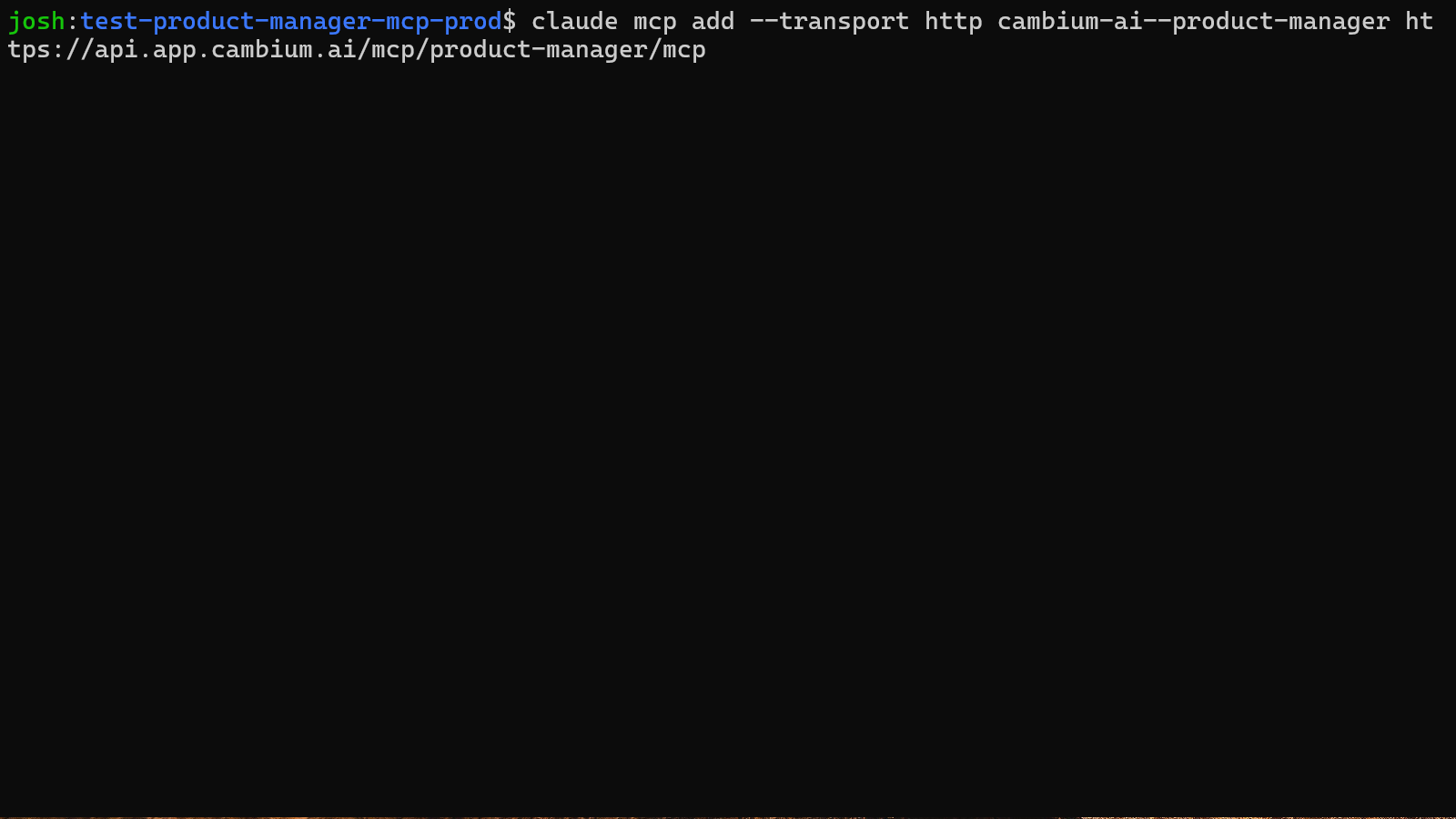
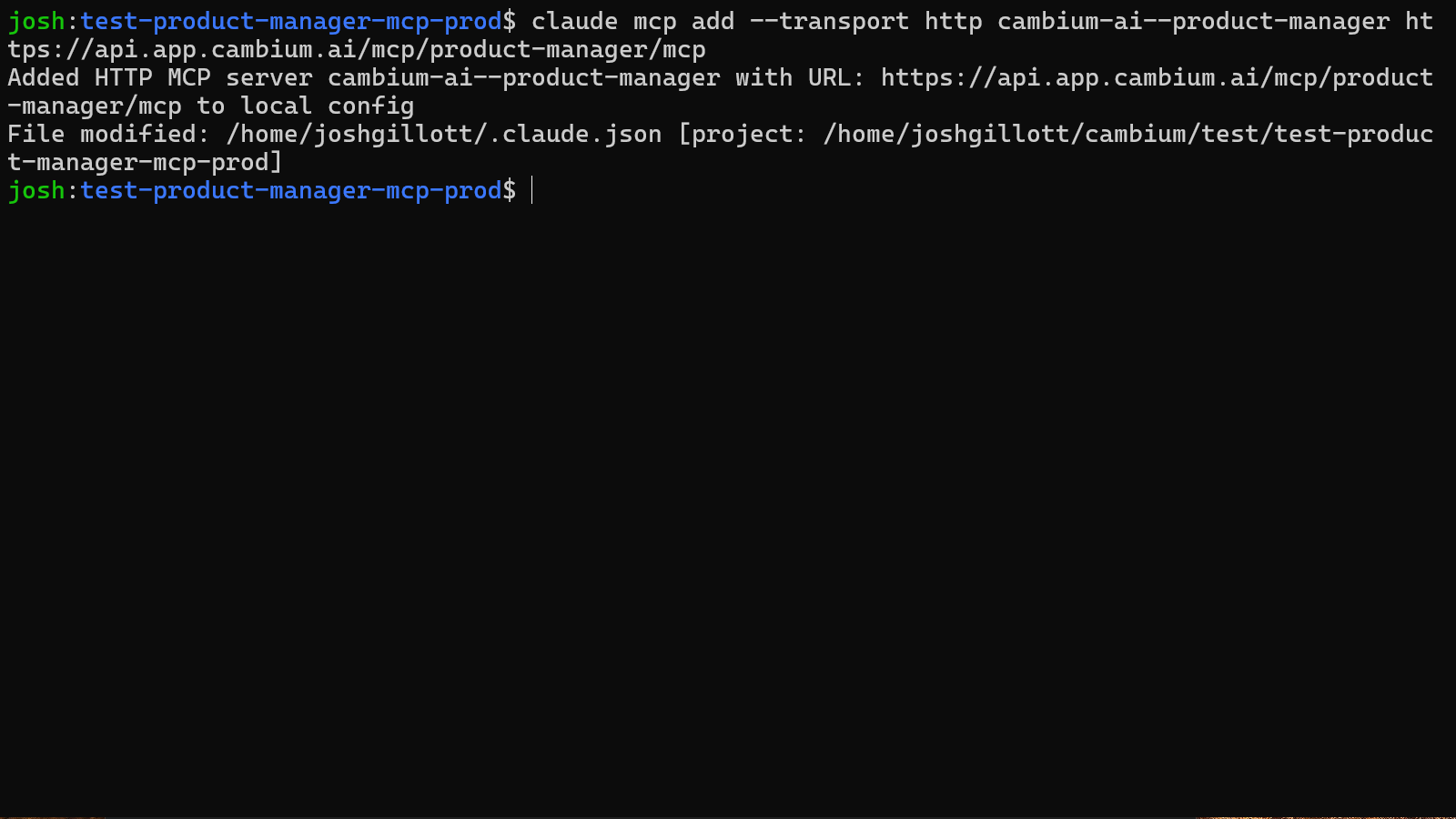
You should see the output:
josh:test-product-manager-mcp-prod$ claude mcp add --transport http cambium-ai--product-manager https://api.app.cambium.ai/mcp/product-manager/mcp
Added HTTP MCP server cambium-ai--product-manager with URL: https://api.app.cambium.ai/mcp/product-manager/mcp to local config
File modified: /home/joshgillott/.claude.json [project: /home/joshgillott/cambium/test/test-product-manager-mcp-prod]
Launch Claude Code:
claude
Should enter a Claude code session (please forgive the spacing issues):
josh:test-product-manager-mcp-prod$ claude
╭─── Claude Code v2.1.85 ────────────────────────────────────────────────────────────────────────╮
│                                                    │ Tips for getting started                  │
│                 Welcome back Josh!                 │ Run /init to create a CLAUDE.md file wit… │
│                                                    │ ───────────────────────────────────────── │
│                     ▐▛███▜▌                       │ Recent activity                           │
│                   ▝▜█████▛▘                     │ No recent activity                        │
│                     ▘▘ ▝▝                       │                                           │
│                                                    │                                           │
│  Opus 4.6 (1M context) · Claude Max · Josh Gillott │                                           │
│    ~/cambium/test/test-product-manager-mcp-prod    │                                           │
╰────────────────────────────────────────────────────────────────────────────────────────────────╯

  /remote-control is active. Code in CLI or at
  https://claude.ai/code/session_01JPbcrguKi4yHstW4dVGBiK
  ⎿ Please upgrade to the latest version of the Claude mobile app to see your Remote Control
  sessions.

──────────────────────────────────────────────────────────────────────────────────────────────────
❯
──────────────────────────────────────────────────────────────────────────────────────────────────
  ? for shortcuts
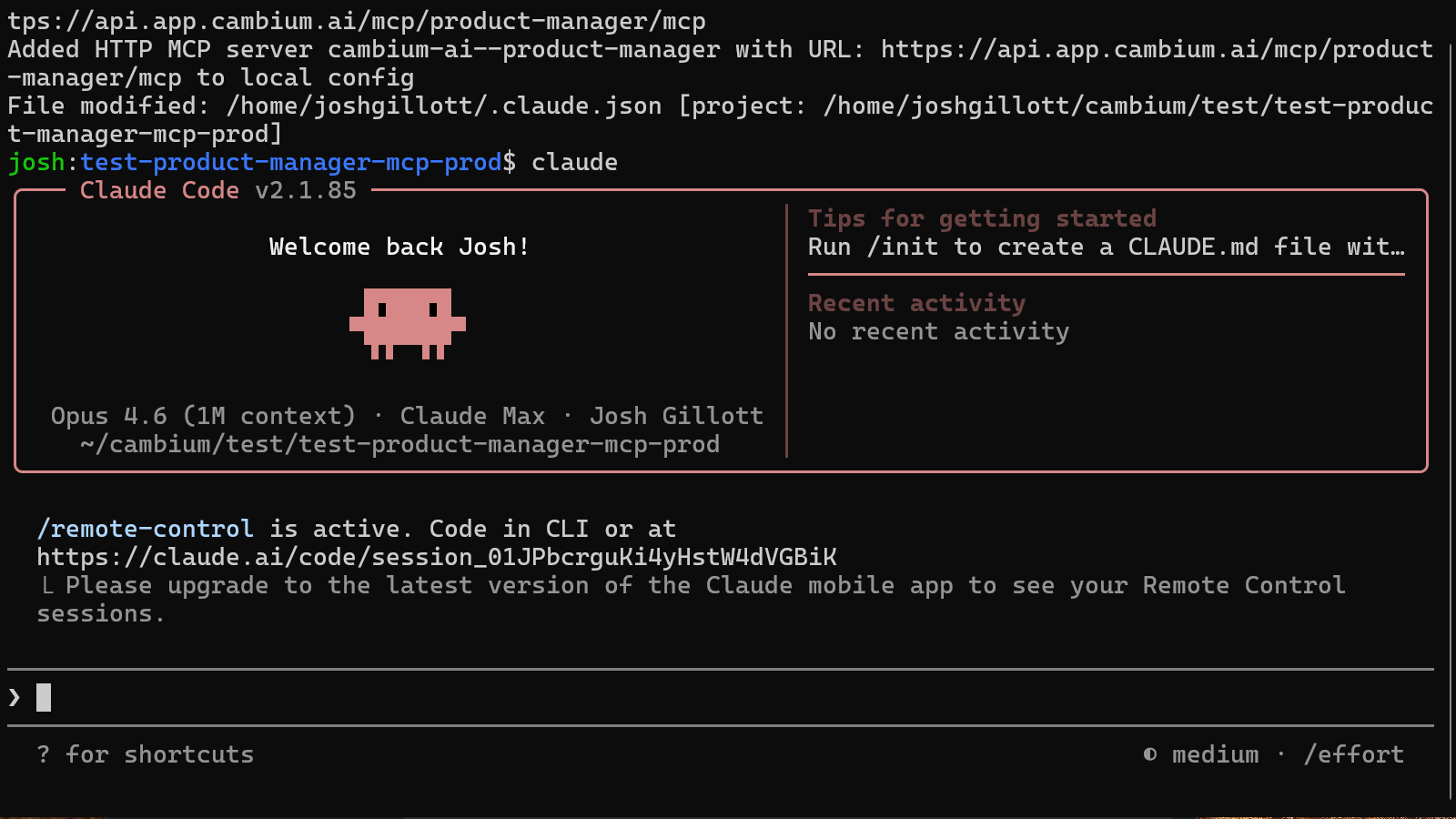
Your Claude Code output may look different to mine. e.g. name, model, subscription, directory, /remote-control. The important thing is that it launches!
/mcp
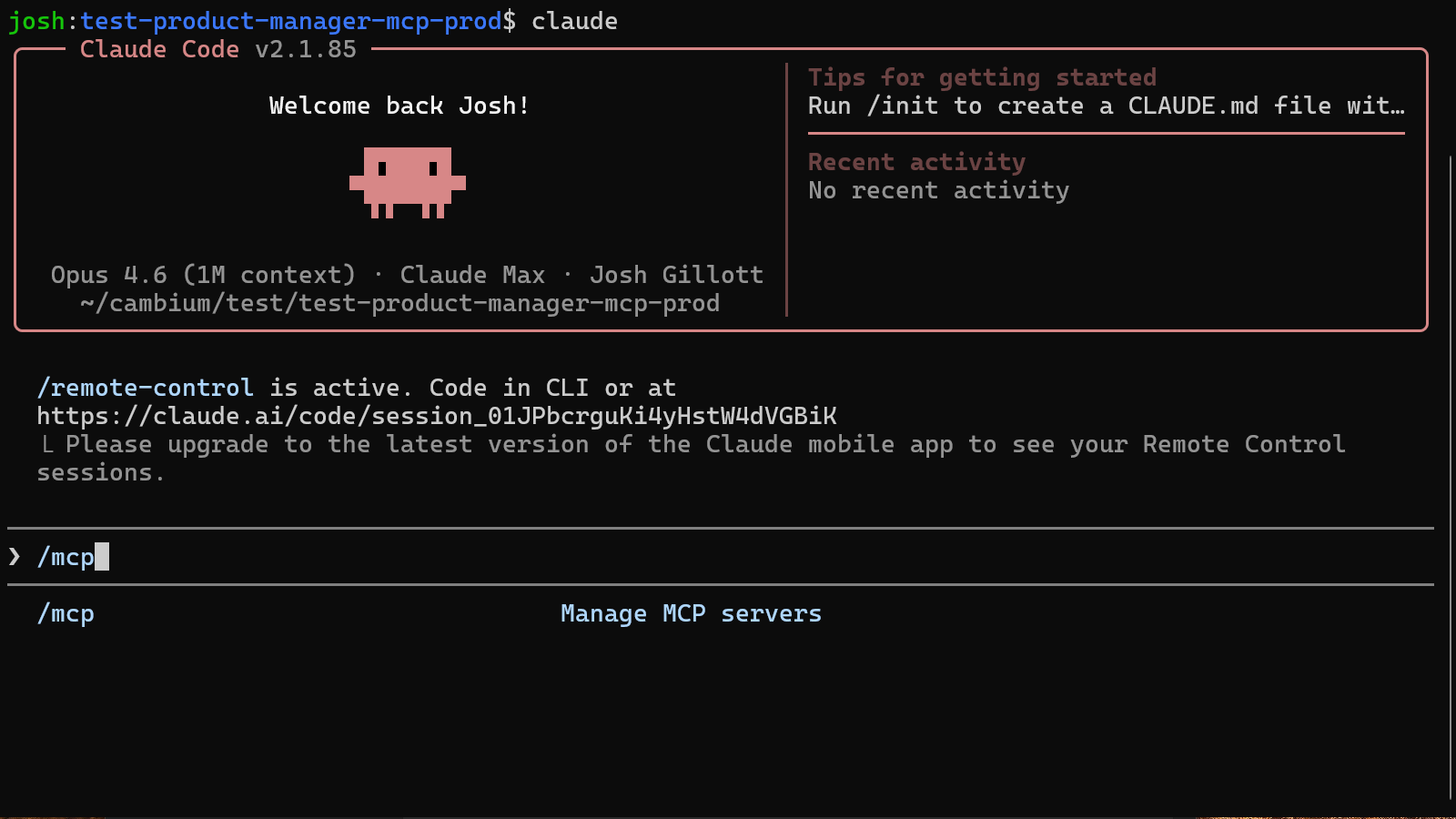
Hit enter.
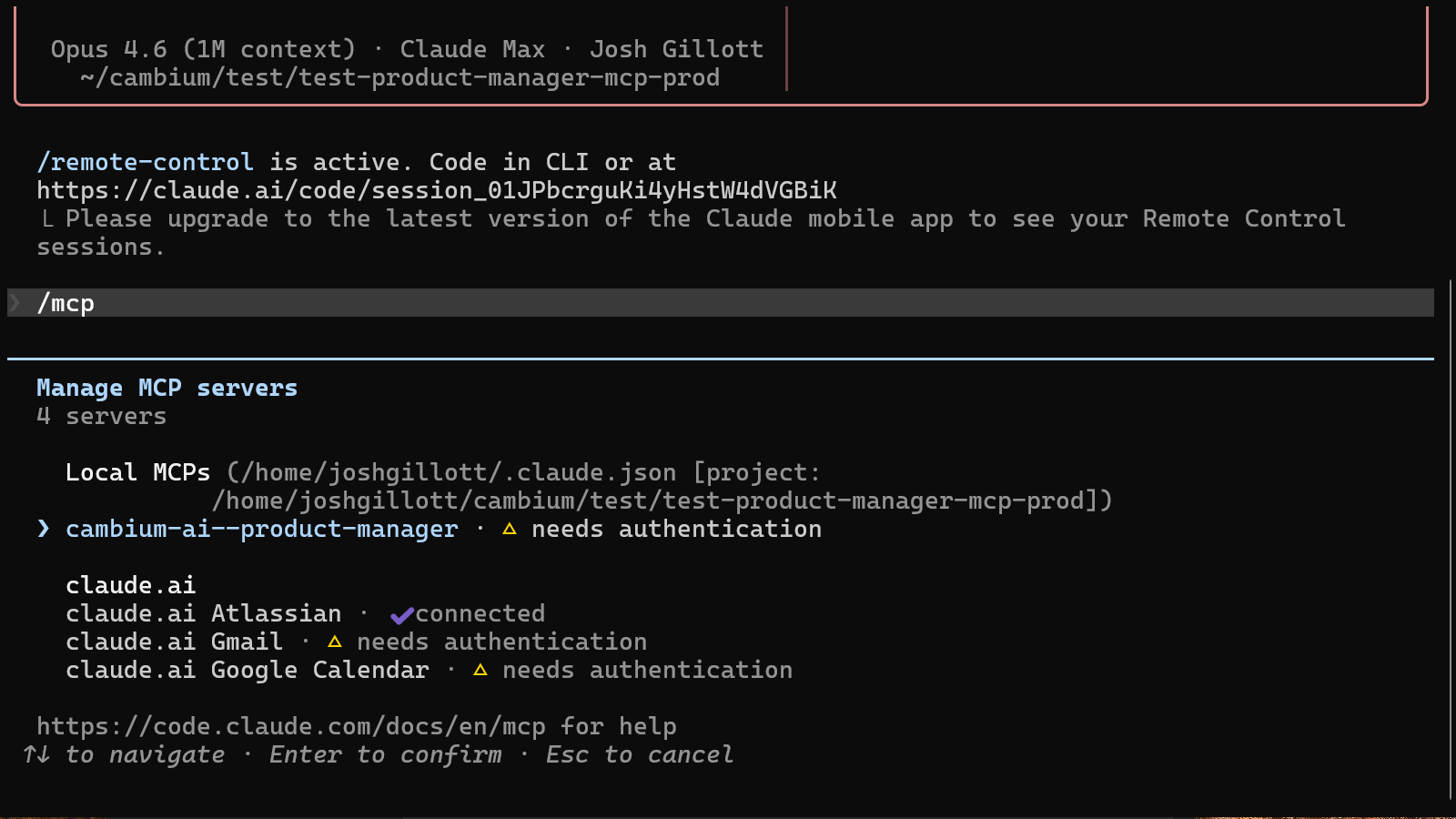
You should be able to see:
──────────────────────────────────────────────────────────────────────────────────────────────────
  Manage MCP servers
  4 servers

    Local MCPs (/home/joshgillott/.claude.json [project:
              /home/joshgillott/cambium/test/test-product-manager-mcp-prod])
  ❯ cambium-ai--product-manager · △ needs authentication
Hit enter.
❯ /mcp
╭────────────────────────────────────────────────────────────────────────────────────────────────╮
│ Cambium-ai--product-manager MCP Server                                                         │
│                                                                                                │
│ Status: △ needs authentication                                                                 │
│ Auth: ✘ not authenticated                                                                      │
│ URL: https://api.app.cambium.ai/mcp/product-manager/mcp                                        │
│ Config location: /home/joshgillott/.claude.json [project:                                      │
│                  /home/joshgillott/cambium/test/test-product-manager-mcp-prod]                 │
│                                                                                                │
│ ❯ 1. Authenticate                                                                              │
│   2. Disable                                                                                   │
╰────────────────────────────────────────────────────────────────────────────────────────────────╯
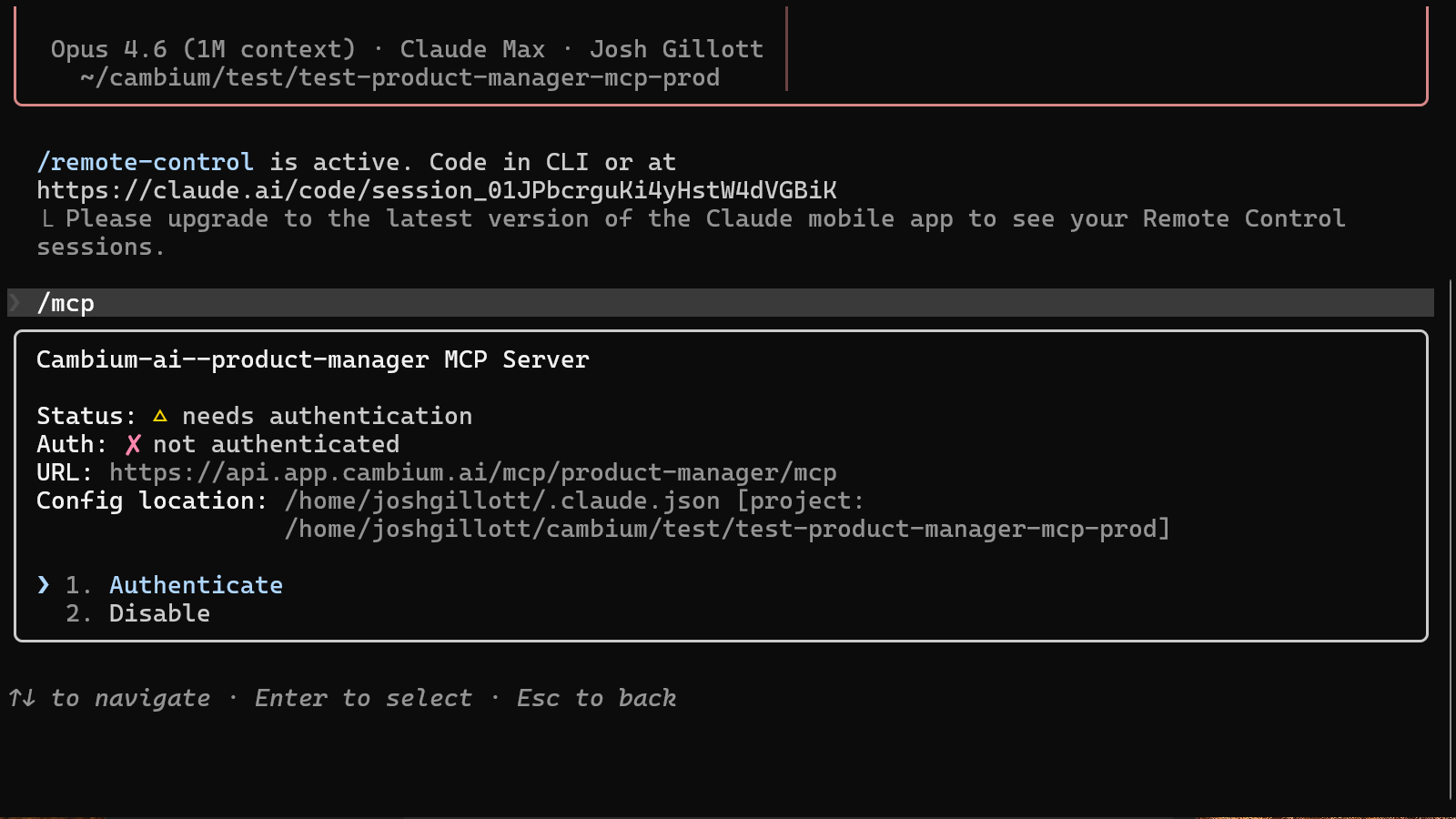
Hit enter (select 1. Authenticate).
You will be redirected to https://app.cambium.ai/ to sign in.
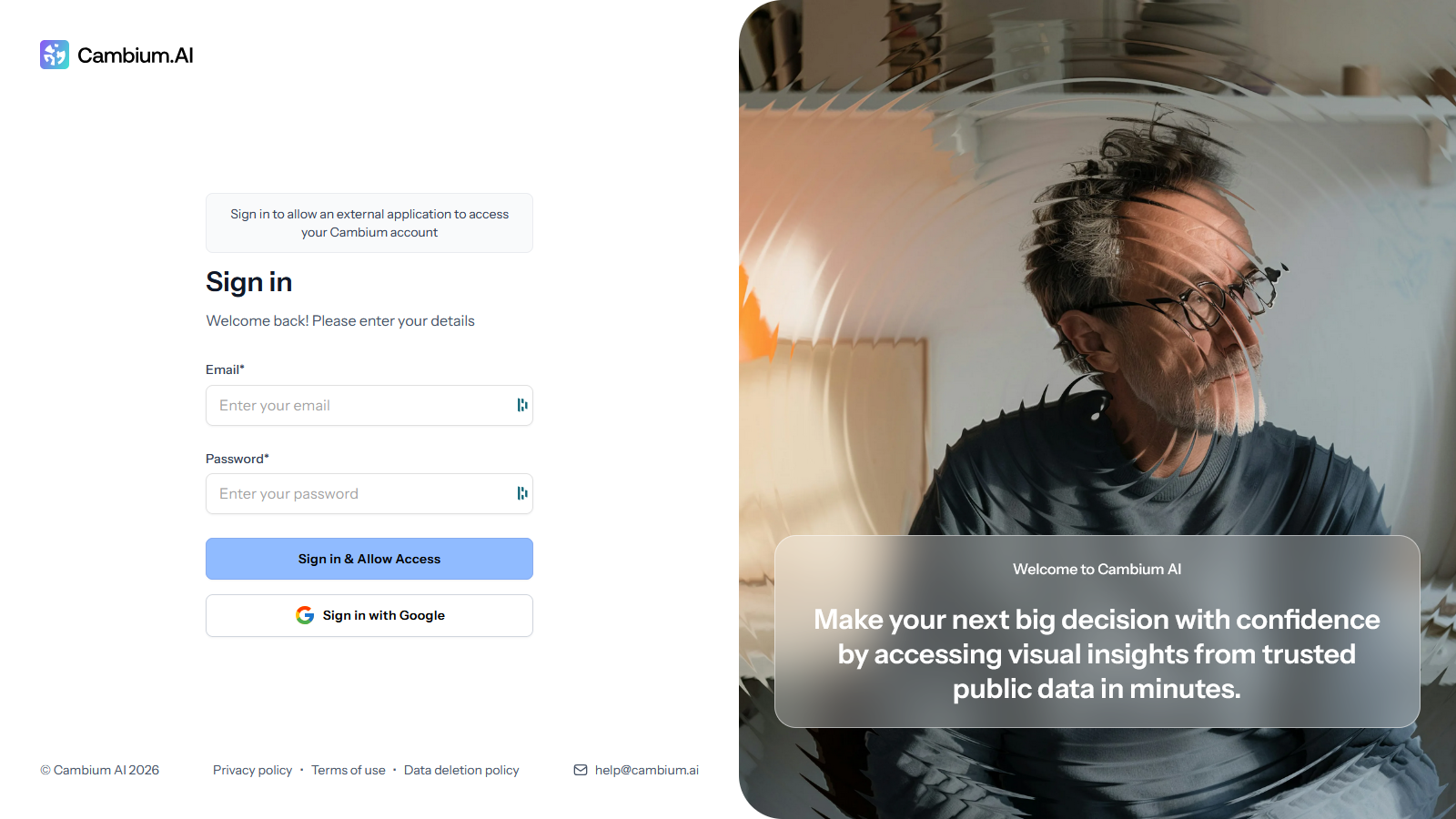
Sign up or log in as you usually would. You will see the Authorize Access screen:
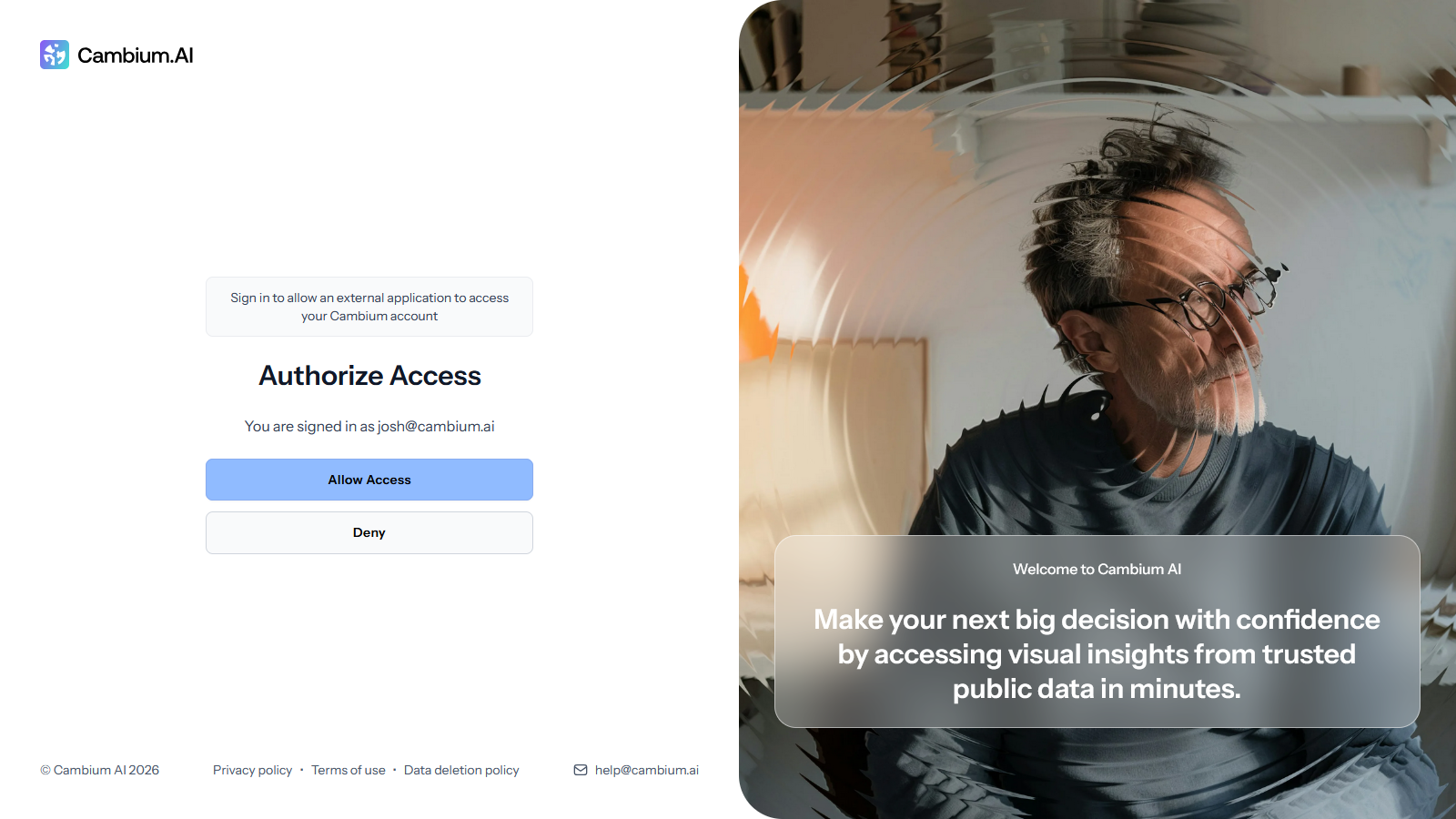
You should see the Authentication Successful screen and be redirected to Claude Code in your terminal.

Terminal output now acknowledges the connection:
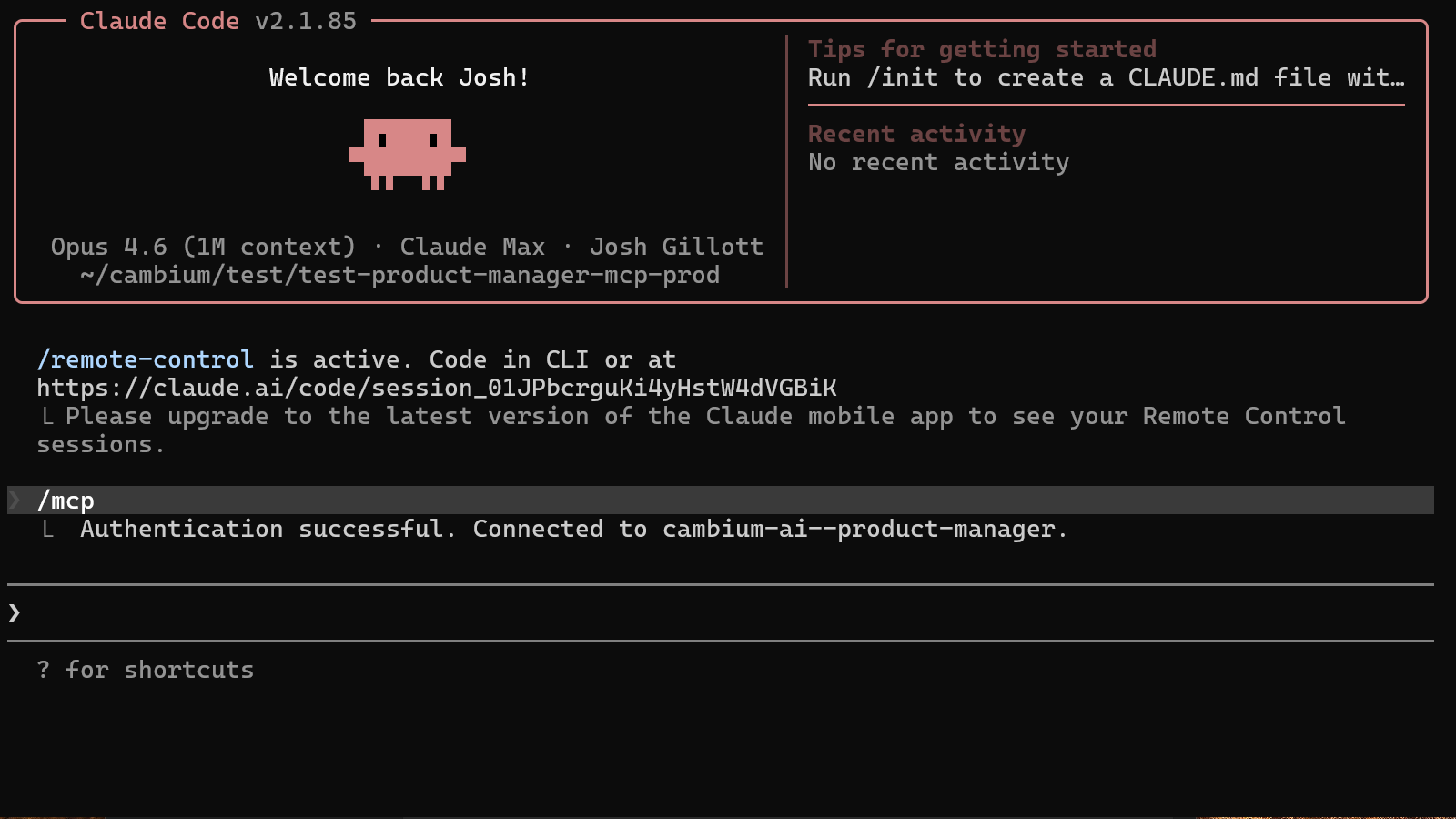
❯ /mcp
  ⎿  Authentication successful. Connected to cambium-ai--product-manager.

──────────────────────────────────────────────────────────────────────────────────────────────────
❯
──────────────────────────────────────────────────────────────────────────────────────────────────
  ? for shortcuts
I had to restart Claude Code for the authentication to apply correctly:
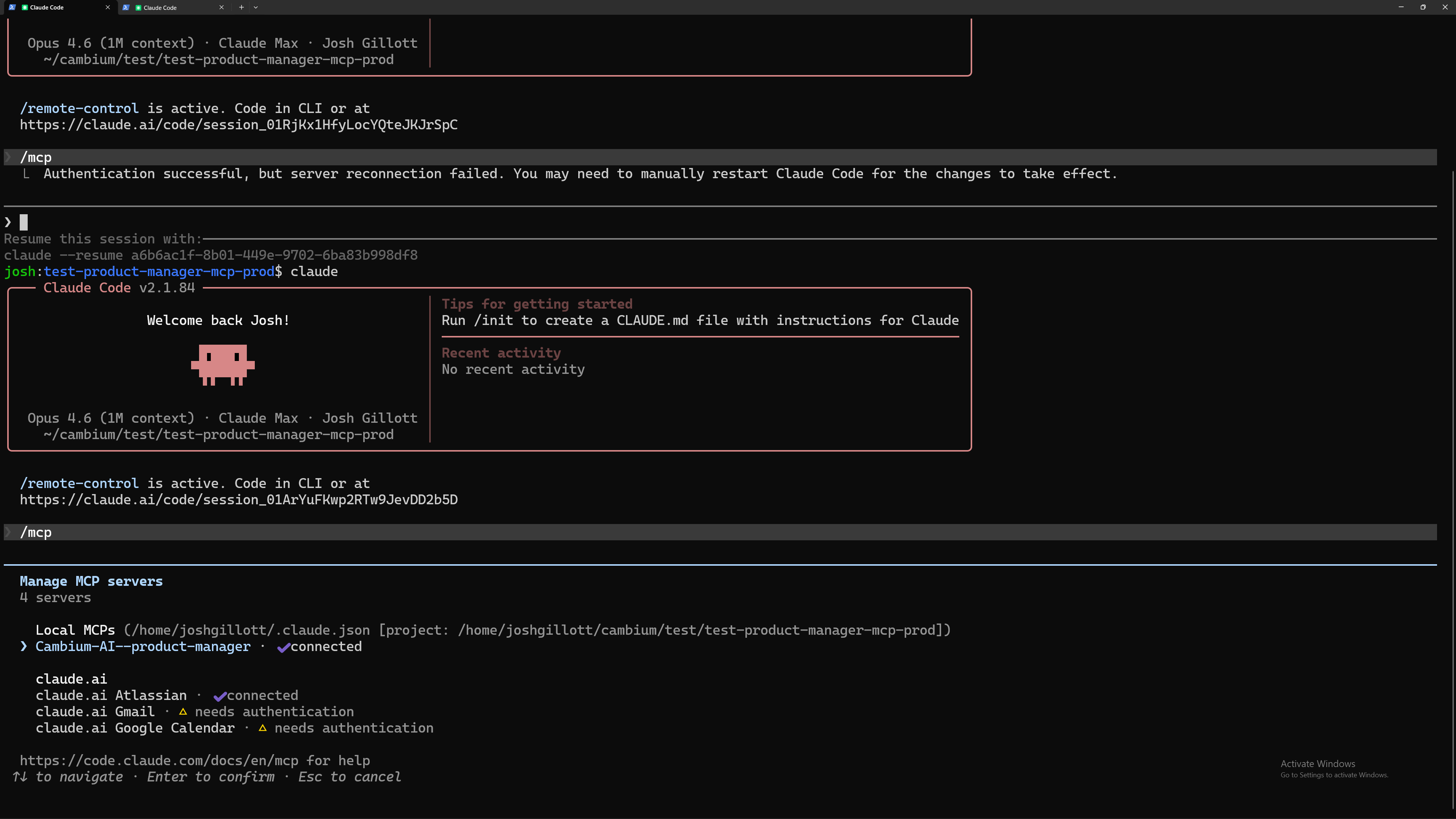
josh:test-product-manager-mcp-prod$ claude
╭─── Claude Code v2.1.84 ────────────────────────────────────────────────────────────────────────────────────────────────╮
│                                                    │ Tips for getting started                                          │
│                 Welcome back Josh!                 │ Run /init to create a CLAUDE.md file with instructions for Claude │
│                                                    │ ───────────────────────────────────────────────────────────────── │
│                       ▐▛███▜▌                      │ Recent activity                                                   │
│                      ▝▜█████▛▘                     │ No recent activity                                                │
│                        ▘▘ ▝▝                       │                                                                   │
│                                                    │                                                                   │
│  Opus 4.6 (1M context) · Claude Max · Josh Gillott │                                                                   │
│    ~/cambium/test/test-product-manager-mcp-prod    │                                                                   │
╰────────────────────────────────────────────────────────────────────────────────────────────────────────────────────────╯

  /remote-control is active. Code in CLI or at
  https://claude.ai/code/session_01ArYuFKwp2RTw9JevDD2b5D

❯ /mcp

────────────────────────────────────────────────────────────────────────────────────────────────────────────────────────────────────────────────────────────────────────────────────
  Manage MCP servers
  4 servers

    Local MCPs (/home/joshgillott/.claude.json [project: /home/joshgillott/cambium/test/test-product-manager-mcp-prod])
  ❯ Cambium-AI--product-manager · ✔ connected

    claude.ai
    claude.ai Atlassian · ✔ connected
    claude.ai Gmail · △ needs authentication
    claude.ai Google Calendar · △ needs authentication

  https://code.claude.com/docs/en/mcp for help
 ↑↓ to navigate · Enter to confirm · Esc to cancel
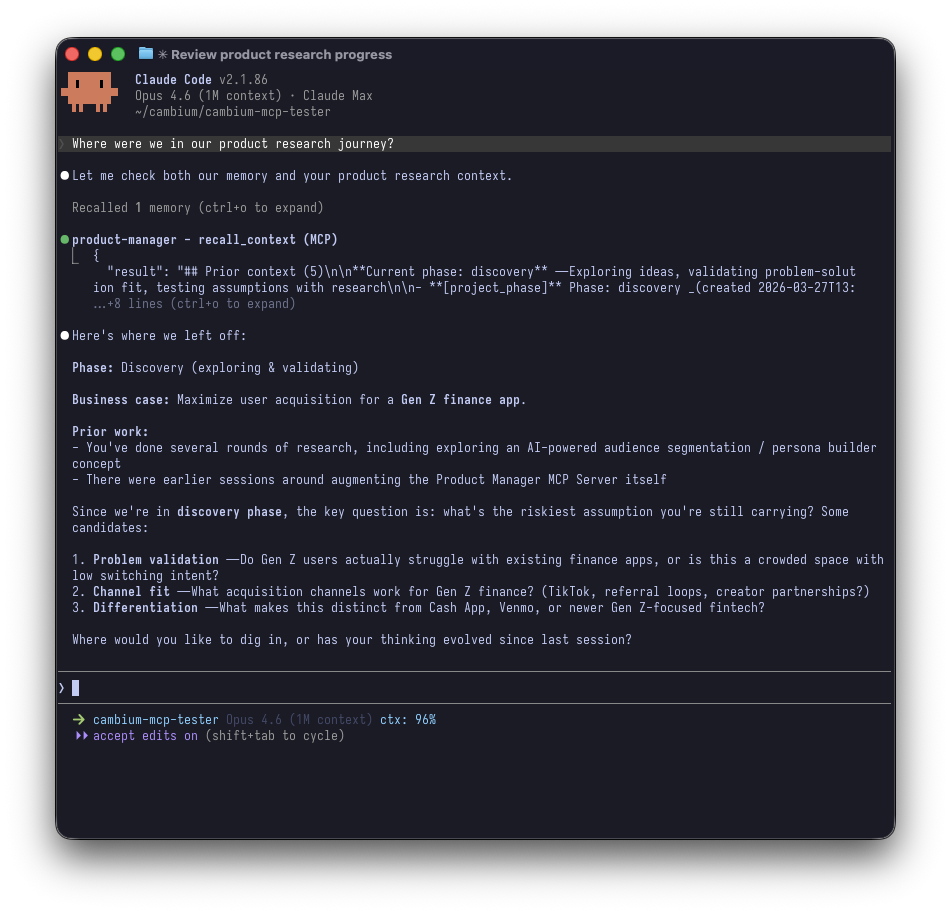
Once you've added and authenticated the MCP, just talk to Claude naturally. Claude will call the right tools behind the scenes.
This is the core feature. Describe a product idea and Claude will research and validate it end-to-end:
"Research this idea: a smart water bottle that tracks hydration via a built-in sensor"
If you don't have an idea yet, Claude can generate one for you:
"Generate a product idea for me"
Claude will automatically ensure everything it needs is in place before running the research — collecting your business case, setting your project phase, and recalling prior context if this isn't your first session. You don't need to set these up separately.
Behind the scenes, four research agents work in parallel:
The result is a decision-grade brief with a clear verdict — Strong Go, Conditional Go, Needs More Research, Pivot, or No Go — backed by evidence from each agent. Research can take a few minutes. Claude will keep you updated on progress.
Before your first research run, Claude will walk you through a structured interview to capture your business context — company context, existing products, business model, strategic goals, constraints, and target market. This only happens once. Your business case persists across sessions.
You can also set it up or update it directly at any time:
"Help me set up my business case"
"Update my business case — we've pivoted to B2B"
"Show me my business case"
Claude adapts its advice based on where you are in the product lifecycle:
Claude will ask about your phase during onboarding. You can change it any time:
"We're moving into build now — we validated the core assumption"
After reviewing research, tell Claude your decision and the rationale behind it. Decisions accumulate across sessions, giving you a living decision log.
"Let's proceed with this — the market validation is strong enough for an MVP"
"Kill this idea — the regulatory risk is too high for our timeline"
"Let's pivot — the original concept is too broad, but the hydration tracking angle has legs"
Claude automatically recalls your business case, past decisions, project phase, and a summary of your last session when you start a new conversation. It also saves a session summary when you disconnect. You can explicitly wrap up to capture specific open questions:
"Let's wrap up for today — next time I want to revisit the pricing model"
Claim this server with your GitHub account to request manual ownership verification.
Link to the catalog listing for Cambium AI product manager MCP server from your README. This badge does not certify ownership, compatibility or security.
[](https://awesome-mcp.com/servers/mcp-docs-cambium-ai)Public repository statistics could not be verified. Check the configured source address; unavailable counts are not zero.
来源、范围和时段分别列出;不相加,不代表安装人数、活跃用户或安全审核。
尚无已审核的包 / 镜像标识,暂不展示下载统计。
Alternative and complementary servers in the same category
Oleafly is a live collaborative LaTeX, Typst and Markdown editor for research that offers a local MCP server and an oleafly mcp stdio command so outside AI clients can use its project tools.
Buddy is an Android app that offers its phone tools through a local MCP server to Claude Code, Codex, OpenCode, Antigravity, and Grok sessions.

Tuqui is a hosted MCP server that connects Odoo with Claude and ChatGPT so users can ask about sales, stock, customers and overdue invoices in plain language.
