
A directory listing describing a cancellation-letter and mailing-address service. The configured public GitHub repository returned 404 during source verification.
Repository stats unavailable
Developer Tools
A macOS MCP server exposing 18 typed tools that let Claude control the Mac, including windows, menus, keyboard, clipboard, browser tabs, screenshots, and Shortcuts.
mcp-osascript is cataloged as an MCP server attributed to m0rvayne. A macOS MCP server exposing 18 typed tools that let Claude control the Mac, including windows, menus, keyboard, clipboard, browser tabs, screenshots, and Shortcuts. It is categorized under developer tools. See the capability inspector for recorded interfaces and their independent review status; consult upstream documentation for the current interface.
Installation configuration is not reviewed. No executable setup is offered for this entry; inspect the source repository before proceeding.
Catalog license label: MIT. Check the source repository's current license and terms before using, modifying or distributing this software.
能力定义尚未审核。未核验的采集内容不会作为可信接口展示。
暂无可展示的已审核记录。这不表示上游不支持此能力。
暂无可展示的已审核记录。这不表示上游不支持此能力。
暂无可展示的已审核记录。这不表示上游不支持此能力。
Email delivery is not connected. This page does not collect email addresses or create subscriptions.
Browse the registry for current listings instead.
Reviews for mcp-osascript are not available yet
Review publishing and storage are not connected. This page does not collect or publish ratings or comments, including after sign-in.
Some tools need no permission, while browser tabs and the frontmost app require Automation, keyboard and window tools require Accessibility, and screenshots require Screen Recording.
macOS 13 or later and Node.js 18 or later.
README.md · 8eb073156998 · 采集于 2026-11-13 10:08:25 UTC
保留上游原文,不做 AI 改写。为安全起见过滤脚本、表单和不安全链接。
当前显示最后一次成功采集的文档快照,请以来源页面为准。
Let Claude control your Mac. Move windows, click menus, type text, read clipboard, manage browser tabs, take screenshots, run Shortcuts — 18 typed tools with input validation and security guardrails.





Listed in the official MCP Registry as io.github.m0rvayne/mcp-osascript
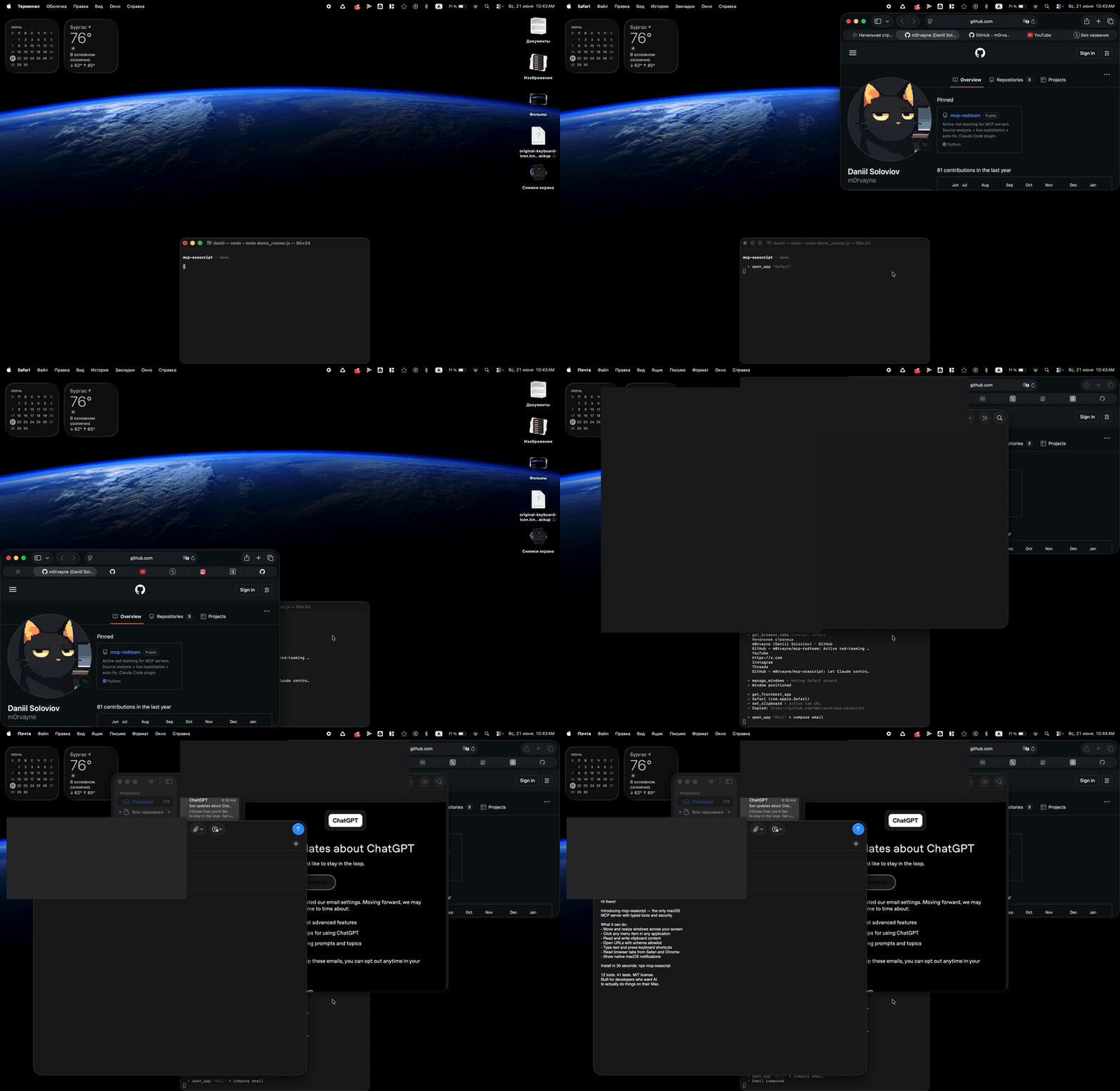
Claude Desktop — one click. Download mcp-osascript-1.1.3.mcpb from the latest release and double-click it. Claude Desktop installs the extension itself.
Or add it to the config manually:
{
  "mcpServers": {
    "osascript": {
      "command": "npx",
      "args": ["-y", "mcp-osascript"]
    }
  }
}
Add this to your Claude Desktop config (Settings → Developer → Edit Config), restart Claude, and you're ready.
Cursor / VS Code (Copilot)
{
  "mcpServers": {
    "osascript": {
      "command": "npx",
      "args": ["-y", "mcp-osascript"]
    }
  }
}
Claude Code
claude mcp add osascript -- npx -y mcp-osascript
From source (development)
git clone https://github.com/m0rvayne/mcp-osascript.git
cd mcp-osascript && npm install
# then use: "command": "node", "args": ["/path/to/mcp-osascript/server/index.js"]
Once installed, ask Claude:
| Prompt | What happens |
|---|---|
| "Open Safari and show me what tabs I have" | Launches Safari, reads all tab titles and URLs |
| "Move the Finder window to the left half of my screen" | Resizes and positions the window |
| "Click File → Export as PDF in Keynote" | Navigates the menu bar and clicks the item |
| "Copy the URL from my active Chrome tab" | Reads browser tabs, finds the active one |
| "Type 'Hello World' into the active text field" | Simulates keyboard input |
| "Show a notification when you're done" | Displays a native macOS banner |
| "What app am I using right now?" | Returns the frontmost app name and bundle ID |
| "Press Cmd+Shift+4" | Triggers the screenshot shortcut |
| "List all items in the Edit menu of VS Code" | Introspects the menu bar |
| "Close the second window of Terminal" | Targets a specific window by index |
| "Screenshot the Safari window and save it to my Desktop" | Captures just that window, not the whole screen |
| "Which monitor is my Slack window on?" | Reads display geometry and window positions |
| "Hide everything except my editor" | Hides apps without quitting them |
| "Run my 'Daily Standup' shortcut" | Invokes an Apple Shortcut by name |
18 typed tools, each with input validation, error classification, and permission-aware error messages.
| Tool | What it does | Permission |
|---|---|---|
check_permissions | Report which permissions are granted and what each unlocks | None |
run_osascript | Execute any AppleScript or JXA script | None |
get_clipboard | Read clipboard as text | None |
set_clipboard | Write text to clipboard | None |
send_notification | Show macOS notification banner | None |
open_url | Open URL in browser (http/https/mailto only) | None |
open_app | Launch or bring app to front | None |
get_frontmost_app | Get active app name + bundle ID | Automation |
get_browser_tabs | List tabs in Safari, Chrome, or Arc | Automation |
type_text | Type text into active app (max 500 chars) | Accessibility |
press_key | Press key with modifiers (cmd+c, return, f5) | Accessibility |
manage_windows | List / move / resize / minimize / fullscreen / close | Accessibility |
get_displays | List monitors — position, size, which is main | None |
app_menu | List or click menu items in any app | Accessibility |
screenshot | Capture full screen, a region, or an app window | Screen Recording |
app_visibility | Hide, unhide, or quit an application | Accessibility |
file_open | Open a file or folder, optionally in a given app | None |
run_shortcut | List or run Apple Shortcuts | None |
When Claude tries to click a menu item that doesn't exist, the server automatically returns the list of available items at that level — so Claude can retry with the correct name. No other MCP server does this.
User:   "Click File → Export as PDF in Preview"
Claude: calls app_menu click ["File", "Export as PDF"]
Server: "Menu item 'Export as PDF' not found in 'File'.
         Available: ['New from Clipboard', 'Open...', 'Close', 'Save',
         'Duplicate', 'Rename...', 'Export...', 'Export as PDF...']"
Claude: calls app_menu click ["File", "Export as PDF..."]
Server: "Clicked: File > Export as PDF..."
| mcp-osascript | steipete (880★) | peakmojo (464★) | |
|---|---|---|---|
| Typed tools with validation | 18 | 2 (generic) | 1 (generic) |
| URL scheme allowlist | http/https/mailto | No | No |
| Env isolation (child process) | PATH+HOME+LANG only | Full process.env | Full process.env |
| Process group kill (no orphans) | SIGTERM→SIGKILL | No | No |
| Error sanitization (paths, tokens) | Yes | No | No |
| Prototype pollution protection | Object.create(null) | No | No |
| Self-correcting menu click | Yes | No | No |
| Integration tests | 84 | 0 | 0 |
| Runs tests in CI | Yes | No | No |
| Red-team audit passes | 4 | 0 | 0 |
| Untrusted-output fencing | Yes | No | No |
| Stdin piping (no temp files) | Yes | Temp files | Temp files |
Star counts are a popularity measure, not a quality one — both alternatives predate this project by months. The rows above are the things that differ in practice.
Four red-team audit passes (adversarial agents run against the source, commissioned by the author — not a third-party certification), the most recent against v1.1.2 with three parallel agents
covering the shell surface, AppleScript escaping, and information disclosure. It found six real
defects, including a tool that silently annulled another tool's scheme allowlist and a
concurrency slot that could leak until the server deadlocked. Every finding is fixed and carries
a regression test. escapeAS was verified against 13 string-breakout candidates through real
osascript — none escape.
Tools work in three tiers:
Ask Claude to run check_permissions and it will tell you which of these are already
granted, which tools each one unlocks, and exactly which settings pane to open for the
rest. The probes are read-only and never trigger a permission prompt.
When a permission is missing, the server tells you exactly what to do:
"Accessibility permission required. Grant access to 'osascript'
in System Settings > Privacy & Security > Accessibility."
npm test
84 integration tests covering all 18 tools — input validation, security boundaries (URL scheme blocking, prototype pollution, script size limits), timeout enforcement, permission error handling, and regressions for every finding of the security audit.
run_osascript executes arbitrary code — this is by design. The MCP client (Claude) is the trust boundary./usr/bin/osascript — no temp files, no TOCTOU race conditions.PATH, HOME, LANG only — no API keys or secrets leak.file://, smb://, vnc://, javascript: all blocked.Object.create(null) — no prototype pollution.<untrusted-data> envelope, so a web page that renames itself cannot smuggle instructions into the model's context.file_open refuses anything that parses as a URL — open(1) resolves URLs as well as paths, so without that check it would quietly annul open_url's scheme allowlist.screenshot never overwrites an existing file unless overwrite: true, and the extension must match the format.|, CR and LF from app-supplied names, so a crafted window or tab title cannot forge a record.server.close() with 10s force-exit safety net.MIT
Claim this server with your GitHub account to request manual ownership verification.
Link to the catalog listing for mcp-osascript from your README. This badge does not certify ownership, compatibility or security.
[](https://awesome-mcp.com/servers/mcp-osascript)Public repository statistics could not be verified. Check the configured source address; unavailable counts are not zero.
来源、范围和时段分别列出;不相加,不代表安装人数、活跃用户或安全审核。
尚无已审核的包 / 镜像标识,暂不展示下载统计。
Alternative and complementary servers in the same category
A directory listing describing a cancellation-letter and mailing-address service. The configured public GitHub repository returned 404 during source verification.

A hosted MCP service for browsing and searching through Singapore mobile-network proxies.

A directory listing describing a Markdown-to-PDF service. The configured public GitHub repository returned 404 during source verification.