

An AI receptionist platform with an MCP server for accessing business calls, contacts and appointments from AI assistants.
52
Communication
A local stdio MCP server that connects to multiple email accounts and provides tools for searching, reading, sending, replying, forwarding, and organizing mail over SMTP and IMAP.
Email SMTP/IMAP MCP server is cataloged as an MCP server attributed to samihalawa. A local stdio MCP server that connects to multiple email accounts and provides tools for searching, reading, sending, replying, forwarding, and organizing mail over SMTP and IMAP. It is categorized under communication social. See the capability inspector for recorded interfaces and their independent review status; consult upstream documentation for the current interface.
Installation configuration is not reviewed. No executable setup is offered for this entry; inspect the source repository before proceeding.
Catalog license label: MIT. Check the source repository's current license and terms before using, modifying or distributing this software.
能力定义尚未审核。未核验的采集内容不会作为可信接口展示。
暂无可展示的已审核记录。这不表示上游不支持此能力。
暂无可展示的已审核记录。这不表示上游不支持此能力。
暂无可展示的已审核记录。这不表示上游不支持此能力。
Email delivery is not connected. This page does not collect email addresses or create subscriptions.
Browse the registry for current listings instead.
Reviews for Email SMTP/IMAP MCP server are not available yet
Review publishing and storage are not connected. This page does not collect or publish ratings or comments, including after sign-in.
Yes. Accounts are configured as named entries, and there is no application-level account-count limit; tools accept an optional account_name.
No. The accounts_list tool identifies the default account without exposing credentials.
It uses a local stdio transport with no hosted relay.
README.md · dc3258498b49 · 采集于 2026-11-13 09:57:22 UTC
保留上游原文,不做 AI 改写。为安全起见过滤脚本、表单和不安全链接。
当前显示最后一次成功采集的文档快照,请以来源页面为准。
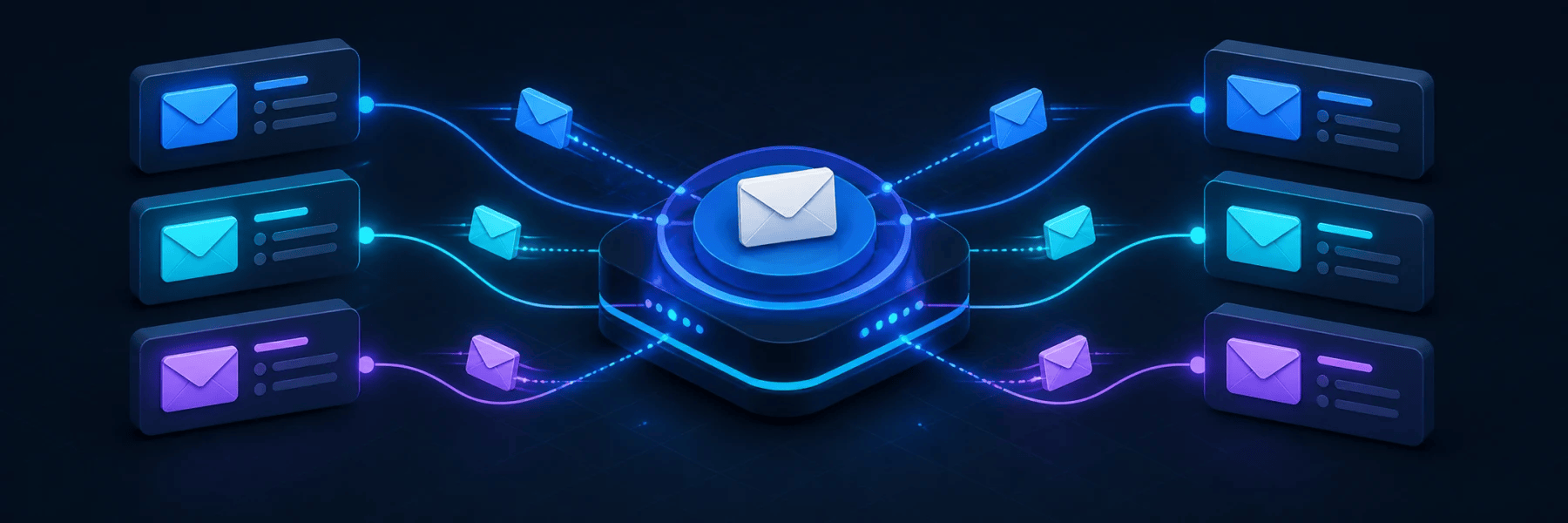
One local MCP server for every inbox: search, read, send, reply, forward, and organize email across multiple accounts.






For third-party notices, licence enquiries and the version 2.2.2 supplement, see the open source licence compliance programme.
account_name.
.envCopy .env.example to a private location and add as many named accounts as you need:
EMAIL_ACCOUNTS_JSON='{
  "work": {
    "smtp": {
      "host": "smtp.gmail.com",
      "port": 587,
      "secure": false,
      "user": "work@example.com",
      "password": "app-password"
    },
    "imap": {
      "host": "imap.gmail.com",
      "port": 993,
      "secure": true,
      "user": "work@example.com",
      "password": "app-password"
    },
    "default_from_name": "Your Name",
    "sender_emails": ["work@example.com", "alias@example.com"]
  },
  "personal": {
    "smtp": {
      "host": "smtp.mail.me.com",
      "port": 587,
      "secure": false,
      "user": "you@icloud.com",
      "password": "app-password"
    },
    "imap": {
      "host": "imap.mail.me.com",
      "port": 993,
      "secure": true,
      "user": "you@icloud.com",
      "password": "app-password"
    }
  }
}'

DEFAULT_EMAIL_ACCOUNT="work"
The server loads .env from its working directory automatically. EMAIL_ENV_FILE lets an MCP client use an .env stored anywhere.
For Claude Desktop, edit:
~/Library/Application Support/Claude/claude_desktop_config.json%APPDATA%\Claude\claude_desktop_config.json{
"mcpServers": {
"email": {
"command": "npx",
"args": ["-y", "email-smtp-imap-mcp"],
"env": {
"EMAIL_ENV_FILE": "/absolute/path/to/your/.env"
}
}
}
}
Use an absolute path, restart your MCP client, then ask: “List my configured email accounts.”
You can skip the .env file and set EMAIL_ACCOUNTS_JSON plus DEFAULT_EMAIL_ACCOUNT directly in the MCP client’s env object. The JSON must be escaped into a single string.
{
  "env": {
    "EMAIL_ACCOUNTS_JSON": "{\"work\":{\"smtp\":{\"host\":\"smtp.gmail.com\",\"port\":587,\"user\":\"work@example.com\",\"password\":\"app-password\"},\"imap\":{\"host\":\"imap.gmail.com\",\"port\":993,\"user\":\"work@example.com\",\"password\":\"app-password\"}}}",
    "DEFAULT_EMAIL_ACCOUNT": "work"
  }
}
Use SMTP_HOST, SMTP_PORT, SMTP_SECURE, SMTP_USER, SMTP_PASS, IMAP_HOST, IMAP_PORT, IMAP_SECURE, IMAP_USER, and IMAP_PASS instead of EMAIL_ACCOUNTS_JSON.
SMTP_USERNAME/SMTP_PASSWORD and IMAP_USERNAME/IMAP_PASSWORD are accepted aliases. IMAP credentials default to the SMTP credentials when omitted. Use SENDER_EMAILS as a comma-separated allowlist for optional from_email selection.
See the tool reference for every input, default, response field and error format.
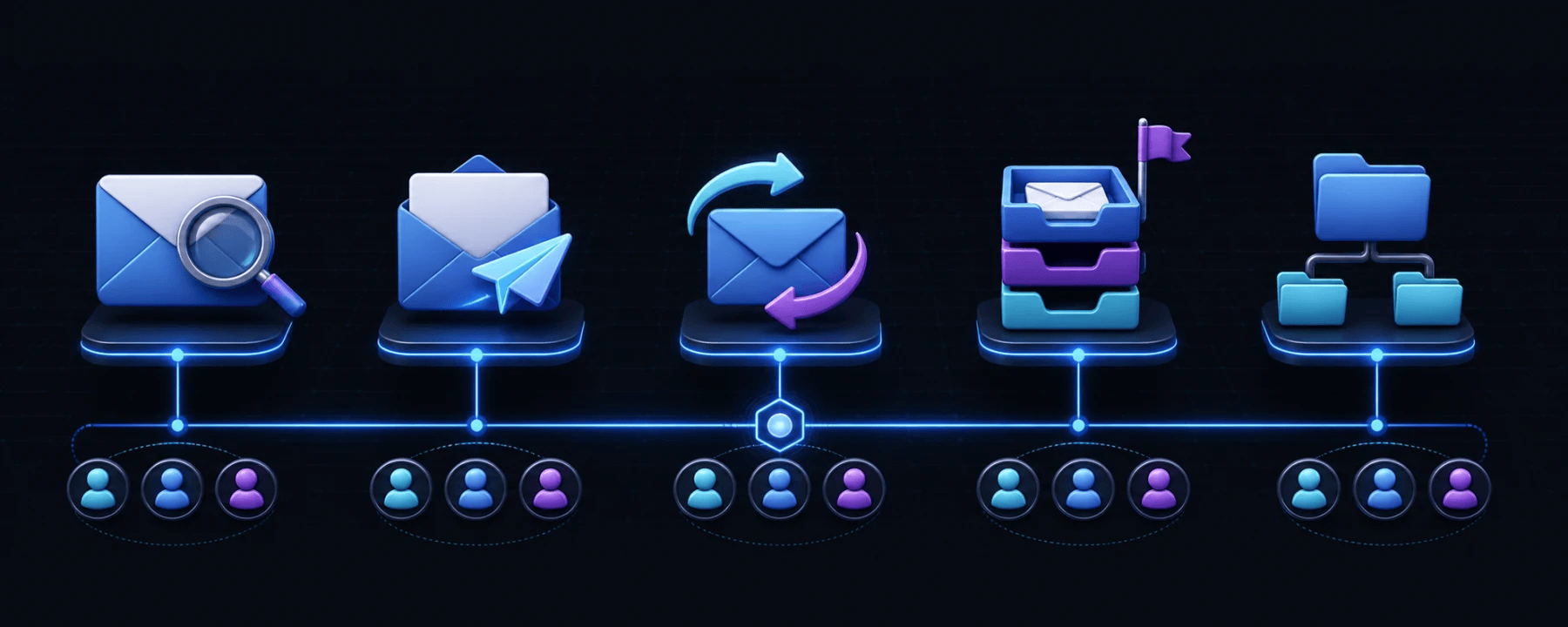
| Tool | What it does |
|---|---|
accounts_list | List every configured account and identify the default without exposing credentials. |
emails_find | Search by text, sender, recipient, subject, date, read state, flag state, or attachments. Optionally return bodies and attachments. |
email_send | Send plain-text or HTML email with CC, BCC, sender aliases, and base64 attachments. |
email_respond | Reply, reply-all, or forward by email UID with threading and optional original attachments. |
emails_modify | Mark read/unread, flag/unflag, or move messages to another folder. |
folders_list | List folders with optional total and unread counts. |
All tools except accounts_list accept an optional account_name. Without it, the server uses DEFAULT_EMAIL_ACCOUNT or the first configured account. There is no application-level account-count limit.
After restarting the MCP client, try these in order:
work account.”personal account.”work account.”| Provider | SMTP | IMAP | Credential |
|---|---|---|---|
| Gmail | smtp.gmail.com:587 | imap.gmail.com:993 | App password |
| iCloud Mail | smtp.mail.me.com:587 | imap.mail.me.com:993 | App-specific password |
| Other providers | Use the provider's SMTP host | Use the provider's IMAP host | Provider password or app password |
Use secure: true for implicit TLS ports such as 465/993. Port 587 normally uses secure: false and upgrades with STARTTLS. Both SMTP and IMAP require TLS 1.2 or newer and a valid server certificate. With secure: false, STARTTLS is mandatory before authentication; servers without STARTTLS are rejected. Plaintext-only relays are not supported.
git clone https://github.com/samihalawa/email-smtp-imap-mcp.git
cd email-smtp-imap-mcp
npm ci
npm test
Run the compiled stdio server with npm start. Build a production container with docker build -t email-smtp-imap-mcp ..
Issues and focused pull requests are welcome. See CONTRIBUTING.md for the development workflow and SECURITY.md for vulnerability reports.
MIT © Sami Halawa
Report vulnerabilities through the private route in SECURITY.md. The security assurance programme and source-bound review describe the controls, evidence and publication boundaries for this project. They do not claim an external ISO certificate or completed OpenChain conformance.
Maintainers can run npm run assurance to build the package, run security checks, archive pinned component inputs and verify an offline recovery. The generated release assets include platform-specific build inputs and are intended for durable release retention.
Claim this server with your GitHub account to request manual ownership verification.
Link to the catalog listing for Email SMTP/IMAP MCP server from your README. This badge does not certify ownership, compatibility or security.
[](https://awesome-mcp.com/servers/mcp-server-smtp)Public repository statistics could not be verified. Check the configured source address; unavailable counts are not zero.
来源、范围和时段分别列出;不相加,不代表安装人数、活跃用户或安全审核。
尚无已审核的包 / 镜像标识,暂不展示下载统计。
Alternative and complementary servers in the same category
An AI receptionist platform with an MCP server for accessing business calls, contacts and appointments from AI assistants.
Pidgeon provides an MCP server and an email inbox API that gives AI agents their own addresses for sending, awaiting, and replying to email.

A Telegram CLI with background sync that can run an optional MCP server for a personal account using MTProto, not the bot API.
