

Oleafly is a live collaborative LaTeX, Typst and Markdown editor for research that offers a local MCP server and an oleafly mcp stdio command so outside AI clients can use its project tools.
Repository stats unavailable
Productivity & Ops
A local stdio MCP server that lets AI clients upload, read, update and share markdown documents on mdshare.live, with tools for links, comments and versions.
mdshare MCP server is cataloged as an MCP server attributed to urbanmorph. A local stdio MCP server that lets AI clients upload, read, update and share markdown documents on mdshare.live, with tools for links, comments and versions. It is categorized under productivity work. See the capability inspector for recorded interfaces and their independent review status; consult upstream documentation for the current interface.
Installation configuration is not reviewed. No executable setup is offered for this entry; inspect the source repository before proceeding.
Catalog license label: MIT. Check the source repository's current license and terms before using, modifying or distributing this software.
能力定义尚未审核。未核验的采集内容不会作为可信接口展示。
暂无可展示的已审核记录。这不表示上游不支持此能力。
暂无可展示的已审核记录。这不表示上游不支持此能力。
暂无可展示的已审核记录。这不表示上游不支持此能力。
Email delivery is not connected. This page does not collect email addresses or create subscriptions.
Browse the registry for current listings instead.
Reviews for mdshare MCP server are not available yet
Review publishing and storage are not connected. This page does not collect or publish ratings or comments, including after sign-in.
No; it runs locally over stdio and needs no API key or environment variables.
Documents uploaded via upload_markdown get a comment-permission share link by default.
In a local documents.json file with mode 0600, so uploads return only the share link.
README.md · 505aa09f8b71 · 采集于 2026-11-13 10:38:27 UTC
保留上游原文,不做 AI 改写。为安全起见过滤脚本、表单和不安全链接。
当前显示最后一次成功采集的文档快照,请以来源页面为准。
Free markdown sharing with no login: upload a file, get a link, and collaborate with comments, live edits and permission links.








mdshare.live | API docs | Use with AI | Plugins | About
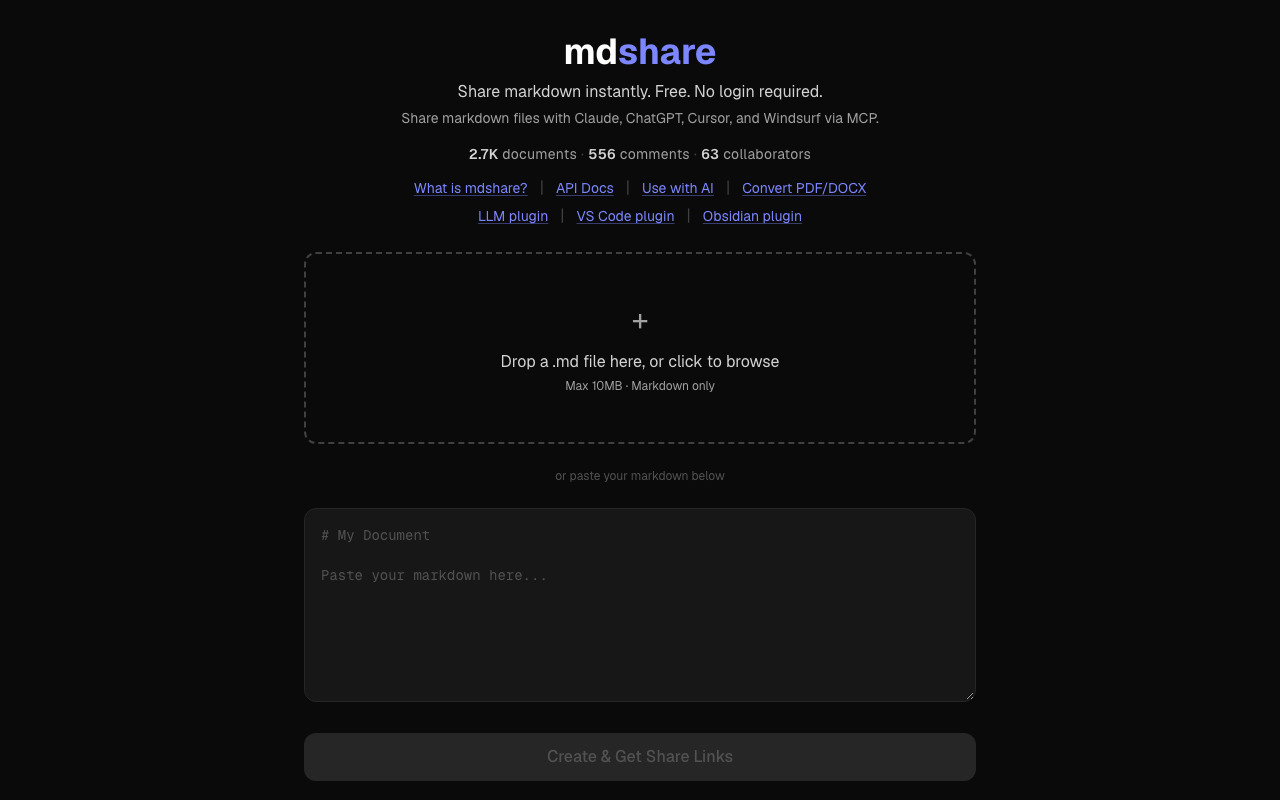
mdshare turns markdown into a shareable link. Paste or drop a .md file at mdshare.live, send it with curl, or let an AI client upload it through the MCP server. Neither you nor the people you share with need an account.
Each document gets links at four permission levels (admin, edit, comment, view). People with an edit link change the document in a WYSIWYG editor, people with a comment link anchor comments to text, and everyone with the document open sees changes as they happen.
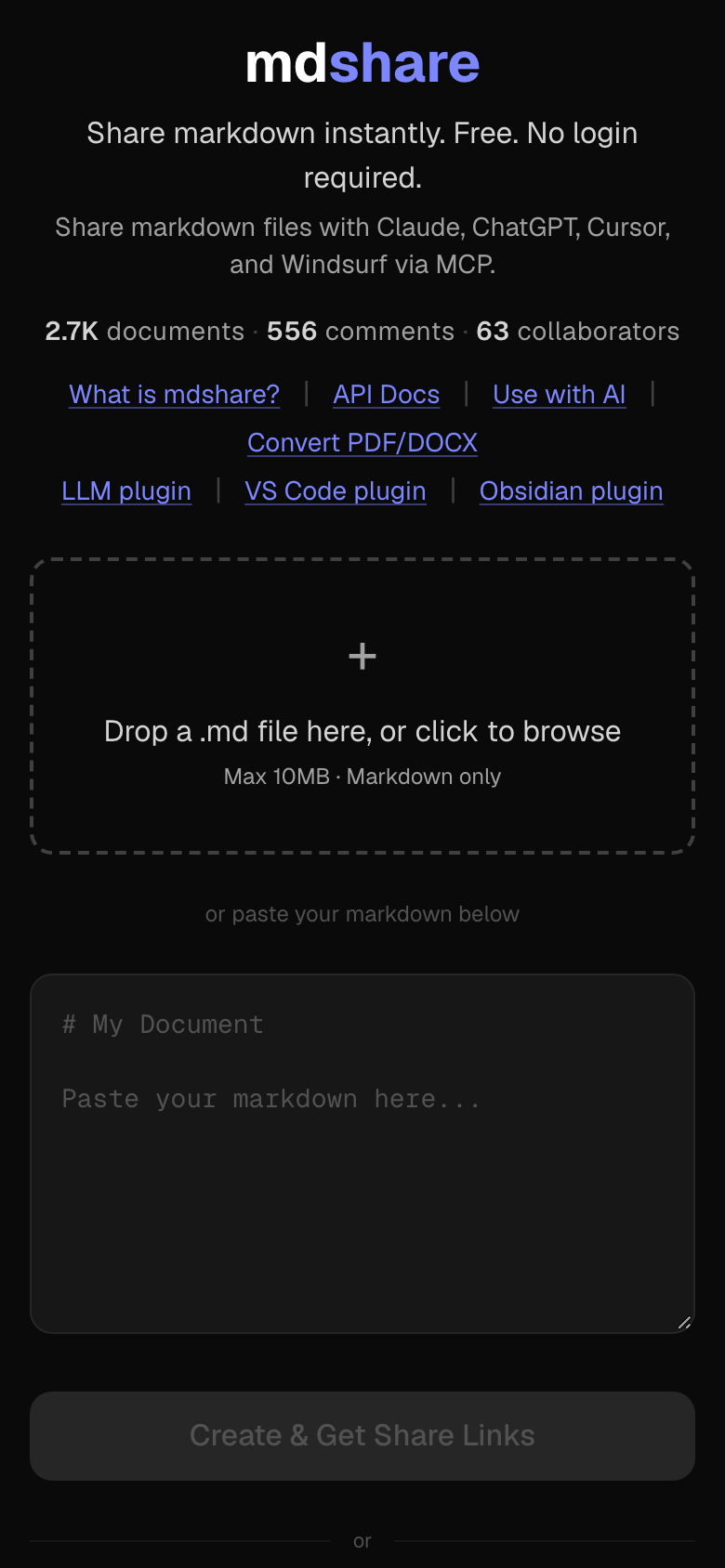
Open mdshare.live, paste markdown or drop a .md file (up to 10 MB), and select Create & Get Share Links.
curl -X POST https://mdshare.live/api/documents \
  -H "Content-Type: text/markdown" \
  --data-binary @your-file.md
The response contains the document ID, an admin URL and the expiry date. Keep the admin URL private: it gives full control. From it you can create edit, comment or view links to share.
Any converter that writes markdown to stdout can pipe straight in. See Convert and share markdown for recipes with markitdown, pandoc, Docling, Marker, Firecrawl and Jina Reader.
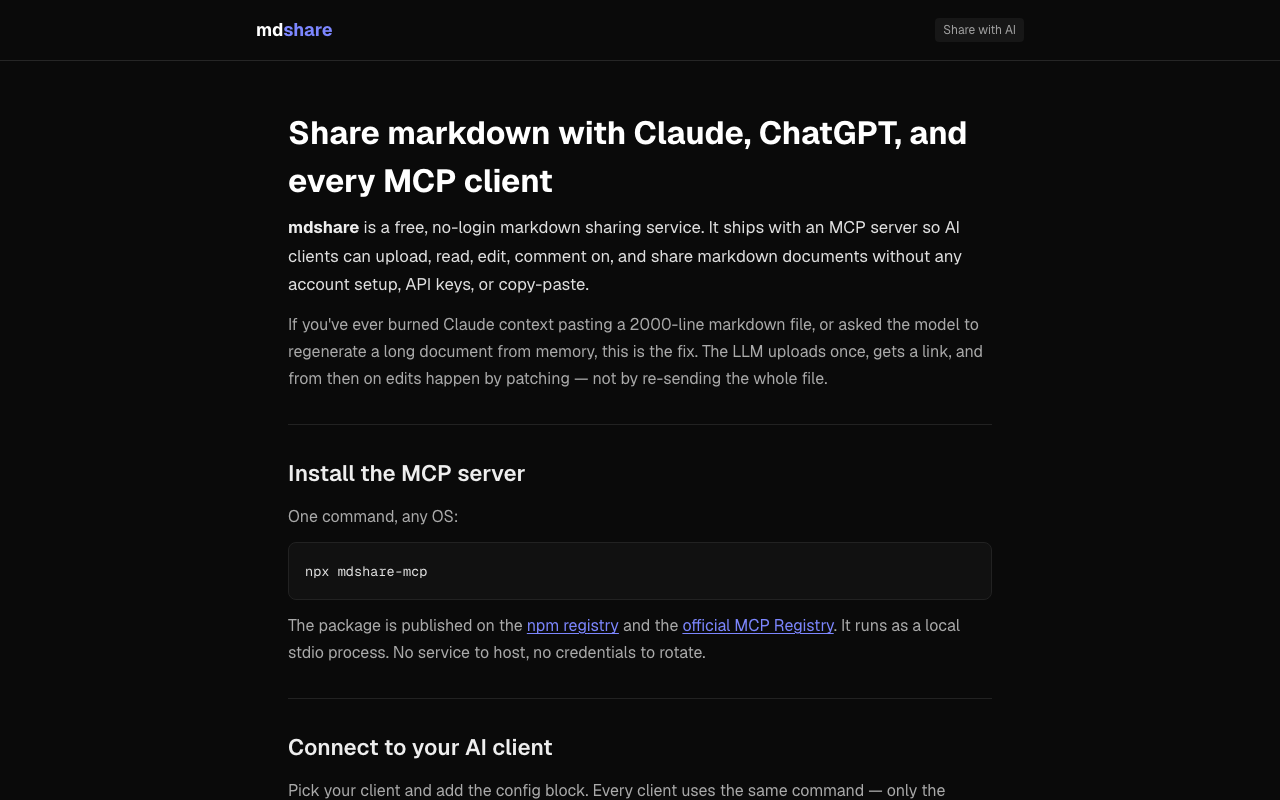
The MCP server is the npm package mdshare-mcp. It runs locally over stdio and needs no API key or environment variables.
npx mdshare-mcp
Add it to your client's MCP config:
{
  "mcpServers": {
    "mdshare": {
      "command": "npx",
      "args": ["mdshare-mcp"]
    }
  }
}
| Client | Config file |
|---|---|
| Claude Desktop | claude_desktop_config.json |
| Claude Code | Use the plugin (no JSON to edit) |
| Cursor | ~/.cursor/mcp.json, or Add to Cursor on the Cursor Directory listing |
| Windsurf | ~/.codeium/windsurf/mcp_config.json |
| OpenAI Codex CLI | ~/.codex/config.json |
| Gemini CLI | ~/.gemini/settings.json |
Then ask, for example, "upload my-notes.md to mdshare and give me a share link". The server reads files from disk by path, so large documents do not pass through the conversation. Full setup: mdshare.live/share-markdown-with-ai. Package docs: mcp/README.md.
No MCP client? Point any chatbot that can fetch URLs at the API:
Read https://mdshare.live/docs/raw to learn the mdshare API,
then upload this markdown and give me a share link.
From mcp/index.js (v1.5.0):
| Tool | What it does |
|---|---|
upload_markdown | Upload markdown by file_path (preferred) or inline content; returns a share link (default permission: comment). |
read_document | Read a document; optionally save it to output_path on disk. |
update_document | Replace the content. Optional base_hash refuses to overwrite newer edits. |
patch_document | Apply find/replace operations without resending the whole document. Optional base_hash. |
generate_link | Create a view, edit or comment link. |
list_links | List a document's share links and their status. |
revoke_link | Revoke a share link permanently. |
set_expiry | Change when the document auto-deletes (a future date, at most one year out). |
list_comments | List comments, replies and resolution status. |
post_comment | Add a comment, optionally anchored to text. |
resolve_comment | Resolve or reopen a comment. |
get_versions | Show edit history (who and when). |
list_my_documents | List documents uploaded through this server on this machine. |
get_admin_url | Return the admin URL of a stored document, only when the user asks for it. |
register_document | Add a previously saved admin URL to the local store. |
Admin credentials for documents uploaded through the server are kept in ~/.mdshare-mcp/documents.json (mode 0600), so upload_markdown returns only the share link and later calls need just the document ID.
Listed in the official MCP Registry as io.github.sathya-sankaran/mdshare, on Glama, and in awesome-mcp-servers.
/plugin marketplace add urbanmorph/mdshare
/plugin install mdshare@urbanmorph
Wraps the MCP server with one skill, mdshare-tools, that Claude uses on requests like "share this markdown". Setup guide | source
Listed on Cursor Directory: select Add to Cursor on the listing. Same MCP server and skill as the Claude Code plugin. Source
Search for mdshare in the Extensions panel, or install from the Marketplace page. Right-click a .md file and choose Share on mdshare, or share a selection. Also works in Cursor and Windsurf. Guide | source
Listed in the Obsidian Community Plugins directory: Settings > Community Plugins > Browse, search for "mdshare". Right-click a file to share it; the admin URL is copied to your clipboard. Guide | source
Base URL: https://mdshare.live. Full reference at mdshare.live/docs (plain text for LLMs at /docs/raw).
| Action | Request |
|---|---|
| Upload | POST /api/documents (Content-Type: text/markdown, raw markdown body) |
| Read | GET /api/d/{id}?key={key} (Accept: text/markdown for raw) |
| Update | PUT /api/d/{id}?key={edit_key} (optional X-Base-Hash; 409 if the document changed) |
| Patch | PATCH /api/d/{id}?key={edit_key} (JSON {operations: [{find, replace, replace_all?}]}) |
| Links | POST /api/d/{id}/links?key={admin_key} ({permission, label, expires_at}) |
| Comments | POST /api/d/{id}/comments?key={key} |
| Versions | GET /api/d/{id}/versions?key={key} |
Limits: 10 MB per document; 10 creates per minute and 50 per day per IP; 30 updates per minute; 20 comments per minute; 50 links per document. A 429 includes Retry-After; an expired document returns 410.
adm_ full control, edt_ read and write, cmt_ read and comment, viw_ read only. Each link can be revoked or given its own expiry.Full policy, including GDPR and DPDPA rights: mdshare.live/privacy.
| Component | Technology |
|---|---|
| Framework | Astro 5 (static pages pre-rendered, API routes on the Worker) |
| UI | React 19 as Astro islands |
| Hosting | Cloudflare Workers |
| Database | Cloudflare D1 (SQLite) |
| Real-time | Cloudflare Durable Objects (WebSocket) |
| Editor | Tiptap with tiptap-markdown |
| Styling | Tailwind CSS v4 |
| CI/CD | GitHub Actions |
Layout:
src/pages/        Astro pages; src/pages/api/ holds the REST API
src/worker.ts     Worker entry: WebSocket routing, security headers, daily cleanup cron
worker/           DocumentWebSocket Durable Object
lib/              sanitization, tokens, permissions, D1 access, rate limits
components/       Tiptap editor, toolbar, comments, link manager
migrations/       D1 schema migrations
mcp/              mdshare-mcp npm package
plugins/          Claude Code and Cursor plugins
Requires Node.js 22 (the version CI uses).
git clone https://github.com/urbanmorph/mdshare.git
cd mdshare
npm install

# Create the local D1 database schema
npm run db:migrate:local

# Build and serve on http://localhost:3737
npm run dev
Optional: put TOKEN_ENC_KEY (a base64-encoded AES key, for example from openssl rand -base64 32) in .dev.vars to encrypt stored share tokens locally. Without it, tokens are stored unencrypted and a warning is logged.
| Command | What it does |
|---|---|
npm run dev | astro build, then wrangler dev on port 3737 |
npm run build | Build the site into dist/ |
npm test | Run the unit tests (node --test) |
npm run lint | Run ESLint |
npm run cf-typegen | Regenerate cloudflare-env.d.ts from the Wrangler config |
Every push to main runs .github/workflows/deploy.yml: npm ci, astro build, apply D1 migrations to the remote database, then wrangler deploy. It needs the repository secrets CLOUDFLARE_API_TOKEN and CLOUDFLARE_ACCOUNT_ID. Set TOKEN_ENC_KEY as a Worker secret (npx wrangler secret put TOKEN_ENC_KEY) to encrypt stored share tokens.
To deploy by hand with your own Cloudflare account, create a D1 database, set its ID in wrangler.jsonc, then:
npm run db:migrate   # apply migrations to the remote D1 database
npm run deploy       # astro build && wrangler deploy
Issues and pull requests are welcome. Please open an issue first to discuss significant changes. mdshare is deliberately minimal: a feature should make upload, share and collaborate faster or clearer without adding UI clutter (see CLAUDE.md for the design principles).
Before opening a PR, run npm test and npm run lint.
MIT © 2026 UrbanMorph
Claim this server with your GitHub account to request manual ownership verification.
Link to the catalog listing for mdshare MCP server from your README. This badge does not certify ownership, compatibility or security.
[](https://awesome-mcp.com/servers/mdshare)Public repository statistics could not be verified. Check the configured source address; unavailable counts are not zero.
来源、范围和时段分别列出;不相加,不代表安装人数、活跃用户或安全审核。
尚无已审核的包 / 镜像标识,暂不展示下载统计。
Alternative and complementary servers in the same category
Oleafly is a live collaborative LaTeX, Typst and Markdown editor for research that offers a local MCP server and an oleafly mcp stdio command so outside AI clients can use its project tools.
Buddy is an Android app that offers its phone tools through a local MCP server to Claude Code, Codex, OpenCode, Antigravity, and Grok sessions.

Tuqui is a hosted MCP server that connects Odoo with Claude and ChatGPT so users can ask about sales, stock, customers and overdue invoices in plain language.
