
A Rust CAD application with an MCP server for creating, inspecting and rendering drawings, either headlessly or through a connection to the desktop app.
8K
Media & Design
Official MiniMax MCP server that lets MCP clients generate speech and images, clone or design voices, and generate video through MiniMax APIs.
MiniMax MCP server for speech, voice, video and image generation is cataloged as an MCP server attributed to minimax-ai. Official MiniMax MCP server that lets MCP clients generate speech and images, clone or design voices, and generate video through MiniMax APIs. It is categorized under media design. See the capability inspector for recorded interfaces and their independent review status; consult upstream documentation for the current interface.
Installation configuration is not reviewed. No executable setup is offered for this entry; inspect the source repository before proceeding.
Catalog license label: MIT. Check the source repository's current license and terms before using, modifying or distributing this software.
能力定义尚未审核。未核验的采集内容不会作为可信接口展示。
暂无可展示的已审核记录。这不表示上游不支持此能力。
暂无可展示的已审核记录。这不表示上游不支持此能力。
暂无可展示的已审核记录。这不表示上游不支持此能力。
Email delivery is not connected. This page does not collect email addresses or create subscriptions.
Browse the registry for current listings instead.
Reviews for MiniMax MCP server for speech, voice, video and image generation are not available yet
Review publishing and storage are not connected. This page does not collect or publish ratings or comments, including after sign-in.
It supports two transport types: stdio and sse.
The resource mode is optional, with url as default; audio, image and video are downloaded locally or provided in URL format.
Yes, the README warns that using these tools may incur costs.
README.md · 2904f3333474 · 采集于 2026-11-13 09:42:04 UTC
保留上游原文,不做 AI 改写。为安全起见过滤脚本、表单和不安全链接。
当前显示最后一次成功采集的文档快照,请以来源页面为准。









Official MiniMax Model Context Protocol (MCP) server that enables interaction with powerful Text to Speech and video/image generation APIs. This server allows MCP clients like Claude Desktop, Cursor, Windsurf, OpenAI Agents and others to generate speech, clone voices, generate video, generate image and more.
💡 Recommended: MiniMax CLI (mmx-cli) — our official command-line tool with the latest models and additional features including text, vision, and search. Works as an AI agent skill for Claude Code, Cursor, OpenClaw, etc.
uv (Python package manager), install with curl -LsSf https://astral.sh/uv/install.sh | sh or see the uv repo for additional install methods.Invalid API key error.| Region | Global | Mainland |
|---|---|---|
| MINIMAX_API_KEY | go get from MiniMax Global | go get from MiniMax |
| MINIMAX_API_HOST | https://api.minimax.io | https://api.minimaxi.com |
Go to Claude > Settings > Developer > Edit Config > claude_desktop_config.json to include the following:
{
  "mcpServers": {
    "MiniMax": {
      "command": "uvx",
      "args": [
        "minimax-mcp",
        "-y"
      ],
      "env": {
        "MINIMAX_API_KEY": "insert-your-api-key-here",
        "MINIMAX_MCP_BASE_PATH": "local-output-dir-path, such as /User/xxx/Desktop",
        "MINIMAX_API_HOST": "api host, https://api.minimax.io | https://api.minimaxi.com",
        "MINIMAX_API_RESOURCE_MODE": "optional, [url|local], url is default, audio/image/video are downloaded locally or provided in URL format"
      }
    }
  }
}
⚠️ Warning: The API key needs to match the host. If an error "API Error: invalid api key" occurs, please check your api host:
https://api.minimax.iohttps://api.minimaxi.comIf you're using Windows, you will have to enable "Developer Mode" in Claude Desktop to use the MCP server. Click "Help" in the hamburger menu in the top left and select "Enable Developer Mode".
Go to Cursor -> Preferences -> Cursor Settings -> MCP -> Add new global MCP Server to add above config.
That's it. Your MCP client can now interact with MiniMax through these tools:
We support two transport types: stdio and sse.
| stdio | SSE |
|---|---|
| Run locally | Can be deployed locally or in the cloud |
Communication through stdout | Communication through network |
Input: Supports processing local files or valid URL resources | Input: When deployed in the cloud, it is recommended to use URL for input |
| tool | description |
|---|---|
text_to_audio | Convert text to audio with a given voice |
list_voices | List all voices available |
voice_clone | Clone a voice using provided audio files |
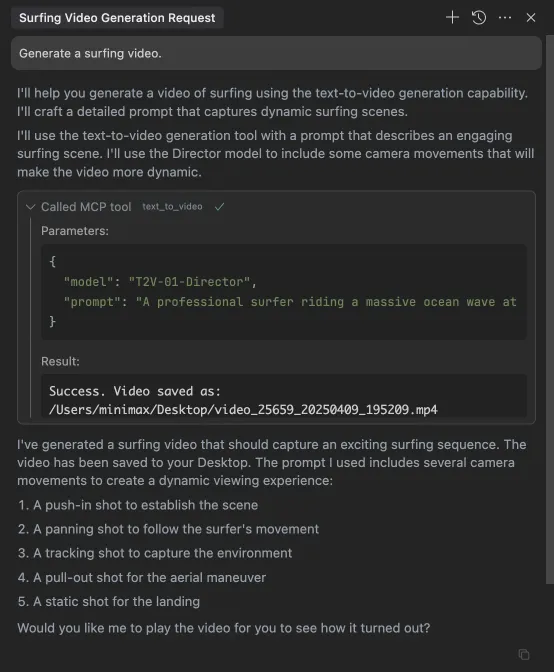
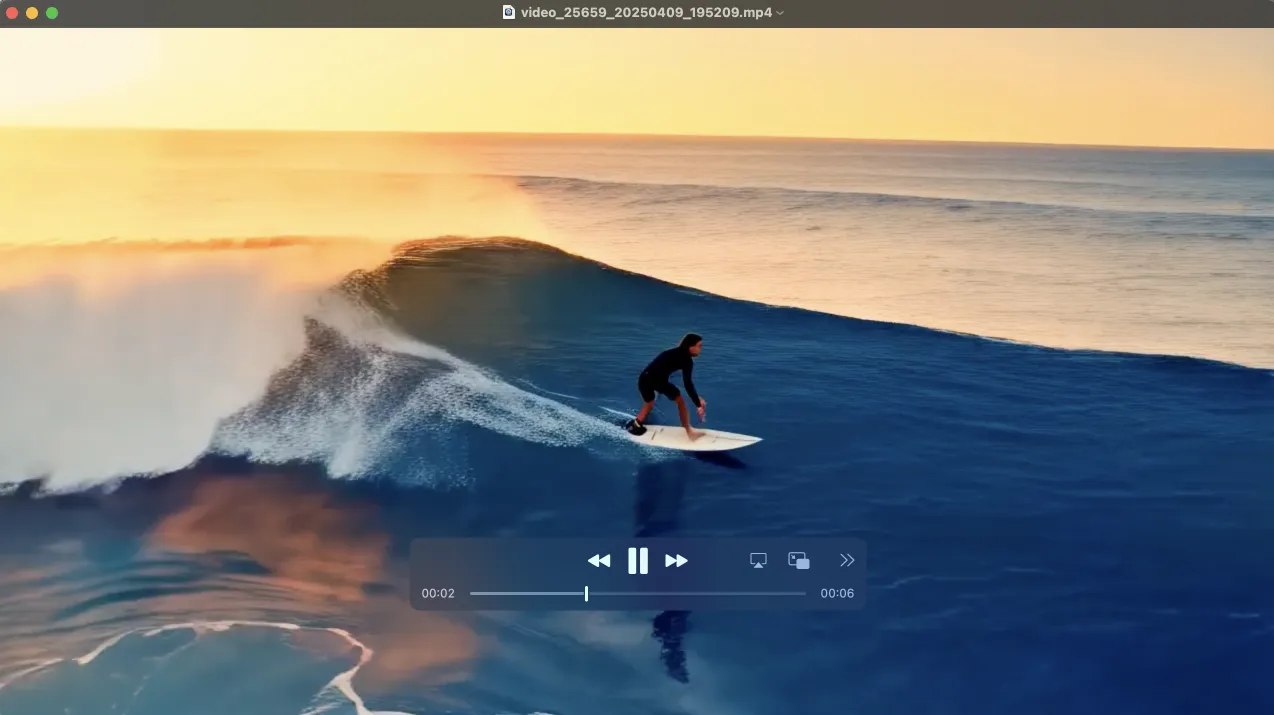
generate_video | Generate a video from a prompt |
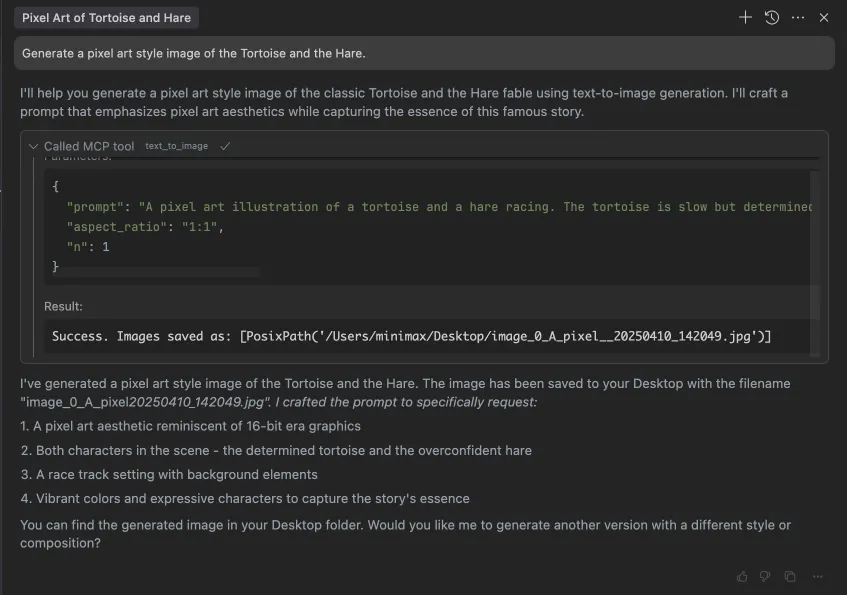
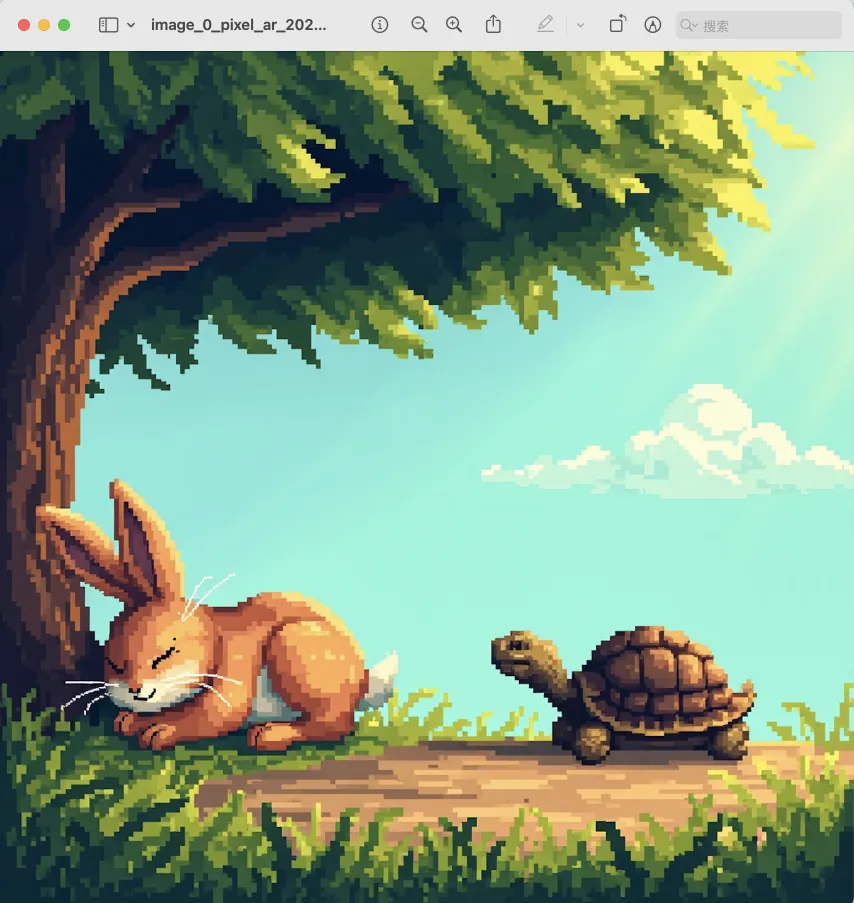
text_to_image | Generate an image from a prompt. Defaults to MiniMax-H3-Image (supports area 1K/2K/4K and size); image-01 is still available via model |
image_edit | Edit an image with MiniMax-H3-Image using a prompt and 1-16 reference images |
query_video_generation | Query the result of video generation task |
voice_design | Generate a voice from a prompt using preview text |
image_edit tool — edit images with MiniMax-H3-Image using a prompt and 1-16 reference images (URL, data URI, mm_file://, or local path)text_to_image now defaults to MiniMax-H3-Image and supports area (1K/2K/4K) and size; image-01 remains available via the model parametertext_to_image - Defaults to MiniMax-H3-Image (/v1/images/generations); pass model="image-01" for the previous modelvoice_design tool - create custom voices from descriptive prompts with preview audioMiniMax-Hailuo-02 model with ultra-clear quality and duration/resolution controlsvoice_design - Generate personalized voices from text descriptionsgenerate_video - Now supports MiniMax-Hailuo-02 with 6s/10s duration and 768P/1080P resolution optionsPlease ensure your API key and API host are regionally aligned
| Region | Global | Mainland |
|---|---|---|
| MINIMAX_API_KEY | go get from MiniMax Global | go get from MiniMax |
| MINIMAX_API_HOST | https://api.minimax.io | https://api.minimaxi.com |
Please confirm its absolute path by running this command in your terminal:
which uvx
Once you obtain the absolute path (e.g., /usr/local/bin/uvx), update your configuration to use that path (e.g., "command": "/usr/local/bin/uvx").
generate_video in async-modeDefine completion rules before starting:
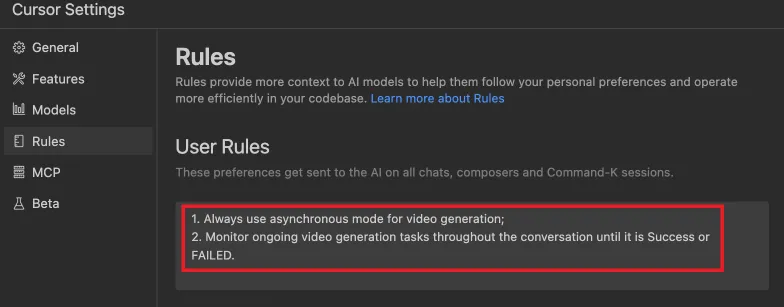
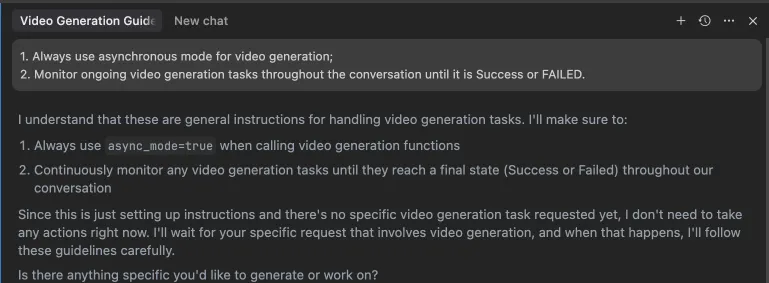 Alternatively, these rules can be configured in your IDE settings (e.g., Cursor):
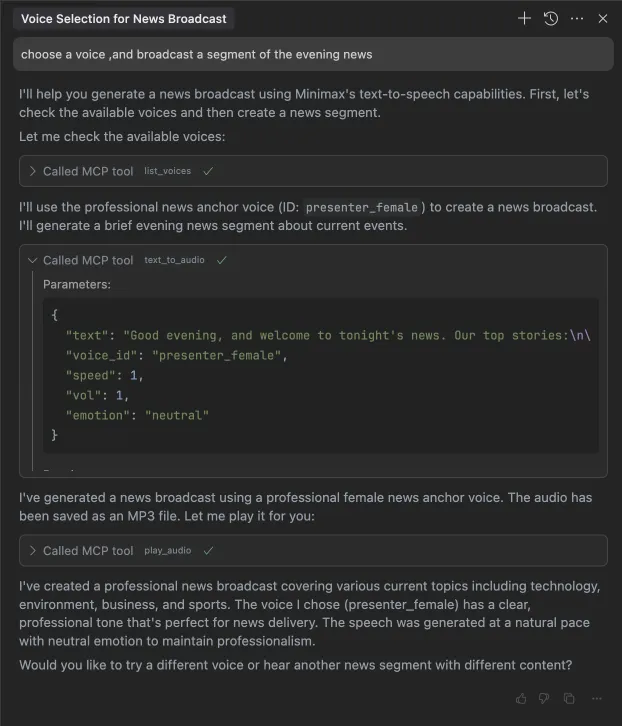
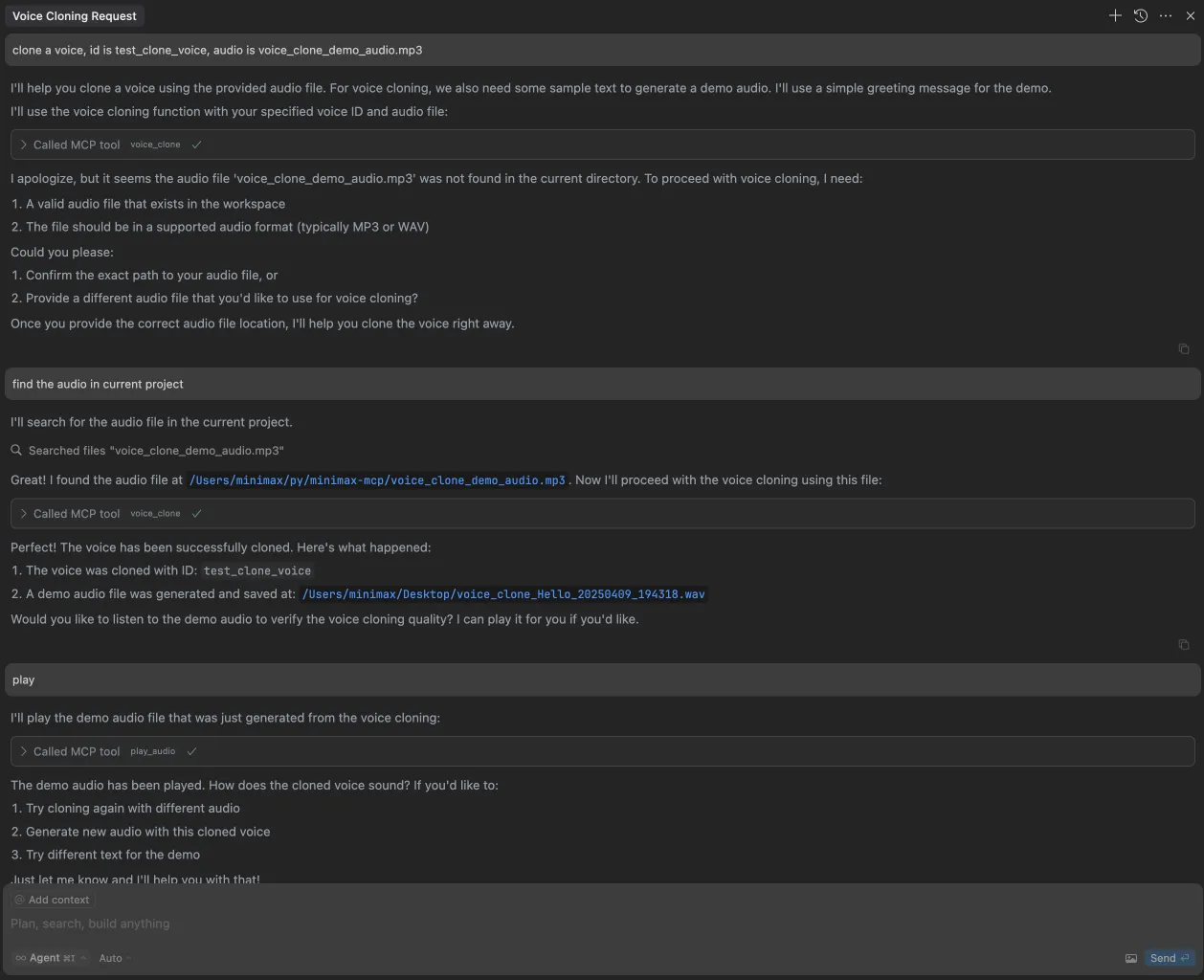
⚠️ Warning: Using these tools may incur costs.
Claim this server with your GitHub account to request manual ownership verification.
Link to the catalog listing for MiniMax MCP server for speech, voice, video and image generation from your README. This badge does not certify ownership, compatibility or security.
[](https://awesome-mcp.com/servers/minimax-mcp)Public repository statistics could not be verified. Check the configured source address; unavailable counts are not zero.
来源、范围和时段分别列出;不相加,不代表安装人数、活跃用户或安全审核。
尚无已审核的包 / 镜像标识,暂不展示下载统计。
Alternative and complementary servers in the same category
A Rust CAD application with an MCP server for creating, inspecting and rendering drawings, either headlessly or through a connection to the desktop app.

Liquid Composer is a browser-based Liquid Glass icon design tool that offers a local MCP server for agent-driven icon workflows.

agent-media makes short drama series and other short vertical videos from Claude, ChatGPT or Codex through one MCP connection, with OAuth sign-in and no API keys.