
A directory listing describing a cancellation-letter and mailing-address service. The configured public GitHub repository returned 404 during source verification.
Repository stats unavailable
Developer Tools
An open-source Computer Use service wrapped as MCP that any AI agent or MCP client can use to run Computer Use on macOS, Linux, and Windows.
open-computer-use is cataloged as an MCP server attributed to ifuryst. An open-source Computer Use service wrapped as MCP that any AI agent or MCP client can use to run Computer Use on macOS, Linux, and Windows. It is categorized under developer tools. See the capability inspector for recorded interfaces and their independent review status; consult upstream documentation for the current interface.
Installation configuration is not reviewed. No executable setup is offered for this entry; inspect the source repository before proceeding.
Catalog license label: MIT. Check the source repository's current license and terms before using, modifying or distributing this software.
能力定义尚未审核。未核验的采集内容不会作为可信接口展示。
暂无可展示的已审核记录。这不表示上游不支持此能力。
暂无可展示的已审核记录。这不表示上游不支持此能力。
暂无可展示的已审核记录。这不表示上游不支持此能力。
Email delivery is not connected. This page does not collect email addresses or create subscriptions.
Browse the registry for current listings instead.
Reviews for open-computer-use are not available yet
Review publishing and storage are not connected. This page does not collect or publish ratings or comments, including after sign-in.
It runs on macOS, Linux, and Windows; macOS requires version 14.0 or later.
On macOS you must grant Accessibility and Screen Recording; Windows and Linux do not need this step.
README.md · bef6c05ff083 · 采集于 2026-11-13 09:42:25 UTC
保留上游原文,不做 AI 改写。为安全起见过滤脚本、表单和不安全链接。
当前显示最后一次成功采集的文档快照,请以来源页面为准。




[!TIP] Interested in Browser Use? Check out open-browser-use.
open-computer-use is an open-source Computer Use service wrapped as MCP. Any AI agent or MCP client can use it to run Computer Use on macOS, Linux, and Windows.
This project was inspired by OpenAI's Codex Computer Use. It showed that non-intrusive CUA can be built on top of Accessibility, so I decided to build an open-source version.
I started this repo with my harness template, a template for quickly spinning up AI-first projects. It has been one of our most useful workflows lately, especially for nearly 100% AI-generated projects. I also wrote a post about the methodology behind it.
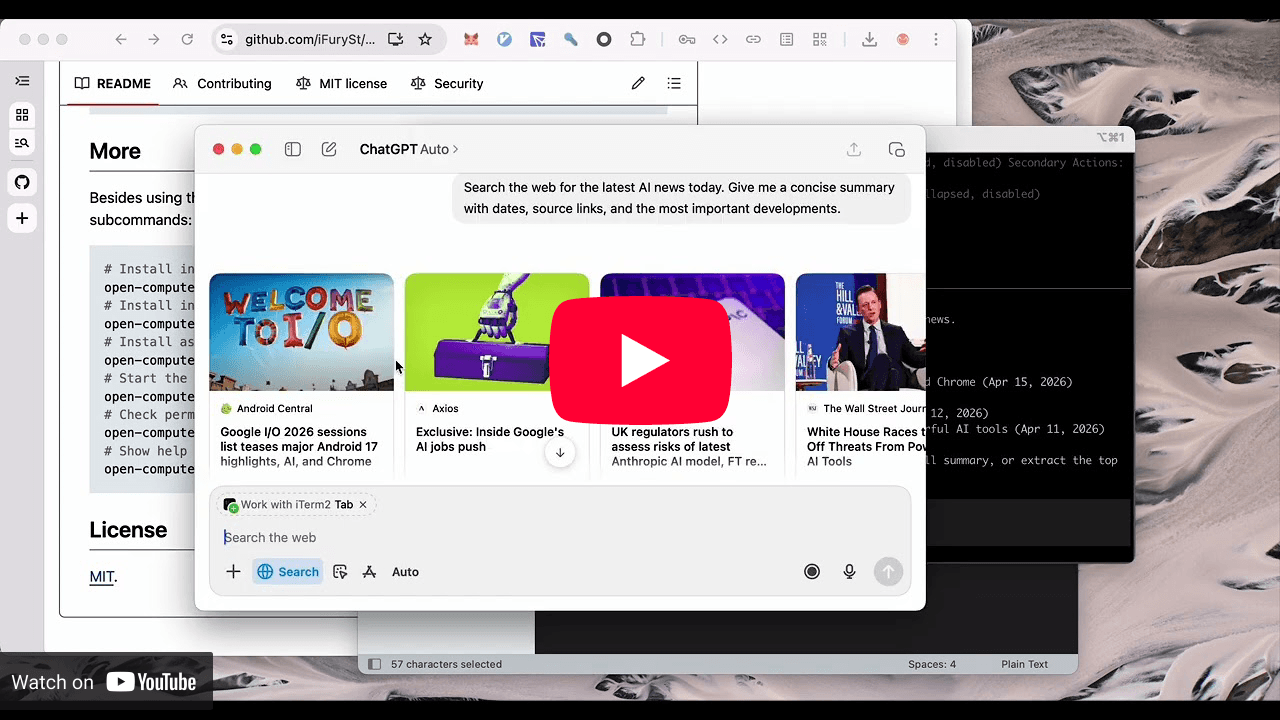
open-computer-use used as Computer Use in Codex App and Codex CLI, matching the official experience.
https://github.com/user-attachments/assets/eacb3b15-f939-46c7-b3b3-6f876977a58d
Gemini CLI connects to open-computer-use through MCP and runs full Computer Use actions.
https://github.com/user-attachments/assets/e036b1c8-2200-4896-abd4-19225915cf66
open-computer-use running on Linux.
Locked Use is now supported on macOS. OCU temporarily unlocks your Mac after it has been locked so the agent can continue working, with protective services such as a full-screen shield in place during use.
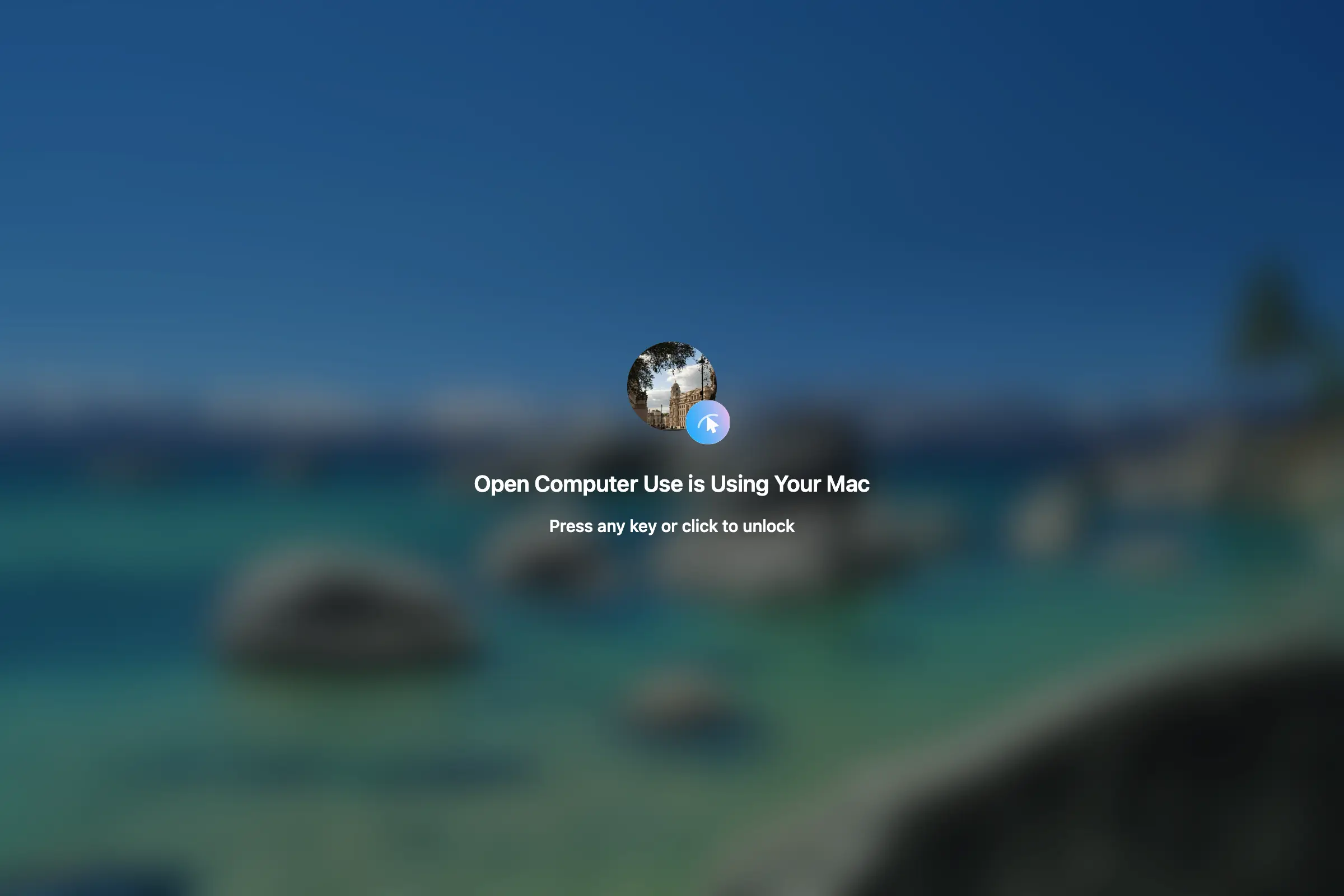
See the Locked Use guide for setup, installed components, and permissions
npm i -g open-computer-use
The npm package also exposes ocu as the short CLI alias.
[!IMPORTANT] The macOS runtime requires macOS 14.0 or later.
On macOS, run it once and grant Accessibility and Screen Recording. Windows and Linux do not need this step.
open-computer-use
# or
ocu
Before using it, install it into your agent:
# Install into Codex by writing to ~/.codex/config.toml
open-computer-use install-codex-mcp
ocu install-codex-mcp
Or add it to your own client manually:
{
  "mcpServers": {
    "open-computer-use": {
      "command": "open-computer-use",
      "args": ["mcp"]
    }
  }
}
Install the skill directly:
# Install for Codex
npx skills add iFurySt/open-computer-use -g -a codex --skill open-computer-use -y
npx skills ls -g -a codex | rg 'open-computer-use'
Install for Claude Code:
npx skills add iFurySt/open-computer-use -g -a claude-code --skill open-computer-use -y
Update an existing global install, including the Codex install created above:
npx skills update open-computer-use -g -y
You can also manually download and install the
open-computer-use skill.
Besides the MCP JSON config above, you can also use the built-in commands:
# Install into Codex by writing to ~/.codex/config.toml
open-computer-use install-codex-mcp

# Install as a Codex plugin, mainly for Codex App
open-computer-use install-codex-plugin

# Install into Claude Code by writing to ~/.claude.json
open-computer-use install-claude-mcp

# Install into Gemini CLI for the current project by writing to ./.gemini/settings.json
open-computer-use install-gemini-mcp

# Install into Gemini CLI user config instead
open-computer-use install-gemini-mcp --scope user

# Install into opencode by writing to ~/.config/opencode/opencode.json (or the active config file)
open-computer-use install-opencode-mcp

# Call a single Computer Use tool and print the MCP-style JSON result
open-computer-use call list_apps
ocu call list_apps
open-computer-use call get_app_state --args '{"app":"TextEdit"}'

# Run a sequence in one process so element_index state can be reused
# Sequence runs sleep 1s between successful operations by default
open-computer-use call --calls '[{"tool":"get_app_state","args":{"app":"TextEdit"}},{"tool":"press_key","args":{"app":"TextEdit","key":"Return"}}]'
open-computer-use call --calls-file examples/textedit-overlay-seq.json --sleep 0.5

# Check permissions; onboarding only opens when something is missing
open-computer-use doctor

# macOS: query permission JSON without opening onboarding
ocu doctor --json

# Show help
open-computer-use -h
ocu -h
ocu supports global configuration starting with version 1.0.0 to accommodate different workflows and use cases. The default configuration file is ~/.config/ocu/config.json. You can edit the file directly or use the ocu config subcommands. See the configuration guide for details.
Claim this server with your GitHub account to request manual ownership verification.
Link to the catalog listing for open-computer-use from your README. This badge does not certify ownership, compatibility or security.
[](https://awesome-mcp.com/servers/open-codex-computer-use)Public repository statistics could not be verified. Check the configured source address; unavailable counts are not zero.
来源、范围和时段分别列出;不相加,不代表安装人数、活跃用户或安全审核。
尚无已审核的包 / 镜像标识,暂不展示下载统计。
Alternative and complementary servers in the same category
A directory listing describing a cancellation-letter and mailing-address service. The configured public GitHub repository returned 404 during source verification.

A hosted MCP service for browsing and searching through Singapore mobile-network proxies.

A directory listing describing a Markdown-to-PDF service. The configured public GitHub repository returned 404 during source verification.