

A stateless streamable HTTP MCP server for interacting with the official source of government spending data.
Repository stats unavailable
Finance & Analytics
A local and remote MCP server from Yolfi for crypto and stablecoin payments, offering tools for paylinks, Checkout Sessions, payment status and webhooks.
Yolfi Agent Kit MCP server is cataloged as an MCP server attributed to yolfinance. A local and remote MCP server from Yolfi for crypto and stablecoin payments, offering tools for paylinks, Checkout Sessions, payment status and webhooks. It is categorized under finance crypto. See the capability inspector for recorded interfaces and their independent review status; consult upstream documentation for the current interface.
Installation configuration is not reviewed. No executable setup is offered for this entry; inspect the source repository before proceeding.
Catalog license label: MIT. Check the source repository's current license and terms before using, modifying or distributing this software.
能力定义尚未审核。未核验的采集内容不会作为可信接口展示。
暂无可展示的已审核记录。这不表示上游不支持此能力。
暂无可展示的已审核记录。这不表示上游不支持此能力。
暂无可展示的已审核记录。这不表示上游不支持此能力。
Email delivery is not connected. This page does not collect email addresses or create subscriptions.
Browse the registry for current listings instead.
Reviews for Yolfi Agent Kit MCP server are not available yet
Review publishing and storage are not connected. This page does not collect or publish ratings or comments, including after sign-in.
No. An authenticated MCP connection needs no additional organization API key and continues through its tools.
Local-only tools include agent setup start, check-in, register and webhook verification.
No. The MCP host's OAuth session is not an application credential, and a deployed service needs intentionally provisioned secrets.
README.md · f160b6619291 · 采集于 2026-11-13 09:33:23 UTC
保留上游原文,不做 AI 改写。为安全起见过滤脚本、表单和不安全链接。
当前显示最后一次成功采集的文档快照,请以来源页面为准。
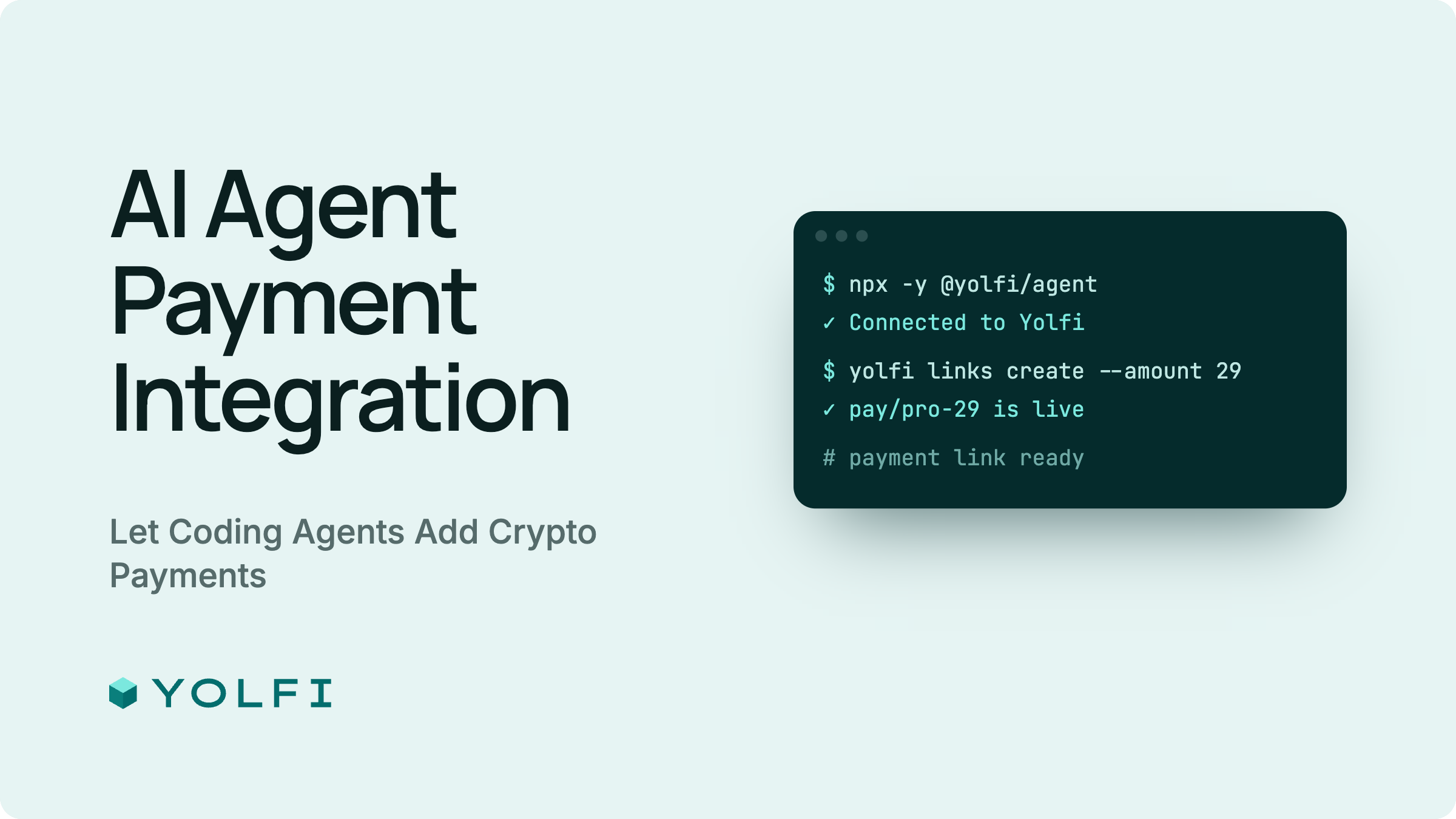


AI agent payment integration for crypto and stablecoin checkout. @yolfi/agent provides a local MCP server, a JSON CLI, a JavaScript SDK, and the Yolfi Payments Agent Skill for payment links, Checkout Sessions, payment status checks, and signed webhooks.
For AI integration, copy this message to your agent in the project you want to integrate:
Add Yolfi payments to this project. Follow https://docs.yolfi.com/ai
The agent inspects the project, reuses an existing connection or selects a supported connection method, reads the account settings, and implements the requested integration. The owner completes account authorization and supplies only decisions that are missing, such as a receiving wallet or product price. Connecting the account alone does not finish the integration.
Website | Agent Kit | AI guide | Agent connection reference | HTTP API | CLI reference | npm | GitHub | MCP directory
English, Español, Deutsch, Français, 简体中文, Русский, हिन्दी, Türkçe, 한국어, 日本語.
Use the integration workflow with Codex, Claude Code, Cursor, ChatGPT, Claude, OpenClaw, Hermes, or another agent with a supported MCP connector or local tools. Browser and cloud environments need a supported remote connector when they cannot run commands. See the connection reference for the available paths in each host.
Node.js 18 or later is required. Run without a global install:
npx -y @yolfi/agent help
npx -y @yolfi/agent auth:status
If no local credential exists, start browser authorization:
npx -y @yolfi/agent setup --agent local-agent
# Open the returned loginUrl and complete owner authorization.
npx -y @yolfi/agent checkin --agent local-agent
npx -y @yolfi/agent auth:status
The agent should open the URL when its environment supports a browser and resume check-in after authorization. Repeated setup reuses an unexpired pending session from the same API environment. Account access must be checked with auth:status; this does not verify checkout or live webhook delivery.
Credentials and pending state are saved in ~/.yolfi/config.json using atomic writes and process locking. Directory and file permissions are 0700 and 0600 where supported. YOLFI_CONFIG_HOME selects an isolated configuration directory. Explicit SDK credentials take precedence over YOLFI_API_KEY, which takes precedence over the stored local credential. Do not set a placeholder YOLFI_API_KEY when using browser authorization.
For an explicitly new account, the agent can use email-confirmed signup after the owner supplies or confirms the email and project name:
npx -y @yolfi/agent auth:agent-register \
  --email "owner@example.com" \
  --project-name "My product" \
  --agent-name "My coding agent" \
  --integration-intent accept_payments
The first call sends a confirmation link. After the owner opens it, the agent repeats the same command. A generated idempotency key and pending check-in token are persisted; an optional --idempotency-key must be 16-200 characters and reused on retries. The connected credential is stored without printing it. Existing emails use browser authorization instead. A lost initial signup response is recoverable; if the one-time credential response is lost after redemption, check auth:status and start browser authorization again if needed.
Use an already connected Yolfi server first. Connection selection depends on the tools available in the agent's environment, not just its brand. Full host setup instructions live in the connection reference.
An authenticated MCP connection needs no additional organization API key. Continue through its tools, including Checkout Session creation; skip local CLI setup unless a separate local workflow is actually needed. Local MCP uses its stored browser-setup credential automatically. Application server credentials are a separate concern, described below.
https://app.yolfi.com/mcp, with OAuth managed by the MCP host.npx -y @yolfi/agent mcp, using the protected local credential.A single local server provides payment tools, knowledge resources, and guided prompts:
{
  "mcpServers": {
    "yolfi": {
      "command": "npx",
      "args": ["-y", "@yolfi/agent", "mcp"]
    }
  }
}
The bundled Codex and Claude plugins start the local server. Local-only tools include yolfi_agent_setup_start, yolfi_agent_checkin, yolfi_agent_register, and yolfi_webhooks_verify. Remote MCP uses host OAuth. Verify it with yolfi_auth_status in that host, not a separate CLI login. An environment that cannot run commands must use a supported remote connector; the agent should explain only the required owner action if the host cannot configure it automatically.
Core tools include organization read/update, settlement configuration, webhook endpoint list/create/update/rotation/removal, paylink list/get/create/disable, yolfi_checkout_sessions_create, yolfi_checkout_sessions_get, and payment create/status. Tool availability should be read from the connected server. Checkout Session tools and settlement merge require a backend that supports those endpoints; do not silently fall back to replacing organization settlement settings.
npx -y @yolfi/agent organization:get
npx -y @yolfi/agent paylinks:list --page 1 --rows 10
npx -y @yolfi/agent webhooks:list
Read all relevant pages and the project's existing configuration. Reuse approved wallets, prices, matching paylinks, and webhook endpoints. settlement:configure sends PATCH /api/private/organization/settlement-accounts, updating only supplied networks and preserving other networks. Changing an existing wallet still requires an owner-approved address.
Create JSON payload files in the target project before passing them to --json; package examples are not automatically copied there. For example, after confirming these product values:
cat > yolfi-paylink.json <<'JSON'
{
  "name": "Premium Download",
  "price": "19",
  "currency": "USD",
  "type": "ONE_TIME",
  "collectEmail": true
}
JSON
npx -y @yolfi/agent paylinks:create --json ./yolfi-paylink.json
See examples for payload shapes. If create times out, list resources before retrying. Webhook create is not an upsert; creating the same URL twice creates independent endpoints with different secrets.
Local CLI/MCP create and rotate operations save the endpoint signing secret in the protected local config and return redacted metadata with signingSecretStored: true. Lists and updates never return the secret. Use the endpoint ID for local verification:
npx -y @yolfi/agent webhooks:verify \
  --endpoint-id <endpointId> \
  --payload ./raw-webhook.json \
  --signature <signature>
YOLFI_WEBHOOK_SECRET can supply a server/CI secret. Plaintext --secret flags and MCP secret arguments are not supported; use the endpoint ID or environment. An API key or an agent credential is never a webhook signing secret.
Install the SDK for application code:
npm install @yolfi/agent
For a local provisioning script, readWebhookSigningSecret(endpointId) retrieves a stored secret. Pass it directly to the target deployment's secret manager or an existing ignored environment file without printing it. The app should read its deployed YOLFI_WEBHOOK_SECRET; it should not depend on a developer machine's ~/.yolfi. Direct SDK create/rotate methods return the API response so trusted server code can store the secret itself.
import { readWebhookSigningSecret, verifyWebhookSignature } from '@yolfi/agent';

// Provisioning script only: pass this value to your existing secret manager.
const signingSecret = readWebhookSigningSecret(endpointId);
if (!signingSecret) throw new Error('Stored endpoint secret is missing');

// Application webhook handler: verify the raw body with the deployed secret.
const valid = verifyWebhookSignature(rawBody, signature, process.env.YOLFI_WEBHOOK_SECRET);
if (!valid) throw new Error('Invalid Yolfi webhook signature');
Reuse a matching endpoint and its installed secret. If its secret is unavailable, explain the required recovery instead of silently rotating a live secret or creating a duplicate. Rotation and removal require explicit confirmation. Analytics endpoints use NONE without metadata filters; generic filters are optional flat string maps for explicit current-payment categories, never authorization or tenant routing.
Fixed-paylink checkout uses a public checkout URL. Public payment creation and status checks also need no organization API key. Keep the paylink ID in app configuration and verify access grants using signed webhook events or authoritative payment status.
Dynamic, server-priced orders use authenticated Checkout Session creation. The backend calculates the amount and uses its own server credential; the MCP host's OAuth session is not an application credential. A deployed service needs an intentionally provisioned secret. Never copy host OAuth tokens into the app or assume a local CLI login exists in production.
import { YolfiClient } from '@yolfi/agent';

if (!process.env.YOLFI_API_KEY) throw new Error('Server credential is not provisioned');
const yolfi = new YolfiClient({ apiKey: process.env.YOLFI_API_KEY });
const session = await yolfi.createCheckoutSession({
  amount: '19',
  currency: 'USD',
  merchantOrderId: 'order-123',
  clientReferenceId: 'user-123',
}, { idempotencyKey: 'checkout-order-123' });
Use paylinkId instead of amount and currency for a paylink-backed session. Standalone sessions require a stable idempotency key and support one-time payments. Public payment creation accepts paylinkId or checkoutSessionId, plus network and symbol; customer email must be supplied directly or already present in the session. Payment metadata and paylink paymentMetadata accept flat string, finite-number, or boolean values. clientReferenceId should be a stable app user/customer ID for subscription attribution.
Choose the payment network and token from the organization's or paylink's supported-token catalog. Litecoin uses network: "LTC" and symbol: "LTC"; availability depends on the deployment and organization settings.
The SDK getApiKey() reads the full organization API key when authorized. It is not a status check and must not be printed as diagnostic output. Use authStatus() for account verification.
npx -y @yolfi/agent organization:update --json ./organization.json
npx -y @yolfi/agent settlement:configure --json ./settlement.json
npx -y @yolfi/agent webhooks:add --name Application --url https://example.com/api/yolfi/webhook --adapter NONE
npx -y @yolfi/agent webhooks:update --id <endpointId> --json ./endpoint.json
npx -y @yolfi/agent webhooks:rotate-secret --id <endpointId> --confirm
npx -y @yolfi/agent webhooks:remove --id <endpointId> --confirm
npx -y @yolfi/agent paylinks:get --id <paylinkId>
npx -y @yolfi/agent paylinks:disable --id <paylinkId> --confirm
npx -y @yolfi/agent checkout-sessions:create --json ./checkout-session.json --idempotency-key <stable-order-key>
npx -y @yolfi/agent checkout-sessions:get --id <checkoutSessionId>
npx -y @yolfi/agent payments:create --json ./payment.json
npx -y @yolfi/agent payments:status --id <paymentId>
Operational commands print JSON. help prints usage text; mcp speaks the MCP protocol. Payload files must exist in your working directory. organization:update is a generic API update; use settlement:configure to preserve unmentioned networks.
Report account authorization, local tests, deployment configuration, and live payment/webhook verification separately. A redirect, a successful connection, or a local signature test is not proof that the full payment path works. Preserve the app's existing billing and entitlement logic, and do not create paid test activity merely to claim verification.
Package checks: npm run check. No package publication or directory approval is implied by a local version or passing tests.
Claim this server with your GitHub account to request manual ownership verification.
Link to the catalog listing for Yolfi Agent Kit MCP server from your README. This badge does not certify ownership, compatibility or security.
[](https://awesome-mcp.com/servers/yolfi-agent)Public repository statistics could not be verified. Check the configured source address; unavailable counts are not zero.
来源、范围和时段分别列出;不相加,不代表安装人数、活跃用户或安全审核。
尚无已审核的包 / 镜像标识,暂不展示下载统计。
Alternative and complementary servers in the same category
A stateless streamable HTTP MCP server for interacting with the official source of government spending data.

A hosted, remote MCP server for Fortnox that lets AI assistants answer questions from a company's bookkeeping and propose changes for approval before writing them.

OptimistFi is a read-only remote MCP server that provides perpetual futures market data, perps prop firm rules and pricing, and US equity investment research.